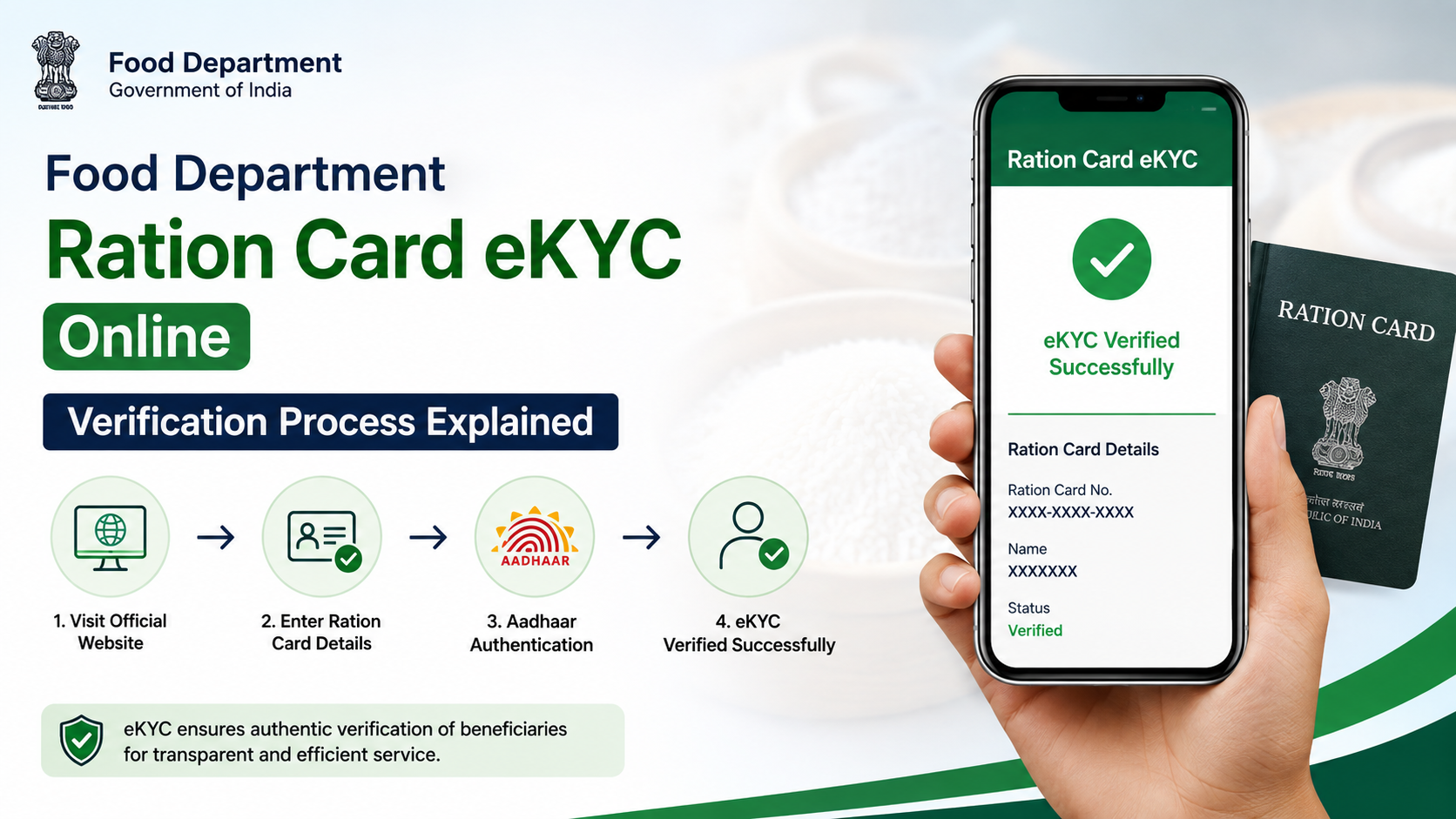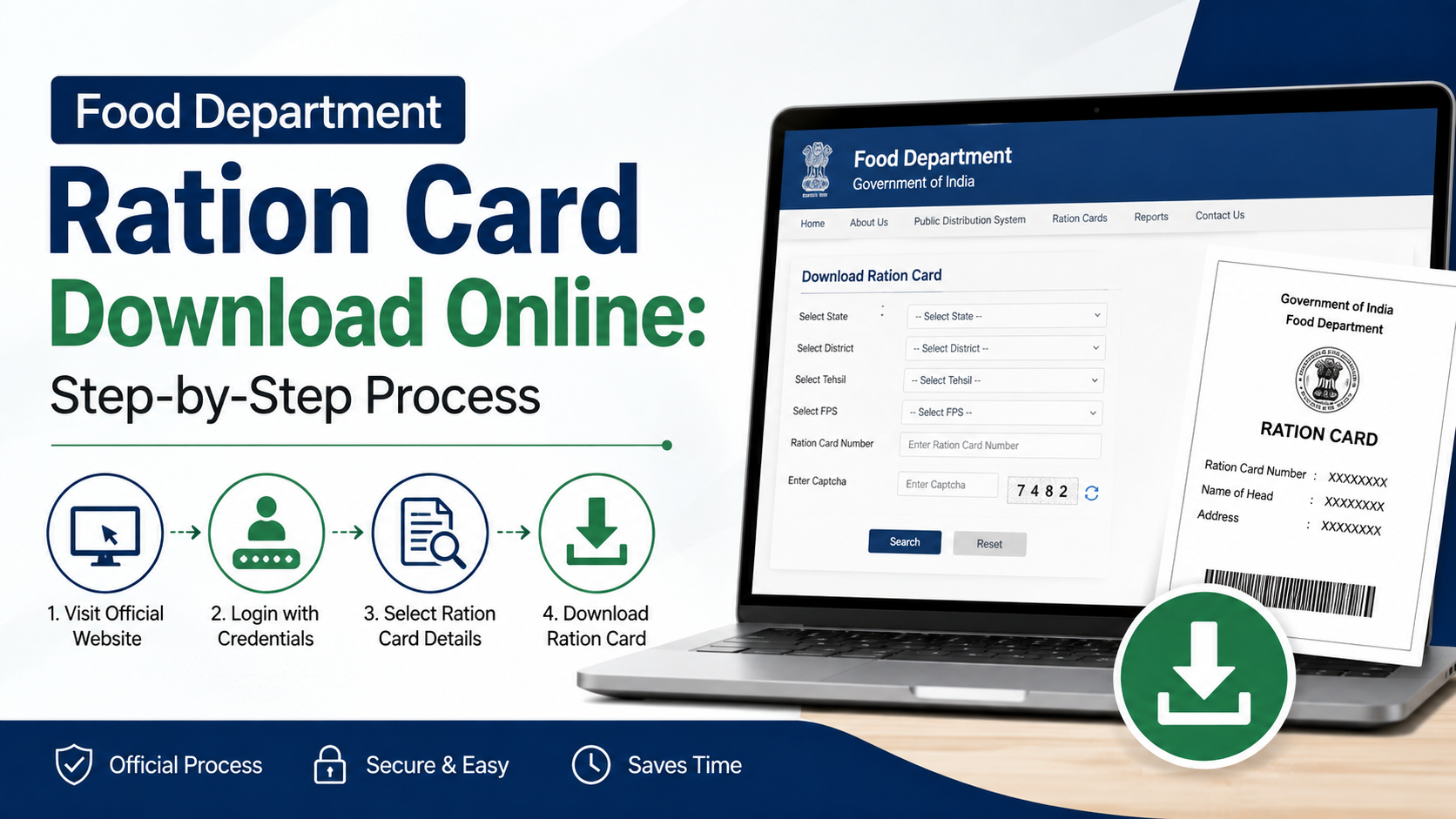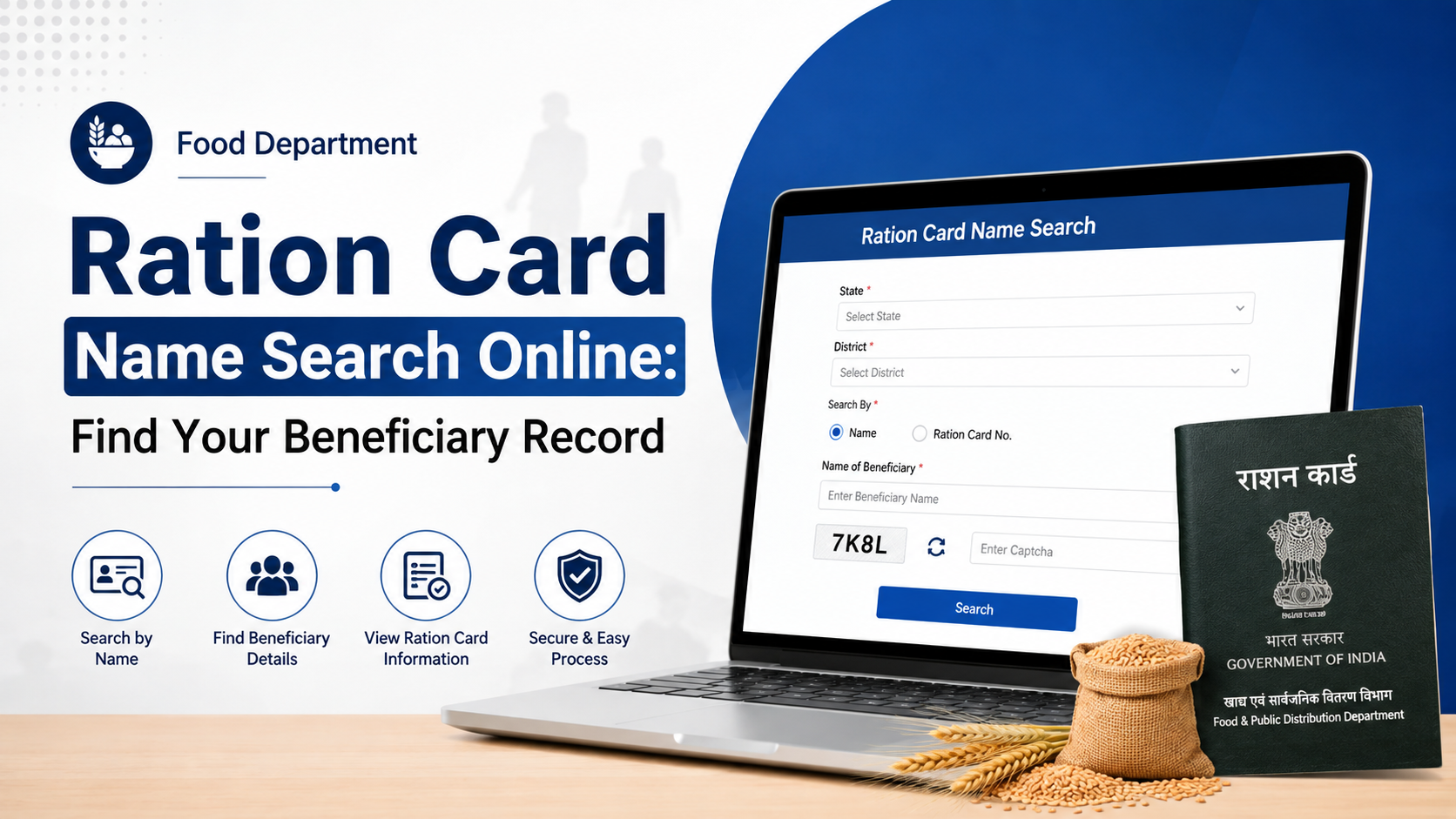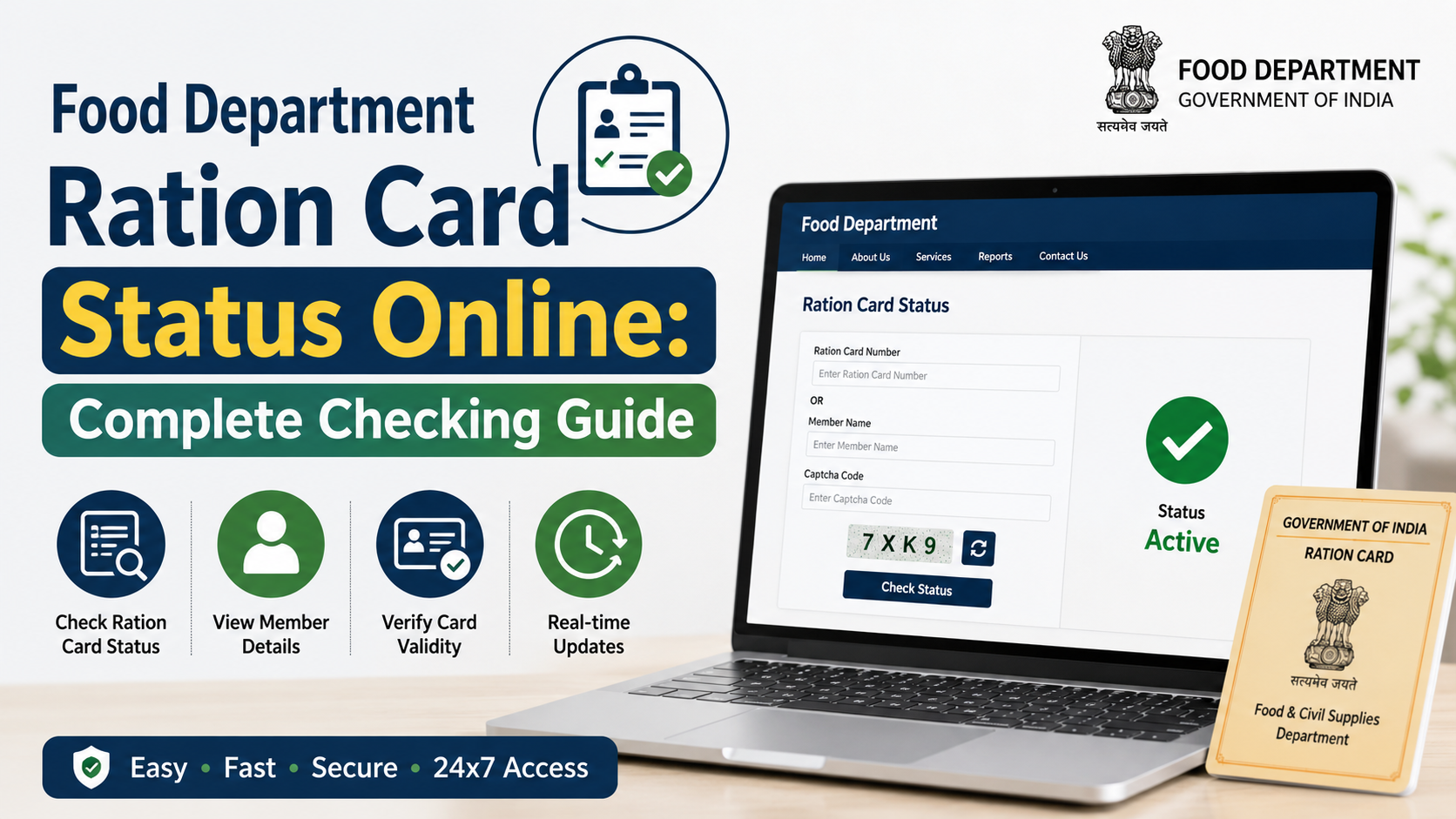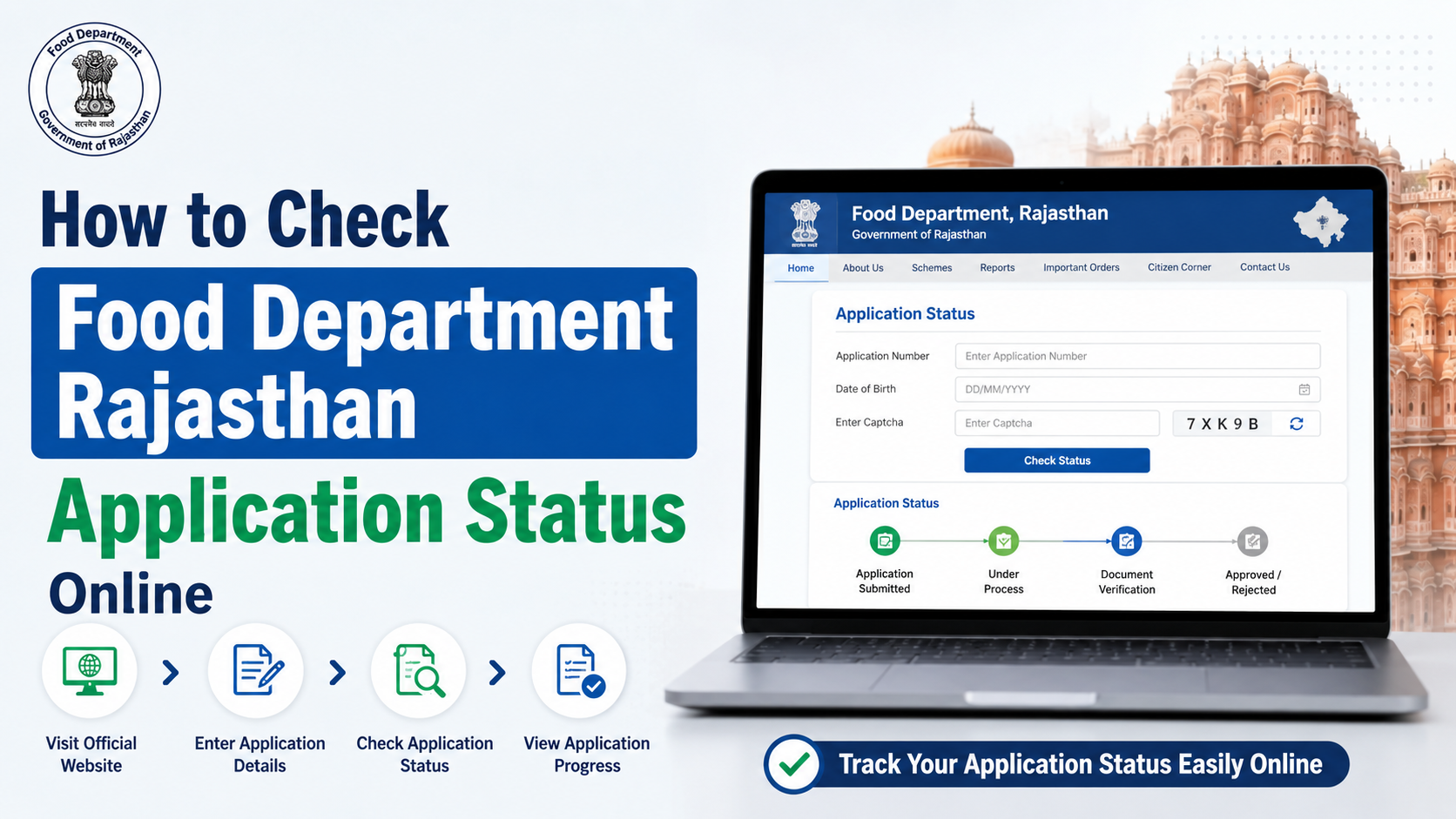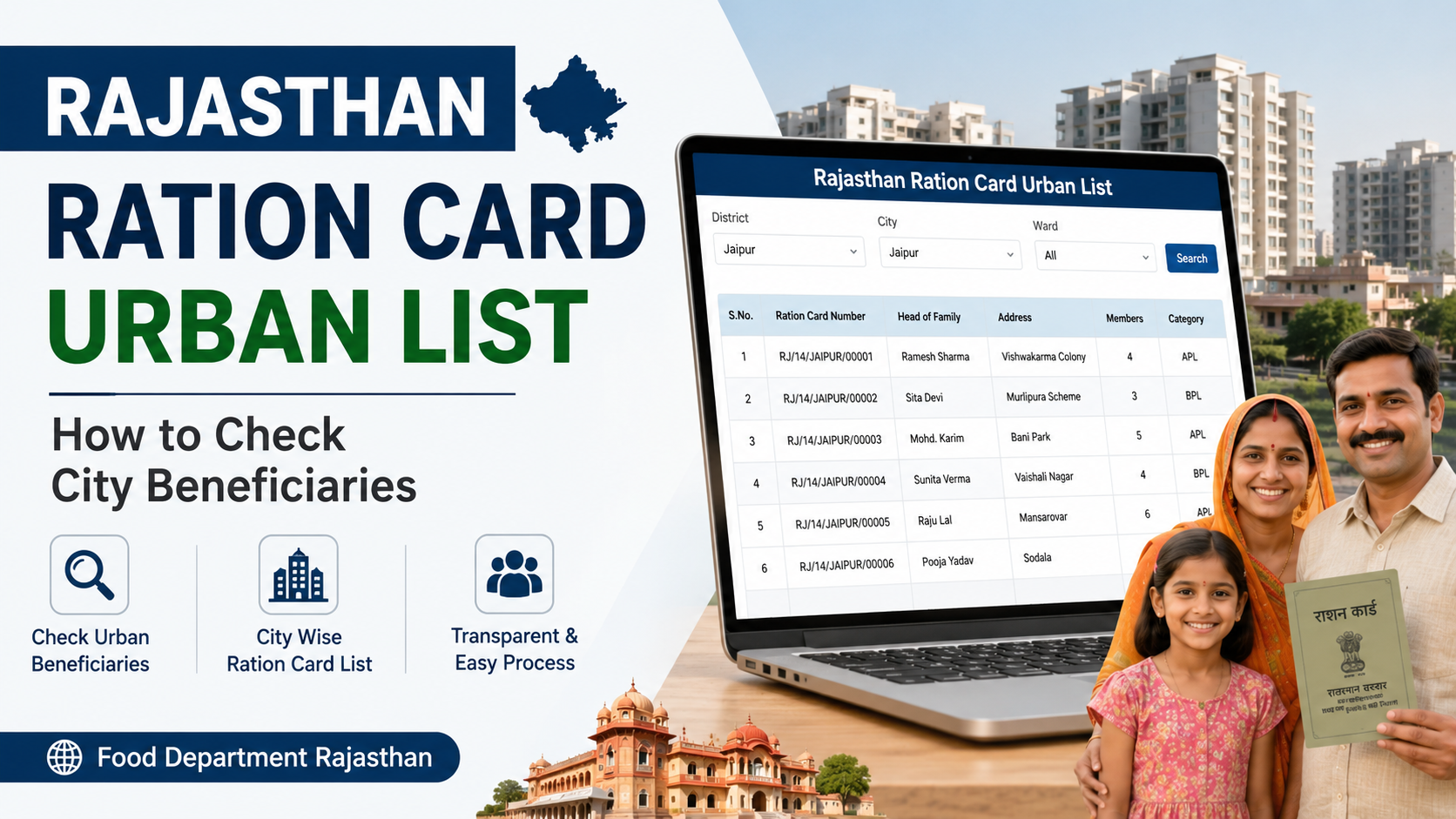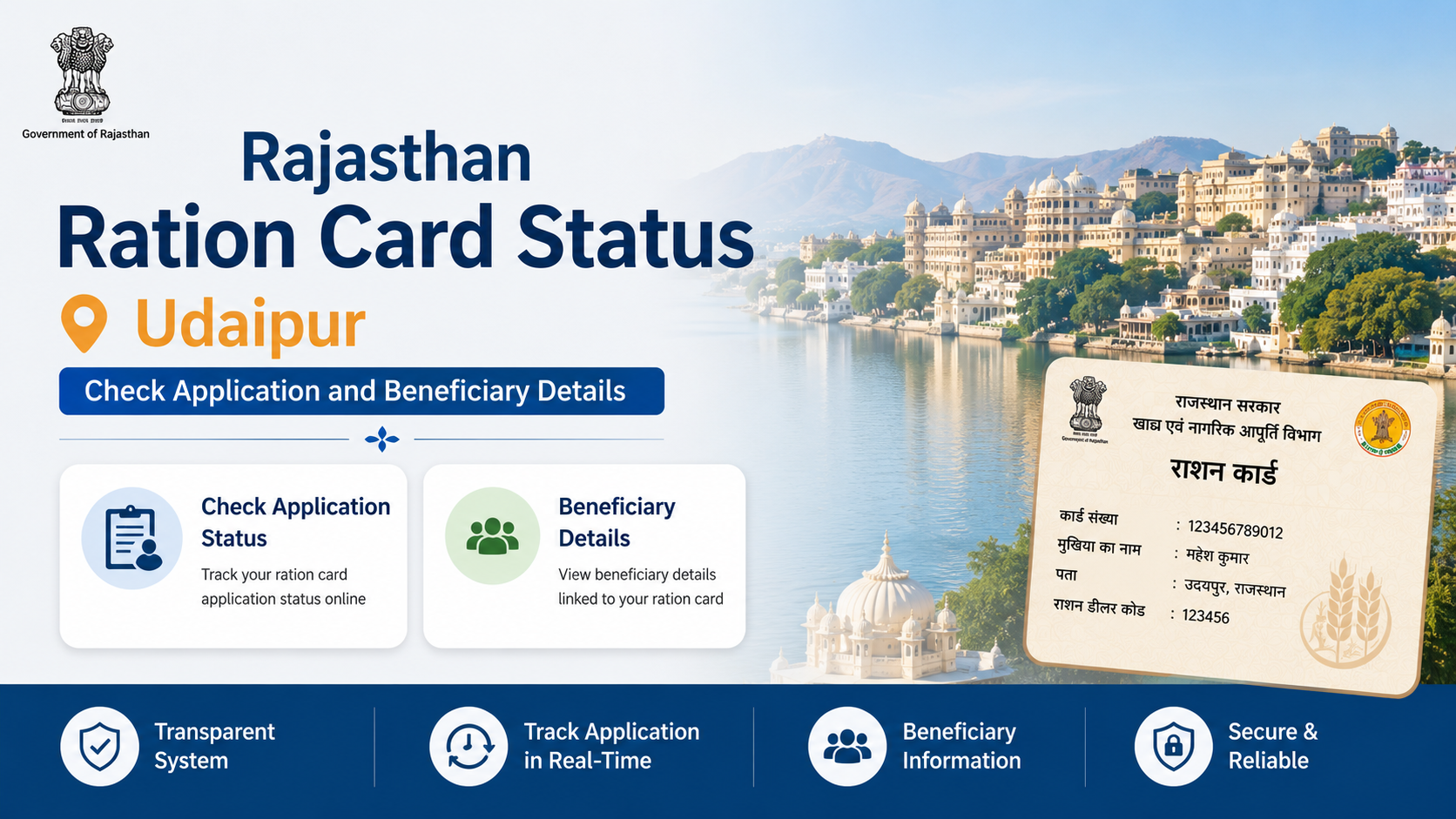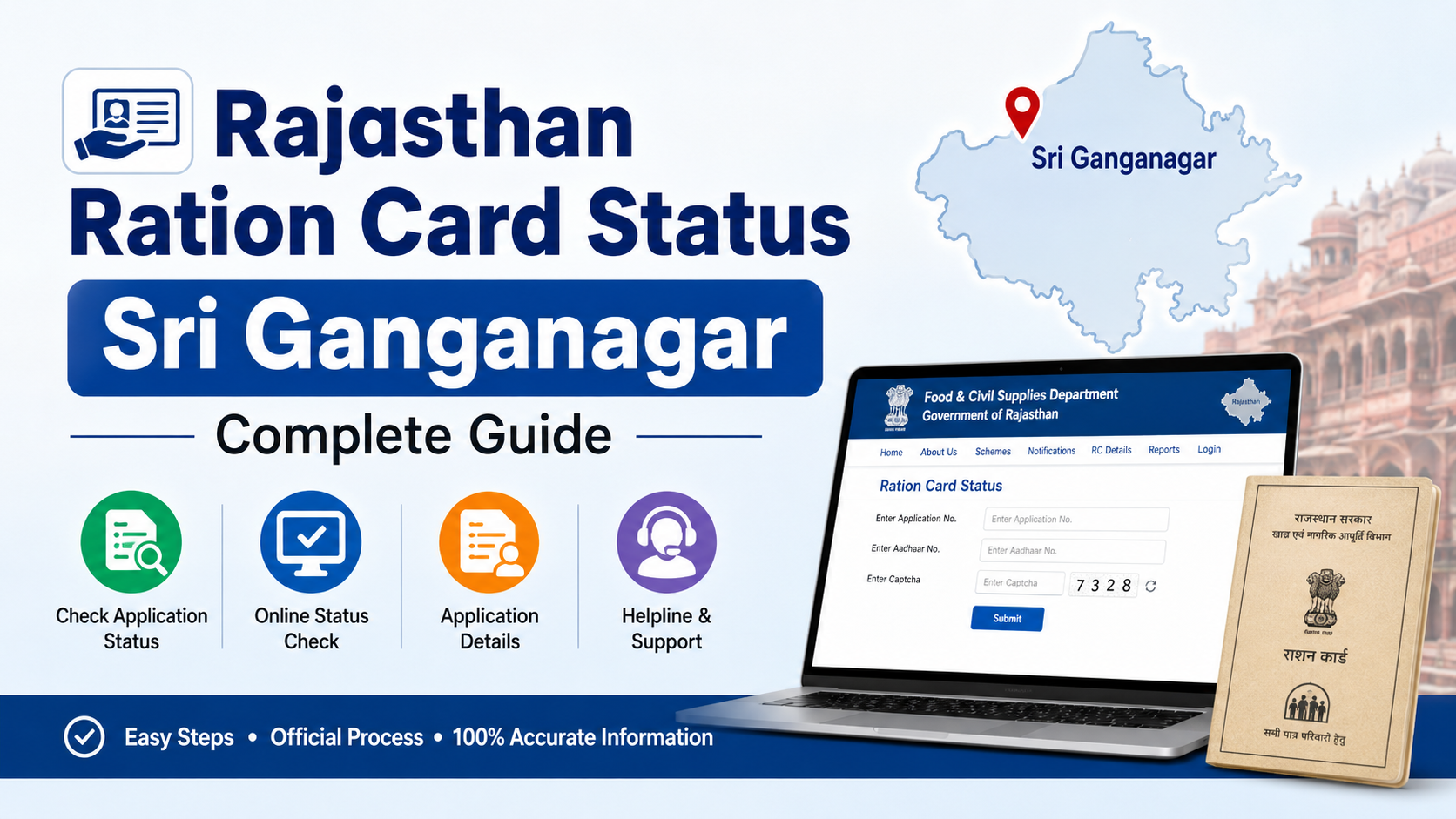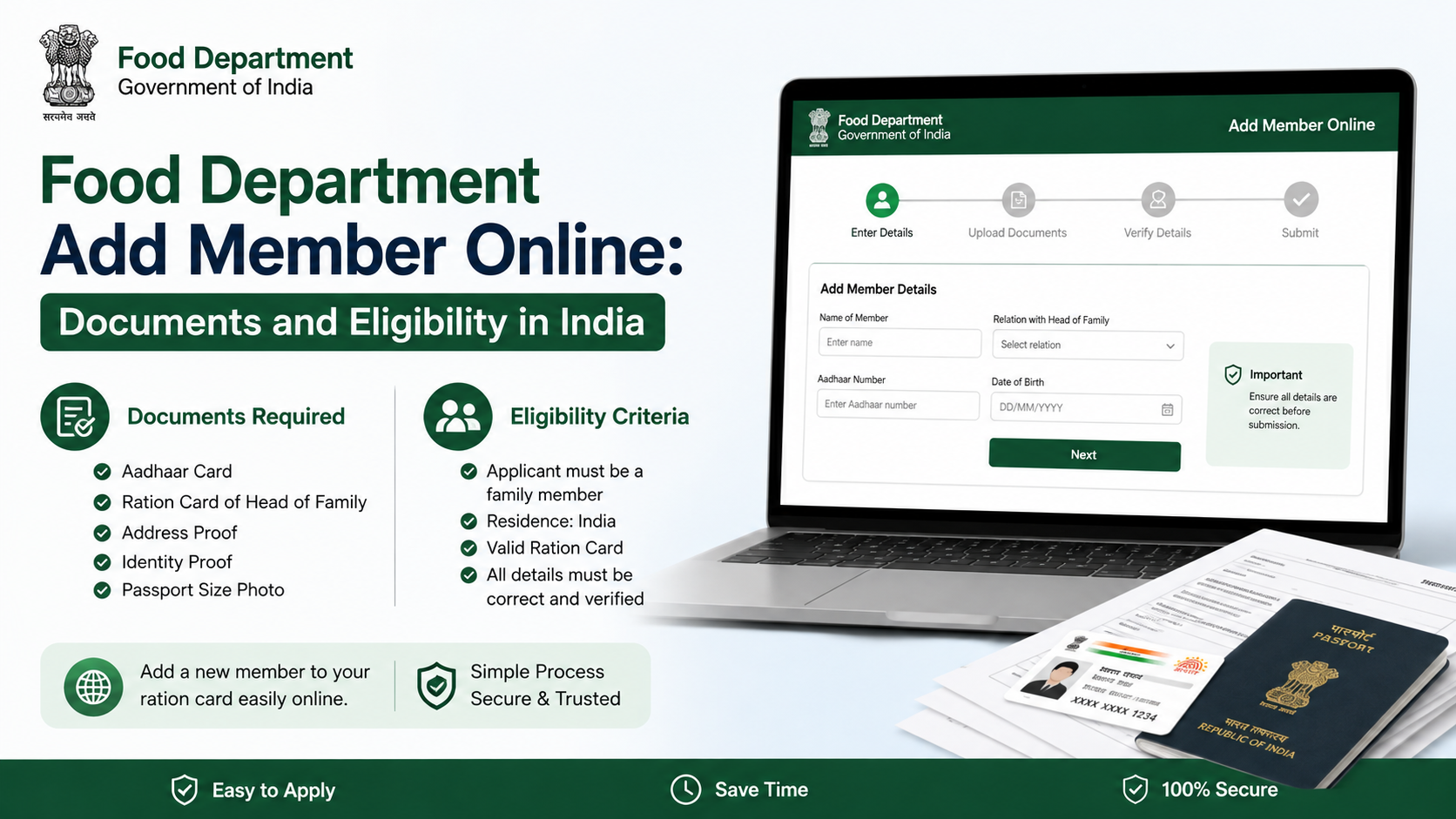
Adding a newborn, spouse, child, parent or another eligible family member to a ration card is usually handled through the relevant State or Union Territory Food Department. The food department add member online process is not identical across India: ration cards and beneficiary identification under the National Food Security Act (NFSA) are administered by State Governments and UT Administrations, not through one universal application process.
This guide explains who can be added, the documents commonly required, how to apply safely through official portals, and what to do if an online service is unavailable in your state.
Key Takeaways
- Use your State/UT Food, Civil Supplies or Public Distribution System (PDS) portal—not an unofficial website.
- A person should not normally remain listed on more than one active household ration card.
- Aadhaar, an existing ration card and proof of the new member’s identity or birth are commonly requested, but state rules differ.
- A birth certificate is typically the key document for adding a newborn who does not have Aadhaar.
- Upload clear, matching documents and retain the application or acknowledgement number.
- Approval, fees and processing times are set by the relevant state or UT authority.
What “Food Department Add Member Online” Means
The service generally means updating an existing household ration card to include an additional family member. It may appear on a state portal under names such as:
- Addition of Member
- Add Member
- Inclusion of Family Member
- Name Addition in Ration Card
- Ration Card Modification
- Increase in Units
The purpose is to ensure the household record reflects its current members. Depending on the state scheme and eligibility, adding a member may also affect the number of units recorded for food-grain allocation. It does not automatically guarantee a change in ration entitlement or category; the department may verify the household’s eligibility before approving the request.
The Union Government’s NFSA portal directs applicants to their respective State/UT Food Portals for ration-card procedures because beneficiary identification and card issuance are handled at the state or UT level. NFSA: Apply for Ration Card
Who Is Eligible to Be Added to a Ration Card?
Eligibility must be checked against the rules of your state or UT and the type of ration card held by the household. In practical terms, the person being added should genuinely belong to the household and should not already be included on another active ration card.
Common situations include:
| Situation | Usual supporting evidence |
|---|---|
| Newborn child | Birth certificate; Aadhaar if available |
| Child joining parents’ household | Birth certificate or identity record, plus household details |
| Spouse after marriage | Identity proof and, where requested, marriage-related or residence documents |
| Parent or dependent relative moving in | Identity and address/residence evidence as required by the state |
| Member transferred from another family card | Details of the existing card and deletion/transfer evidence if requested |
Core eligibility checks
Before submitting an application, confirm these points:
- Existing household card: The family should have an active ration card to modify.
- Relationship and residence: The proposed member should be part of the household for which the change is requested.
- No duplicate inclusion: Do not apply to add a person who is already listed on another active ration card. Some portals or verification teams may require deletion or transfer from the previous household record first.
- Correct category details: AAY, Priority Household (PHH), state-scheme and other card categories may have different rules. Adding a name is distinct from being declared eligible for a particular benefit category.
- Accurate personal details: Names, dates of birth, relationship with the head of family and Aadhaar details, where supplied, should match supporting records.
For example, Delhi’s Food Supplies Department states that a person seeking a household consumer card should not already hold such a card or be included as a family member in another household consumer card. Delhi Food Supplies Department ration-card guidance
Documents Required for Adding a Family Member
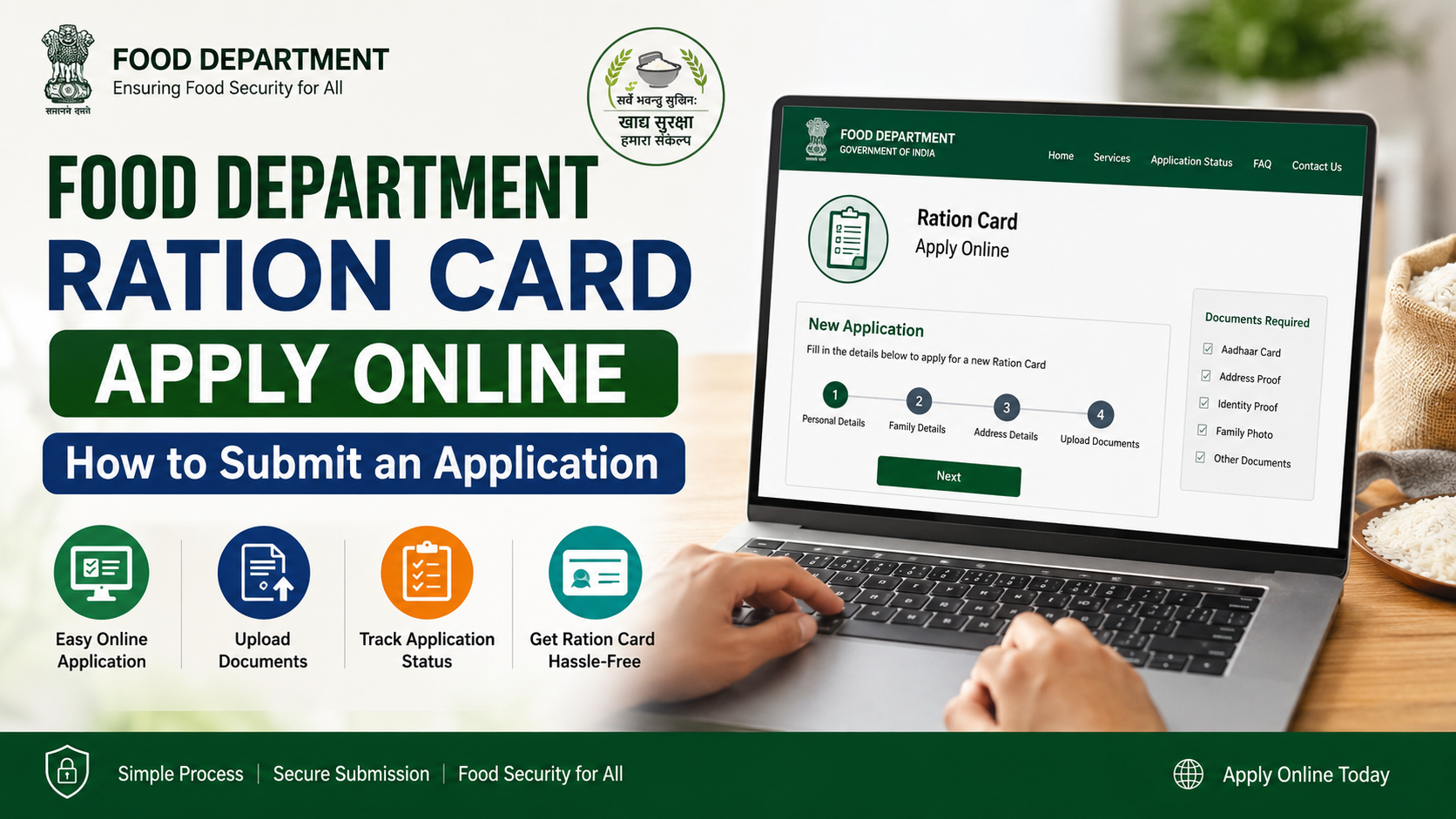
There is no single national document checklist. Always read the instructions shown on your state portal before beginning. However, the following documents are commonly relevant.
Essential documents to keep ready
| Document | Why it may be needed |
|---|---|
| Existing ration card | Identifies the household and existing members |
| Aadhaar of the member to be added | Identity and demographic verification, where required |
| Birth certificate | Commonly used for newborns and young children |
| Address or residence proof | May be requested where residence or address needs verification |
| Applicant/head of family identity details | Supports the request from the existing household |
| Mobile number | Used for OTP, alerts or application-status updates |
| Photograph | Required by some state portals for the added member |
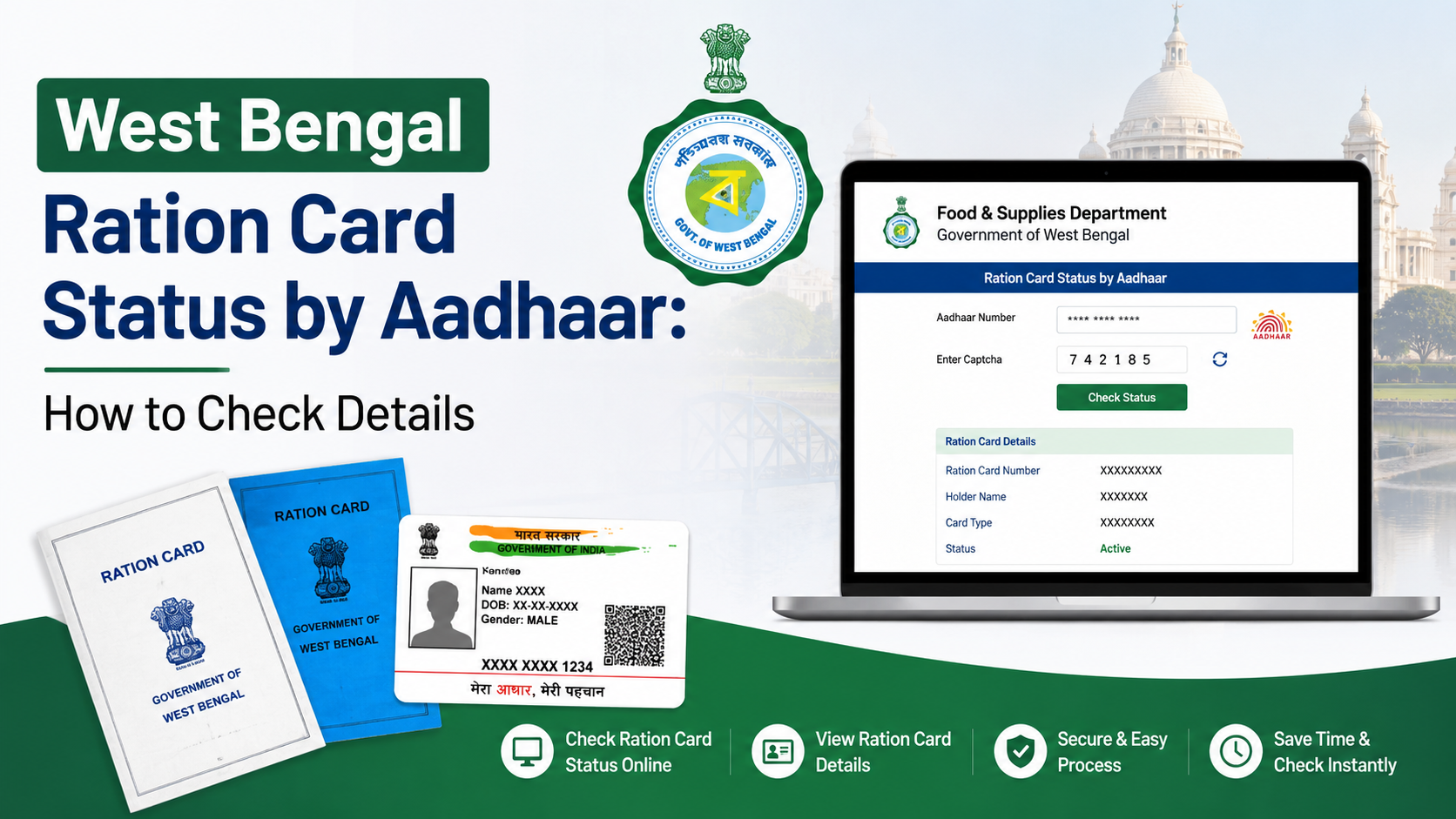
West Bengal’s official checklist for adding a member to an existing family includes a copy of the digital ration card, Aadhaar cards of applicants or members being added, and address proof. It specifies that for a child below five years without Aadhaar, a birth certificate may be submitted instead. West Bengal Food & Supplies document checklist
Documents that may be requested in specific cases
Additional evidence can be required depending on the reason for the update:
- Marriage certificate or a declaration, if the state portal asks for proof while adding a spouse.
- Deletion certificate, surrender certificate or previous ration-card details when a member is moving from another household.
- School certificate or other age proof where a birth certificate is unavailable.
- Death certificate only when removing a deceased member, not when adding a member.
- Rent agreement, electricity bill, voter ID or another approved address document if the department needs to verify residence.
Do not upload a document merely because it appears in a general online checklist. Follow the options and file requirements on your own state’s official portal.
How to Add a Member Online Through the Food Department
The labels differ by state, but the workflow is usually similar.
1. Find the official state or UT portal
Start through the NFSA State/UT portal directory or search for the official website of your State Food, Civil Supplies, Consumer Affairs or PDS Department.
Check that the website uses an official government domain where possible, such as .gov.in, and that it clearly identifies the department. Avoid sites that ask for payment before taking you to a government service.
2. Register or sign in
Depending on the state, you may sign in using one or more of the following:
- Mobile OTP
- Aadhaar OTP
- Ration-card number
- A state-service portal login
The NFSA Common Registration Facility provides login options using Aadhaar OTP, login ID or ration-card number where applicable. NFSA public login
3. Select the correct modification service
Look for a service such as “Add Member,” “Member Addition,” “Ration Card Modification” or “Inclusion of Family Member.” Select the existing ration-card record that needs updating.
Maharashtra’s official Food Department services page, for example, links ration-card name addition, deletion, correction and address-change services through its Ration Card Management System. Maharashtra Food Department services
4. Enter the new member’s details carefully
You may be asked for:
- Full name in English and, in some states, the local language
- Date of birth or age
- Gender
- Relationship with the head of family
- Aadhaar number, if available and required
- Mobile number
- Occupation or income details in certain state systems
Use the same spelling and date format as the supporting documents. Small mismatches—such as a different surname spelling or wrong date of birth—can lead to a returned application or a request for clarification.
5. Upload documents in the required format
Check the portal’s rules for file type, size and readability. Scan or photograph documents in good light, ensuring that all text, seals and numbers are visible. Never edit a document to change its contents.
6. Submit and save the acknowledgement
Before final submission, review the entire application. Save or print:
- Application/reference number
- Submission date
- Uploaded-document list
- Any receipt generated by the portal
These details are important if the department asks for a correction or if you need to follow up.
What Happens After Submission?
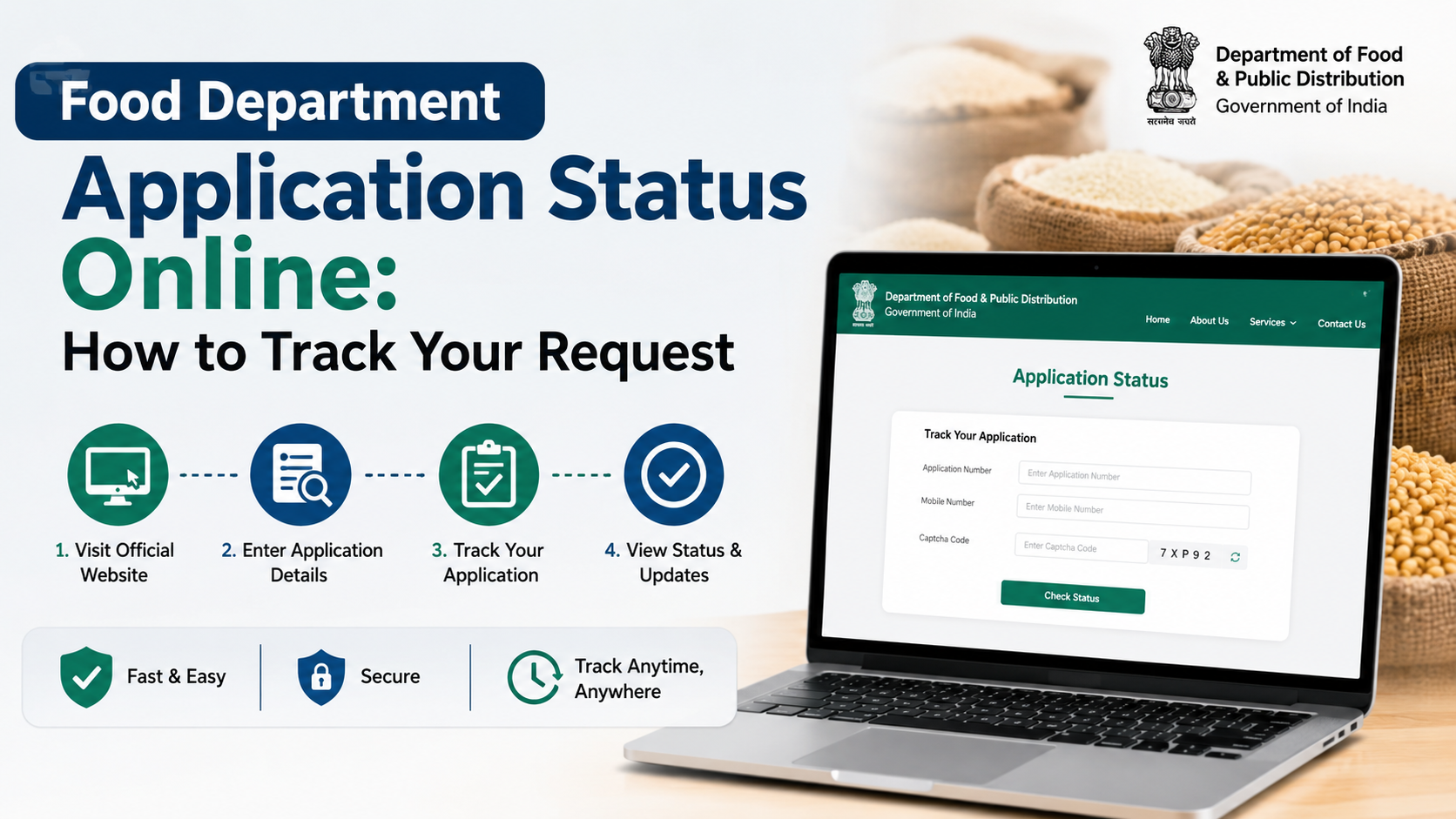
Submission is normally followed by document scrutiny and, where required, verification. The authority may approve the update, seek additional information, return the application for correction or reject it with a reason.
Do not assume that an online submission means the member has been immediately added. Wait for the official status to show approval, then download or view the updated ration card if that facility is offered.
Processing times vary. Haryana’s Food, Civil Supplies and Consumer Affairs Department lists a seven-day timeline for inclusion or deletion of a family member under its citizen-centric services, while other states may follow different service standards. Haryana citizen-centric ration-card services
If the online system does not offer the service, use the route specified by the department. Uttarakhand’s official guidance, for instance, describes a document-based modification process through local food-supply offices. Uttarakhand ration-card modification procedure
Common Mistakes That Can Delay Approval
A careful application is more useful than a hurried one. Avoid these frequent problems:
- Adding a person who remains active on another ration card.
- Uploading blurry, cropped or password-protected files.
- Entering a name or date of birth that conflicts with Aadhaar or the birth certificate.
- Choosing the wrong relationship with the head of family.
- Using a third-party website instead of the official state department portal.
- Assuming a national deadline, fee or processing period applies everywhere.
- Forgetting to check whether the request was returned for correction.
If a member has moved from another family card, resolve the earlier record through the official deletion or transfer process before—or as directed by—the state portal.
State Differences You Should Know
The phrase “food department” is used widely, but the service design is state-specific.
Odisha’s official Food Supplies and Consumer Welfare Department provides separate online “Addition of Member” services for NFSA and State Food Security Scheme records. Odisha citizen services
Kerala’s e-services dashboard similarly lists “Addition of Member” among its Ration Card Management System services. Kerala Civil Supplies e-services dashboard
These examples show why applicants should not copy another state’s form, document list, fee or timeline. Use them only to understand the type of service; rely on your own state portal for the actual application.
Frequently Asked Questions
Can I add a newborn to my ration card online?
Usually, yes, if your state offers an online member-addition service. Keep the child’s birth certificate ready; some state checklists allow it when a child below five does not yet have Aadhaar. Follow your state portal’s instructions for Aadhaar and document uploads.
Can a person be on two ration cards at the same time?
You should not apply for duplicate inclusion. If the person is already recorded on another active household card, the department may require deletion or transfer from that record before approving the new request.
Is Aadhaar mandatory for every added family member?
The answer depends on your state’s current portal rules and the member’s age. Aadhaar is commonly requested, but official state checklists may provide alternatives for young children without Aadhaar, such as a birth certificate.
Is there one official portal for every state?
No. The NFSA portal provides access to State/UT Food Portals, but the relevant State Government or UT Administration manages the application procedure, verification and ration-card issuance.
Can I visit an office if I cannot apply online?
Yes, where your state provides an offline or assisted route. Check the official Food Department website for the designated office, service centre or fair-price-shop guidance. Do not rely on a private agent’s claim that an offline visit is compulsory or that a special payment guarantees approval.
Conclusion
The safest way to complete a food department add member online request is to use your own State or UT Food Department portal, confirm that the person is not already listed on another active ration card, and submit clear documents that match the member’s details. Keep the acknowledgement number, track the application through the official system and respond promptly if the department requests clarification.