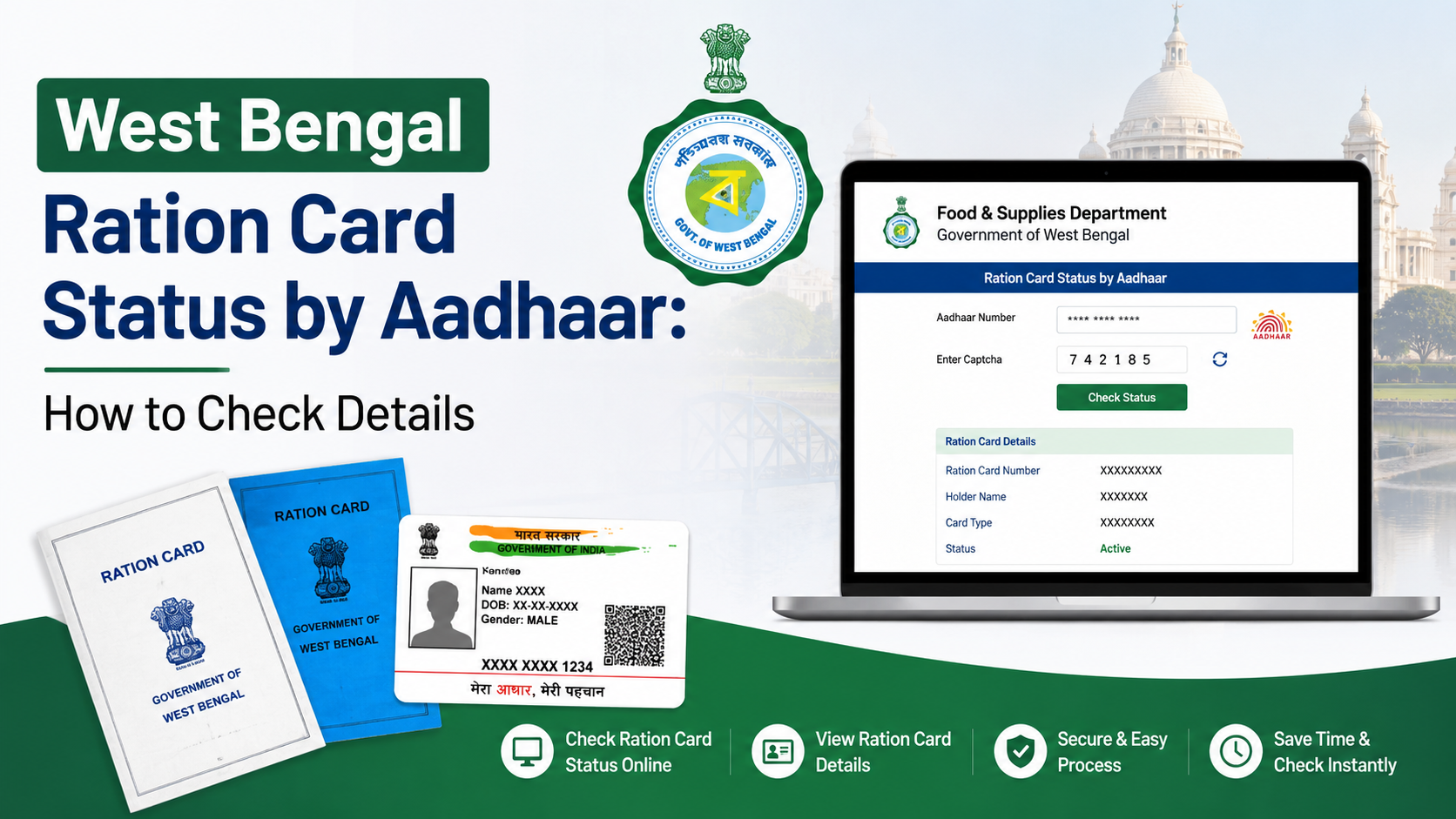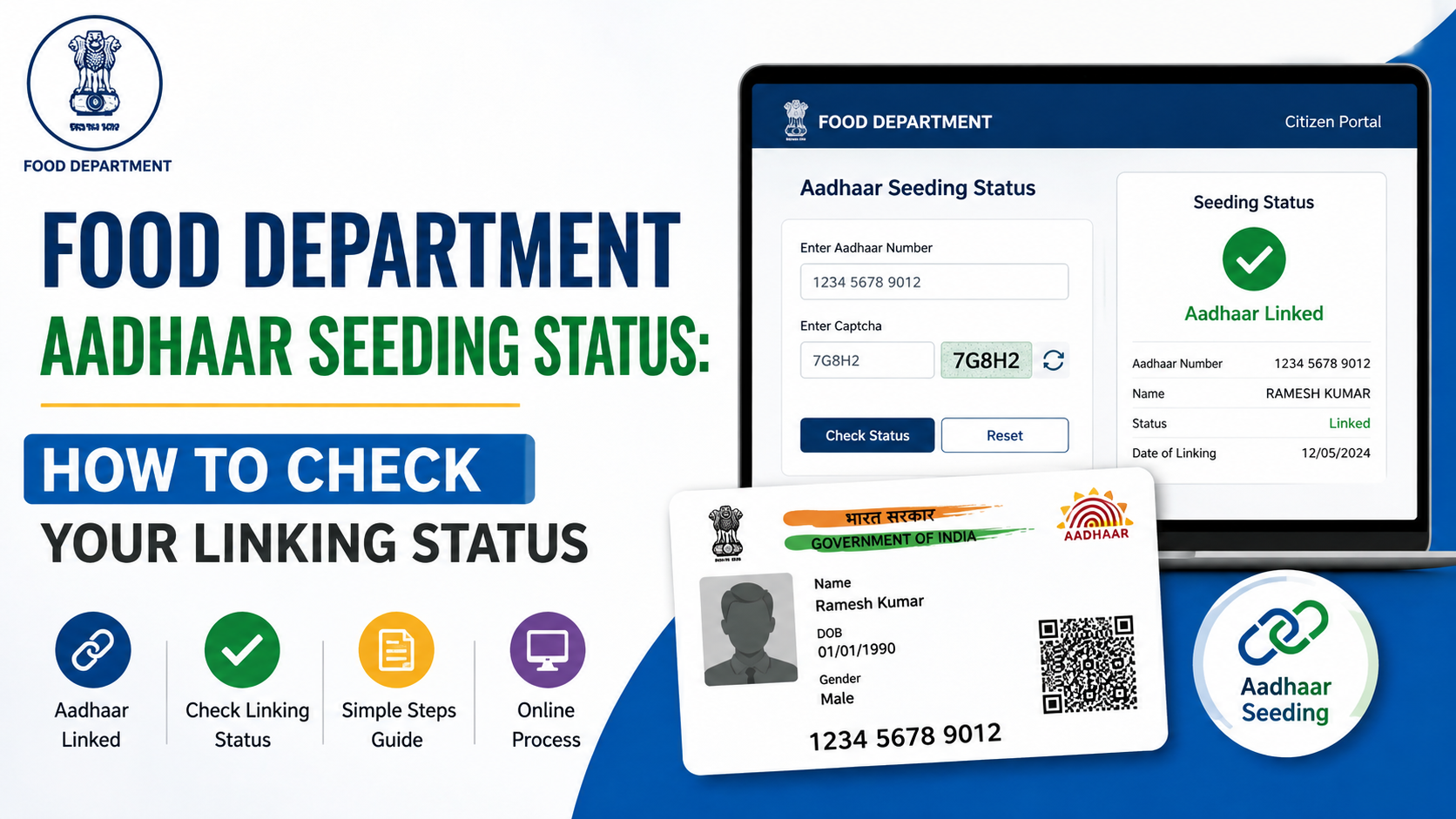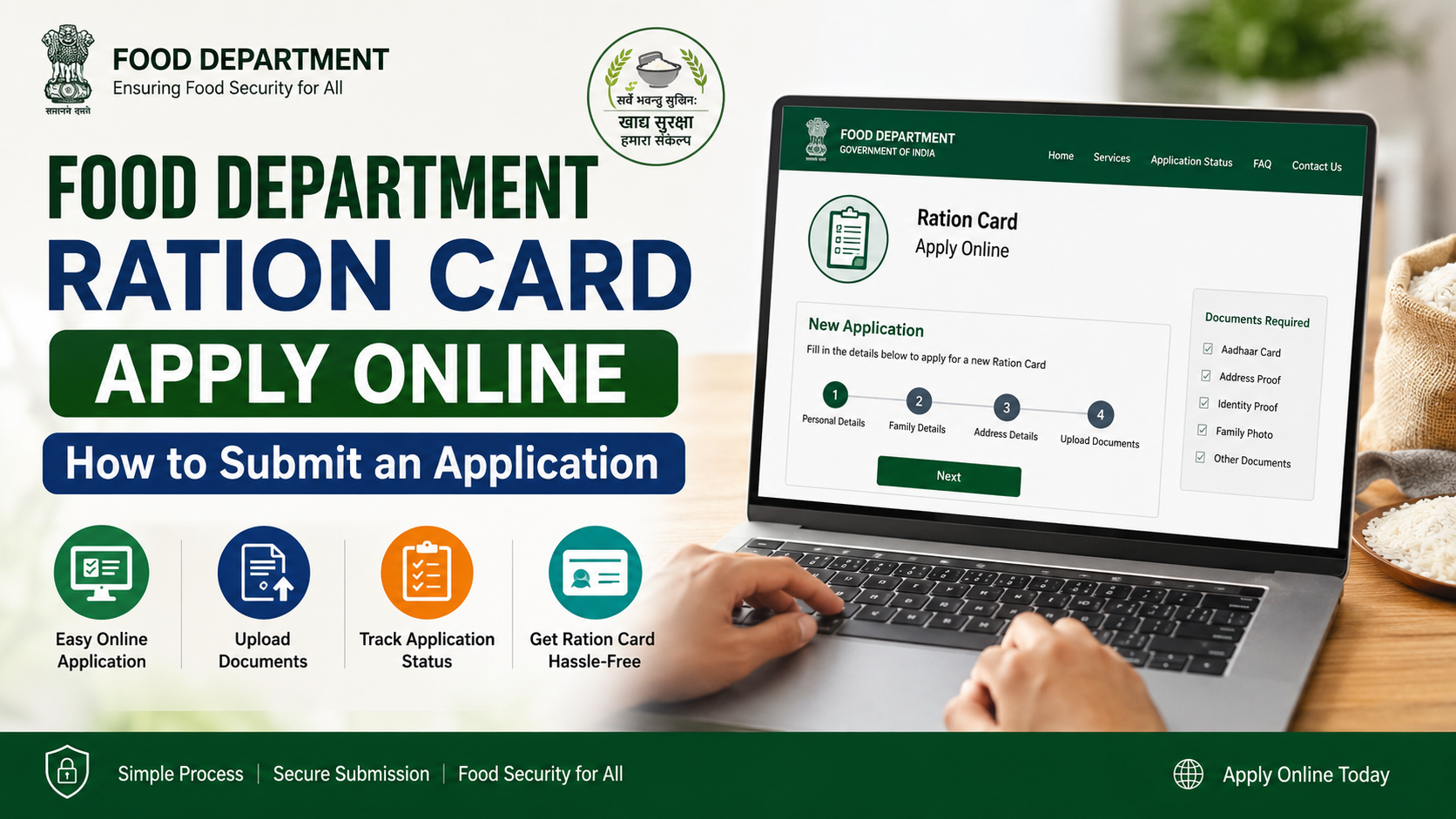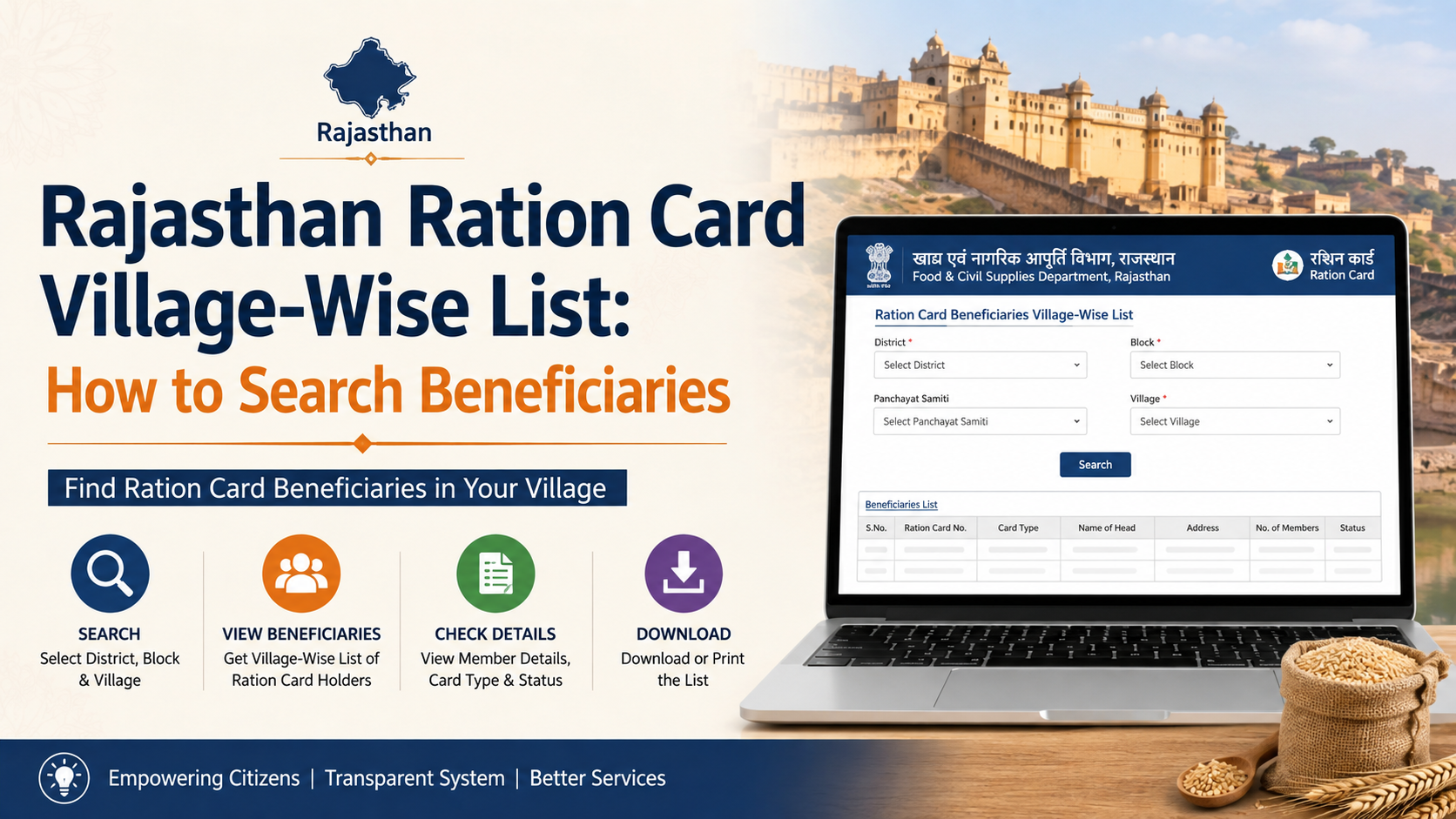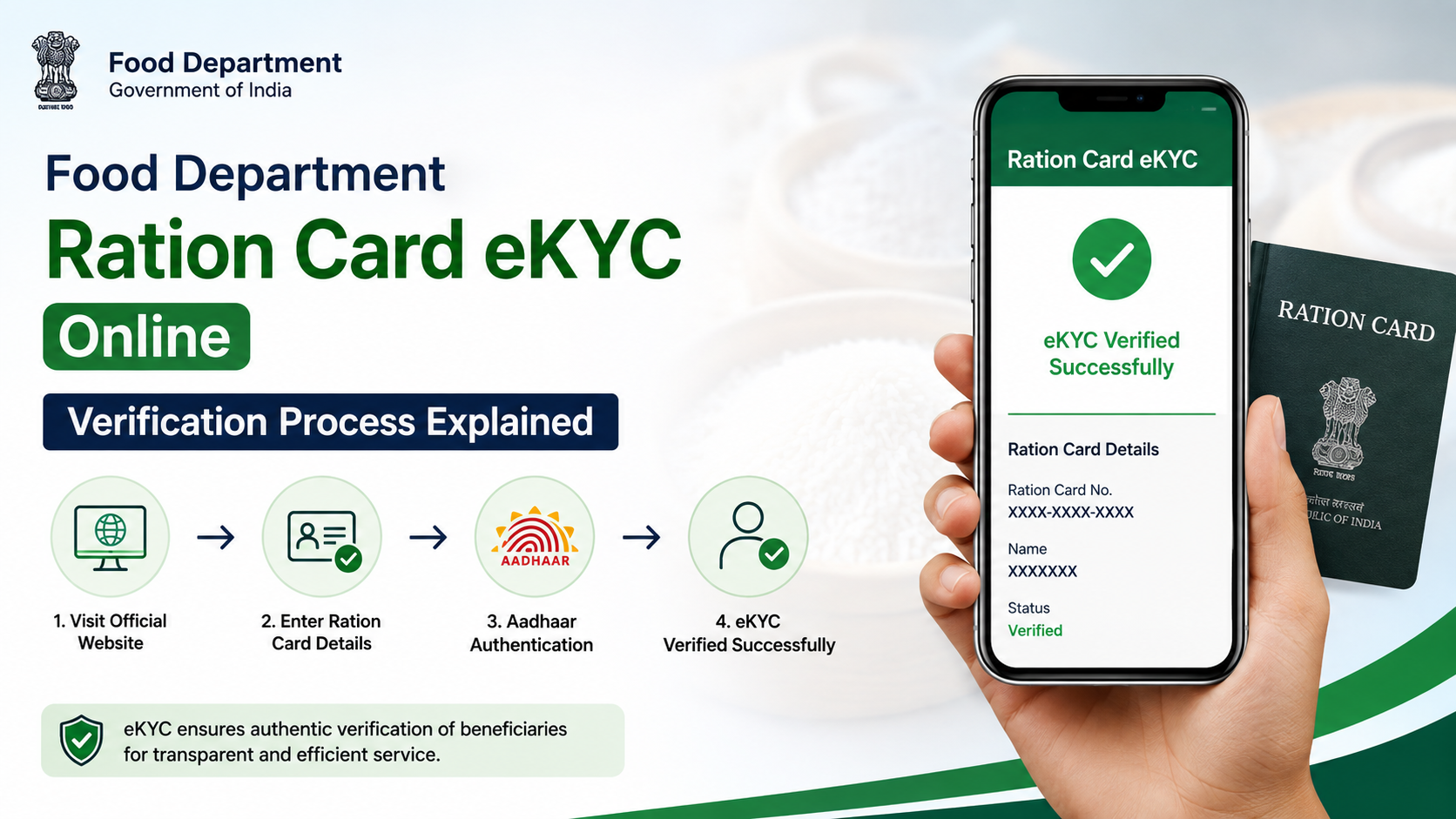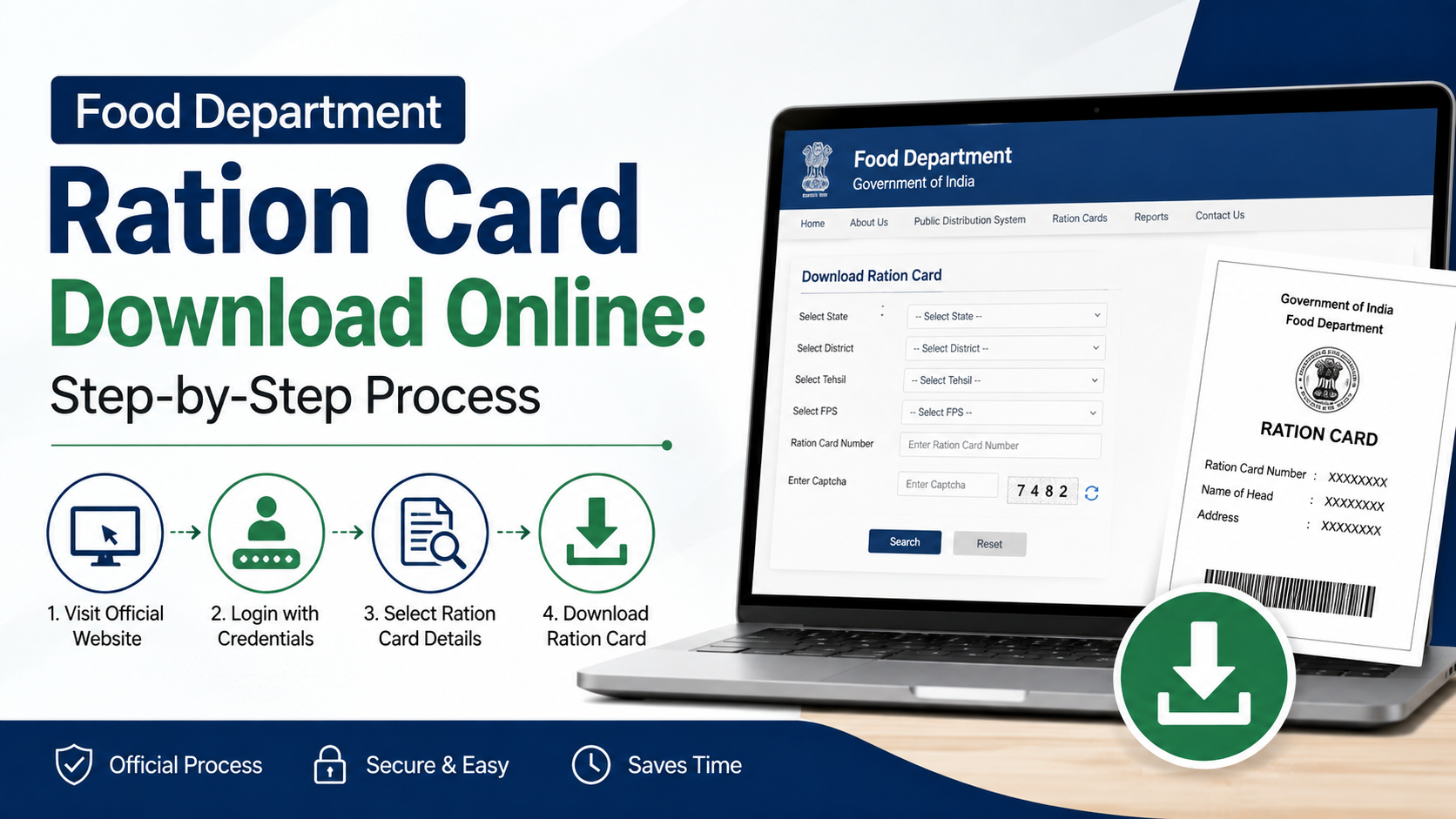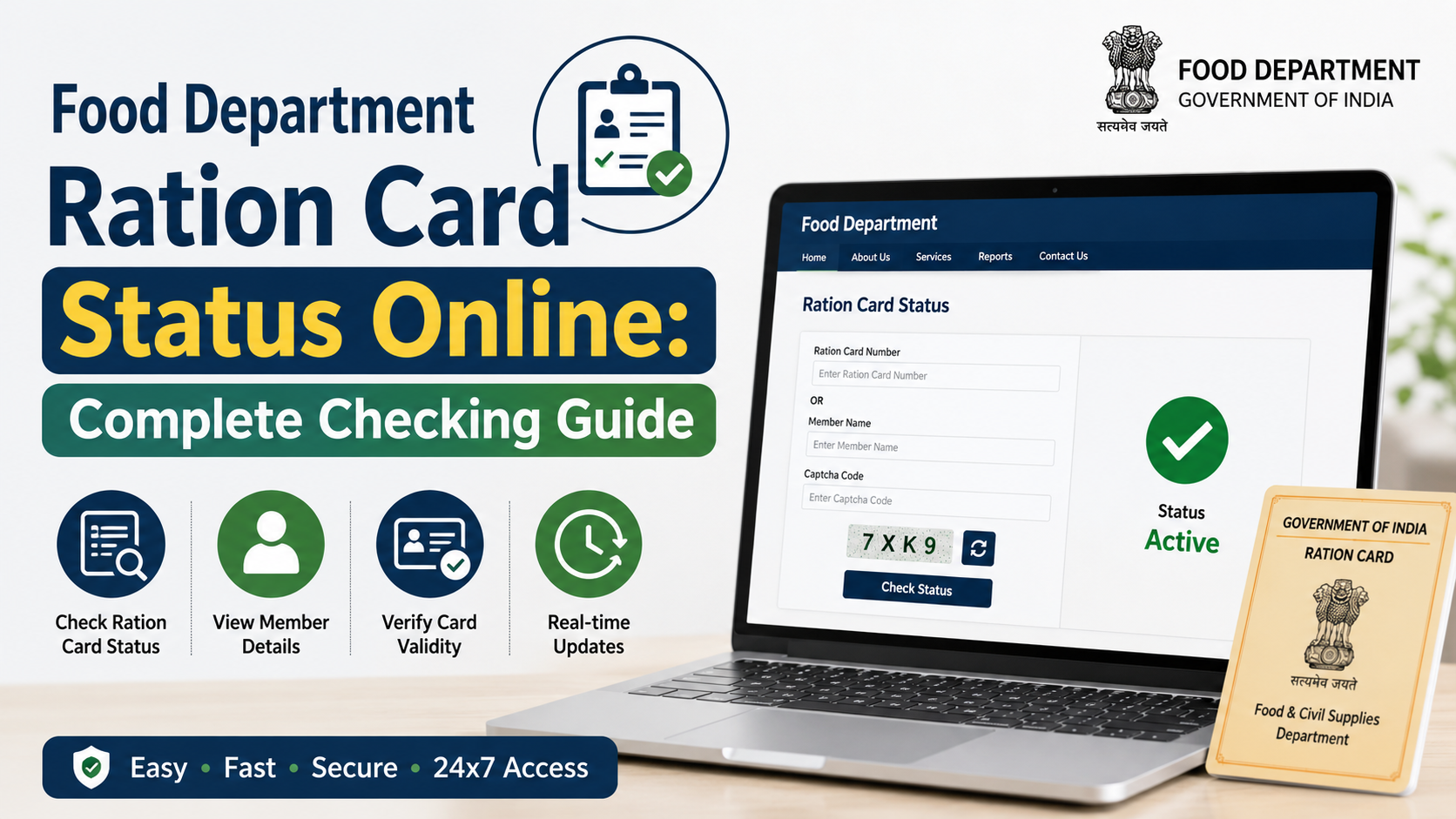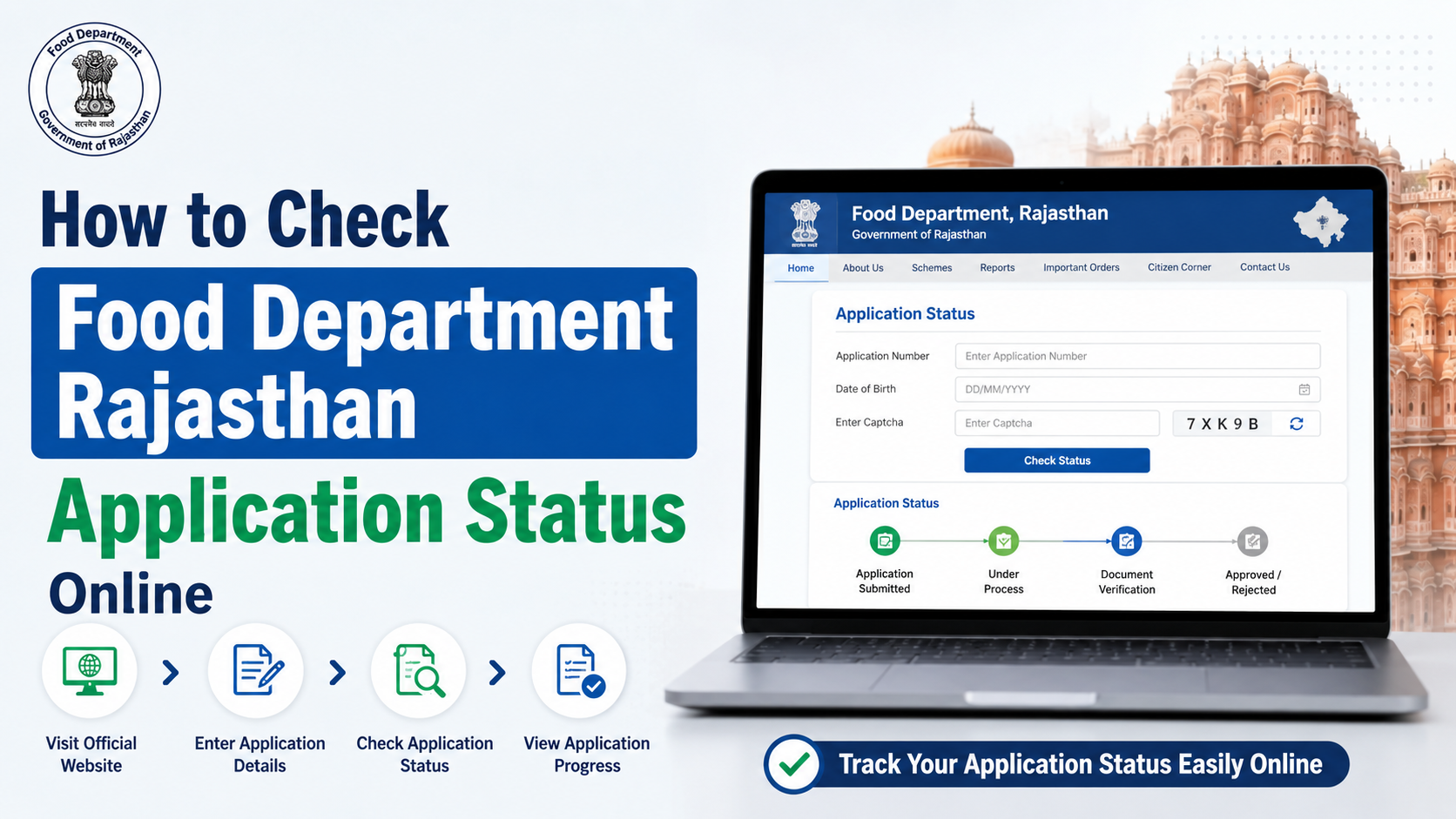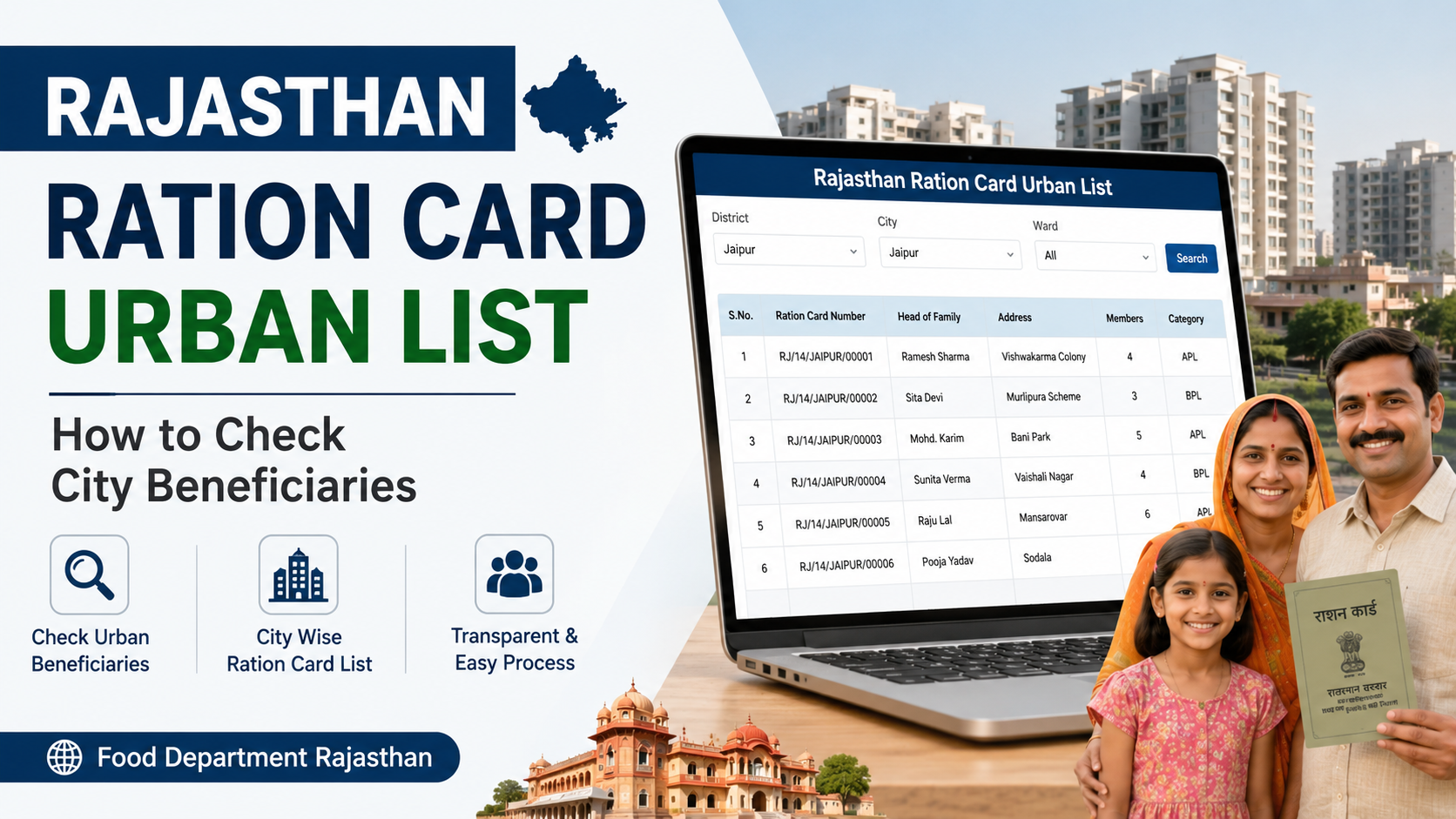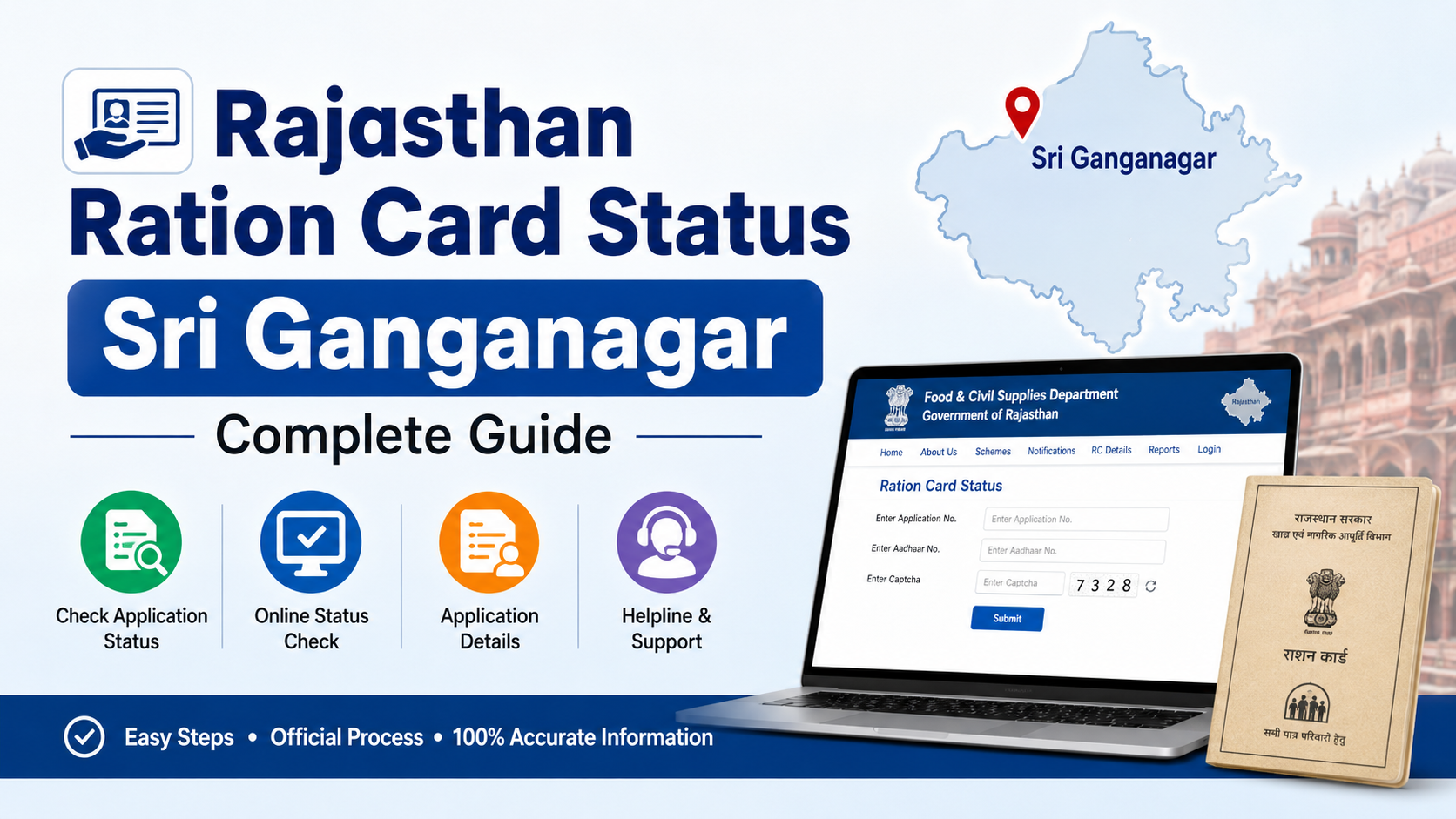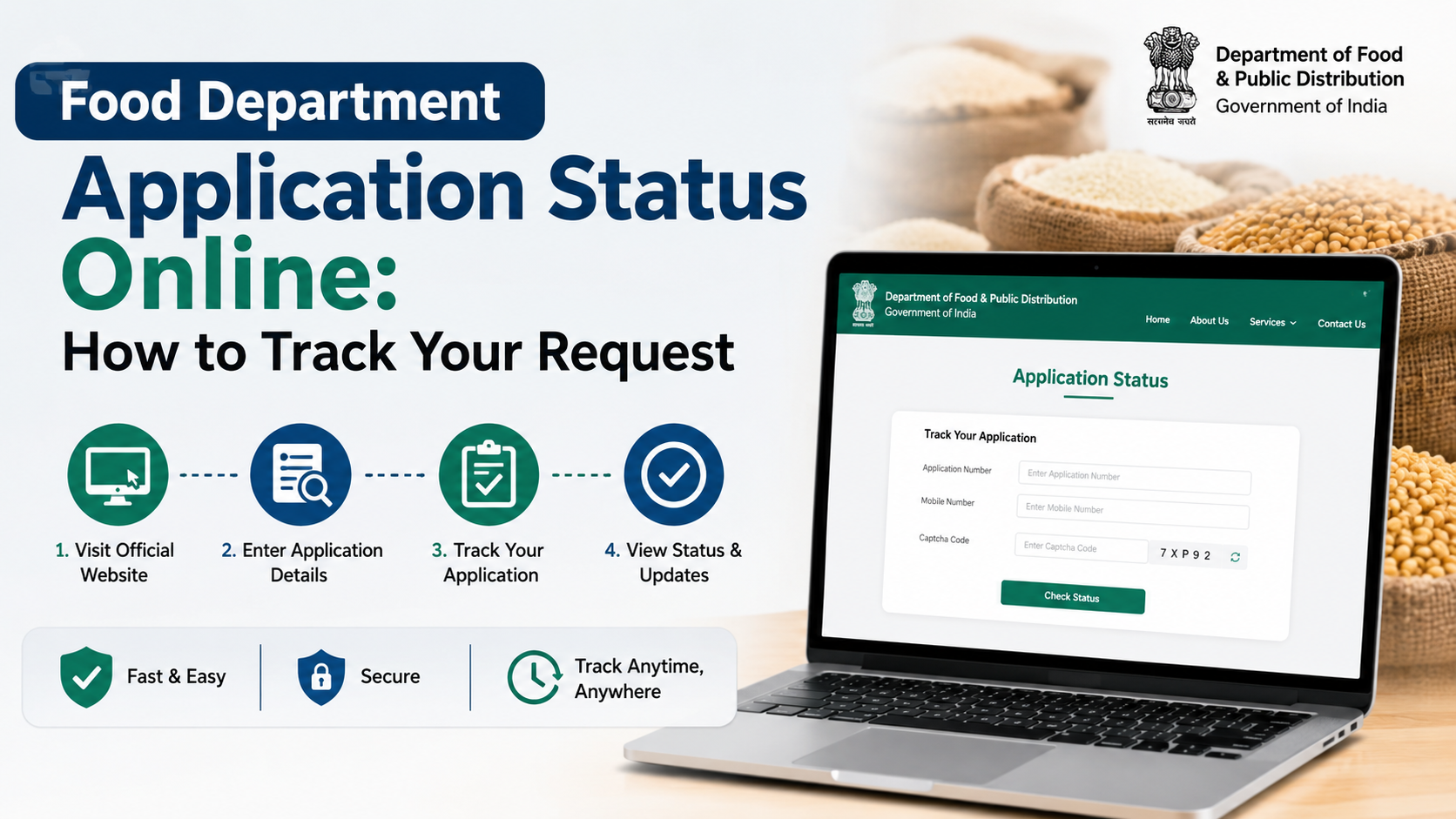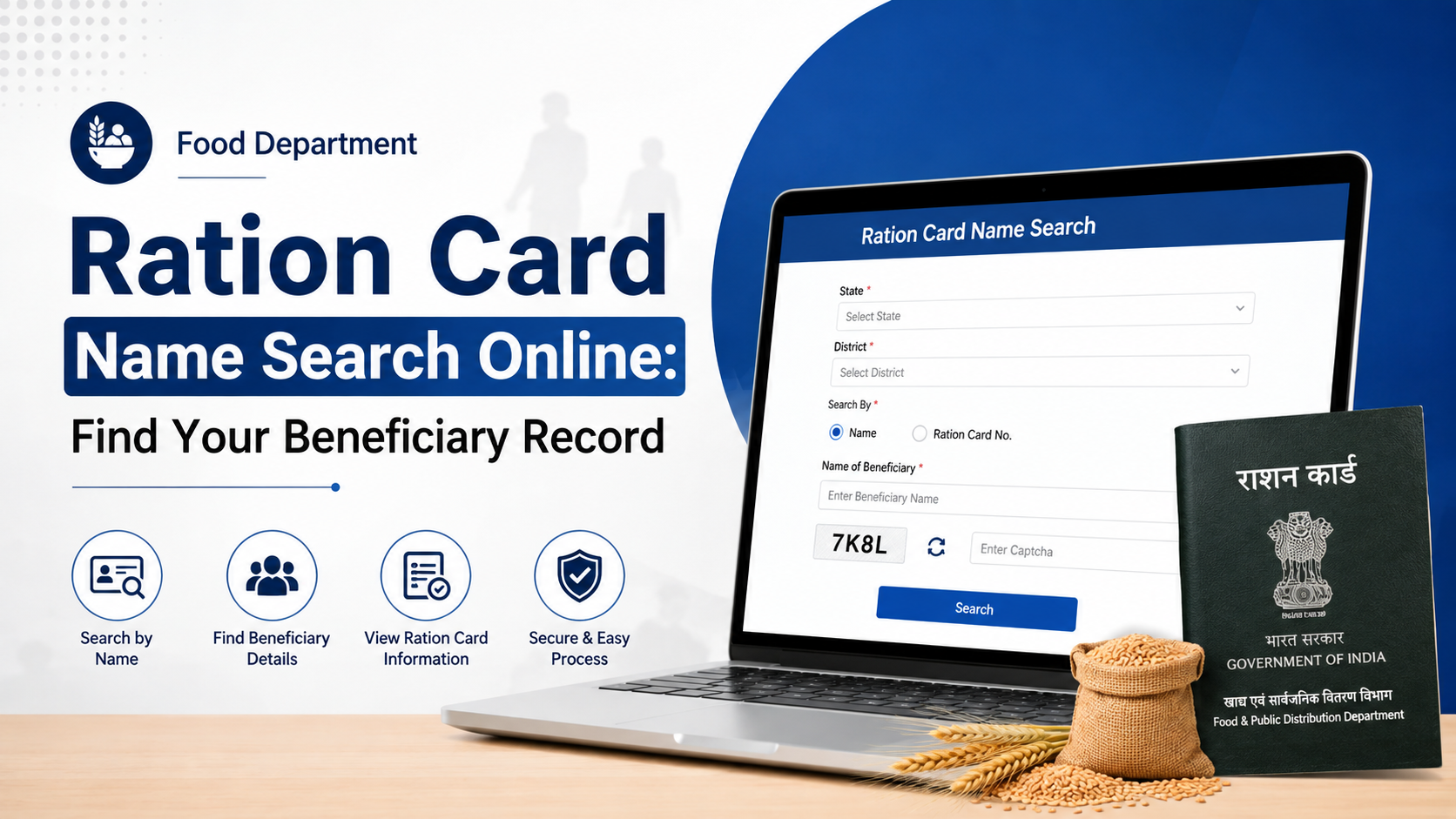
If you need to confirm whether your household is listed for subsidised food grains, the food department ration card name search should be completed through an official government portal. India does not use one single search form for every state. Ration-card records are maintained by State and Union Territory food departments, while the National Food Security Act (NFSA) portal links to their official databases.
This guide explains how to find your beneficiary record, what information you may need, how to use the Mera Ration app, and what to do when your name is missing or incorrect.
Key Takeaways
- Use the NFSA State/UT ration-card directory to reach your state’s official search service.
- Search options differ by state and may include name, ration-card number, district, village, family ID, Aadhaar-linked details or mobile number.
- Check the spelling of each household member, card category, FPS details and transaction or entitlement information.
- The Mera Ration app can show card details, entitlements, transactions, nearby fair price shops and grievances.
- Never share Aadhaar OTPs, bank details or other sensitive information on unofficial websites.
- For unresolved issues, contact your state food department or national PDS support numbers, including 1967 and 14457.
What Is a Food Department Ration Card Name Search?
A ration-card name search checks whether an individual or household appears in the state’s Public Distribution System (PDS) beneficiary database. A successful search may display:
- Ration-card number or household ID
- Name of the head of household
- Names of family members
- District, block, ward or village
- Ration-card category, such as Antyodaya Anna Yojana (AAY) or Priority Household (PHH)
- Fair Price Shop (FPS) details
- Entitlement or monthly allocation information
- Card status, where the state portal provides it
Under the NFSA, identification of eligible households and issuance of AAY and PHH cards are handled by State Governments and Union Territory administrations. The NFSA application page therefore directs applicants to their respective state or UT food portals.
Where to Search Your Ration Card Name Online
1. Start with the official NFSA directory
Open the Ration Card Details on State-UT Portals page. Select your state or Union Territory. The link should take you to an official food, civil supplies or e-PDS website.
Avoid relying on a search-engine result that uses a similar-looking domain. Check that the address ends in a government domain such as gov.in, nic.in or an officially listed state portal.
2. Use the National e-PDS information page
The e-PDS Portal of India, listed on India’s National Portal, provides access to ration-card details, application status information and state PDS portals. It is useful when you are unsure which department manages your state’s database.
3. Search through your state food department
Each state designs its own search form. For example:
| State or service example | Official facility shown by the government |
|---|---|
| Bihar | The EPDS Bihar search page provides a “Search Your Ration Card” facility using location and ration-card information. |
| Maharashtra | The RCMS Maharashtra portal includes “Know Your Ration Card” and other ration-card services. |
| Delhi | The Government Services Portal lists online searches for ration-card details and application status. |
| Assam | The NFSA Assam state page links to the state food department, PDS transparency portal and ration-card management system. |
These examples demonstrate why the exact menu names and search fields can differ. Use only the instructions displayed on your state’s current portal.
Step-by-Step: How to Search by Name
Step 1: Keep basic details ready
Before opening the form, prepare as many of these details as you have:
- State and district
- Block, taluk, municipality or ward
- Village or Fair Price Shop
- Applicant or household member’s name
- Ration-card number
- Family ID, application number or beneficiary ID
- Registered mobile number
Some portals require a location before they allow a name search. Others provide a direct search by card number or application ID.
Step 2: Select the correct location
Choose the district and local administrative area exactly as shown in your documents. If the portal asks whether the area is rural or urban, select the appropriate option. An incorrect district, block or ward can produce a “record not found” message even when the household is registered.
Step 3: Enter the name carefully
Type the name in the language requested by the portal. Try the spelling used on the ration-card application or other government document. State databases may store names in a regional language, English transliteration or both.
If the portal supports partial searches, enter fewer characters. If it requires an exact match, try common spelling variations without adding punctuation.
Step 4: Complete the verification step
Many government forms use a CAPTCHA or one-time password. Enter the code shown on the official website. Do not provide an OTP to a caller, agent or messaging contact claiming to “activate” your ration card.
Step 5: Review the result
Compare the displayed record with your documents. Check:
- Household head’s name
- Every family member’s name and age
- Card category and status
- FPS name or code
- Address and local area
- Aadhaar-seeding or e-KYC status, if the portal displays it
- Entitlement or transaction information
Take a screenshot or download the record only when the portal provides an official print or download option. Protect downloaded documents because they may contain personal information.
What to Do If the Name Does Not Appear
A failed name search does not always mean that the household is ineligible. Common reasons include:
- The name is recorded in a regional script or with a different spelling.
- The search is being performed in the wrong district or local body.
- The application is still under processing.
- The card was transferred, cancelled, suspended or merged.
- The state database is temporarily unavailable.
- The person is listed as a family member under another household head.
- The state uses a separate database for a state scheme rather than an NFSA card.
Try searching by ration-card number, application number, family ID or registered mobile number. Check the state portal’s application-status page as well.
If the record remains unavailable, contact the local Food Supply Office, District Supply Officer, municipal authority or designated ration-card service centre. Carry identity and residence documents, the application acknowledgement, and any previous ration-card details. The department may require in-person verification before correcting or restoring a record.
Correcting Names and Adding or Removing Members
Do not submit a new application simply because of a spelling error. Look for services labelled:
- Name correction
- Add member
- Remove member
- Change of address
- Duplicate card
- Transfer or surrender of ration card
- Ration-card modification
For example, Maharashtra’s Food, Civil Supplies and Consumer Protection Department lists separate online services for name correction, adding or removing a name, address changes and duplicate cards through its RCMS system. Other states may use different forms and document requirements.
Typical supporting documents can include proof of identity, proof of address, birth or marriage records for additions, and a death certificate or migration document for removals. Requirements are state-specific, so follow the checklist on the official portal rather than a private website.
Using the Mera Ration App
The Department of Food and Public Distribution’s Mera Ration 2.0 FAQ describes the app as a National Informatics Centre application for NFSA beneficiaries. Its listed functions include:
- Viewing ration-card information
- Checking monthly food-grain entitlements
- Reviewing previous transactions
- Locating nearby Fair Price Shops
- Filing and tracking grievances
The department also states that the app supports multiple Indian languages and helps users check Aadhaar-seeding status and portability eligibility. Download it through the official link provided by the Department of Food and Public Distribution or the verified Google Play listing. Check the developer name before installing an app.
Mera Ration is useful for viewing an existing NFSA record, but it does not replace the state authority’s process for issuing or correcting a ration card.
One Nation One Ration Card and Portability
The One Nation One Ration Card (ONORC) system allows eligible NFSA beneficiaries to obtain their entitled food grains from a portability-enabled FPS outside their home location, subject to authentication and operational availability. The NFSA ONORC information pages publish implementation advisories and state-related notices.
If you have moved for work or study, first confirm that your card is active and that Aadhaar authentication or other requirements shown by your state are complete. The Mera Ration app can help identify nearby FPS outlets and display transaction information.
Portability does not change the state’s responsibility for maintaining the underlying beneficiary record. Name corrections, additions and deletions must still be requested from the issuing state or UT authority.
Privacy and Fraud-Prevention Warnings
Use these precautions during an online ration-card search:
- Start from NFSA, India.gov.in or your state food department’s official link.
- Check the spelling of the web address before entering personal information.
- Never share Aadhaar OTPs, PINs, bank passwords or payment details with an agent.
- Do not pay a fee unless the official portal clearly states one.
- Avoid downloading APK files or browser extensions offered through social media.
- Log out when using a shared computer.
- Report suspicious demands or impersonation to the relevant food department.
For national PDS assistance, the Department of Food and Public Distribution lists toll-free number 1967, Anna Sahayata IVRS 14457 and WhatsApp number 9868200445 on its official website. State-specific helplines may be different.
Frequently Asked Questions
Can I search for a ration card using only a person’s name?
Sometimes. The availability of name-based search depends on the state portal. You may need to select the district, block, village or FPS first. If no name search is provided, use the ration-card number, application ID or family ID.
Why does my name appear differently online?
Names may be transliterated between English and a regional script, abbreviated or entered with a spelling variation. Compare the household details and card number. If the error affects benefits or identity verification, submit a correction request through the state food department.
Is the NFSA website itself the database for every state?
No. NFSA provides national monitoring and links to State and UT portals. State governments and UT administrations maintain beneficiary identification and ration-card records.
Can I use Mera Ration to correct my name?
The app is primarily for viewing card information, entitlements, transactions, FPS locations and grievances. Name corrections generally follow the issuing state’s prescribed modification process.
What should I do if the portal is not working?
Retry later, use another official link listed by NFSA or India.gov.in, and keep evidence of your application acknowledgement. If the problem continues, contact the state food office or the national PDS helpline for guidance.
Conclusion
A food department ration card name search online is safest when completed through the NFSA directory and your state’s official food or e-PDS portal. Search with the correct location and spelling, verify every household member and use the card number or application ID when a name search fails. For mobile access, Mera Ration can show entitlements, transactions, FPS locations and grievance options. If your record is missing or incorrect, contact the issuing state authority and avoid unofficial agents or websites.