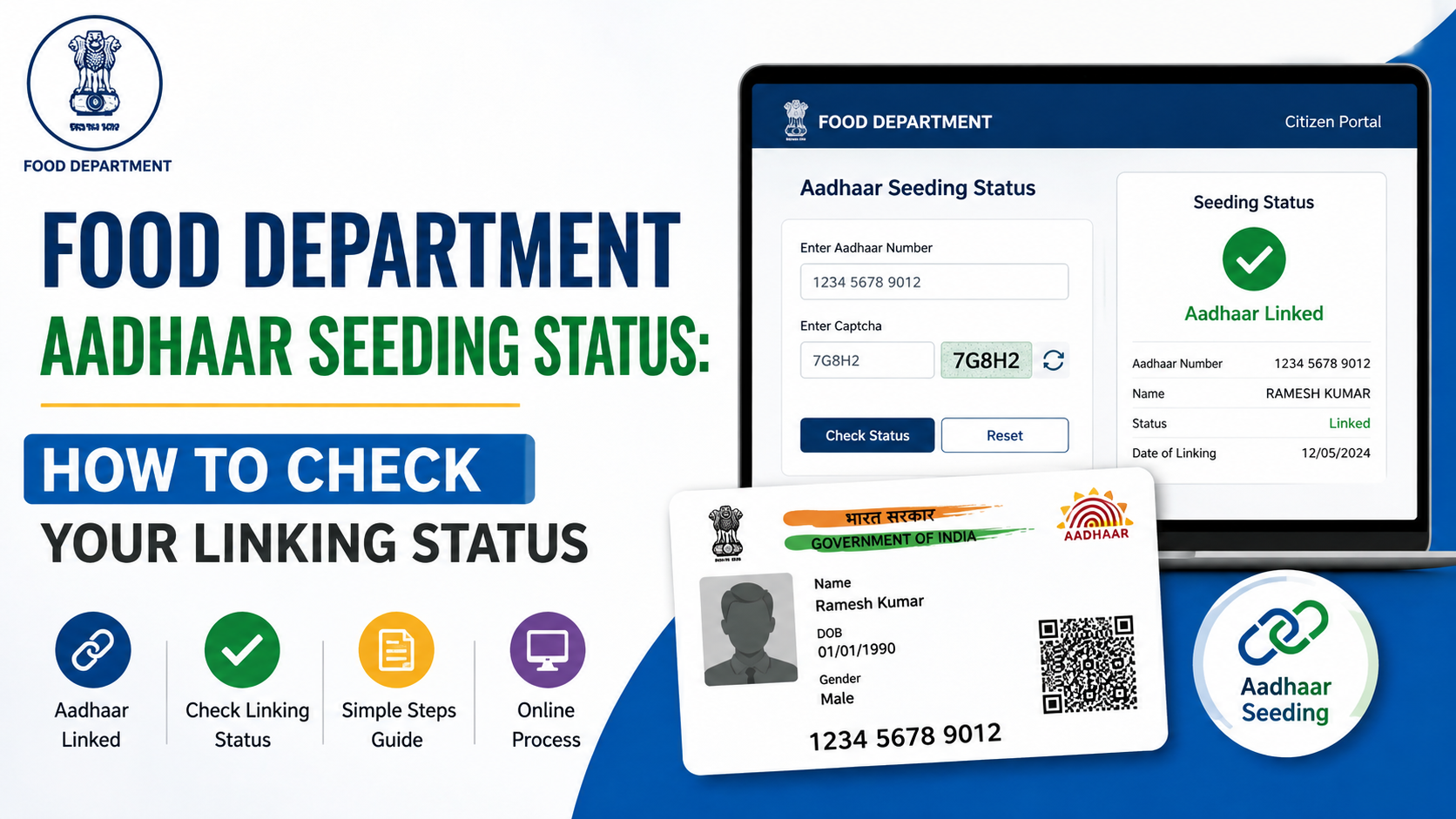
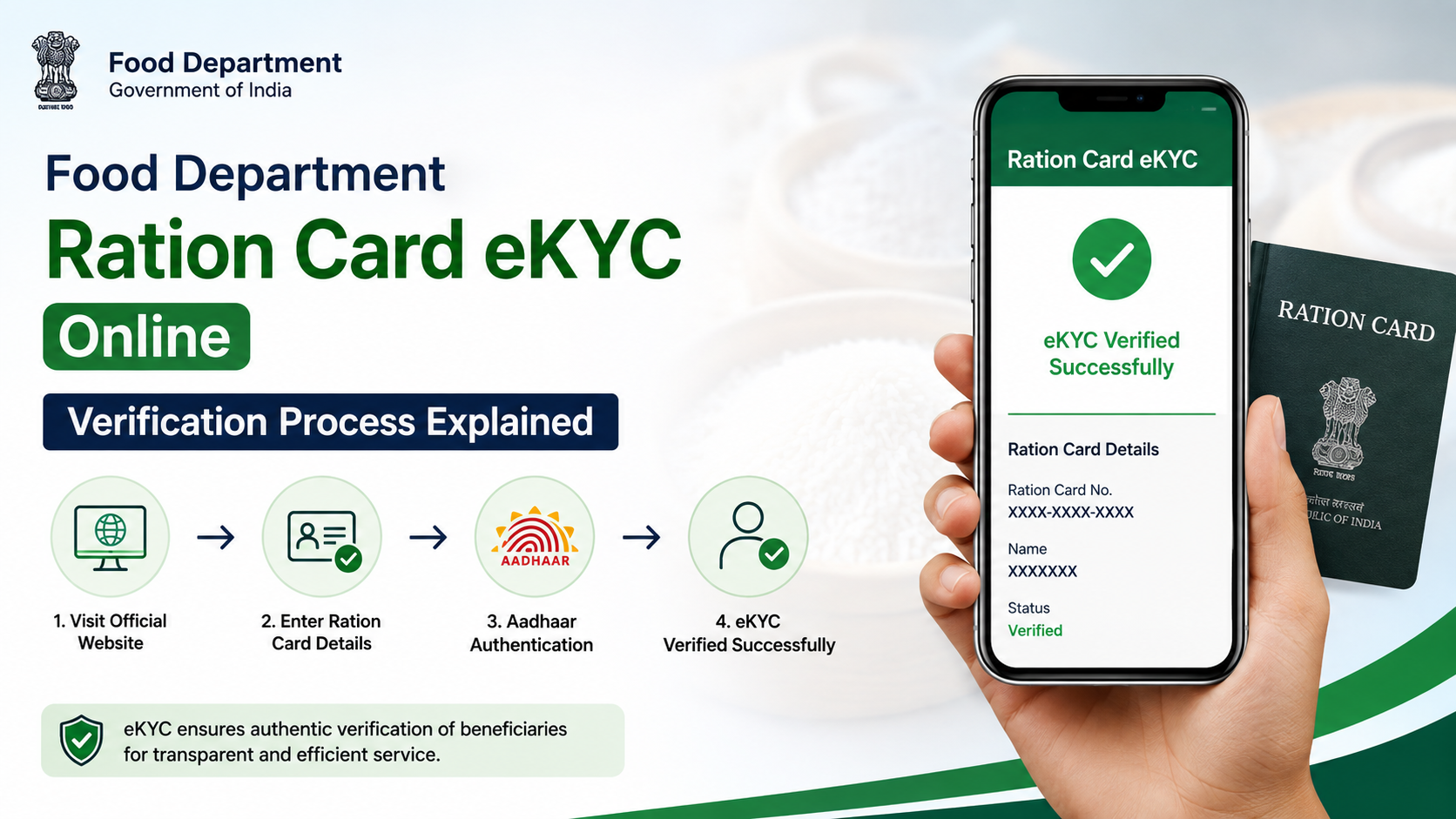
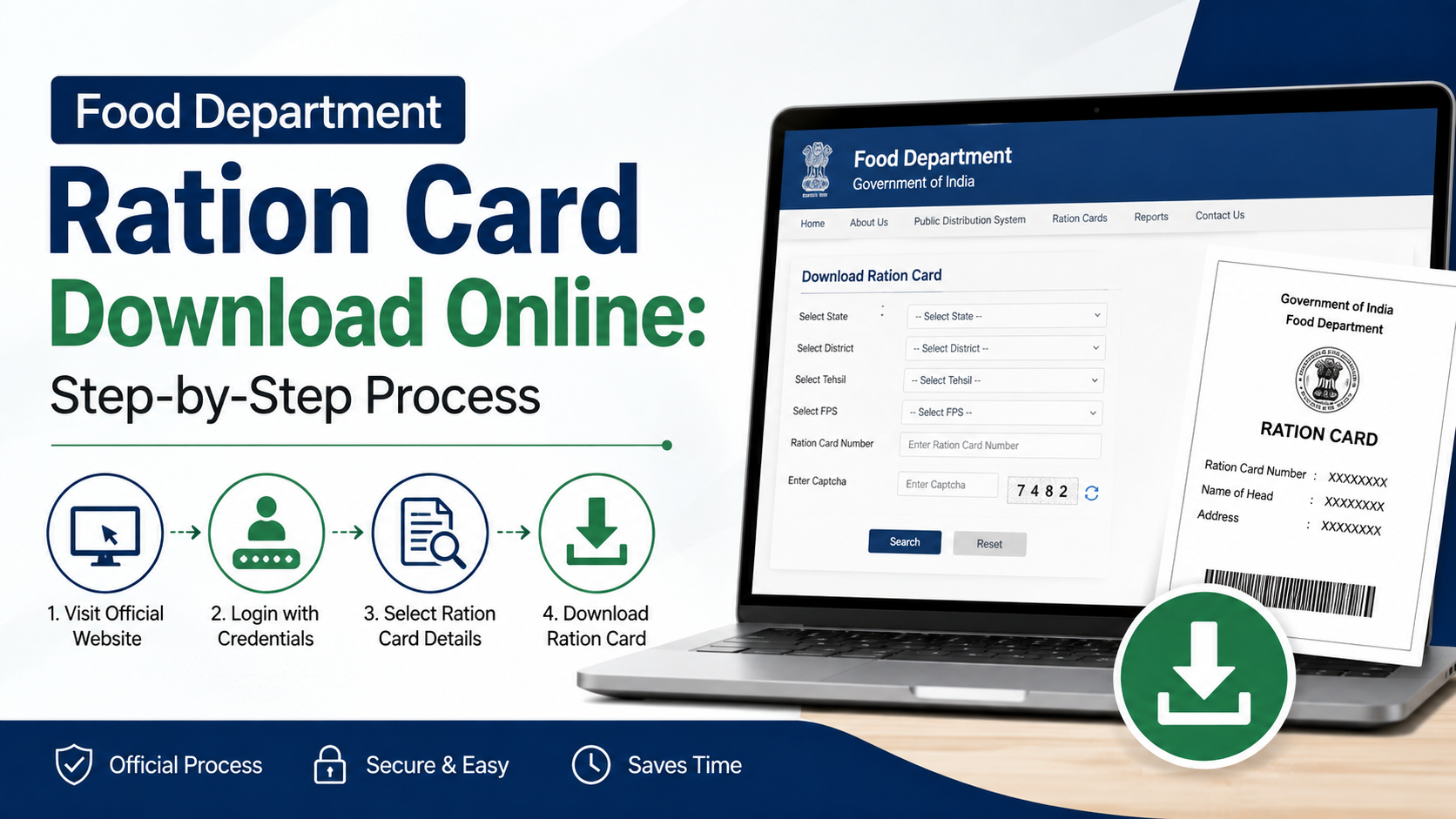
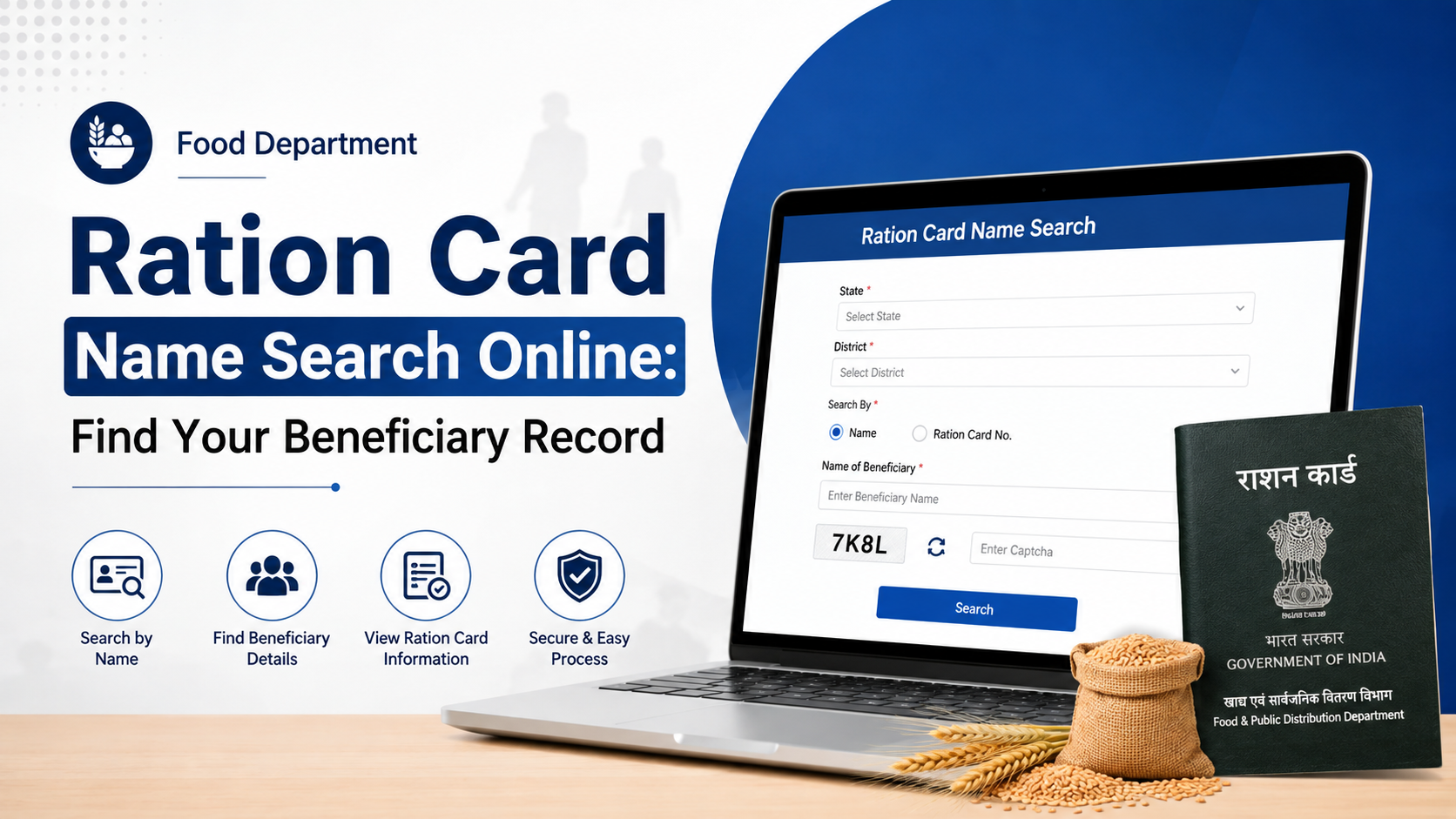
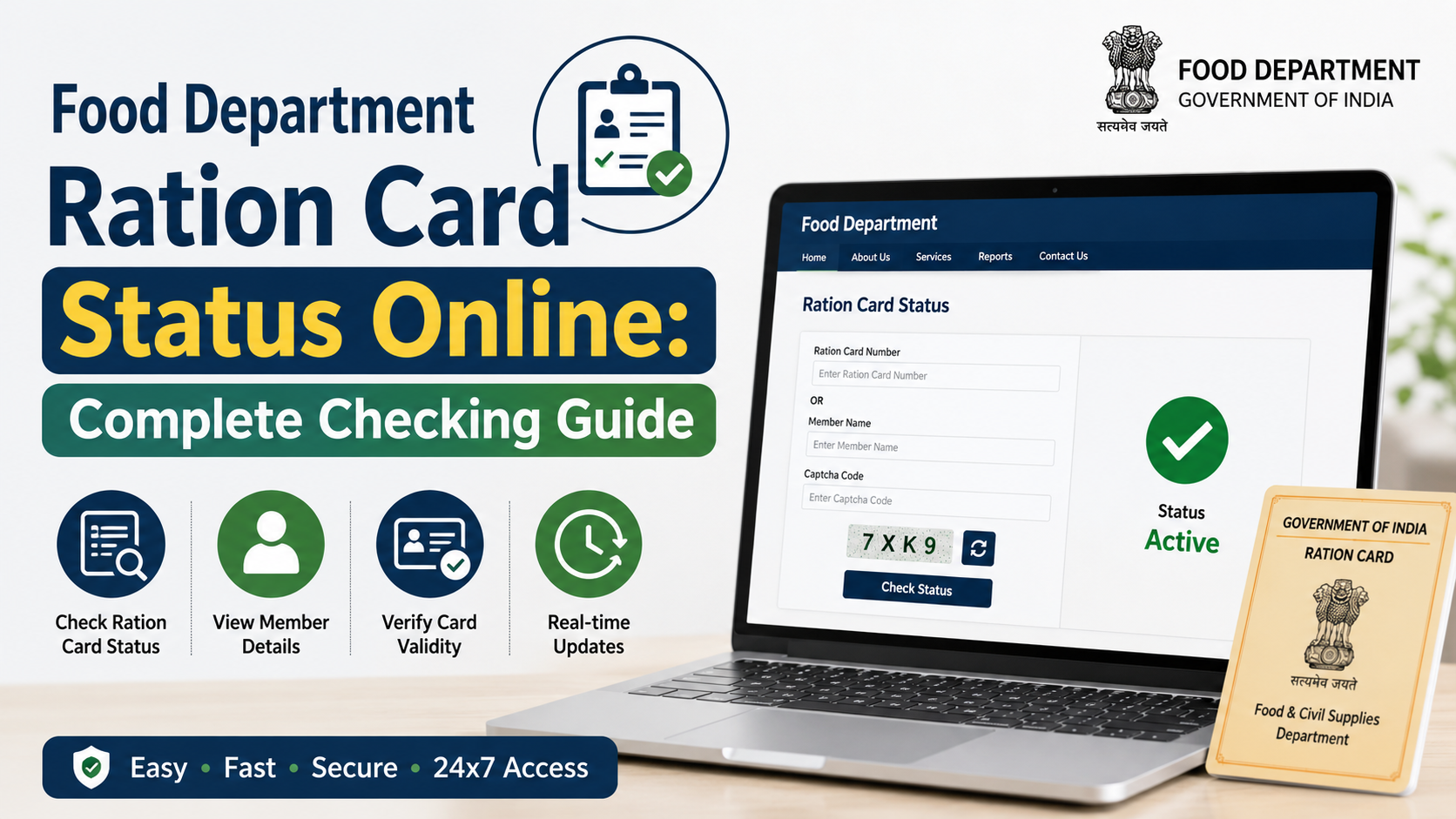
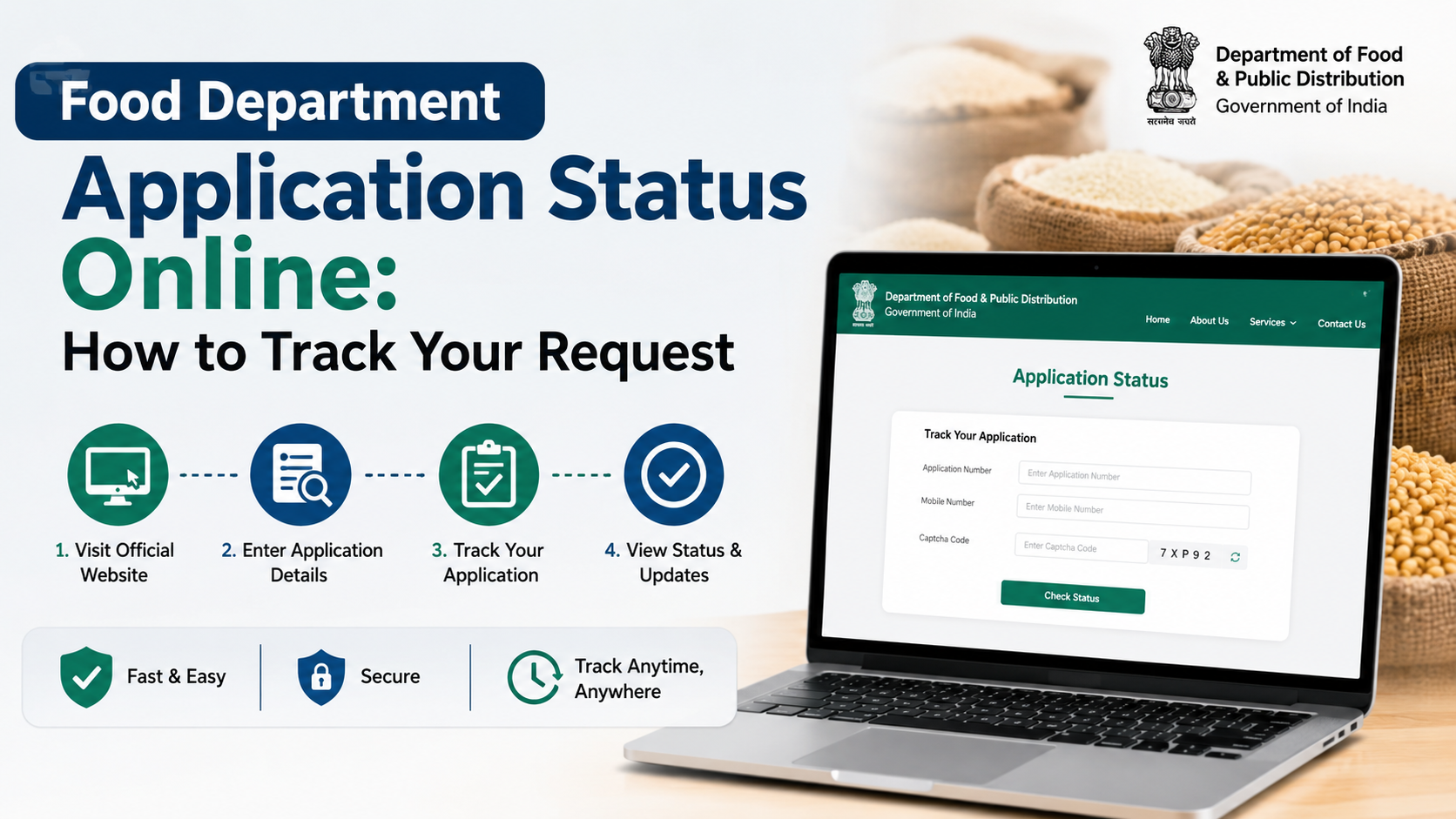
Food Department Aadhaar seeding in Rajasthan generally refers to linking and checking the Aadhaar and Jan Aadhaar details associated with a ration card or food-security beneficiary record. The Rajasthan Food Department provides an official online facility to view the mapping status using a district and ration card number.
It is important to understand the distinction: the public portal is designed to check Aadhaar/Jan Aadhaar mapping status. If a family member is not seeded, has incorrect details, or requires biometric eKYC, the correction or authentication may require assistance from the relevant Fair Price Shop (FPS), e-Mitra centre, or Food Department office. Do not share Aadhaar details with unofficial websites or agents.
Key Takeaways
- Use the official Rajasthan ration card and Jan Aadhaar mapping page to check food department Aadhaar seeding status.
- Keep the correct district and ration card number ready before starting.
- The online page lets citizens view mapping information; it should not be confused with a universal self-service Aadhaar update portal.
- Aadhaar seeding, Jan Aadhaar mapping, and eKYC are related but separate status items.
- If biometric authentication fails, Rajasthan’s notified process provides alternative authentication and exception-handling measures.
- Use only government domains such as
rajasthan.gov.in,food.rajasthan.gov.in, anduidai.gov.in.
What Is Food Department Aadhaar Seeding in Rajasthan?
In the public-distribution context, Aadhaar seeding means associating an eligible ration-card beneficiary’s Aadhaar number with the relevant food-security database. Rajasthan also uses Jan Aadhaar in delivery of state services and benefits. Therefore, a household may need to check more than one item:
| Item | What it means | Why it matters |
|---|---|---|
| Aadhaar seeding | Aadhaar linked with the beneficiary or ration-card record | Helps establish the beneficiary’s identity in the system |
| Jan Aadhaar mapping | Ration card linked or mapped with the household’s Jan Aadhaar record | Connects household information across Rajasthan service systems |
| eKYC | Electronic identity verification, often through authentication | May be needed where the department requires verification |
| LPG ID mapping | LPG consumer ID linked in the relevant record | Separate from ration-card Aadhaar mapping |
The Rajasthan Food Department’s public website specifically lists a service to know the status of Aadhaar seeding, eKYC and LPG ID mapping. Its linked mapping page is titled “Ration Card and Jan Aadhaar Mapping”.
A ration card itself remains a document used for the Targeted Public Distribution System and related schemes. It should not be treated as a substitute for Aadhaar, nor should Aadhaar be used casually as a document to share over messaging apps.
Official Rajasthan Portal for Aadhaar Seeding Status
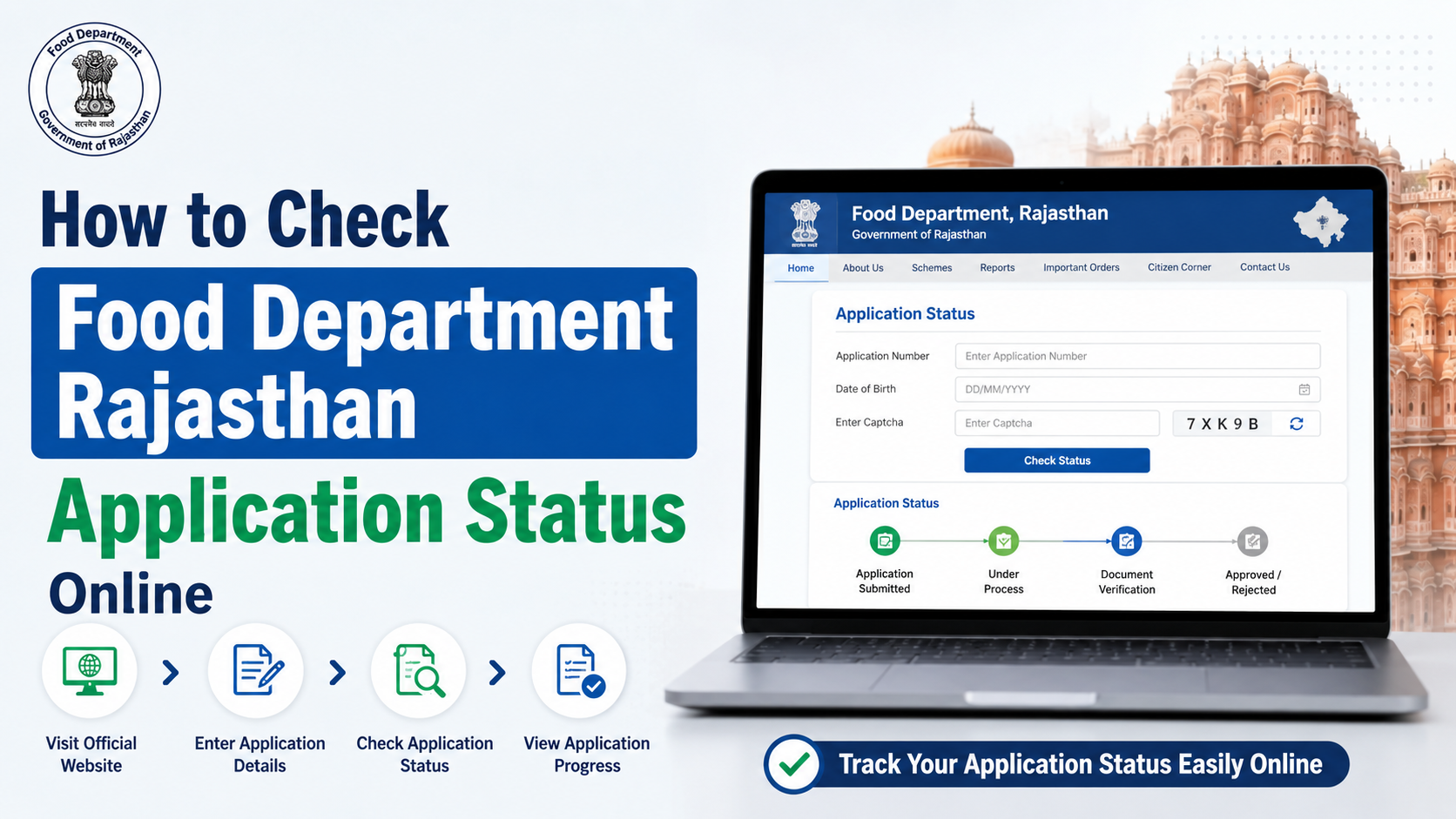
Start from the Rajasthan Food Department website. Under the important public-information links, select the option for Aadhaar seeding, eKYC and LPG ID mapping status.
You may also access the official Ration Card and Jan Aadhaar Mapping page directly.
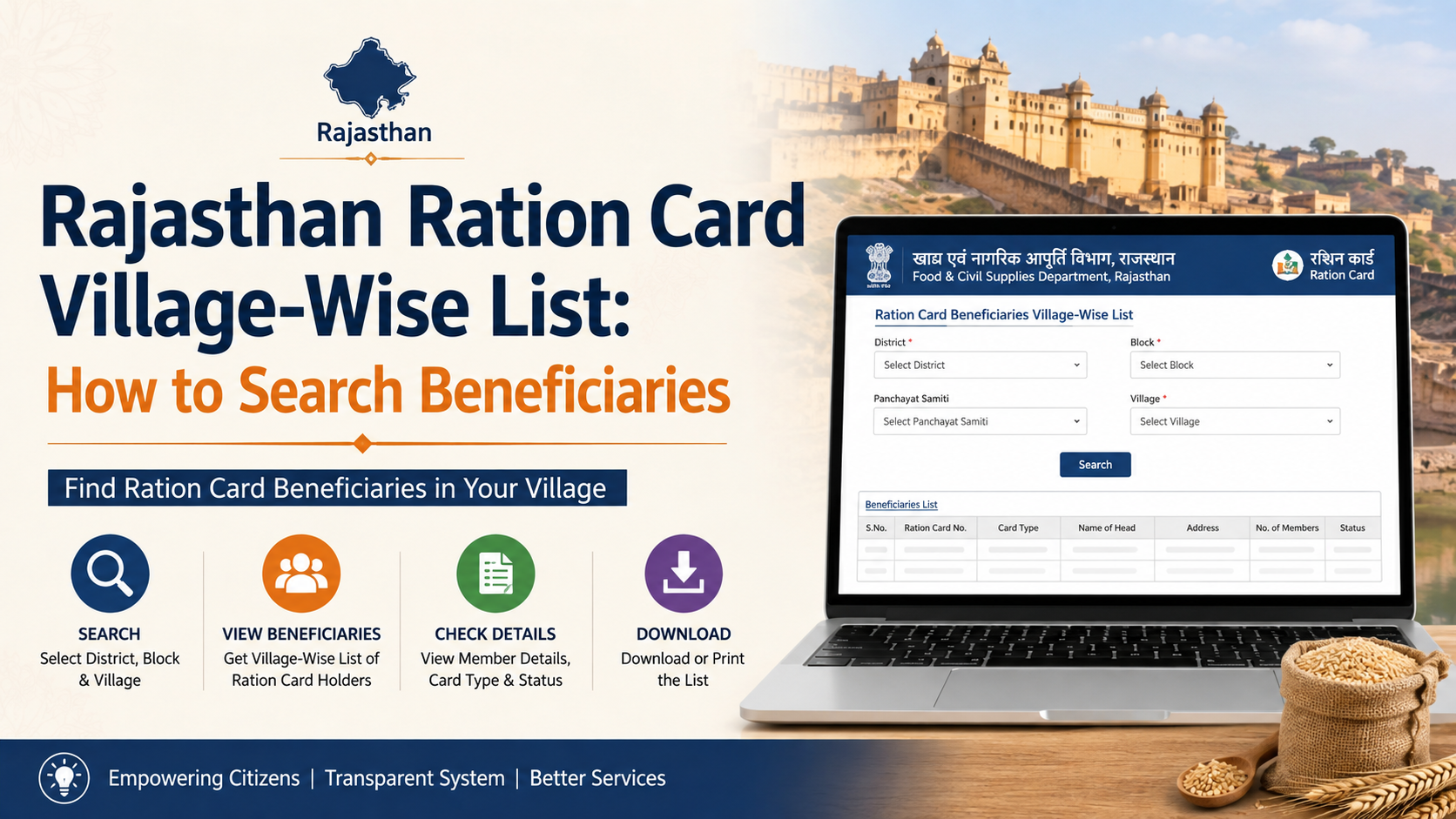
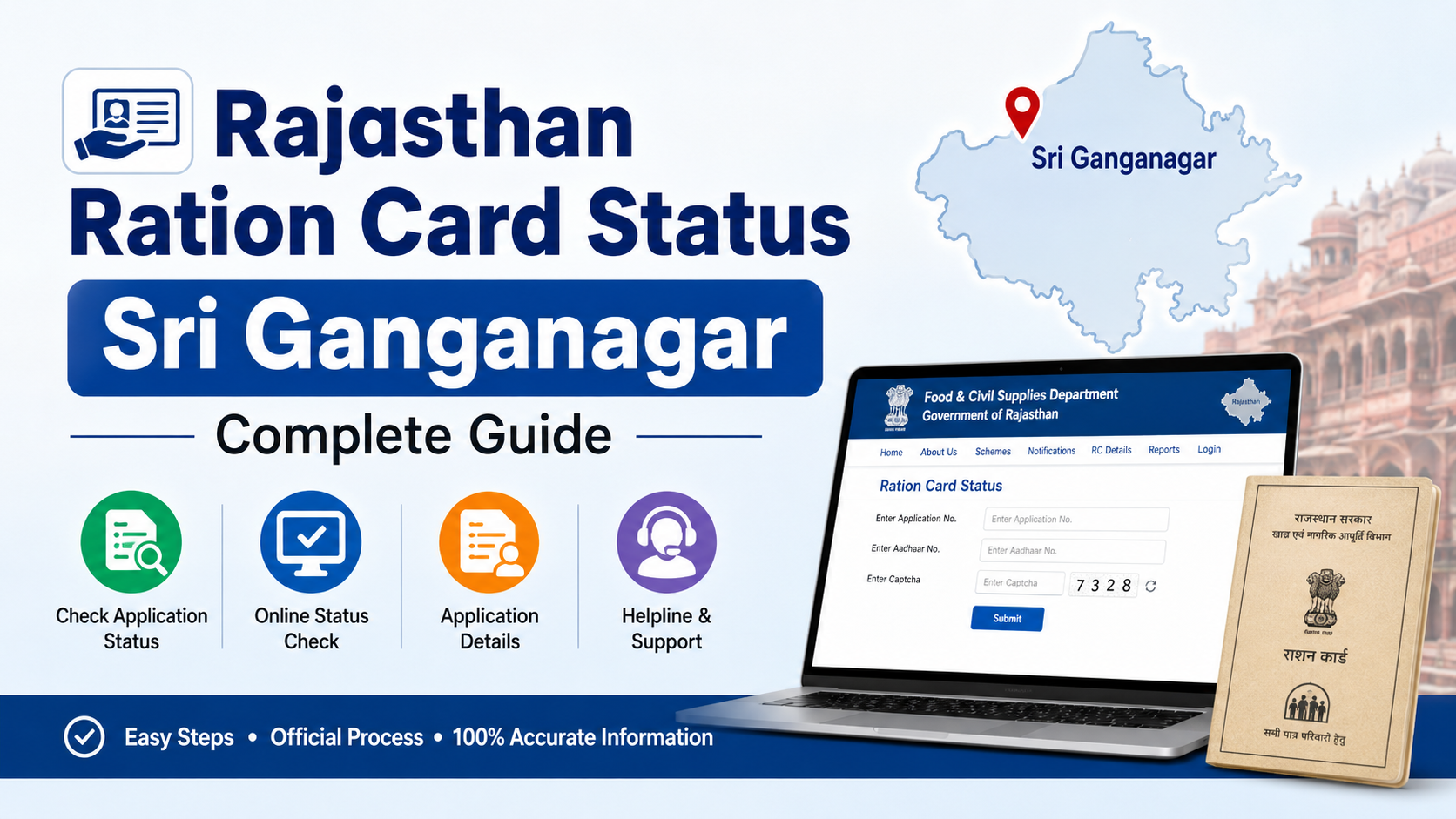
The mapping page asks for:
- District
- Ration card number
- The displayed verification code/captcha
The portal is intended for Rajasthan ration-card records. Enter the district exactly as applicable to the ration card record. Using a district based only on the family’s current location can lead to a “record not found” result if the card was issued elsewhere.
Complete Online Process to Check Food Department Aadhaar Seeding
Follow these steps carefully to check the mapping status.
Step 1: Keep the ration card number ready
Find the ration card number from the physical ration card, an official ration-card record, or a previous Food Department receipt. Enter only the correct number; do not add spaces, prefixes, or family-member Aadhaar numbers unless the page specifically asks for them.
Step 2: Open the official mapping page
Visit the Ration Card and Jan Aadhaar Mapping page. Check that the browser address ends in rajasthan.gov.in before entering any details.
Government websites may occasionally be slow during maintenance or heavy traffic. If the page does not open, return later through the Food Department homepage rather than using an unfamiliar search-result link.
Step 3: Select the district
Choose the district associated with the ration card record. This is a required field. Selecting the wrong district can prevent the system from locating the card even when the number is correct.
Step 4: Enter the ration card number
Type the ration card number carefully. Review each digit before continuing. A mistyped number is one of the most common reasons for an unsuccessful search.
Step 5: Enter the captcha and submit
Type the characters displayed in the captcha field and submit the request. If the captcha is unclear, refresh it instead of guessing repeatedly.
Step 6: Review the displayed mapping information
The result should be reviewed member by member where the portal displays individual details. Look for the status relevant to:
- Aadhaar seeding
- Jan Aadhaar mapping
- eKYC, where shown
- LPG ID mapping, where shown
Record only the status or reference details you need. Avoid downloading, forwarding, or posting screenshots that reveal full Aadhaar numbers or personal information.
Step 7: Act only on an actual status issue
If the result shows that details are not mapped, incomplete, or inconsistent, note the ration card number, district, and the exact status message. Then use an authorised offline support channel for correction or verification. The public status page alone may not complete a pending biometric or record-correction process.
Information and Documents to Keep Ready
For an online status check, the main requirement is usually the ration card number and the correct district. For a correction, seeding request, or eKYC visit, the authorised operator may need additional information to identify the beneficiary and verify the record.
Keep these items available where applicable:
- Ration card number or ration card copy
- Aadhaar details of the concerned family member
- Jan Aadhaar number or Jan Aadhaar card, if available
- Mobile phone linked to Aadhaar, if an OTP-based step is offered
- Any acknowledgement or receipt from an earlier Aadhaar or Jan Aadhaar enrolment
- Supporting identity document if an authority asks for it under the applicable process
Do not assume that every document is required in every case. The correct requirement depends on the type of issue—new enrolment, demographic correction, Aadhaar authentication, Jan Aadhaar mapping, or a food-security record discrepancy.
Aadhaar Seeding, Jan Aadhaar Mapping and eKYC: Know the Difference
These terms are often used together, but they solve different problems.
Aadhaar seeding
Aadhaar seeding concerns the link between the beneficiary and Aadhaar in the food-security or benefit-delivery record. It does not automatically prove that every database field is correct.
Jan Aadhaar mapping
Jan Aadhaar mapping connects the ration-card record with the Rajasthan household record. A mapped status can be useful for delivery of services that rely on Jan Aadhaar information, but it is not the same as Aadhaar biometric authentication.
eKYC
eKYC refers to electronic verification of identity. Depending on the operational process, it may involve fingerprint, iris, face, or OTP-based authentication. A person can have Aadhaar seeded but still need eKYC if the department record calls for authentication.
LPG ID mapping
LPG ID mapping is a separate field related to the household’s LPG connection and relevant benefit processes. Do not interpret its status as confirmation that every ration-card beneficiary is Aadhaar seeded.
What to Do If Aadhaar Seeding Is Not Showing or Fails
A failed result does not necessarily mean that the household is ineligible for food-security benefits. First identify whether the problem is a search issue, data mismatch, authentication failure, or a genuinely unseeded record.
Check simple errors first
Before visiting an office, try these steps:
- Re-enter the district and ration card number.
- Refresh the captcha and submit again.
- Confirm that the ration card has not been replaced, cancelled, or moved to another district.
- Check whether the issue applies to one member or the entire household.
- Compare the spelling, date of birth, and family relationship details in the relevant official records.
Visit an authorised service point when required
For a status issue that cannot be resolved online, contact the attached Fair Price Shop, an authorised e-Mitra centre, or the appropriate local Food Department office. Carry the ration card and the documents relevant to the particular correction.
The Rajasthan Food and Civil Supplies Department has notified measures for cases where Aadhaar or Jan Aadhaar authentication cannot be completed. These include use of iris or face authentication when fingerprint quality is poor; where feasible and admissible, Aadhaar OTP or time-based OTP; and, in other cases, verification of a physical Aadhaar or Jan Aadhaar letter through its QR code. The notification also states that an exception-handling mechanism must be followed so that bona fide beneficiaries are not deprived of due benefits.
If Aadhaar itself needs updating
A food-department portal cannot update core Aadhaar demographic or biometric information. For Aadhaar services, use the official UIDAI website or locate an authorised Aadhaar enrolment centre through UIDAI. UIDAI’s toll-free helpline is 1947.
Important Safety and Privacy Precautions
Aadhaar details are sensitive personal information. Follow these precautions during food department Aadhaar seeding or status checks:
- Use the official Rajasthan government portal, not a lookalike website.
- Never send a full Aadhaar number, OTP, biometric information, or Aadhaar PDF password over WhatsApp, social media, or an unsolicited call.
- Do not pay an unverified person who promises instant seeding or guaranteed eligibility.
- Read the status result before leaving an e-Mitra centre or FPS.
- Keep any acknowledgement, but avoid storing unmasked Aadhaar copies in public cloud folders or shared phones.
- If an Aadhaar number appears incorrect in a record, seek correction through an authorised channel rather than repeatedly entering different numbers online.
Help and Escalation Options
If you need help with Rajasthan food-security or ration-card services, begin with the official Food Department Rajasthan website. The National Food Security Act portal’s Rajasthan state page lists the Food and Civil Supplies Department helpdesk numbers 1800-180-6127, 181, and 6127.
When reporting a problem, provide only the information needed to locate the record, such as the district, ration card number, date of the issue, and a description of the status message. Do not disclose OTPs or biometrics to a helpline representative.
Frequently Asked Questions
Can I complete food department Aadhaar seeding fully online in Rajasthan?
The official public page provides an online way to check ration card and Jan Aadhaar mapping status using the district and ration card number. Whether a pending seeding, correction, or eKYC can be completed remotely depends on the case and the authentication required. Biometric or record-verification issues may need an authorised offline visit.
Is Aadhaar seeding the same as eKYC?
No. Aadhaar seeding links Aadhaar to the beneficiary record, while eKYC is an identity-verification process. A record can require eKYC even if Aadhaar information is already present.
What should I do if the portal says the ration card record is not found?
First check the selected district and every digit of the ration card number. If the information is correct but the record still does not appear, contact the attached FPS, an authorised e-Mitra centre, or the local Food Department office with the ration-card details.
Can I use a mobile number that is not linked with Aadhaar?
You can generally view the mapping page with the ration card number and captcha because the page does not ask for a mobile number. However, if an OTP-based authentication or Aadhaar service is required later, an Aadhaar-linked mobile number may be necessary for that step.
What if fingerprint authentication fails during eKYC?
Ask the authorised operator about the applicable alternative. Rajasthan’s notified process provides for iris or face authentication for poor fingerprint quality, and may provide OTP-based authentication where feasible and admissible. Other specified exception mechanisms may also apply.
Conclusion
The official Food Department Rajasthan Aadhaar seeding route begins with checking your ration card and Jan Aadhaar mapping status on the Rajasthan government portal. Select the correct district, enter the ration card number, complete the captcha, and review the displayed status carefully. If any member’s record is not seeded, mismatched, or pending eKYC, use an authorised FPS, e-Mitra centre, or Food Department channel to resolve it—while protecting your Aadhaar number, OTP, and personal documents.