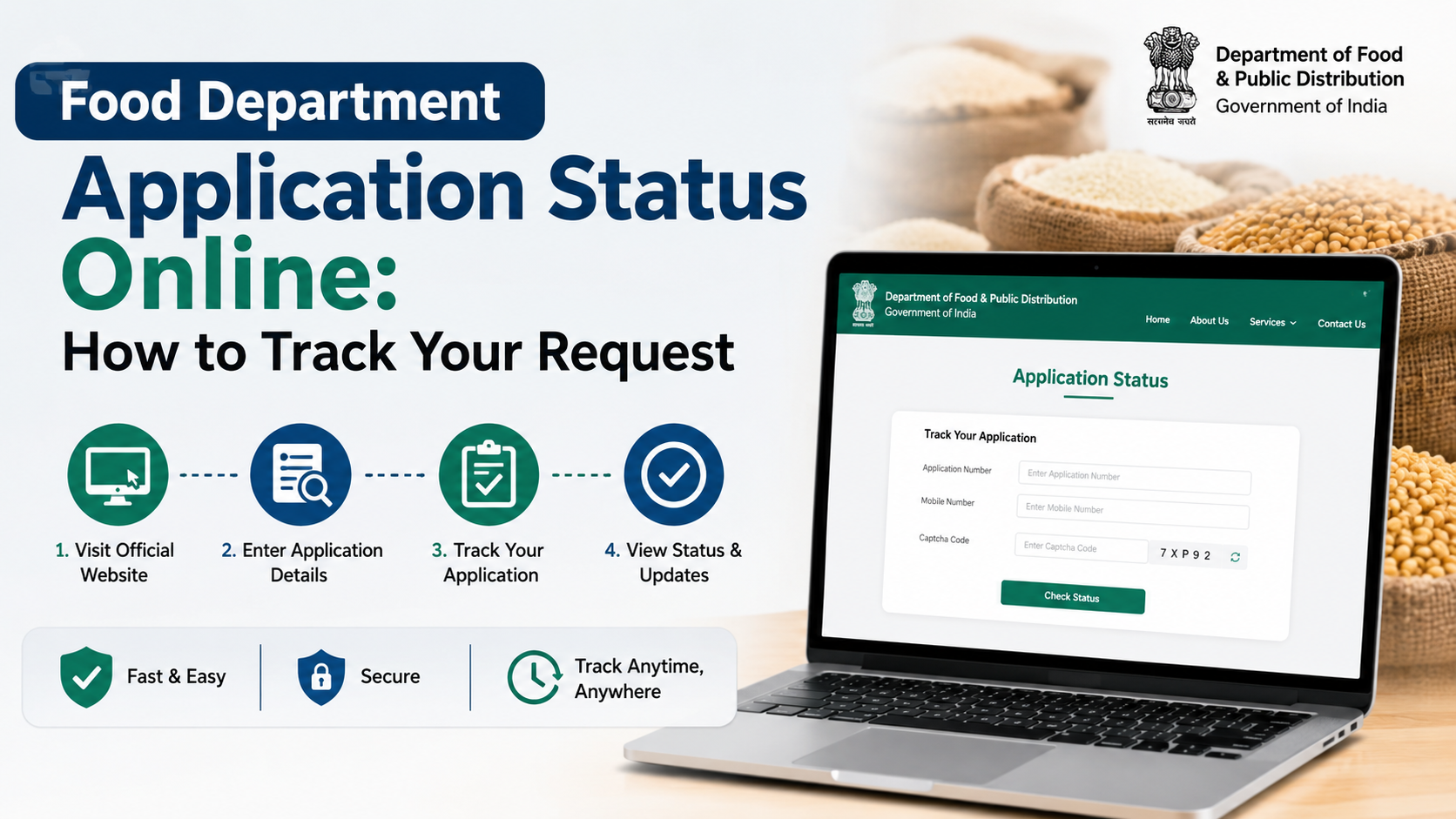
Rajasthan’s Food and Civil Supplies Department operates more than one online login. The correct portal depends on whether you are a department employee, an e-Mitra operator, a fair-price-shop user or a citizen seeking ration-card services.
For departmental staff, the dedicated Food & Civil Supplies MIS login asks for a username, password and office selection. Citizens generally access ration-card and food-security services through Rajasthan’s SSO/e-Mitra ecosystem, while public information can often be viewed without login through the Rajasthan Food Department website and Jan Soochna Portal.
This guide explains which portal to use, how to sign in, what to do when login fails and how to protect your credentials.
Key Takeaways
- The official staff login is hosted at
epdspos.rajasthan.gov.in/MIS/index.xhtml. - Staff users need an authorised username, password and the correct office selection.
- Citizens should use Rajasthan SSO or e-Mitra for eligible online applications and transactions.
- Ration-card status and public beneficiary information may be available without a departmental staff login.
- Never share your password, OTP, SSO ID or captcha details with an unknown person.
- For departmental assistance, the Food Department lists 0141-2227352 and
secy-food-rj@nic.in.
Which Rajasthan Food Department Login Should You Use?
“Food department Rajasthan login” can refer to different systems. Identify your user category before entering credentials.
| User type | Suitable portal | Typical purpose |
|---|---|---|
| Food Department officer or authorised employee | Food & Civil Supplies MIS | Departmental reports, PDS administration and office-level functions |
| e-Mitra kiosk operator | Rajasthan e-Mitra | Delivering government services through an authorised kiosk |
| Rajasthan citizen | Rajasthan SSO and e-Mitra services | Applying for or tracking eligible citizen services |
| Fair Price Shop or PDS field user | Department-designated PDS/IMPDS system | FPS, stock, distribution and transaction functions |
| General visitor | Food Department website or Jan Soochna | Ration-card details, reports, schemes and public information |
The department’s main website lists links for ration-card information, NFSA services, FPS details and other reports. These public tools are different from the authenticated MIS login.
Official Food Department Rajasthan Login: Staff Procedure
Use the staff login only if your office has issued valid credentials.
Step 1: Open the official login page
Enter the address directly in your browser:
https://epdspos.rajasthan.gov.in/MIS/index.xhtml
Check that the address uses the secure https:// protocol and the official rajasthan.gov.in domain. Avoid login pages shared through unsolicited messages or social-media posts.
Step 2: Enter your username
The page displays a Username field. Type the username assigned by your department or office. Usernames are generally account-specific; do not substitute a ration-card number unless your office instructions explicitly require it.
Check:
- Caps Lock and keyboard language
- Extra spaces before or after the username
- Whether you are using the correct SSO or departmental ID
- Whether the account belongs to the selected office
Step 3: Enter your password
Type the password in the Password field. Do not save credentials on a shared computer. If you suspect that another person knows your password, contact the responsible system administrator and request a reset.
Step 4: Select the office
The official page includes the instruction “Please select Office for Login” and a Continue option. Choose the office, district or role assigned to your account. Selecting the wrong office can prevent authentication or open an incorrect workspace.
If no office appears, the account may not be mapped correctly. This normally requires intervention by the designated department administrator rather than repeated login attempts.
Step 5: Submit the login
Select Login or Continue, depending on the screen shown. Wait for the dashboard to load. Do not press the button repeatedly if the connection is slow, as this can create multiple sessions or temporary lockouts.
Step 6: Log out properly
When finished, use the portal’s Logout option. Close the browser window on a public or shared computer, and do not leave an authenticated session unattended.
Citizen Access Through Rajasthan SSO and e-Mitra
Citizens normally do not use the internal MIS page. Rajasthan’s official workflow for applying for a new ration card directs users to sign in through the Rajasthan SSO portal, open Citizen Apps (G2C) and select e-Mitra. The department’s published workflow also provides a ration-card application-status link.
Basic SSO process
- Open the Rajasthan SSO sign-in page.
- Enter your SSO ID or username and password.
- Complete any captcha or additional verification displayed.
- Sign in and open the relevant citizen service.
- Select e-Mitra or the Food and Civil Supplies service, if listed.
- Follow the on-screen instructions and save the acknowledgement or transaction number.
Service names and menus can change. If a particular food service is not visible, use the search facility inside SSO or visit an authorised e-Mitra kiosk.
The e-Mitra portal also provides online transaction or receipt-status tools. Keep your transaction number, receipt number or other reference details available when checking a request.
Ration-Card Services Available Without Staff Login
Many common tasks do not require access to the internal Food Department MIS.
The official Rajasthan Food Department portal provides links to services and reports such as:
- New ration-card and NFSA application information
- Ration-card and ration-distribution details
- District-wise ration-card data
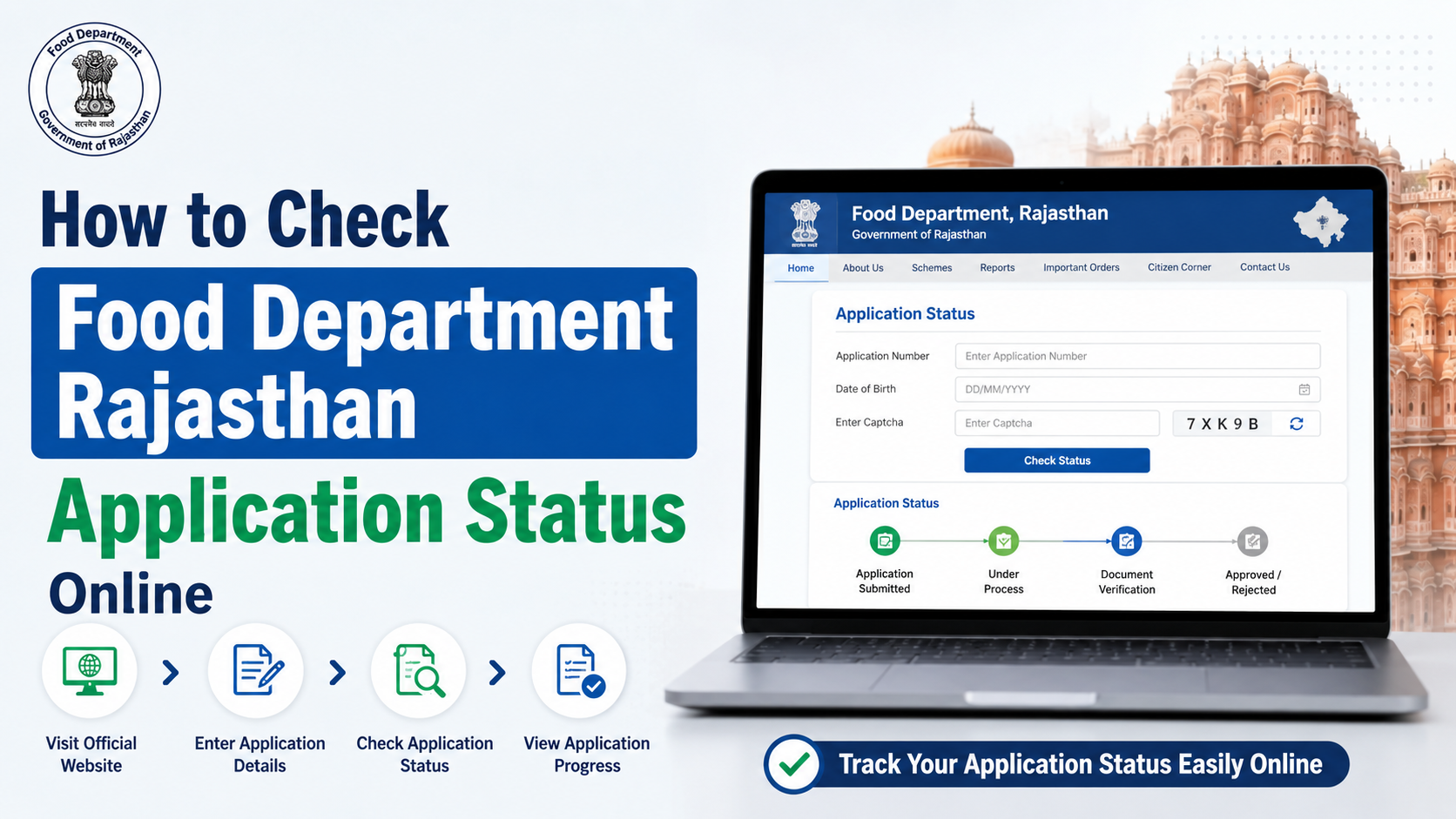
- Ration-card application status
- Aadhaar seeding, e-KYC and LPG-ID mapping status
- Fair Price Shop lists and nearby FPS information
- PoS transaction and distribution reports
- NFSA beneficiary reports
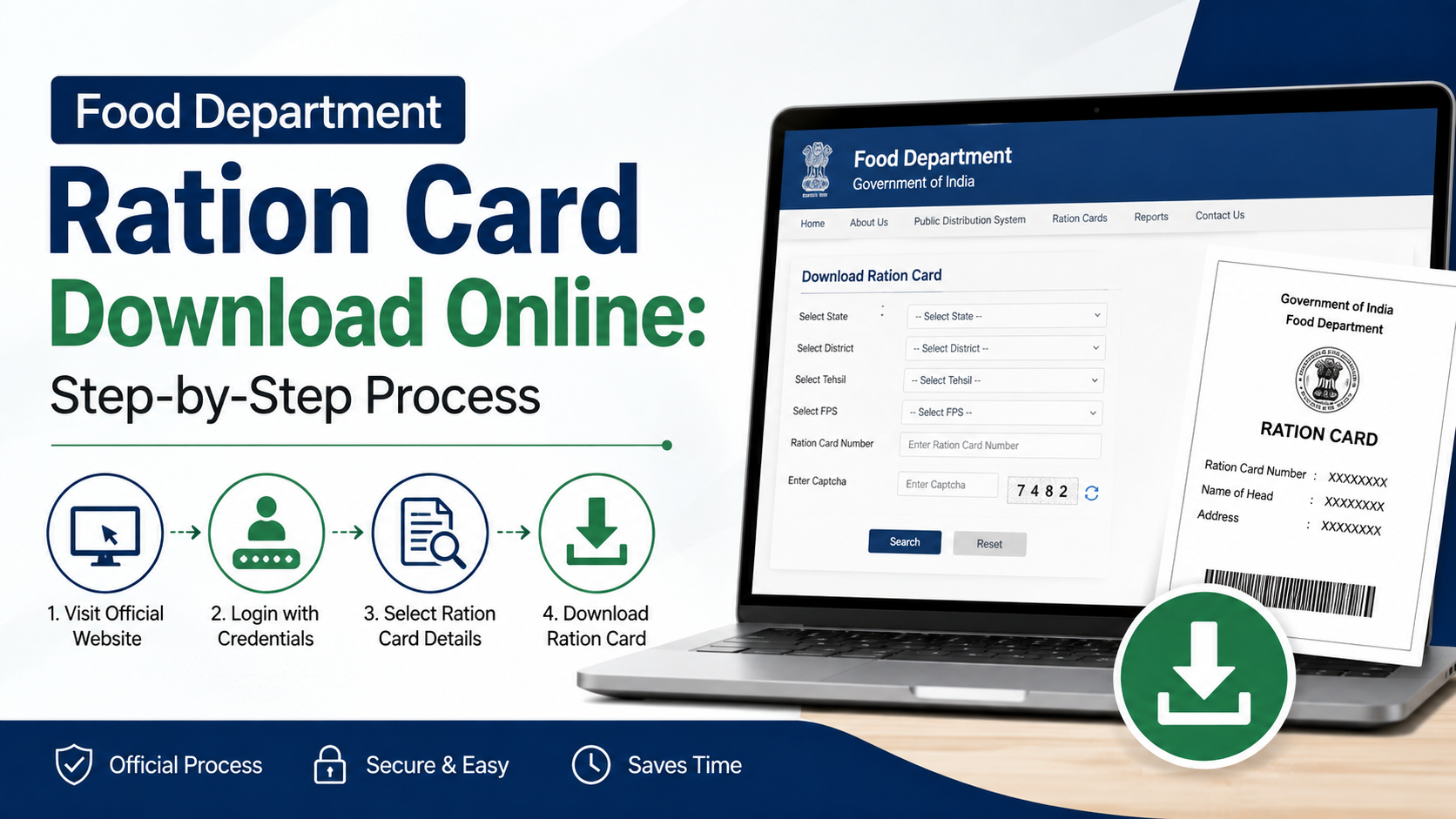
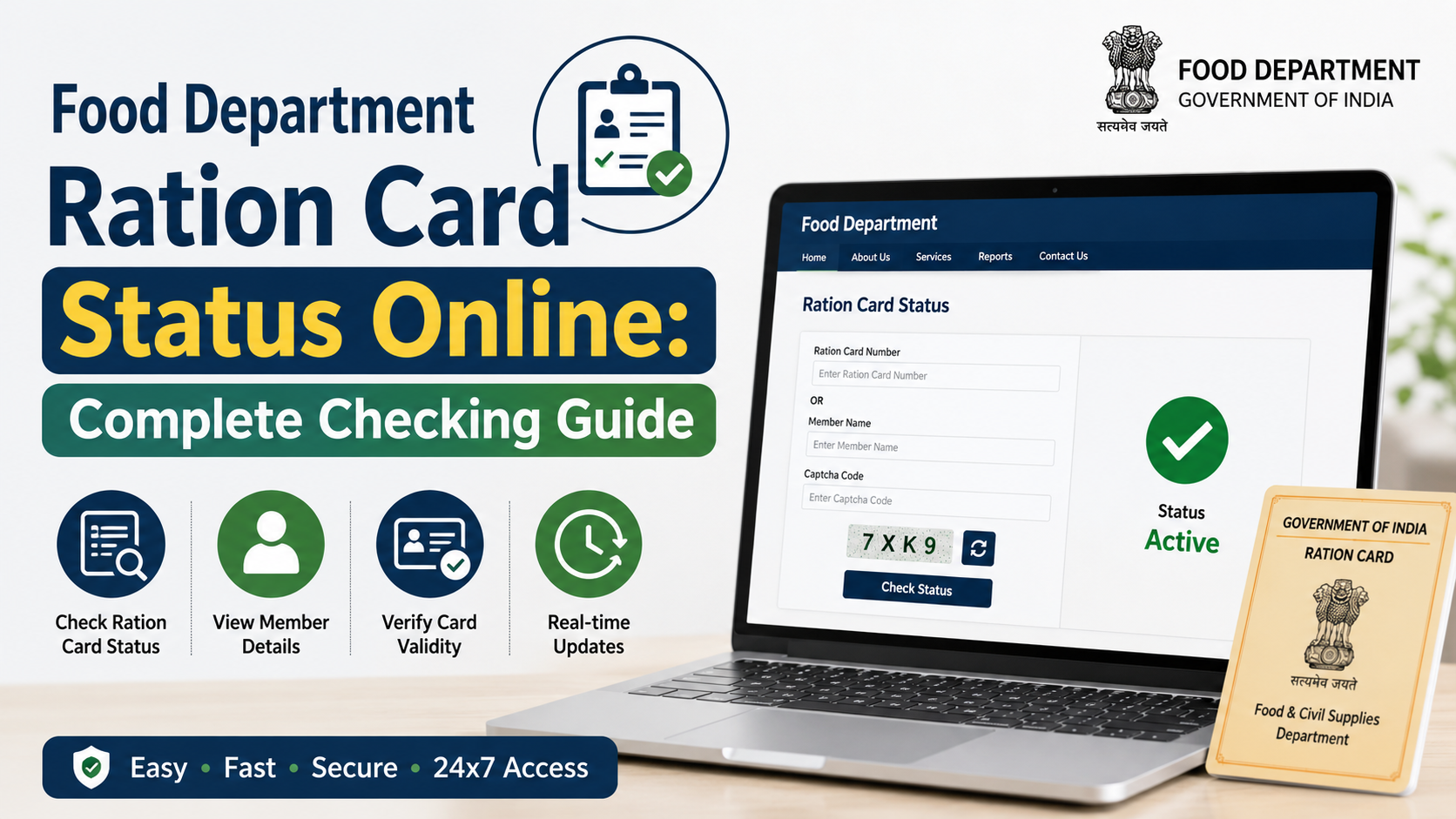
For application tracking, the Government of India’s National Government Services Portal describes Rajasthan’s ration-card application-status service as fully online. The Rajasthan ration-card system also provides pages for checking application status and downloading a ration card or surrender certificate.
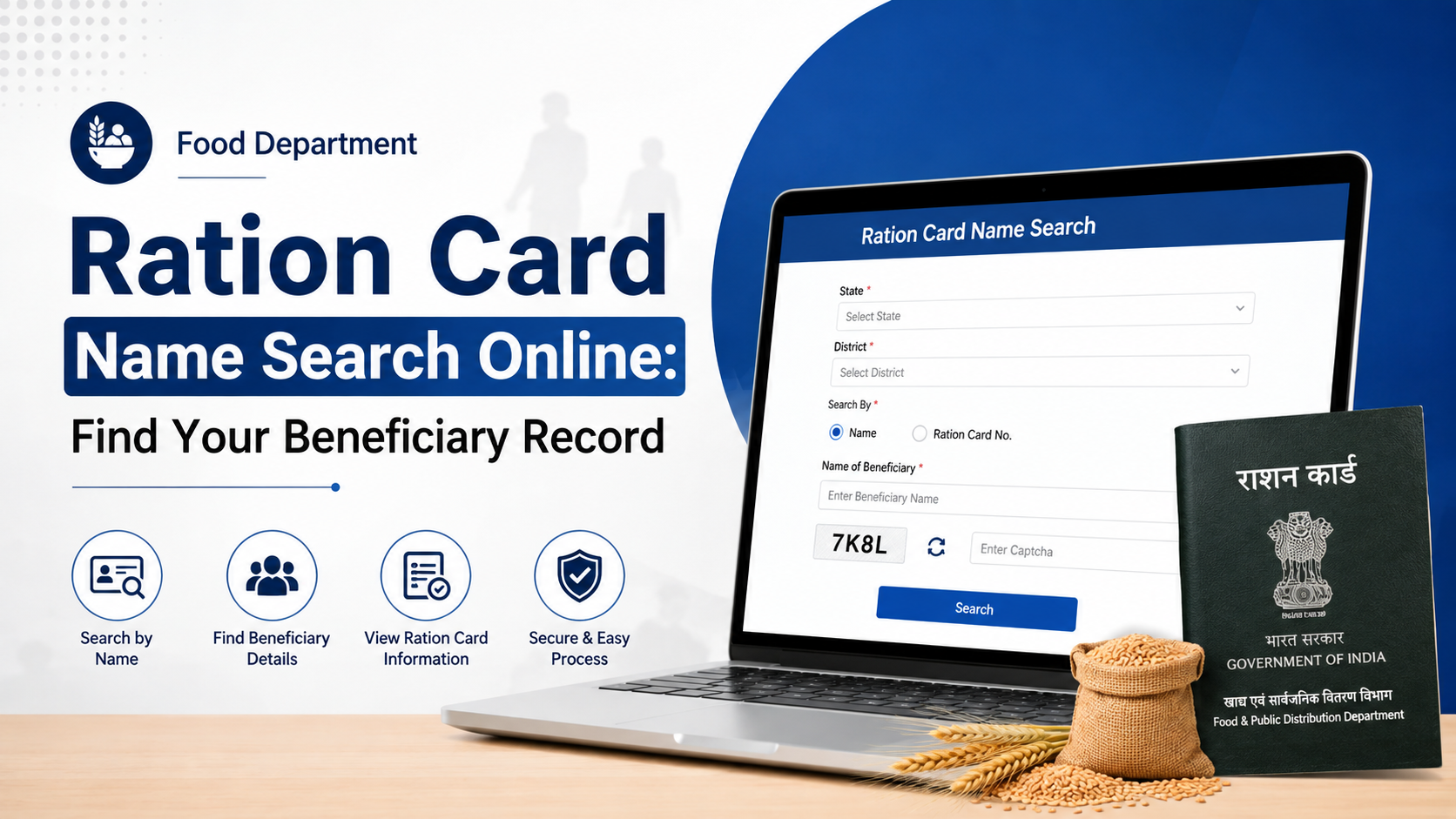
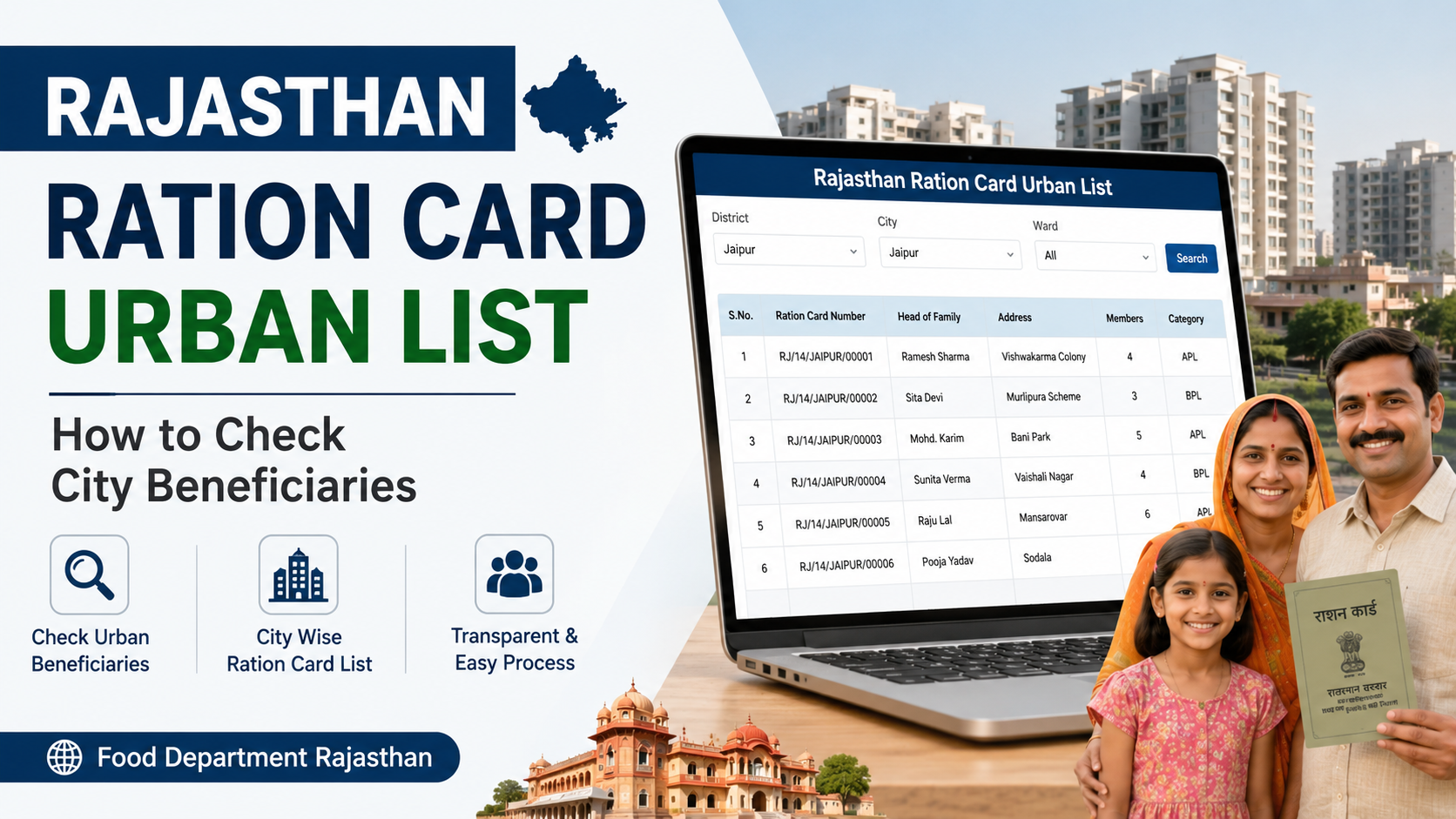
Public information is additionally available through Jan Soochna, which lists “Know About your Ration Card,” approved NFSA beneficiaries and ration-shop information.
IMPDS and FPS Login: Important Distinction
Some PDS and Fair Price Shop functions use the IMPDS/FPS Management portal. Its login page may request a passcode in addition to account details. The portal specifically instructs users experiencing browser-login problems to enter a passcode and provides an option to generate one.
This system is intended for authorised PDS users. A citizen should not attempt to generate a passcode using another person’s SSO ID. If an authorised DSO, BDO or EO user has a passcode problem, the portal lists pdsprogrammers@gmail.com as a technical contact and asks for the relevant SSO ID and mobile number. Share such information only through the official channel and only when you are authorised to do so.
Common Login Problems and Solutions
“Invalid username or password”
Re-enter the credentials manually and check capitalization. If the error continues, use the department’s approved password-reset process. Do not try random passwords repeatedly.
Office list is blank or incorrect
Confirm that your account has been mapped to the correct office. This is an administrator-side issue; contact your district or departmental nodal officer.
Page does not load
Try the following:
- Open the official URL in an updated Chrome, Edge or Firefox browser.
- Clear cached data for the site.
- Disable conflicting browser extensions.
- Switch between a reliable mobile network and broadband connection.
- Check whether JavaScript and cookies are enabled.
- Try again later if the portal is undergoing maintenance.
Do not install unknown browser extensions or remote-access applications offered as “login fixes.”
Captcha or passcode failure
Enter the characters exactly as displayed, including case where required. Refresh the captcha if it is unclear. For IMPDS passcode issues, follow the portal’s generate-passcode instructions rather than using unofficial tools.
SSO login succeeds but the service is missing
The service may require a different user category, e-Mitra operator access or additional profile details. Search within SSO, confirm that your profile is complete and contact e-Mitra support if necessary. The e-Mitra portal publishes helpdesk contacts including helpdesk.emitra@rajasthan.gov.in and Jaipur telephone numbers on its website.
Security and Privacy Precautions
Food and ration-card systems can involve Aadhaar, Jan-Aadhaar, mobile numbers and family information. Follow these practices:
- Use only official government domains ending in
rajasthan.gov.inor links published by an official government portal. - Confirm the padlock and HTTPS connection before signing in.
- Never disclose passwords, OTPs, PINs or captcha values.
- Do not send Aadhaar or ration-card documents to an unverified WhatsApp number.
- Download receipts only from the authenticated portal.
- Log out after using a kiosk or shared computer.
- Keep screenshots or printed acknowledgements containing transaction numbers secure.
- Report suspicious websites or requests for payment to the relevant department or e-Mitra support channel.
The Food Department’s official contact page lists the department contact number 0141-2227352 during working hours and the email addresses secy-food-rj@nic.in and afcfood-rj@nic.in. Confirm contact details on the official site before calling, because government directories can be updated.
Frequently Asked Questions
Is the Food Department MIS login meant for all Rajasthan residents?
No. The MIS page is an authenticated departmental system. Residents seeking ration-card or NFSA services should use Rajasthan SSO, e-Mitra or the public services linked from the Food Department website.
Can I check my ration-card application without logging into MIS?
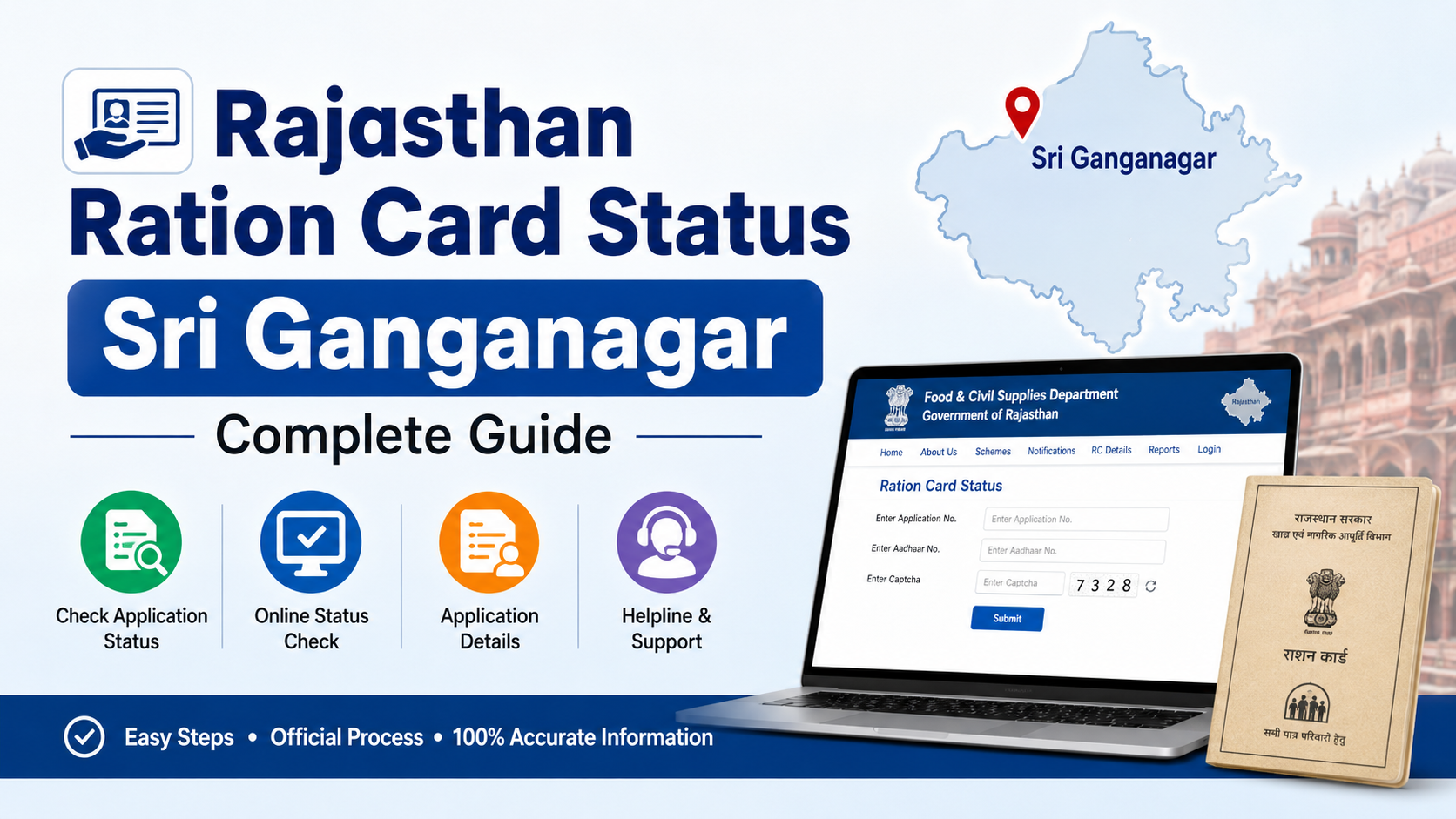
Yes. Rajasthan provides a public ration-card application-status service. You may need an application number, ration-card number or other details requested by the specific status page.
What should I do if I forget my Rajasthan SSO password?
Use the recovery options on the official SSO sign-in page. If recovery fails, contact Rajasthan SSO or e-Mitra support through their official websites. Never ask an unofficial agent to “recover” your password.
Why does the staff portal ask me to select an office?
The Food Department login page is configured for office-based access. Your account must be associated with the office or role you select. If the correct office is unavailable, request account mapping from your administrator.
Where can I find ration-shop or beneficiary information?
Use the Food Department’s public reports or Jan Soochna services. Jan Soochna includes “Know About your Ration Card,” ration-shop information and approved NFSA beneficiary details.
Conclusion
The correct food department Rajasthan login depends on your role. Department employees should use the official Food & Civil Supplies MIS page with their authorised credentials and office selection. Citizens should access food-related applications through Rajasthan SSO and e-Mitra, while ration-card status, beneficiary information and FPS reports are often available through public government portals.
Bookmark the official Food Department website, MIS login, SSO sign-in and Jan Soochna services. Always confirm the live instructions on those sites before submitting personal information or relying on a service deadline.