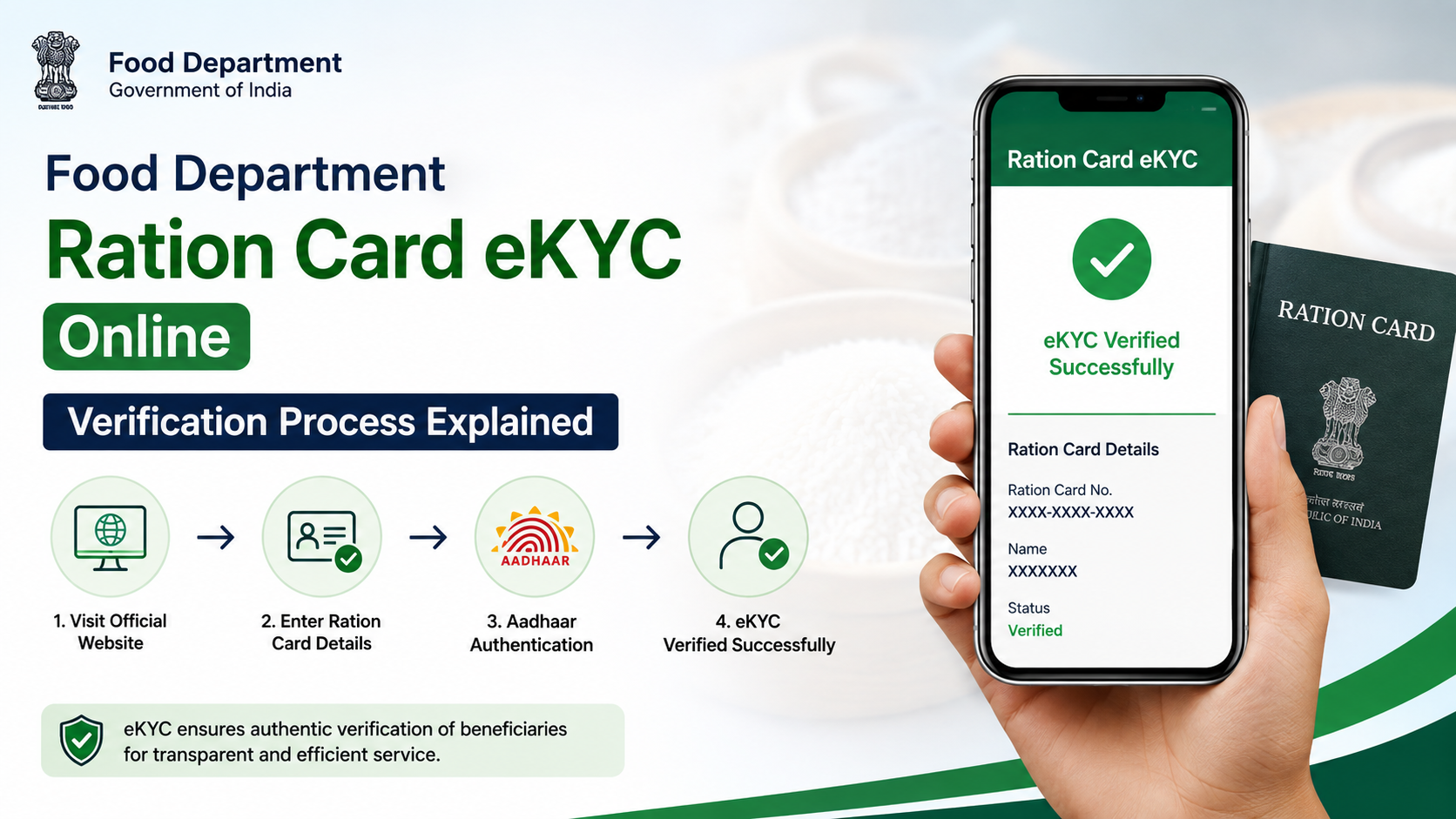
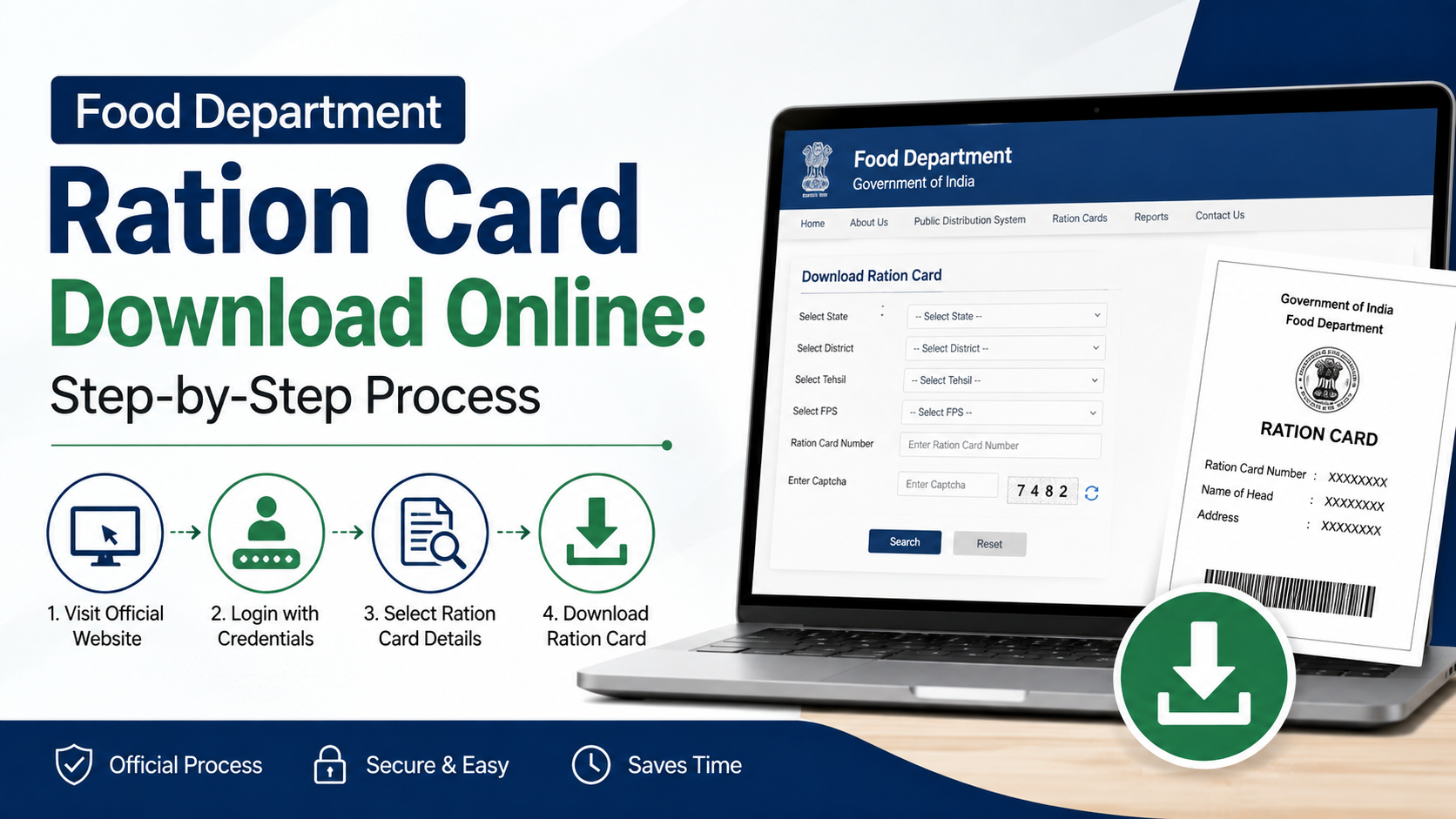
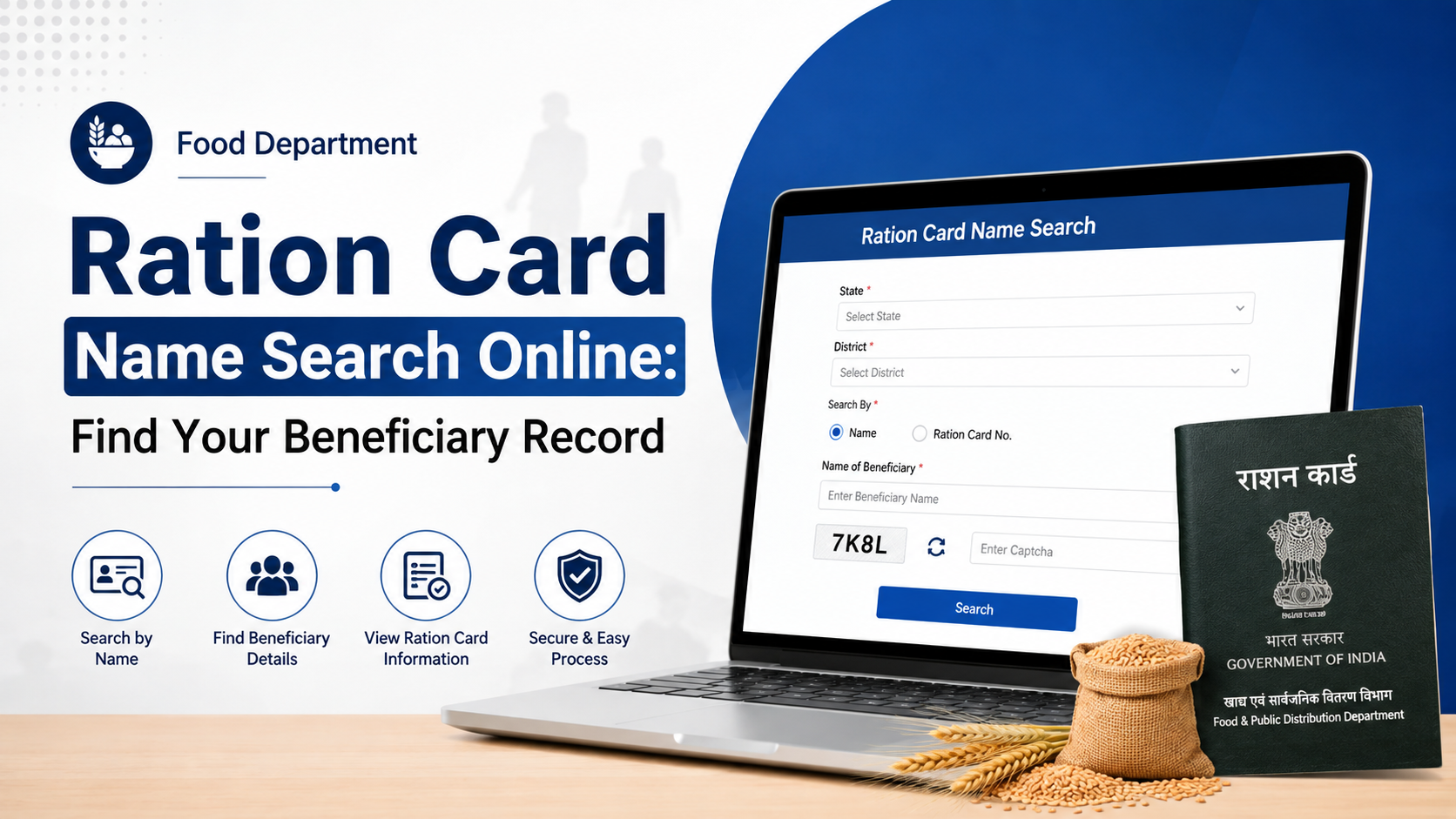
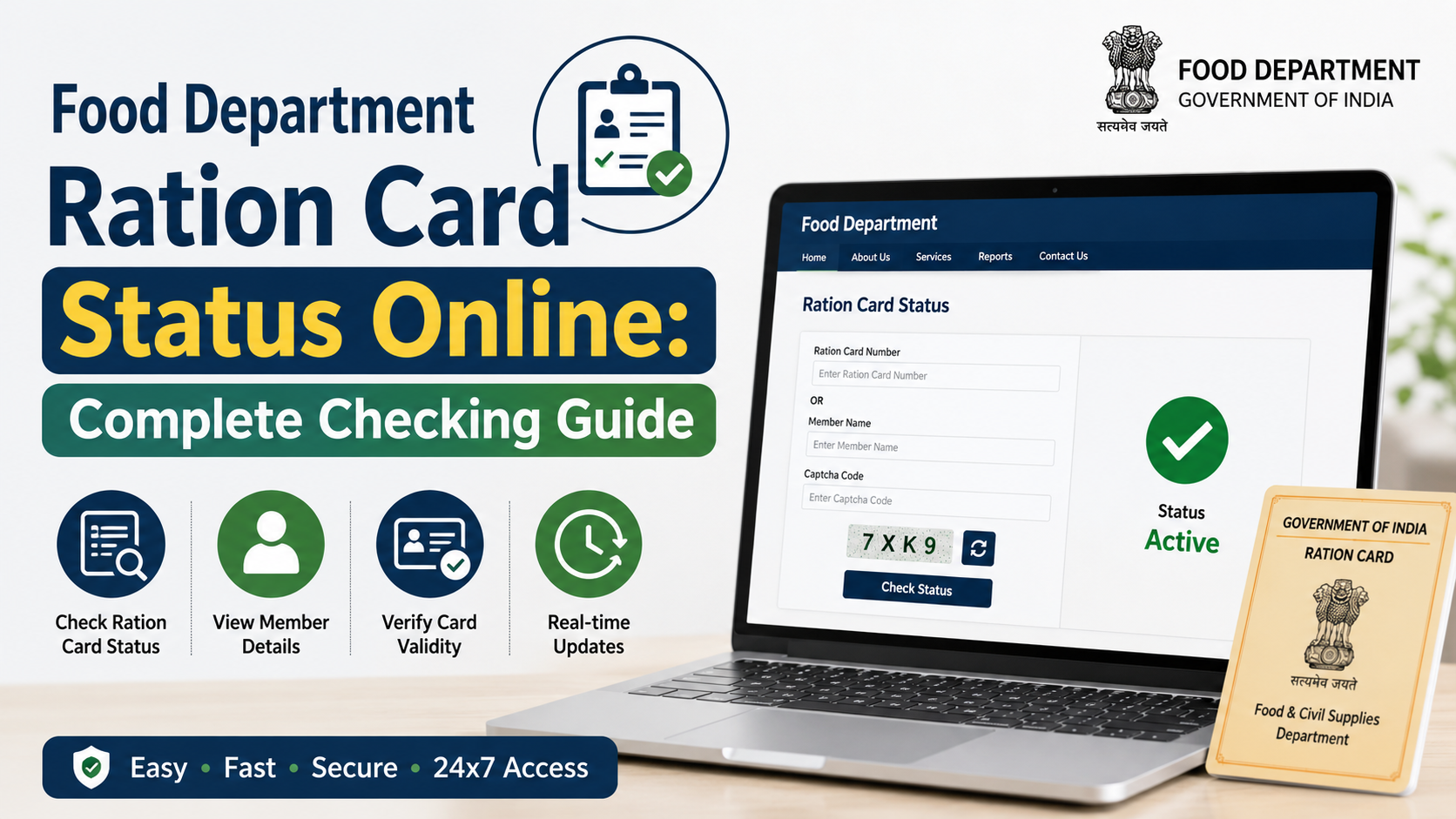
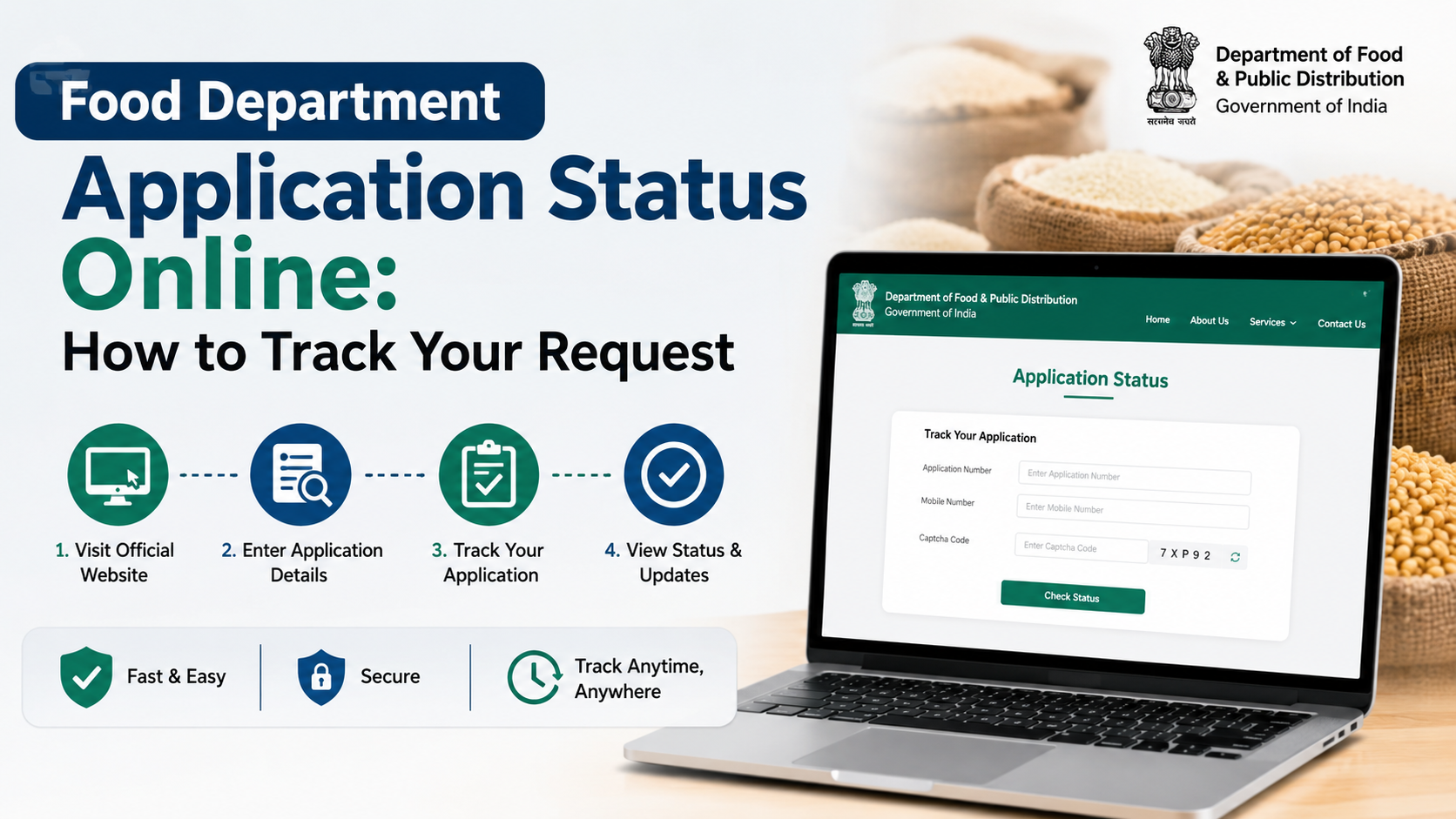
For Rajasthan residents, the practical route for a ration card Aadhaar link Rajasthan update is to ensure that every relevant family member’s Aadhaar e-KYC is completed in Jan Aadhaar, confirm that the ration card is mapped to the correct Jan Aadhaar family, and then check the Food Department’s Aadhaar-seeding status service.
This is important for National Food Security Act (NFSA) beneficiaries because Rajasthan’s Food Department uses beneficiary and identity data to administer ration-related services. The process is not simply about entering an Aadhaar number: names, date of birth, gender, family membership, and Aadhaar authentication must be consistent across the records.
Key Takeaways
- Rajasthan’s official route combines Jan Aadhaar e-KYC, ration-card-to-Jan-Aadhaar mapping, and Food Department status checking.
- Aadhaar e-KYC is mandatory in Jan Aadhaar for the family head and members above five years of age.
- Jan Aadhaar e-KYC can be completed through a personal Rajasthan SSO ID or at the nearest e-Mitra centre.
- Use the Rajasthan Food Department portal to check Aadhaar seeding, e-KYC, and LPG ID mapping status.
- Correct wrong Aadhaar or family details in Jan Aadhaar before expecting the linked ration-card record to reflect correctly.
- A genuine beneficiary should not be denied entitled foodgrains solely because of an Aadhaar authentication or technical failure.
Understand What “Aadhaar Linking” Means in Rajasthan
In Rajasthan, ration-card Aadhaar linkage is closely connected with the state’s Jan Aadhaar database. Aadhaar e-KYC digitally verifies a family member’s photo, name, date of birth, and gender through Aadhaar authentication. The Jan Aadhaar system states that the family head and every member above five years must complete this e-KYC. Jan Aadhaar e-KYC guidance
The Food Department also provides an official service to check the status of:
- Aadhaar seeding
- e-KYC
- LPG ID mapping
This distinction matters. A valid Aadhaar card alone does not prove that the Food Department record has been updated. Similarly, completing e-KYC does not necessarily mean that an incorrect ration-card-to-Jan-Aadhaar mapping has already been corrected.
Keep These Details Ready Before You Start
Prepare the information for each family member listed on the ration card. Doing this first reduces failed authentication and repeated visits.
| Item | Why it is needed |
|---|---|
| Ration card number | To identify the household record in Food Department services |
| Jan Aadhaar family ID | To confirm the family database record and mapping |
| Aadhaar number of each member | For Aadhaar authentication and e-KYC |
| Mobile phone registered for the relevant service | OTP-based steps may require it |
| Correct personal details | Name, date of birth, gender, and family relationship should match the Aadhaar record |
| Supporting documents, if details need correction | Required when a Jan Aadhaar update needs verification |
Do not share Aadhaar numbers, OTPs, or biometrics with unofficial agents, unknown callers, or unverified websites. Use Rajasthan government domains and authorised e-Mitra centres only.
Step 1: Check Whether the Ration Card Is Mapped to Jan Aadhaar
Rajasthan provides an official Ration Card and Jan Aadhaar Mapping page. It asks for the district and ration card number, allowing residents to check whether the ration card is associated with the appropriate Jan Aadhaar record. Open the official mapping service
Follow these steps:
- Open the official mapping page.
- Select the district shown in the ration-card record.
- Enter the ration card number exactly as issued.
- Complete any on-screen verification fields.
- Review the mapping result carefully.
If the ration card is shown against the wrong Jan Aadhaar family, do not attempt to solve it by repeatedly submitting Aadhaar details elsewhere. First correct the Jan Aadhaar family record or seek help through an authorised e-Mitra centre.
Step 2: Complete Aadhaar e-KYC in Jan Aadhaar
The Rajasthan Jan Aadhaar portal says that Aadhaar e-KYC can be performed in either of two official ways:
- Through your own Rajasthan SSO ID
- At the nearest e-Mitra centre
The portal further states that an edit or update in Jan Aadhaar is possible only after Aadhaar e-KYC has been completed. Official Jan Aadhaar e-KYC instructions
Using Your Rajasthan SSO ID
If you have access to your SSO account:
- Sign in to the Rajasthan SSO portal using your own credentials.
- Open the Jan Aadhaar citizen service.
- Choose the Family e-KYC option where available.
- Select the relevant family member.
- Enter or confirm the Aadhaar details.
- Complete Aadhaar authentication through the available method.
- Review the displayed demographic information before submitting.
Jan Aadhaar’s FAQ confirms that the resident can perform Aadhaar e-KYC through SSO using the Family e-KYC option. Read the Jan Aadhaar FAQ
Completing e-KYC at an e-Mitra Centre
Choose e-Mitra if you do not have an SSO ID, are unable to receive an OTP, need help with family updates, or need to submit supporting documents.
Carry the ration card, Jan Aadhaar details, Aadhaar details for the relevant member, and any documents needed for corrections. Ask the operator to show the service name and give you an acknowledgement or receipt after the request is submitted.
Rajasthan’s e-Mitra platform is an official state service-delivery network with kiosks across rural and urban areas. e-Mitra official information
Step 3: Correct Aadhaar or Family Details Before Repeating e-KYC
A failed ration card Aadhaar link Rajasthan attempt is often a data issue rather than a technical issue. Check whether the member’s name, date of birth, gender, and family membership are correct in Jan Aadhaar and Aadhaar.
The Jan Aadhaar system allows residents to update family information, add members, change the head of family, split or merge family records, transfer a member, and update other details through SSO or e-Mitra. Jan Aadhaar edit and update service
Use this order:
- Correct the Aadhaar record first if the Aadhaar data itself is wrong.
- Complete Aadhaar e-KYC in Jan Aadhaar.
- Submit any needed Jan Aadhaar family update.
- Wait for the update or verification to be processed.
- Recheck ration card and Jan Aadhaar mapping.
- Check the Food Department seeding status.
If a wrong Aadhaar number has already been seeded in the Jan Aadhaar family, the Jan Aadhaar portal says that correction for Aadhaar e-KYC can be handled through a Second Level Verifier. In practice, visit an authorised e-Mitra centre and ask for assistance with the incorrect Aadhaar-seeding case.
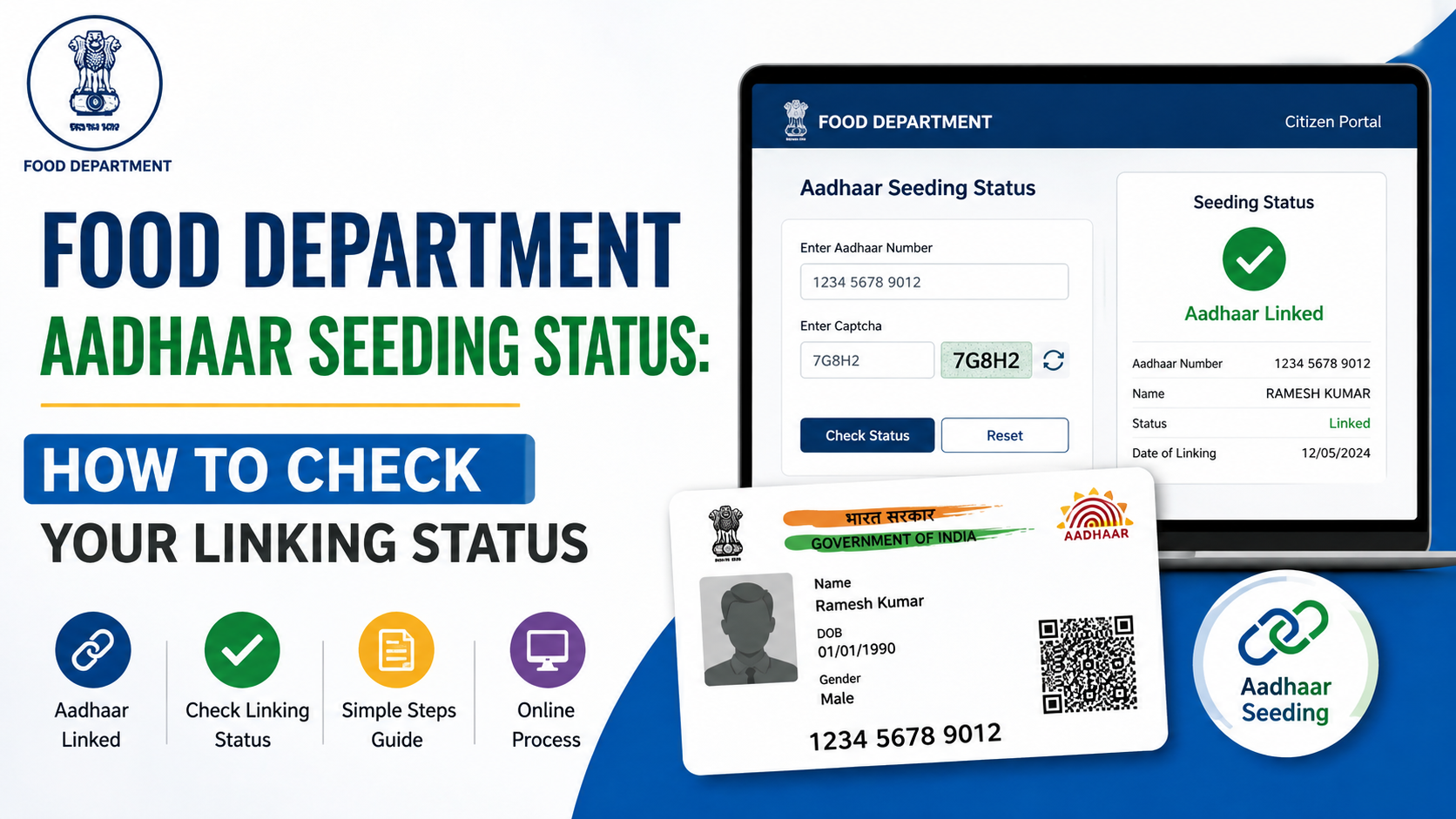
Step 4: Check Aadhaar Seeding and e-KYC Status on the Food Department Portal
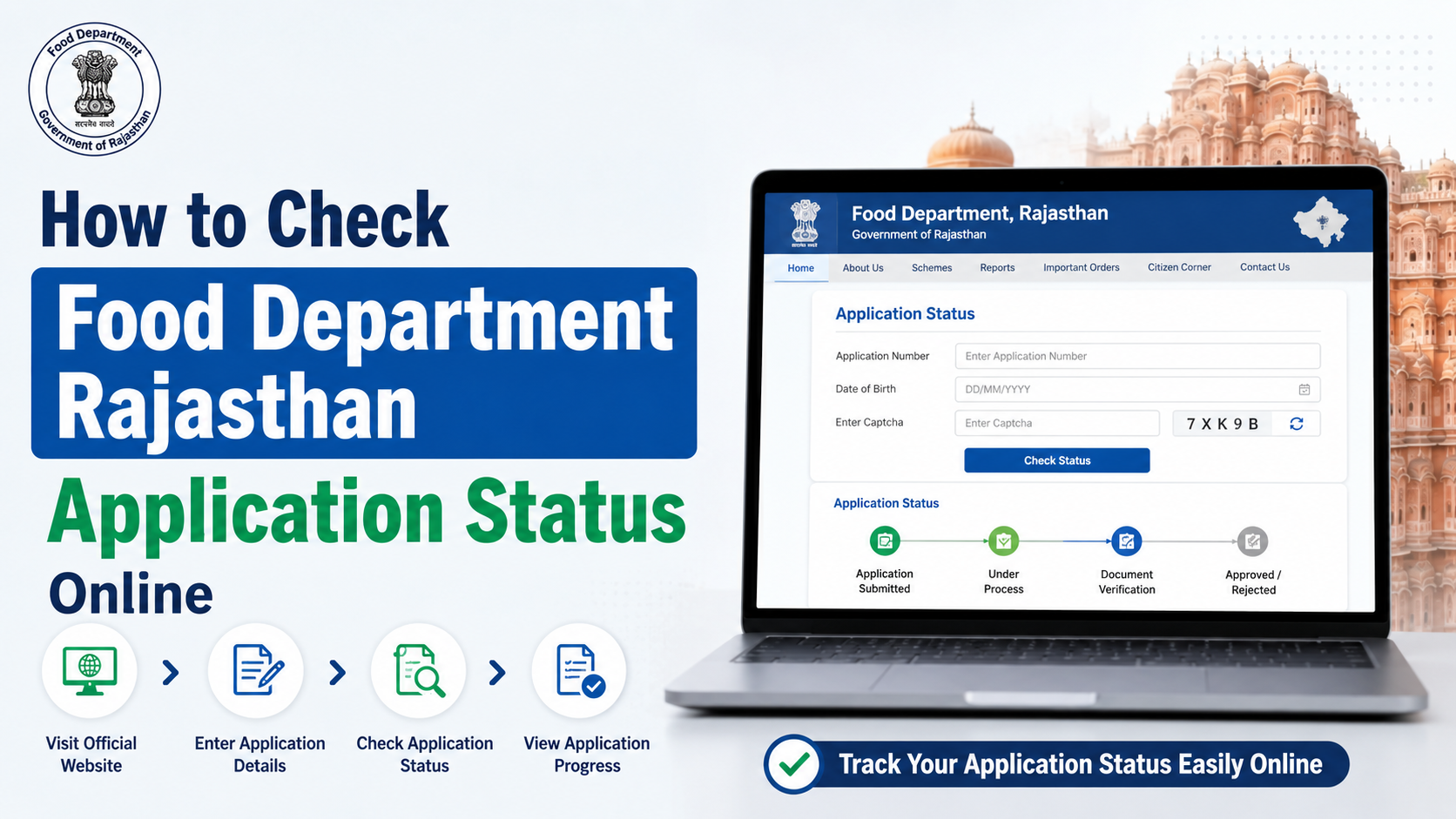
After e-KYC and mapping are complete, use the official Rajasthan Food Department website to check the result. Its citizen-service section includes the option to know the status of Aadhaar seeding, e-KYC, and LPG ID mapping. Rajasthan Food Department portal
When checking the result, confirm:
- The ration card number is correct.
- The correct member details appear.
- Aadhaar seeding status is shown as completed or valid, where the portal provides a status.
- e-KYC status is complete for all required members.
- The ration card remains mapped to the correct Jan Aadhaar family.
Take a screenshot or note the reference details for your records. If the status remains pending after a reasonable processing period, visit e-Mitra or contact the Food Department rather than submitting multiple duplicate requests.
What to Do If Biometric Authentication Fails
Fingerprint failures are common among older adults, manual workers, and people with worn fingerprints. A failed biometric scan does not automatically mean that a beneficiary has lost eligibility.
UIDAI states that service providers should have alternate processes and exception handling so that beneficiaries are not denied entitlements due to technological or biometric limitations. UIDAI authentication FAQ
The Department of Food and Public Distribution similarly advises states and Union Territories not to deny foodgrains to genuine beneficiaries because of Aadhaar absence, seeding issues, authentication failure, device failure, or connectivity problems. Foodgrain distribution guidance
Ask the Fair Price Shop operator or local Food Department office about the available exception process. Depending on the system and circumstances, alternate identity or authentication methods may be used.
Important Limits and Practical Precautions
Aadhaar linking does not itself create NFSA eligibility. Eligibility for foodgrain benefits and the inclusion of a household are separate administrative matters handled under applicable Rajasthan and NFSA rules.
Avoid these common mistakes:
- Entering an Aadhaar number belonging to another family member.
- Trying to update Jan Aadhaar before completing mandatory e-KYC.
- Ignoring spelling differences in names across Aadhaar and Jan Aadhaar.
- Treating an Aadhaar-bank linking status as ration-card Aadhaar-seeding status.
- Paying an unauthorised person for an “instant” ration-card update.
- Assuming that an e-KYC receipt means the Food Department status has already changed.
For e-Mitra assistance, Rajasthan lists the Citizen Contact Center toll-free number as 1800-180-6127. Official e-Mitra contact page
Frequently Asked Questions
Is Aadhaar e-KYC mandatory for every ration-card member in Rajasthan?
For Jan Aadhaar, the official requirement is that the family head and all members above five years of age complete Aadhaar e-KYC. For children below five, the applicable process may use a Rajasthan-issued birth certificate or Aadhaar e-KYC, depending on where the birth certificate was issued.
Can I link Aadhaar with a Rajasthan ration card fully online?
You can complete Jan Aadhaar e-KYC through your own Rajasthan SSO ID where the Family e-KYC option is available. However, corrections, wrong Aadhaar seeding, document verification, or other record issues may require help through e-Mitra or the designated verification process.
How can I check my ration card Aadhaar seeding status?
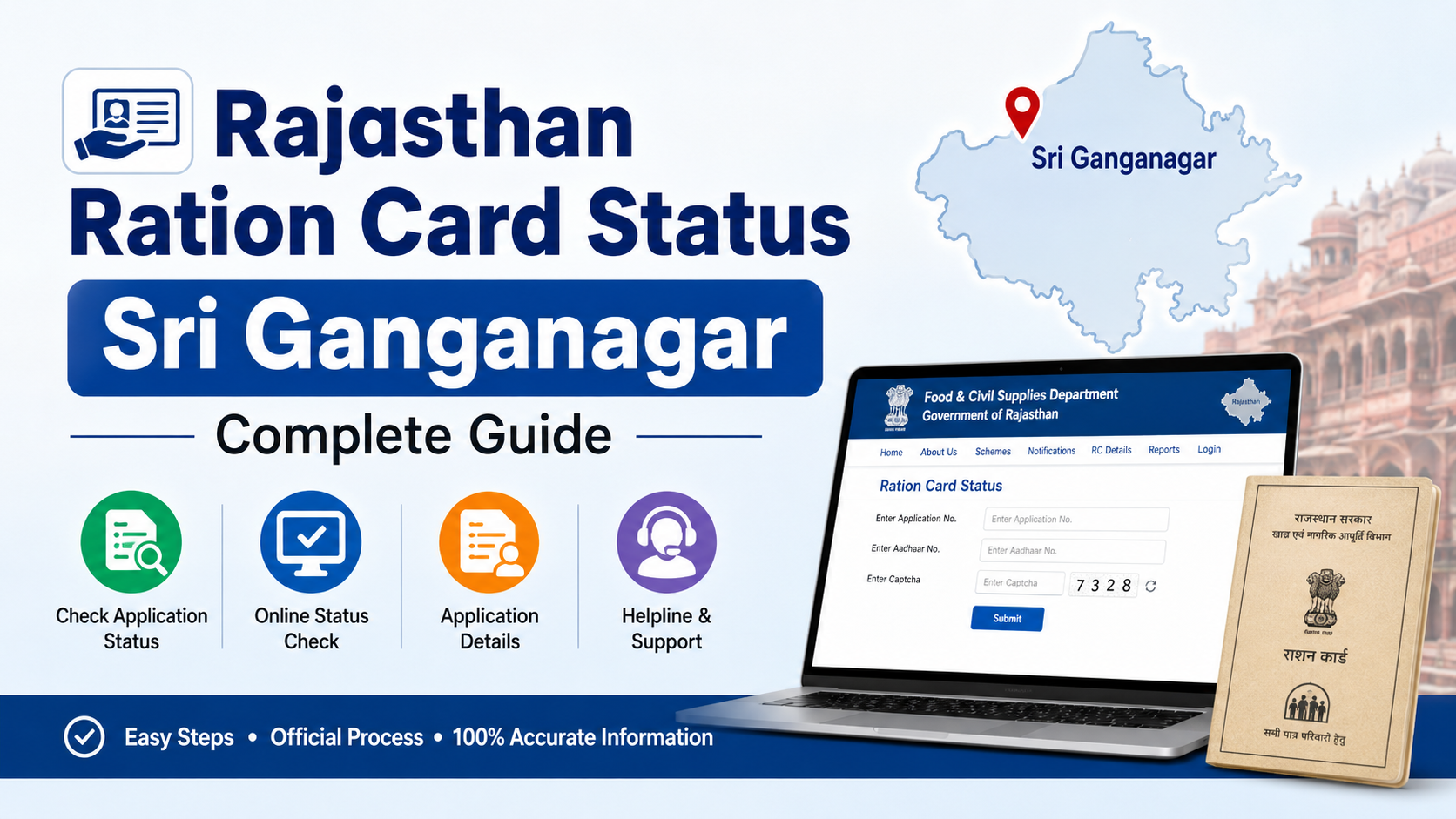
Visit the Rajasthan Food Department portal and use its service for Aadhaar seeding, e-KYC, and LPG ID mapping status. You can also check the ration-card-to-Jan-Aadhaar relationship through the official mapping page.
What if my fingerprint does not match at the Fair Price Shop?
Ask for the authorised alternate or exception process. UIDAI and the central Food Department recognise that biometric and network failures occur, and genuine beneficiaries should not be denied their entitlements solely for such failures.
Does Aadhaar seeding mean my ration card is eligible for NFSA benefits?
No. Aadhaar seeding verifies or links identity data; it does not independently establish NFSA eligibility. Eligibility, beneficiary inclusion, and ration entitlement remain separate administrative decisions.
Conclusion
The correct ration card Aadhaar link Rajasthan process is to complete Aadhaar e-KYC in Jan Aadhaar, ensure the ration card is mapped to the right Jan Aadhaar family, and then confirm the Aadhaar-seeding status through the Rajasthan Food Department portal. Keep every family member’s details consistent, use only official Rajasthan services, and visit e-Mitra promptly if authentication or record mismatches prevent completion.