Adding a family member to a Rajasthan ration card is required after a child’s birth, marriage, adoption or a member’s migration into the household. The Rajasthan Food and Civil Supplies Department provides an online application for adding a new member, while applications can also be submitted through an e-Mitra kiosk. This guide explains the current process, likely documents, verification requirements and ways to track the application.
Key Takeaways
- Use the Rajasthan Ration Card portal’s “Add New Member” service or visit an authorised e-Mitra kiosk.
- Keep the existing ration-card number, Aadhaar details and Jan Aadhaar information ready.
- Upload proof of identity, relationship and the reason for addition, such as a birth or marriage certificate.
- The online form requires selecting the district and entering the existing ration-card number.
- Portal labels and form numbers may differ; follow the service currently displayed by the official portal or e-Mitra operator.
- Track the request through the official new-name application status page.
What Does “Ration Card Member Add Rajasthan” Mean?
The phrase refers to adding a person to an already issued Rajasthan ration card. It is different from applying for a new ration card or applying for inclusion under the National Food Security Act (NFSA).
Typical situations include:
- Adding a newborn child.
- Adding a spouse after marriage.
- Adding an adopted child or legally recognised dependent.
- Adding a family member who has permanently shifted into the household.
- Correcting a member’s details when the person is already listed but information is inaccurate.
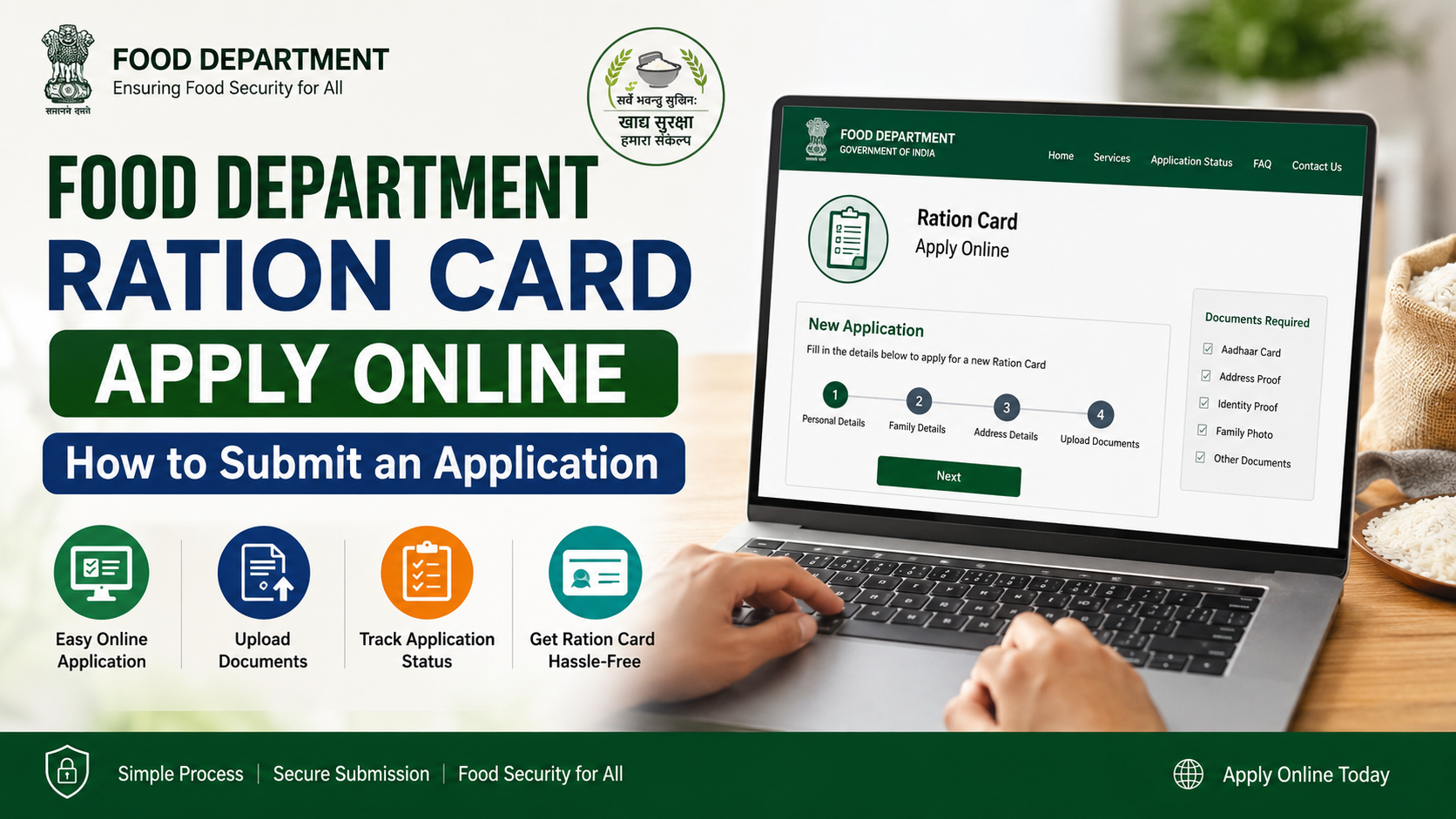
The Rajasthan Ration Card portal has a dedicated online page titled “Application for adding the name of a new member to the ration card.” The form asks the applicant to select a district and enter the ration-card number.Rajasthan Food Department member-add page
The Government of India’s National Government Services Portal also lists Rajasthan’s name-addition service as an online facility.Ration card add-name service
Documents Required to Add a Member
The exact checklist can vary according to the member’s age, relationship and reason for addition. The portal or e-Mitra application screen is the final authority. Prepare clear, readable scans or photographs of the following documents.
| Document | Why it may be required |
|---|---|
| Existing ration card or ration-card number | Identifies the household to be updated |
| Aadhaar card of the new member | Identity verification and database matching |
| Jan Aadhaar number or family ID | Helps match the person with the Rajasthan family record |
| Birth certificate | Normally used when adding a newborn or child |
| Marriage certificate or other marriage proof | Supports addition of a spouse |
| Adoption order or guardianship document | Required where legal adoption or guardianship is the basis |
| Address or residence proof | Confirms that the person belongs to the household |
| Passport-size photograph | May be requested for the applicant or updated member record |
| Applicant’s Aadhaar and mobile number | Used for authentication and communication |
| Self-declaration or supporting letter | May be requested in special or exceptional cases |
Documents for a Newborn Child
Keep the child’s birth certificate and, where available, Aadhaar and Jan Aadhaar details. If Aadhaar has not yet been issued, ask the operator or local food office which alternative proof is accepted for the child’s age and relationship. Do not enter an Aadhaar number belonging to another person.
Documents for a Newly Married Spouse
Usually, the department will need the spouse’s identity document and proof of relationship, such as a marriage certificate or another document accepted by the competent authority. If the spouse is being transferred from another ration card, deletion or transfer from the previous household may be necessary before addition.
Documents for Adoption or Guardianship
Use the court order, adoption order or legally valid guardianship document. Informal declarations may not be sufficient where the relationship is legally relevant.
Online Process for Ration Card Member Add Rajasthan
Step 1: Open the official portal
Visit the Rajasthan Ration Card and Food Security portal. Select the service for adding a new member’s name. The direct member-add page is available at NameAddRC.aspx.
Check that the website address ends in rajasthan.gov.in before entering personal information.
Step 2: Select the district
Choose the district linked to the existing ration card. Selecting the wrong district can prevent the record from being found or route the application to the wrong office.
Step 3: Enter the existing ration-card number
Enter the ration-card number exactly as shown on the card or department record. Avoid adding spaces, dashes or extra characters unless the form specifically displays them.
If the record is not found:
- Recheck every digit.
- Confirm that the district selection is correct.
- Try the number shown in the latest department record rather than an old printed copy.
- Contact the local food and civil supplies office or an e-Mitra kiosk if the card has recently been migrated or corrected.
Step 4: Enter the new member’s details
Fill in the member’s name, date of birth, gender, relationship with the head of household and other fields shown in the form. Enter the name consistently with Aadhaar, Jan Aadhaar and the relationship document.
Review spelling carefully. A mismatch between documents can lead to a query or rejection.
Step 5: Upload supporting documents
Upload the documents requested on the application screen. Files should be:
- Legible and complete.
- In the format and size permitted by the portal.
- Scanned from originals rather than cropped photocopies.
- Named clearly so the operator can identify them.
Keep the original documents available because the department or e-Mitra operator may require verification.
Step 6: Submit and save the acknowledgement
Submit the application after checking the declaration. Save or print the acknowledgement, application number or transaction receipt. Do not rely only on a screenshot; retain the reference number for status tracking.
Applying Through e-Mitra
Applicants who do not want to use the portal themselves can visit an authorised e-Mitra kiosk. Rajasthan’s e-Mitra platform provides citizen services online and publishes official helpdesk information.e-Mitra Rajasthan
At the kiosk:
- Tell the operator that you need the ration-card add-member/name-addition service.
- Provide the ration-card number and select the correct district.
- Show the new member’s original documents.
- Check every field before the operator submits the form.
- Ask for the receipt and application reference number.
- Confirm the applicable service charge before payment and collect the receipt.
Service names may appear differently. The Government Services Portal describes a “Name Addition in Current Ration Card – Form No. 3” facility, while e-Mitra service lists and older workflows may use different form numbers for add, deletion and correction services. Therefore, follow the current option displayed in the official system rather than relying on an old video or blog post.Government service description
Verification and Approval
After submission, the application is examined by the concerned food and civil supplies authority. Verification may involve checking:
- The existing ration-card record.
- The new member’s identity.
- The relationship with the household.
- Duplicate inclusion in another ration card.
- Consistency between Aadhaar, Jan Aadhaar and ration-card information.
- Whether the uploaded documents are readable and valid.
Adding a name to the ration card does not automatically guarantee eligibility for every NFSA benefit. NFSA identification and issuance of Antyodaya or Priority Household cards are handled by the respective state government.NFSA application guidance
If the application is returned for correction, read the remark carefully, replace the incorrect document or correct the data, and resubmit within the period shown in the system.
How to Check Application Status
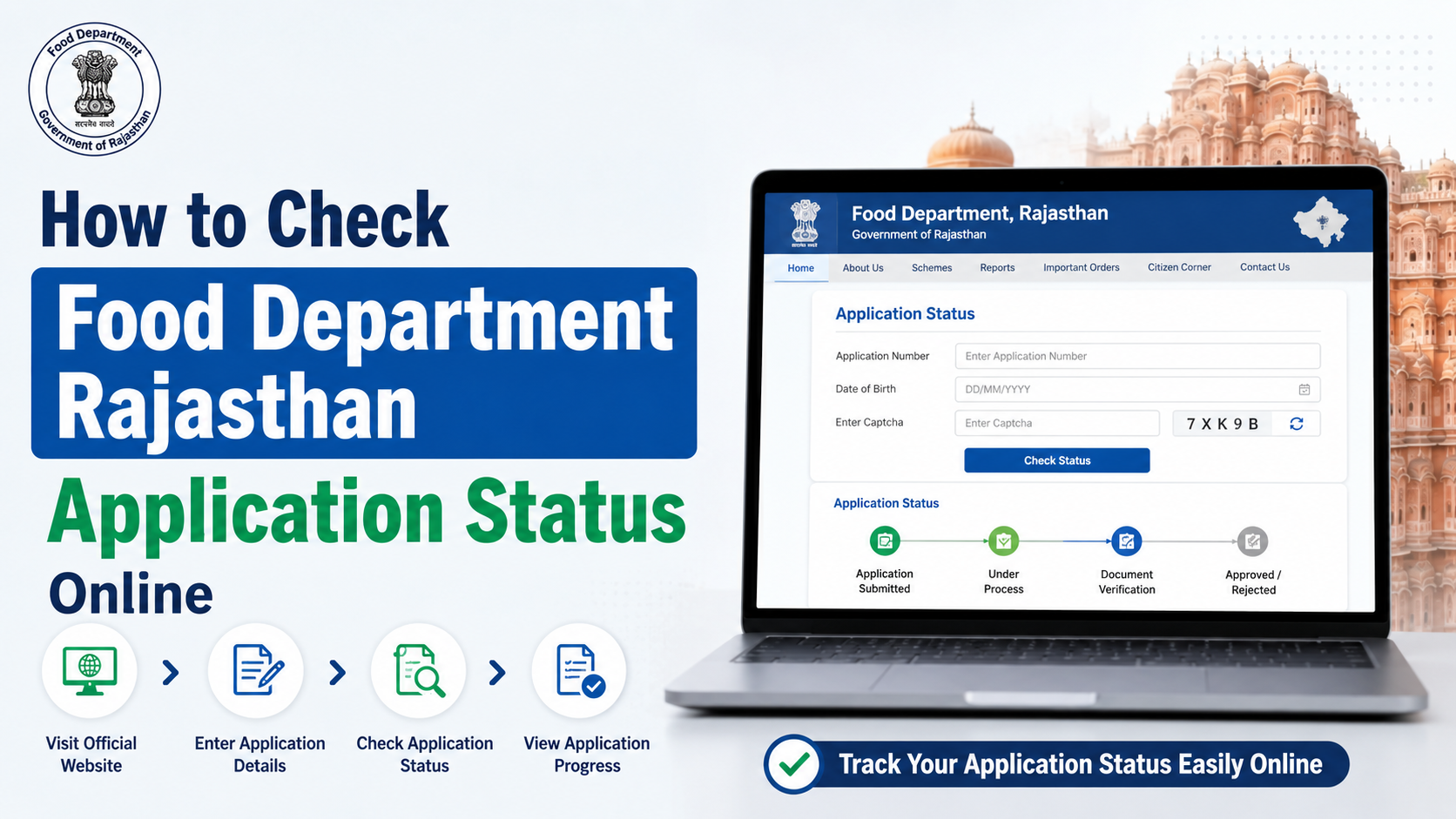
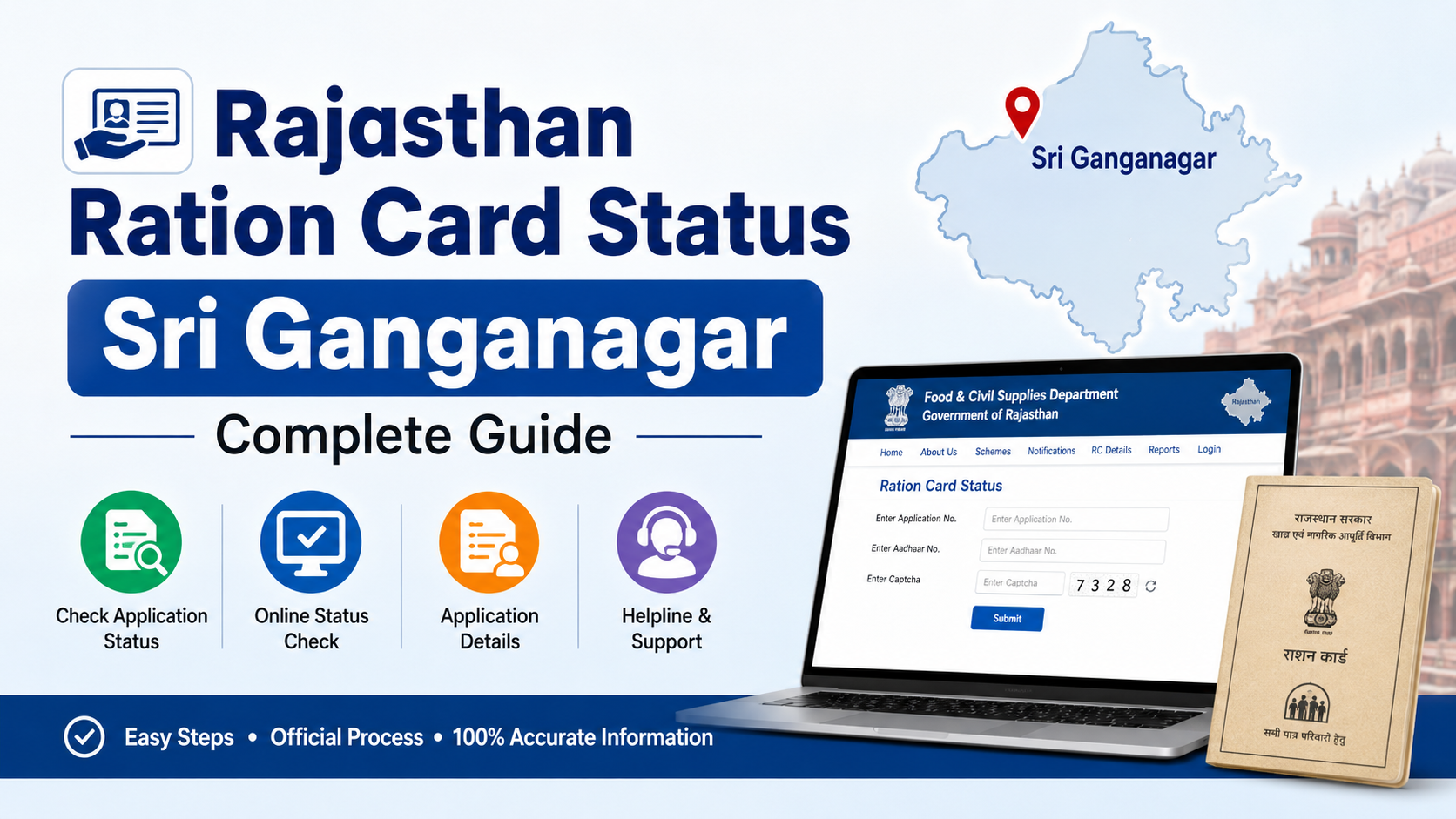
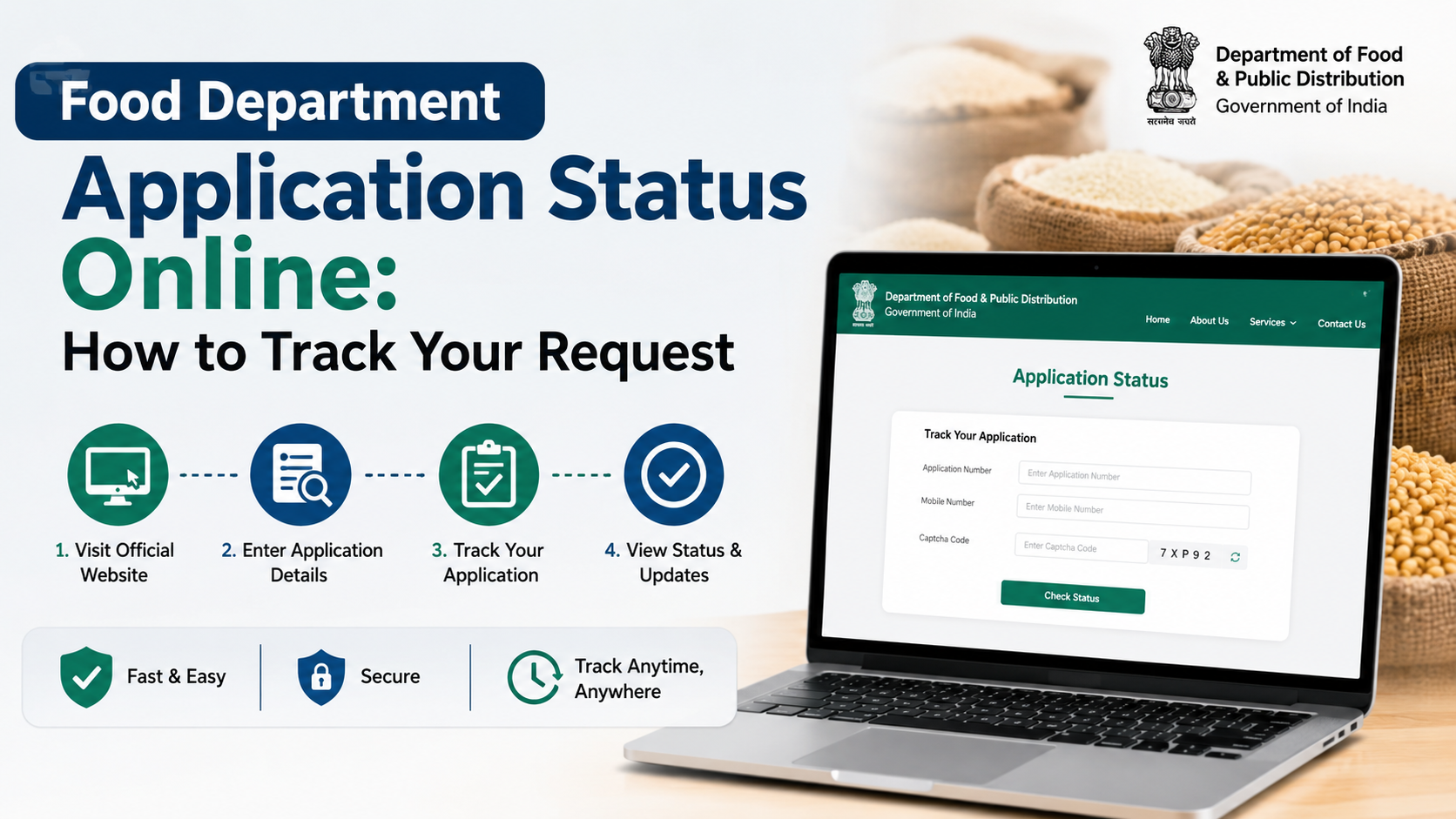
The Rajasthan portal provides a separate page for checking applications submitted to add new names. Open the new-name application status page and enter the requested ration-card details.
Keep these details ready:
- Ration-card number.
- Application or acknowledgement number, if requested.
- District or other identifying information shown on the page.
Possible outcomes include submitted, under verification, returned for correction, approved or rejected. If the status does not change for an unusually long period, contact the concerned district food office or the e-Mitra centre that submitted the request.
Common Reasons for Delay or Rejection
Applications are often delayed because of avoidable errors:
- Incorrect ration-card number or district.
- Name spelling differs across documents.
- Blurred or incomplete uploads.
- Missing proof of relationship.
- The person is already listed on another ration card.
- Aadhaar or Jan Aadhaar details are not available or do not match.
- The applicant submits a correction request under the wrong service.
- The household has recently moved and the previous record has not been updated.
Before submitting, compare the new member’s name, date of birth and relationship across every document. If the person belongs to another household, ask the department about deletion or transfer procedures instead of submitting duplicate records.
Privacy and Safety Precautions
Ration-card applications involve sensitive identity information. Use only official Rajasthan government websites or an authorised e-Mitra kiosk.
- Do not share Aadhaar OTPs with strangers.
- Do not upload documents to unofficial “ration-card” websites.
- Mask Aadhaar digits where the portal permits it.
- Log out after using a public computer.
- Keep receipts and acknowledgement numbers private.
- Verify the kiosk receipt before leaving.
Frequently Asked Questions
Can I add a member without Aadhaar?
The portal may require Aadhaar or another accepted identity record depending on the member and service. Requirements can differ for newborns and minors. Check the live application screen or ask the district food office before submitting.
Is Jan Aadhaar mandatory for adding a ration-card member?
Jan Aadhaar information is commonly used to match Rajasthan family records, but the exact requirement depends on the current workflow and the member’s circumstances. Enter the Jan Aadhaar details shown as mandatory in the application.
Can a person be listed on two ration cards?
A person should not be maintained as a member of two active household ration cards. If the member is moving from another household, complete the required deletion or transfer process first.
How long does approval take?
The official member-add page does not publish a universal processing time. Verification time can vary by district, document quality and workload. Use the application-status page for the authoritative update.
What should I do if the application is rejected?
Read the rejection or return remark, correct the specific issue and submit a fresh or corrected application as instructed. For technical or record-related problems, contact the submitting e-Mitra kiosk or the concerned Food and Civil Supplies office.
Conclusion
The safest way to complete ration card member add Rajasthan is to use the official Rajasthan Ration Card portal or an authorised e-Mitra kiosk. Keep the existing ration-card number, Aadhaar and Jan Aadhaar details, relationship proof and readable supporting documents ready. Check all entries before submission, save the acknowledgement and monitor the application through the official status page. Because document and form requirements can change, always follow the checklist displayed in the live government application.