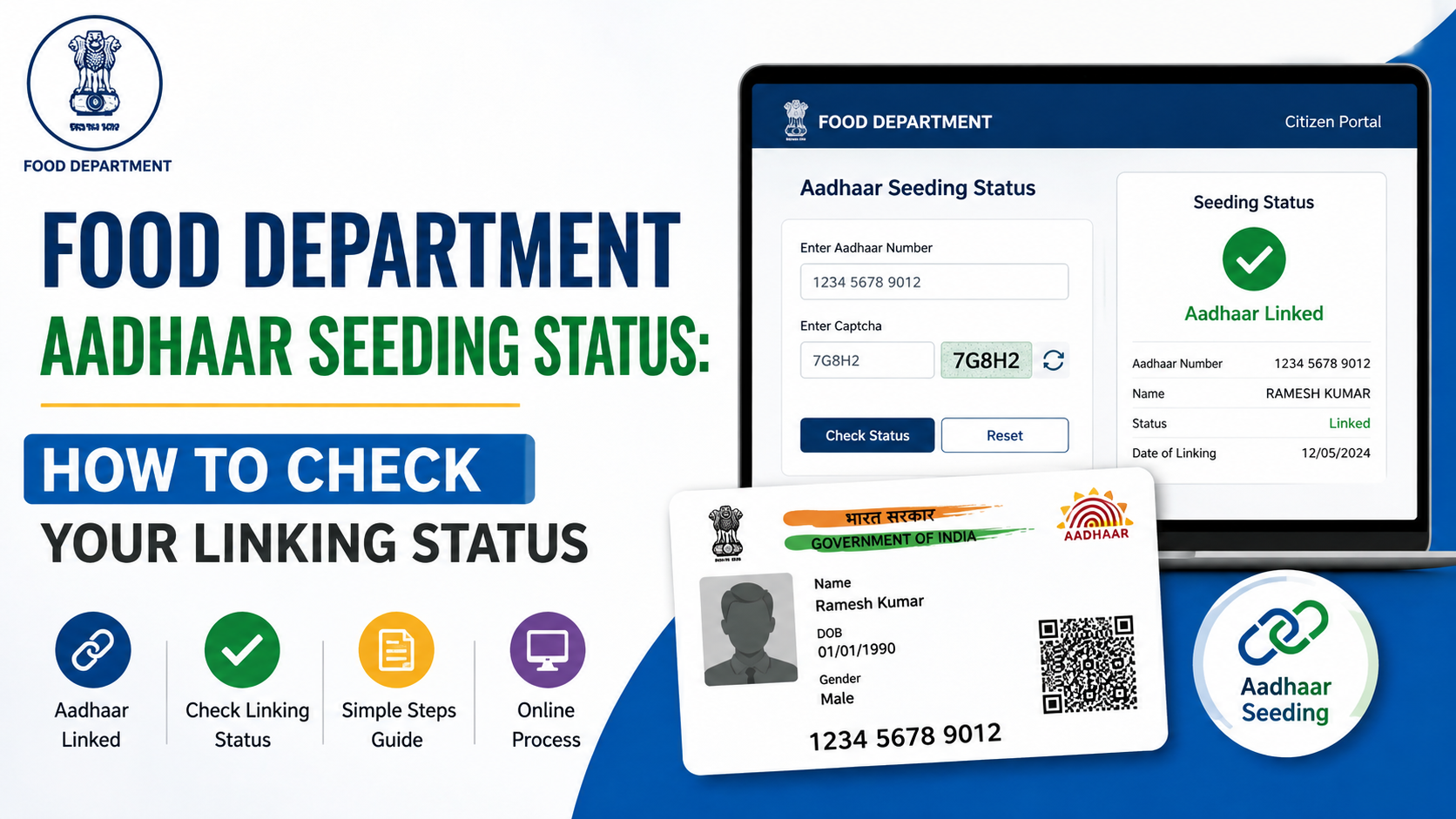
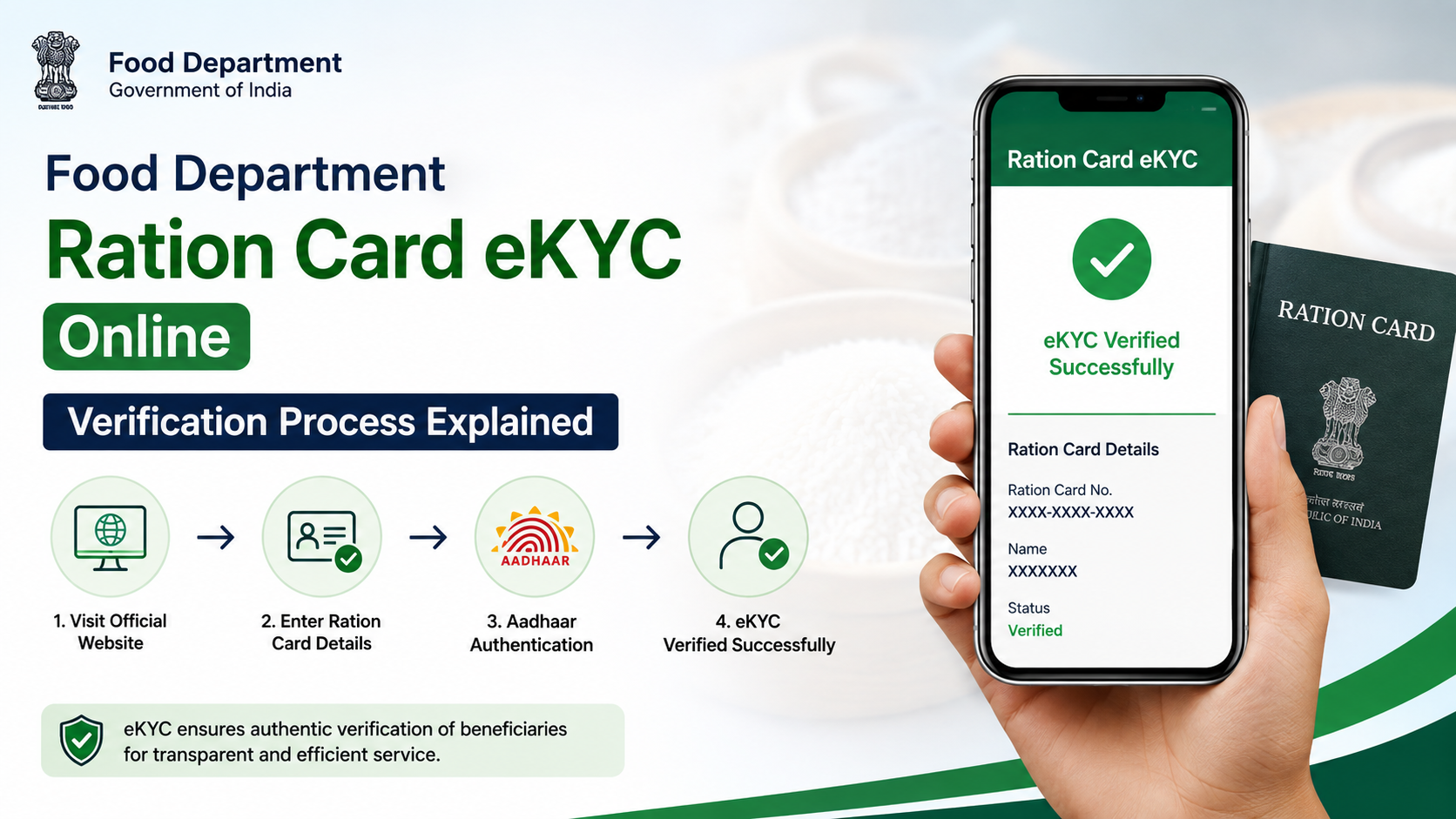
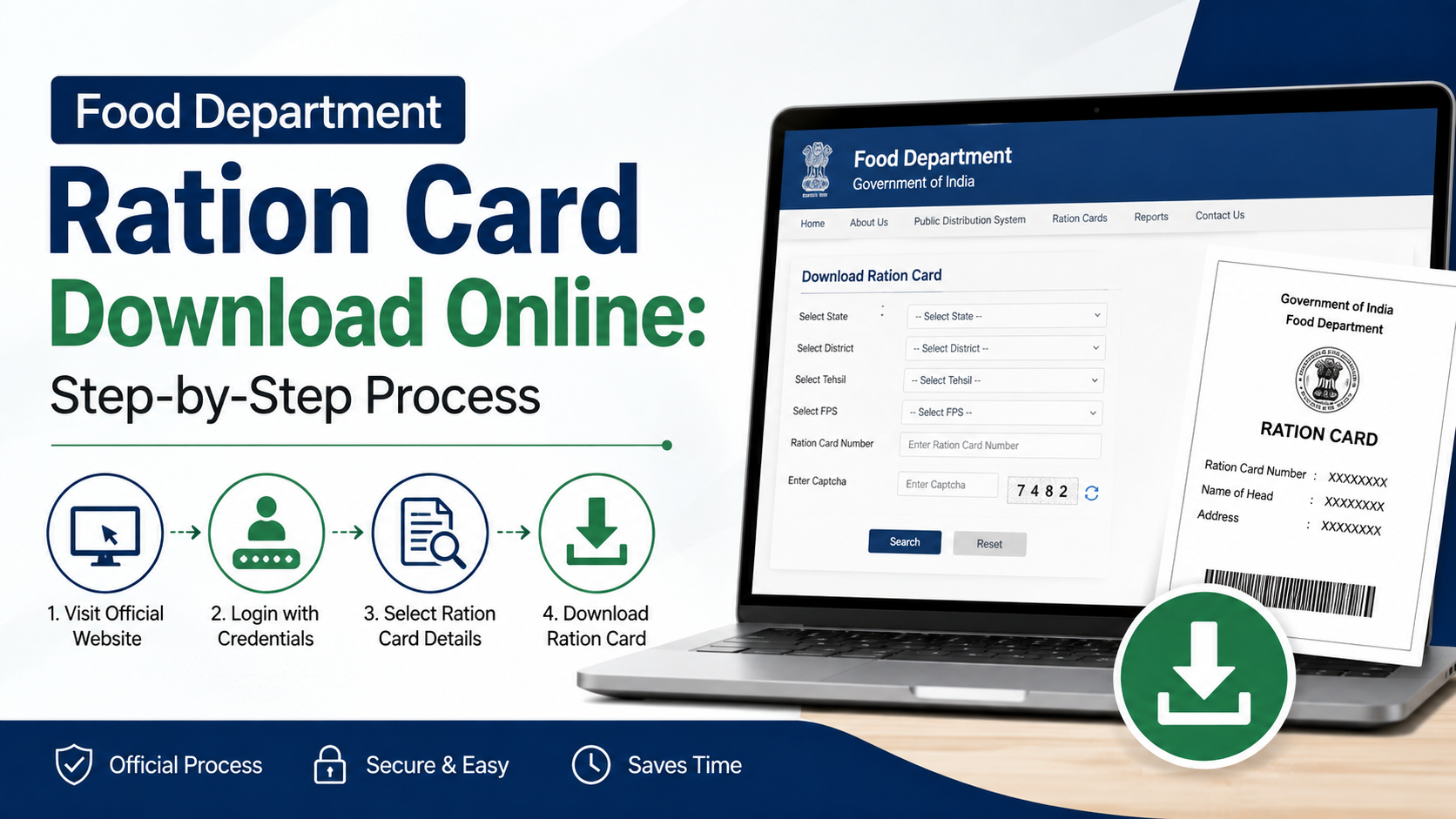
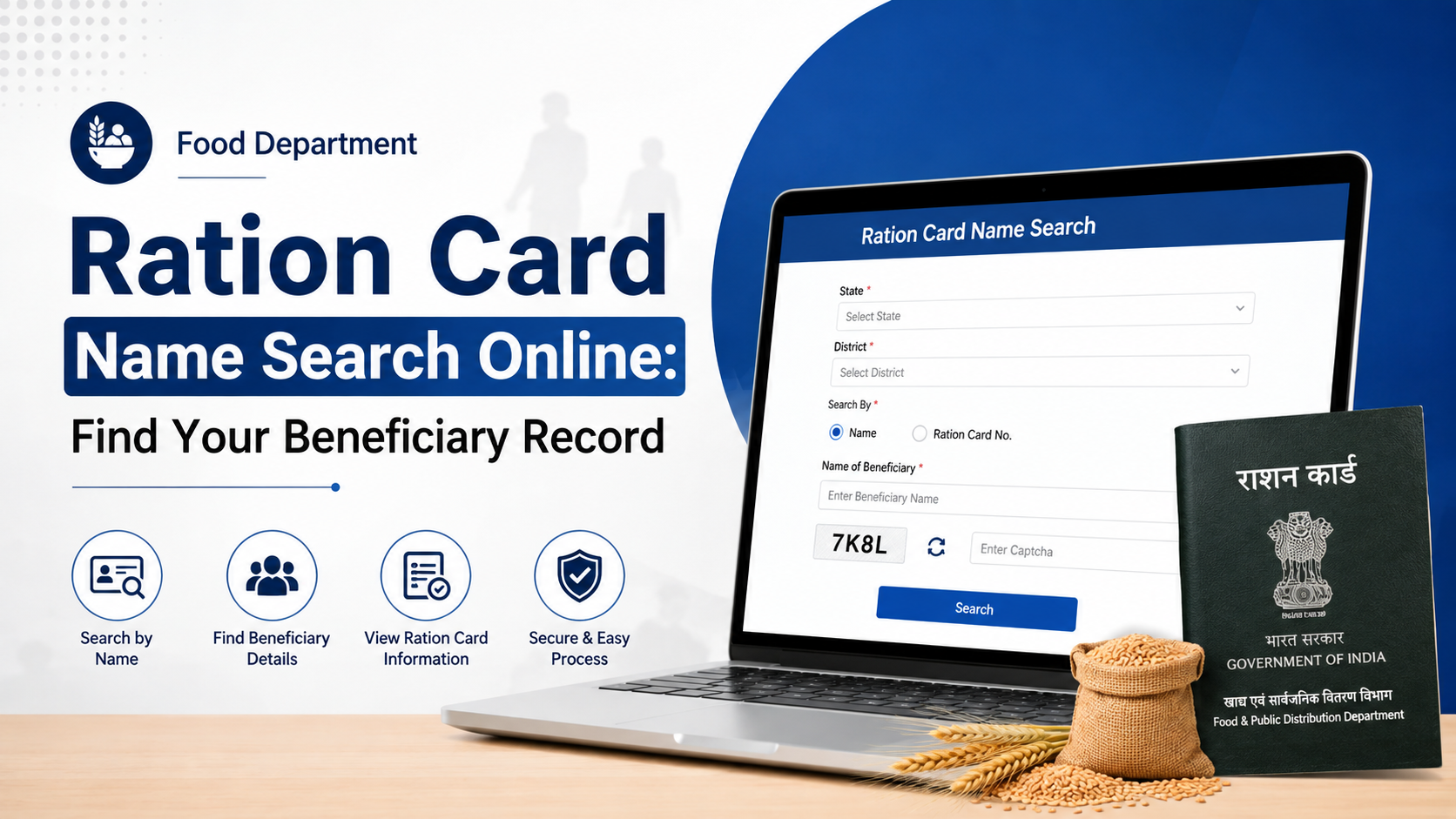
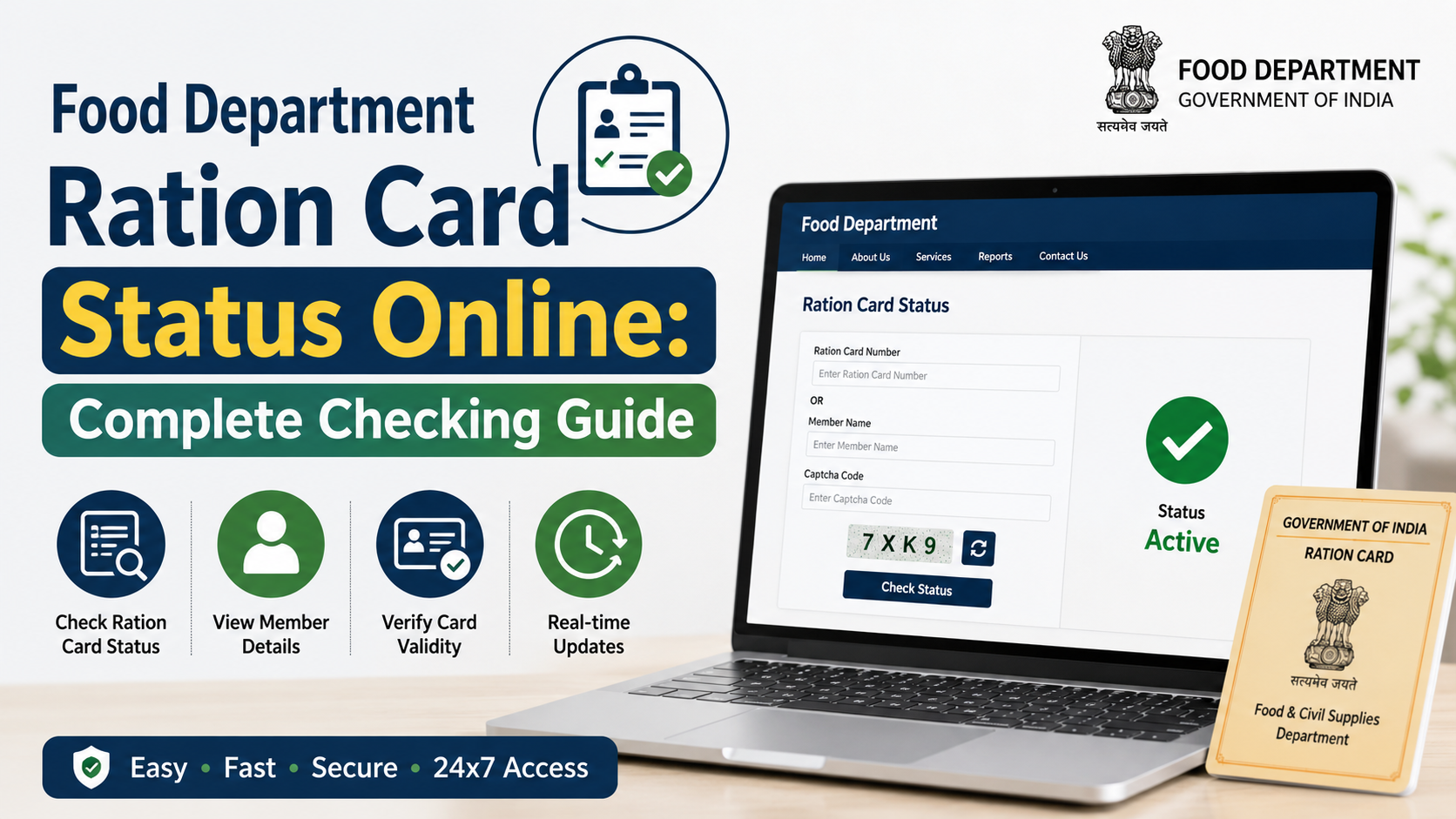
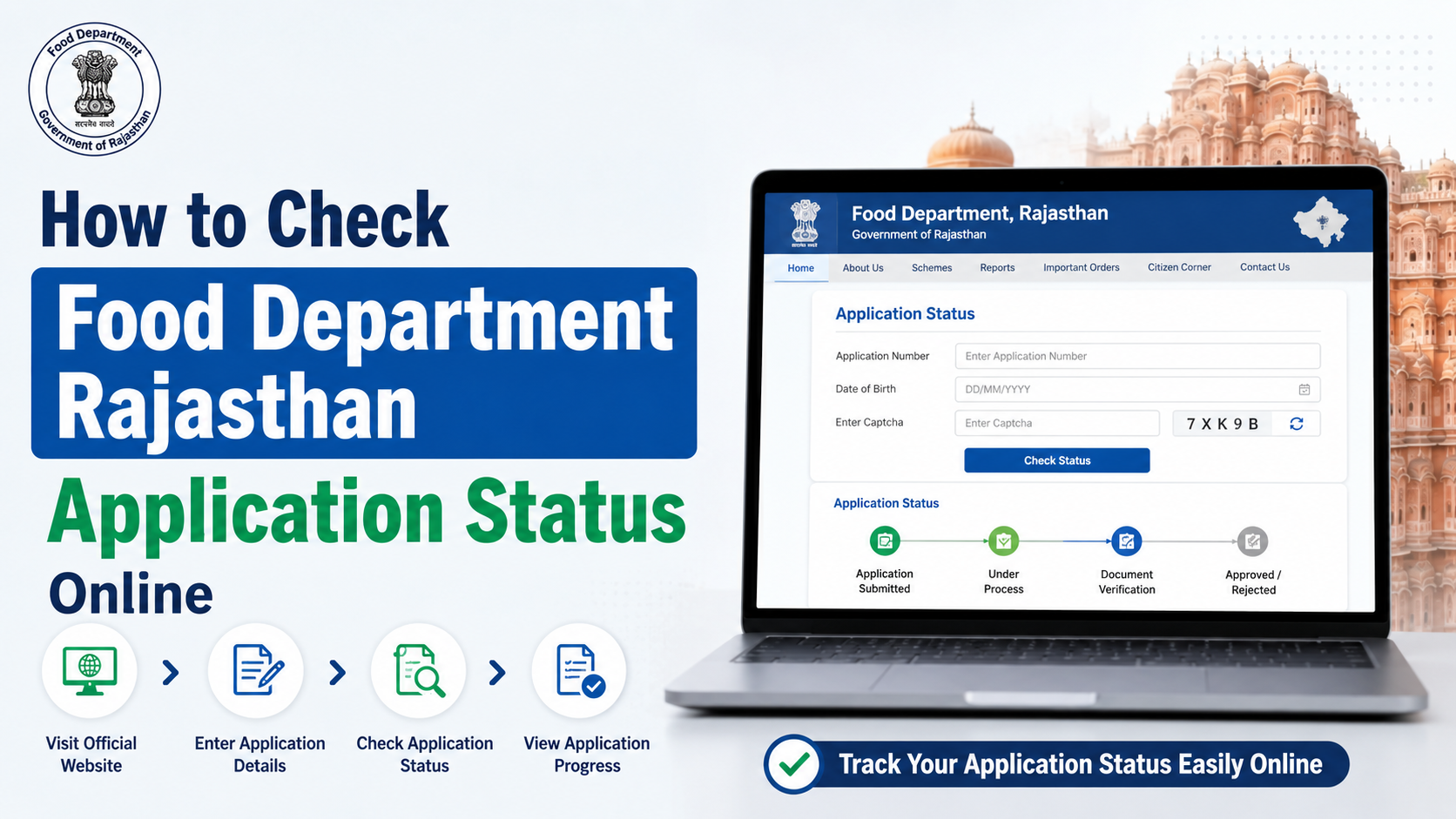
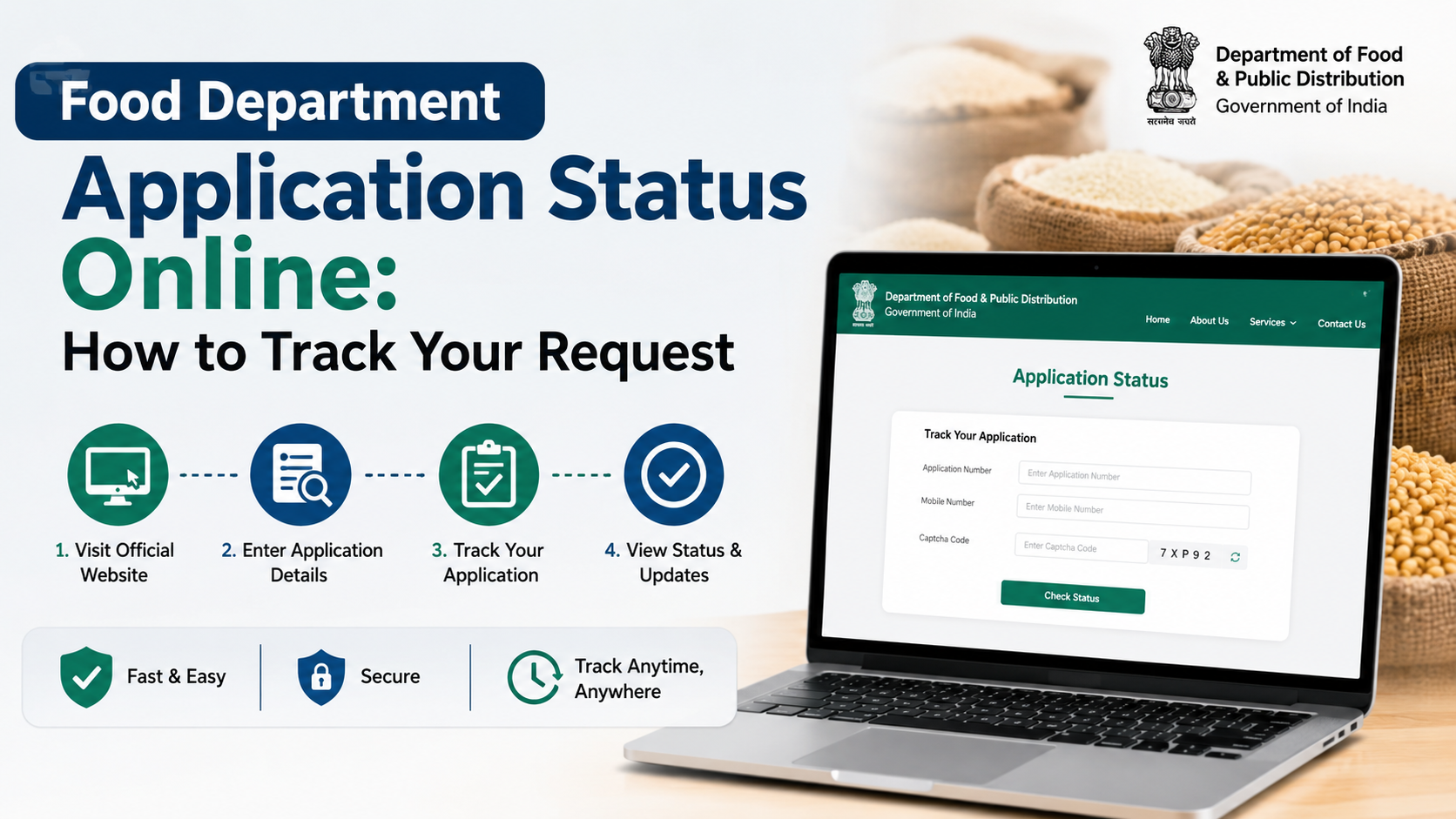
If you need to confirm whether Aadhaar has been seeded with your Rajasthan ration card or food-security beneficiary record, use the Rajasthan Food Department’s official online service. The department’s public portal specifically provides a facility to check Aadhaar seeding, eKYC and LPG ID mapping status.
Checking the rajasthan food department aadhaar link status can help a household identify whether the Aadhaar record is available in the department’s database and whether further verification may be needed. This guide explains the official route, the details to keep ready, how to understand the result, and what to do if the status is not as expected.
Key Takeaways
- The official Rajasthan Food Department website includes a service for checking Aadhaar seeding, eKYC and LPG ID mapping status.
- Use only official government portals; never share Aadhaar OTPs with agents, callers, or unofficial websites.
- Aadhaar seeding status, Aadhaar validity and eKYC status are related but not identical checks.
- Keep your ration card details, Jan Aadhaar details and registered mobile available before starting.
- If the record is missing or incorrect, seek correction through the authorised local food-supply channel or an eMitra centre.
- The Rajasthan Jan Aadhaar portal also provides a separate “Aadhaar Status in Jan Aadhaar” service.
What Is Aadhaar Seeding in Rajasthan Food Department Records?
Aadhaar seeding generally means that a beneficiary’s Aadhaar number has been recorded and mapped against the relevant household or beneficiary record used by the food department. In Rajasthan, this may be relevant to food-security records, ration-card-related records and associated verification processes.
It is important not to confuse the following:
| Check | What it tells you |
|---|---|
| Aadhaar seeding status | Whether Aadhaar is mapped in the relevant department record |
| eKYC status | Whether required electronic identity verification is reflected in the system |
| Aadhaar status | Whether the Aadhaar itself is active or an Aadhaar update request has progressed |
| Jan Aadhaar Aadhaar status | Whether Aadhaar details are reflected in the Jan Aadhaar system |
| LPG ID mapping status | Whether the LPG-related mapping shown by the food department is available |
A successful Aadhaar link status does not automatically answer every question about a household’s ration-card entitlement, food-security eligibility, or transaction history. For those, use the relevant ration-card, beneficiary or distribution service on the department’s portal.
Official Rajasthan Food Department Aadhaar Link Status Portal
Start at the official Food Department, Government of Rajasthan website. On its public-information section, look for the option labelled in Hindi:
“आधार सीडिंग, ईकेवाईसी और एलपीजी आईडी मैपिंग का स्टेटस जानें”
This translates to checking the status of Aadhaar seeding, eKYC and LPG ID mapping.
Government websites may change menu placement or page design. If the option is not immediately visible:
- Open the Food Department home page.
- Look under public information, citizen services, or the important links area.
- Select the Aadhaar seeding/eKYC/LPG ID mapping status option.
- Enter only the information requested on the official page.
- Complete the displayed verification step, if any.
- Review the status shown for the relevant household member or record.
Avoid using search-result ads or lookalike domains. A legitimate Rajasthan government page should use an official Rajasthan government domain such as rajasthan.gov.in or an authorised government subdomain.
Details to Keep Ready Before Checking
The exact fields shown depend on the live official service. Keep the following information available so that you can complete the search without entering incorrect data:
- Ration card number, if available
- Jan Aadhaar number
- Aadhaar number of the relevant family member, only where the official page asks for it
- Mobile phone registered with the relevant record
- Captcha text or OTP, if the portal uses one
Do not assume that every option needs every detail. Enter only what the official form requests.
Use the Correct Person’s Details
Many households have several members. Aadhaar seeding and eKYC information can be member-specific. If the portal displays individual-member details, check the entry for the person whose status you need—not simply the family head’s record.
For example, a household may have a valid ration-card record while one member’s Aadhaar seeding or eKYC is pending. Treat the result as a status for the displayed record, not as an automatic conclusion about every person in the family.
Step-by-Step: How to Check Aadhaar Seeding Status Online
Follow these steps on the official Rajasthan Food Department portal:
1. Open the official Food Department website
Go to food.rajasthan.gov.in. Confirm the website address before entering personal information.
2. Choose the Aadhaar seeding status service
Find the service for Aadhaar seeding, eKYC and LPG ID mapping status. The portal may present the label in Hindi.
3. Enter the required identifier
Depending on the form, this could be a ration card number, Jan Aadhaar number or another identifier specified by the department. Type the number carefully and avoid spaces or copied extra characters.
4. Complete verification
If the page asks for a captcha, enter it exactly as displayed. If it sends an OTP, enter the OTP only on the official page opened by you.
5. Read the displayed result
Check whether the result shows Aadhaar seeding, eKYC or LPG mapping details. If the page lists multiple members, verify the correct name and relationship before interpreting the result.
6. Save only necessary evidence
If you need to visit an office for correction, note the status or take a screenshot that does not expose your full Aadhaar number unnecessarily. Do not forward screenshots containing sensitive personal information through public groups or unknown WhatsApp contacts.
How to Understand Common Status Outcomes
The wording may differ across the portal, but these are practical ways to respond to common outcomes.
Aadhaar is seeded or linked
This indicates that the Aadhaar information is recorded against the relevant department entry shown on screen. Check whether the displayed name and member details are correct. If eKYC is shown separately, confirm that status as well.
Aadhaar is not seeded, unavailable, or not found
First, recheck the identifier you entered. If it is correct, the record may require updating or may not yet be reflected in the online system. Do not repeatedly submit different Aadhaar numbers in an attempt to force a match.
Use an authorised food-supply office or eMitra channel for guidance on the appropriate correction process and documents.
eKYC is pending or incomplete
A pending eKYC result is different from a missing Aadhaar link. Follow the instructions given by the authorised department or service centre. If biometric authentication is required, you may need an in-person visit.
Details do not match
A mismatch can arise when a name, date of birth, mobile number or household record differs between linked systems. Carry the relevant documents and ask the authorised office which record needs correction. Do not alter information merely to match a spelling shown on an unofficial website.
The portal does not load or shows an error
Government portals can occasionally be unavailable due to maintenance, traffic or connectivity issues. Try again later from a stable connection. If the problem continues, use the department’s official contact channels rather than relying on third-party claims.
What to Do If Aadhaar Seeding Needs Correction
When the Rajasthan Food Department Aadhaar link status suggests that action is required, take a structured approach:
- Confirm the ration card and Jan Aadhaar numbers you used.
- Check that the person’s name in the displayed result is correct.
- Check Aadhaar-related information through the official UIDAI portal if you suspect an Aadhaar record issue.
- Check the separate Jan Aadhaar portal for Aadhaar Status in Jan Aadhaar where relevant.
- Contact an authorised local food-supply office or eMitra centre for the proper update path.
- Keep acknowledgement receipts or application references if you submit a correction request.
Do not pay a private intermediary who promises instant Aadhaar seeding or guaranteed food-scheme approval. Official processes should be handled through recognised government channels.
Related Official Services Worth Checking
The Food Department portal also lists other services that may be useful when your Aadhaar link status is not the only issue.
| Need | Official service to look for |
|---|---|
| Track a ration card request | Ration Card Application Status |
| View ration-card or distribution details | Ration card and ration distribution details |
| Find the appropriate fair price shop | Nearby FPS list or attached FPS details |
| Check food distribution information | PoS transaction reports |
| Check Jan Aadhaar linkage information | Aadhaar Status in Jan Aadhaar |
| Verify Aadhaar services or file a complaint | UIDAI’s official online services |
For general Jan Aadhaar assistance, the Jan Aadhaar Authority publishes its headquarters contact number as 0141-2850287 and lists 181 as a toll-free contact option. The Food Department’s official website lists its Jaipur contact number as 0141-2227352 during working hours.
Privacy and Fraud Prevention
Aadhaar information is sensitive personal data. Follow these precautions whenever you check status online:
- Enter Aadhaar details only on official government websites.
- Never disclose an OTP received for Aadhaar-related verification to another person.
- Do not send full Aadhaar numbers, copies, OTPs or login credentials through social media.
- Do not use remote-access apps at the instruction of unknown callers.
- Verify the domain name before opening a page or entering details.
- Use masked Aadhaar or other privacy-preserving documents where they are accepted and appropriate.
UIDAI’s official website offers Aadhaar-related services, including Aadhaar verification, mobile/email verification, update-status checks and complaint services. For Aadhaar-specific support, UIDAI lists 1947 as its toll-free helpline.
Frequently Asked Questions
Can I check Rajasthan Food Department Aadhaar link status using a mobile phone?
Yes. The official Food Department website can be opened in a mobile browser. Use a stable connection, enter the requested details carefully and complete any official captcha or OTP step yourself.
Is Aadhaar seeding status the same as eKYC status?
No. Aadhaar seeding indicates that Aadhaar is mapped in the relevant record. eKYC is a separate identity-verification status. The Rajasthan Food Department service lists both, so review each result separately.
What should I do if the portal shows no record?
First verify the number entered and check that you selected the correct service. If the issue remains, contact an authorised food-supply office or eMitra centre for the prescribed correction process. Do not rely on third-party websites to interpret or change the record.
Can I use the UIDAI website to check ration card Aadhaar seeding?
UIDAI provides Aadhaar services, but the Rajasthan ration-card or food-department seeding result should be checked through the Rajasthan Food Department’s official service. UIDAI does not replace the state department’s beneficiary-record check.
Is the Jan Aadhaar Aadhaar status page the same as the Food Department page?
No. The Jan Aadhaar portal’s “Aadhaar Status in Jan Aadhaar” service concerns Jan Aadhaar records. The Food Department’s Aadhaar seeding/eKYC/LPG mapping service concerns the department’s displayed records. Check the appropriate portal for the issue you are resolving.
Conclusion
To check the rajasthan food department aadhaar link status, use the official Rajasthan Food Department website and select its Aadhaar seeding, eKYC and LPG ID mapping status service. Review the result carefully for the correct household member, and treat Aadhaar seeding, eKYC and Jan Aadhaar status as separate checks.
If the result is missing, pending or incorrect, use authorised Rajasthan government channels or an eMitra centre for help. Keep your Aadhaar and OTP private, and return to the official portal after any correction request to confirm that the updated status is reflected.