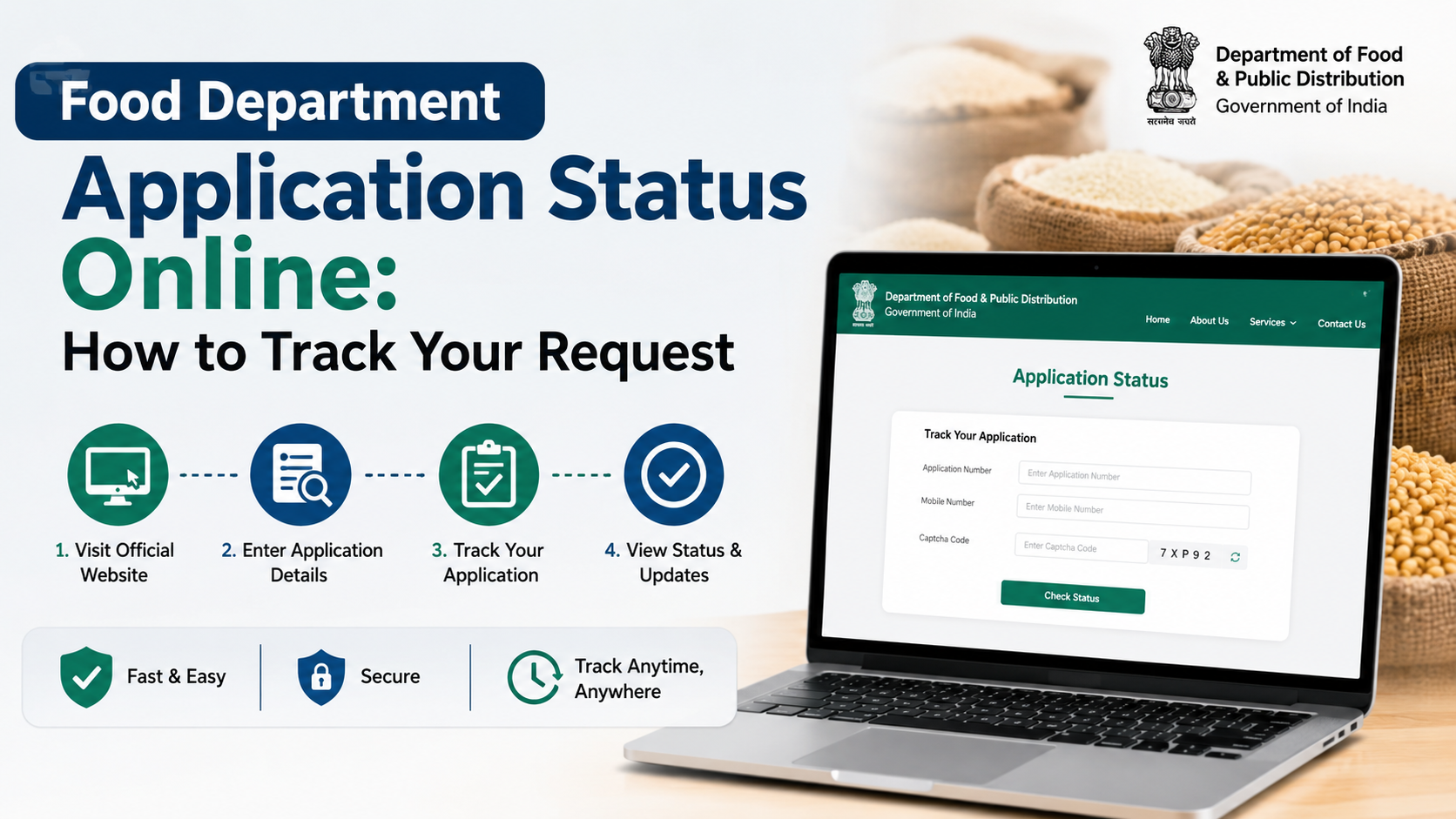
Searching for a rajasthan food department login can be confusing because the Government of Rajasthan uses different official portals for different services. A ration-card holder, fair price shop (FPS) dealer, wheat-procurement farmer, departmental employee, and business licence applicant may each use a different login route—or may not need to log in at all.
This guide explains how to identify the right official portal, use Rajasthan Single Sign-On (SSO) where applicable, register for a service, and avoid common mistakes. It is intended for residents, applicants, businesses, and authorised users in Rajasthan.
Key Takeaways
- The official Food, Civil Supplies and Consumer Affairs Department website is food.rajasthan.gov.in.
- There is no single public login that covers every Food Department service.
- Many department applications use the Rajasthan SSO account at sso.rajasthan.gov.in.
- Ration-card details, NFSA information, FPS lists, and several reports can be viewed through public links without a personal login.
- FPS, procurement, PoS MIS, and departmental systems have separate role-based login pages.
- Use only official
rajasthan.gov.indomains and never share your password or OTP with another person.
Understand What “Rajasthan Food Department Login” Means
The Rajasthan Food, Civil Supplies and Consumer Affairs Department manages services connected with the public distribution system (PDS), food security, ration cards, fair price shops, procurement, consumer affairs, and related administration.
The department’s official website provides links for services and information such as:
- Food Security Scheme/NFSA applications
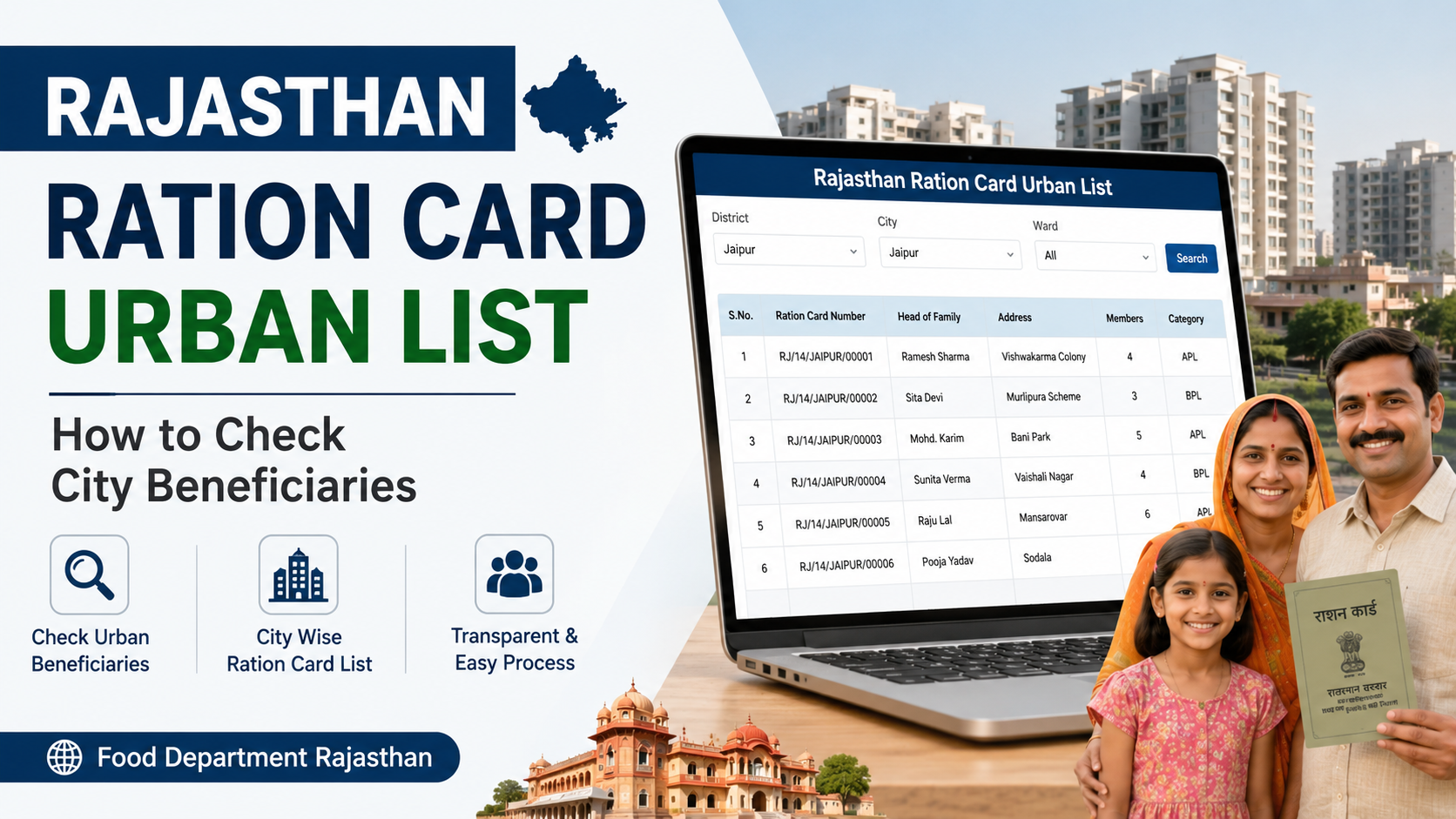
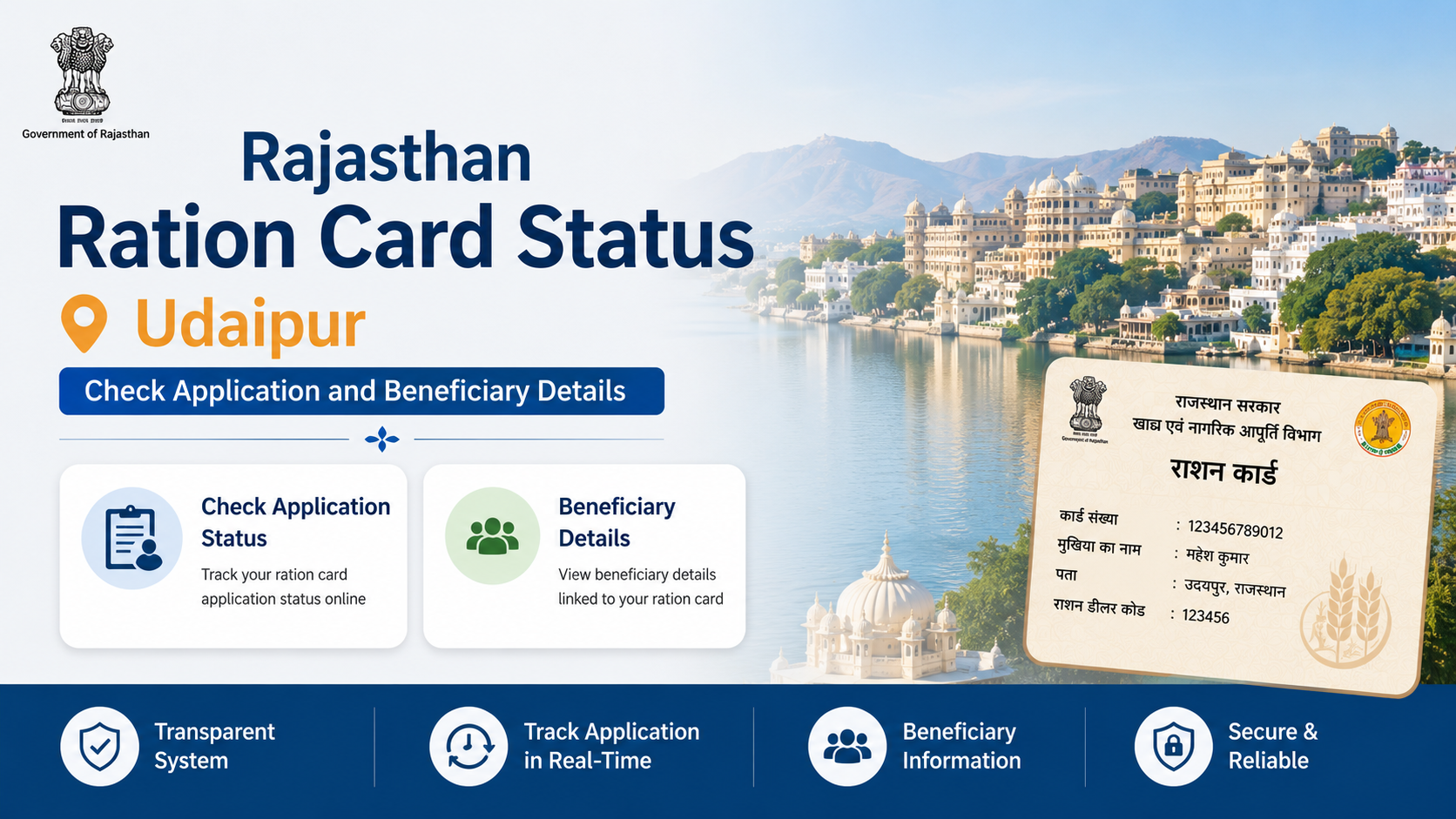
- Ration-card and ration-distribution details
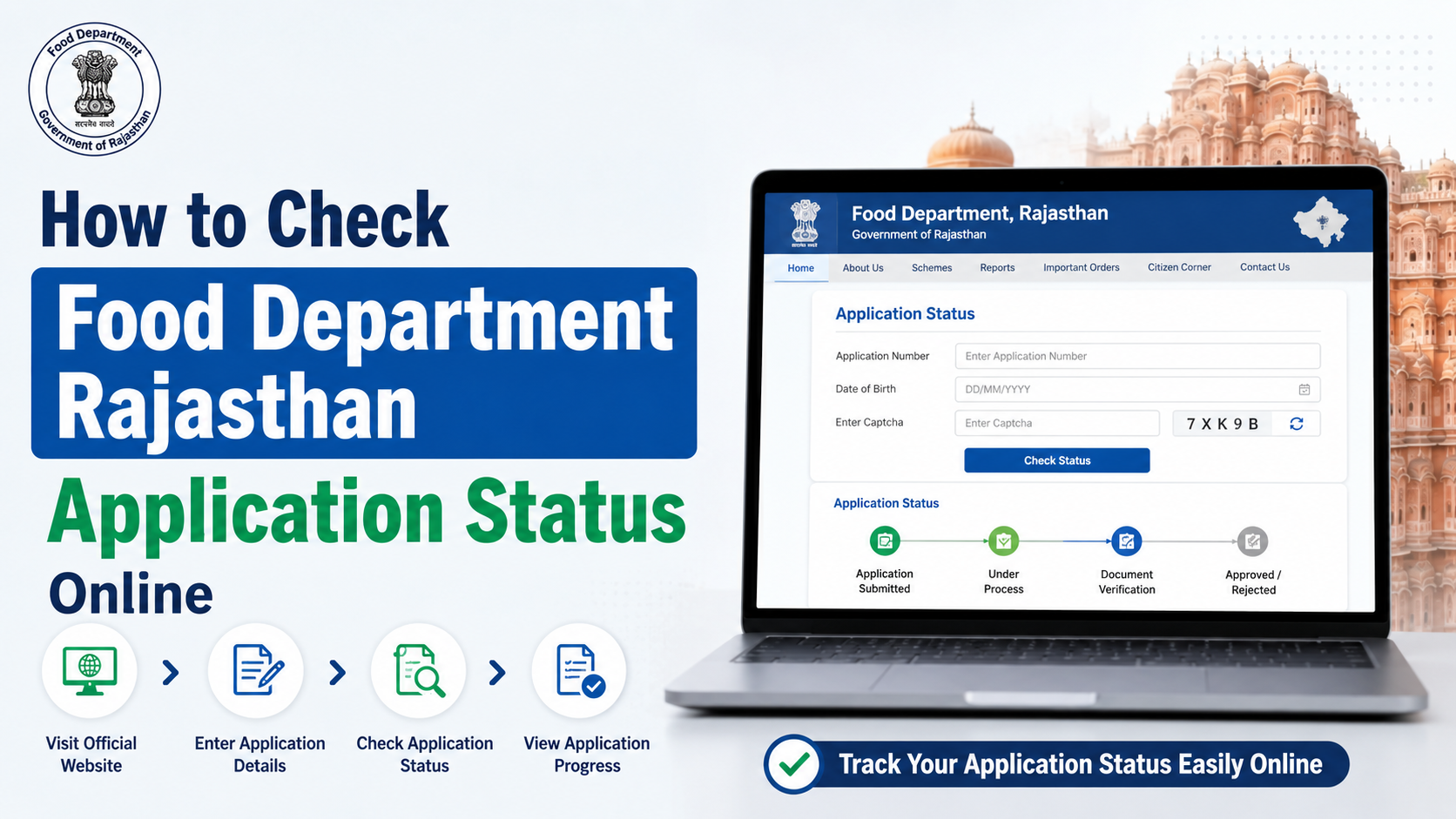
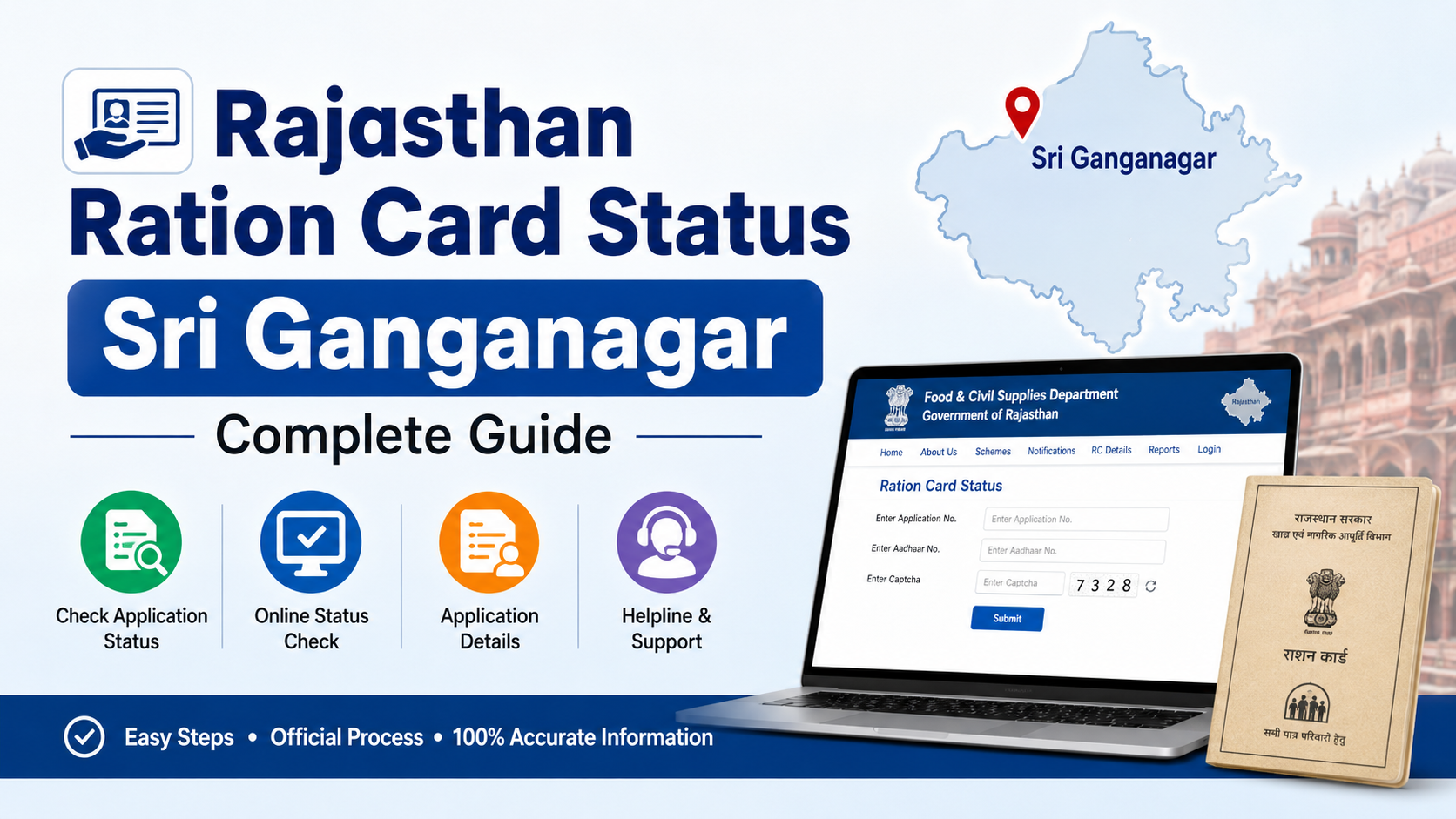
- Ration-card application status
- Aadhaar seeding, eKYC, and LPG ID mapping status
- FPS stock, lifting, and location information
- PoS transaction reports
- Wheat allocation and distribution reports
- Notices, orders, circulars, and forms
However, the login method depends on the service. For example, a citizen checking ration-card information does not need the same credentials as an FPS dealer accessing the supply-chain system.
Official Rajasthan Food Department Portals
Start from the department’s main website whenever possible. It is the safest place to find current public-service links, notices, and departmental contact information.
| Purpose | Official access route | Typical login requirement |
|---|---|---|
| Department information, public reports, ration-card links, NFSA links | Food Department Rajasthan | Often no login for viewing information |
| Rajasthan government services linked to SSO | Rajasthan SSO sign-in | SSO ID and password |
| New Rajasthan SSO account | Rajasthan SSO registration | Registration and verification |
| FPS dealer access | SCM PDS FPS Login | FPS code, OTP, and captcha |
| PoS/MIS office access | ePDS PoS MIS | Authorised username, password, and office selection |
| Procurement user login | MSP Procurement Login | Portal-issued username, password, and captcha |
Portal interfaces and available services can change. Therefore, use the main department website to locate the relevant service rather than relying on links shared through messages, videos, or unofficial blogs.
How to Access the Rajasthan Food Department Login
Step 1: Identify the service you need
Before entering credentials, decide what you want to do. Common examples include:
- Checking a ration card or NFSA-related status
- Applying for a food-related licence or renewal
- Accessing a business or departmental application
- Using an FPS dealer account
- Using a procurement account
- Viewing public distribution or transaction reports
If your purpose is only to check a public record, first look for a “status,” “report,” “details,” or “list” link on the Food Department website. Logging in may not be required.
Step 2: Open the official portal
Use the official Food Department website, then select the relevant online service. Check the domain carefully:
- Government websites generally use
rajasthan.gov.in. - The page should use
https://. - A genuine service page should clearly identify the Government of Rajasthan or the Food and Civil Supplies Department.
Avoid entering credentials on pages that use lookalike spellings, unusual domain extensions, or shortened links received over WhatsApp or SMS.
Step 3: Enter the correct credentials
The information required varies by portal:
- SSO-linked service: SSO ID and password
- FPS portal: FPS code, OTP, and captcha
- PoS/MIS portal: authorised username, password, and selected office
- Procurement portal: registered username, password, and captcha
Do not attempt to use your SSO ID on a portal designed for an FPS code or a departmental username. These are separate access systems.
Step 4: Complete captcha or OTP verification
Captchas and OTPs help protect government accounts from unauthorised use. Enter them carefully:
- Captchas may be case-sensitive on some portals.
- OTPs should be entered only on the official screen that requested them.
- If the OTP does not arrive, wait briefly, confirm that the registered mobile number is active, and use the resend option only when available.
Rajasthan SSO Registration for Food Department Services
For services integrated with Rajasthan SSO, you must first have an SSO ID. The official route is the Rajasthan SSO registration page.
Registration process
- Open the official SSO registration page.
- Select the user category and registration option displayed for your eligibility.
- Provide the requested identification and contact details.
- Complete the applicable verification steps.
- Create your SSO ID and password as instructed.
- Sign in through the SSO login page.
- From the SSO dashboard, select the relevant Food Department application if it is available for your user type.
Government guidance for Food Department licensing procedures states that applicants should log in through SSO, select the Food Department application, complete the relevant form, upload mandatory documents, make an online payment where applicable, and submit the application.
What to keep ready
Requirements differ by application. Prepare documents only after opening the specific official service and reading its current checklist. Depending on the service, this may include:
- Identity and address proof
- Passport-size photograph
- Business or organisation documents
- GST-related information, where required
- Proof of premises, such as ownership or lease documents
- Service-specific licences, registrations, or approvals
- Scanned supporting documents in the format and size stated on the portal
Do not assume that a document list or fee for one licence applies to every Food Department application. The department publishes separate procedures for different activities.
Registration Is Different for Citizens, Dealers, and Businesses
A common error is treating SSO registration as registration for every Food Department service. An SSO ID is an account used to access eligible Rajasthan government applications; it does not automatically make someone an NFSA beneficiary, FPS dealer, procurement participant, or licence holder.
Citizens and ration-card applicants
Citizens should use the department’s public links for ration-card, NFSA, status, and related services. Some processes may redirect to a government workflow or require SSO-based access. Follow the instructions shown on the official service page and retain the application reference number after submission.
Fair price shop dealers
The SCM PDS FPS login page specifically asks for an FPS code, OTP, and captcha. This access is for authorised FPS users, not for general citizens. If you operate a shop but do not have approved credentials, contact the appropriate district Food Department authority instead of creating a personal account on an unrelated portal.
Farmers using procurement services
The official MSP procurement login page has a separate user-login screen and also provides a farmer-registration link. Farmers should use the registration route shown on that portal and confirm procurement eligibility, crop requirements, dates, and documentation from the current official notice.
Businesses and licence applicants
Certain Food Department licences and renewals are handled through SSO-linked procedures. The workflow normally involves selecting the department application, completing the correct form, uploading required documents, paying the notified fee online if applicable, and submitting it for departmental processing.
Common Rajasthan Food Department Login Problems
You cannot find the right login page
Return to the official Food Department homepage and choose the service by purpose. Do not search only for “login,” because that can lead to a portal intended for a different user role.
Your SSO ID does not work on an FPS or procurement portal
This may be normal. Those portals can use separate credentials, such as an FPS code or procurement-specific username. Read the labels on the login page before trying to sign in.
You forgot your SSO password
Use the recovery option available on the official SSO portal. Do not share identity details, OTPs, or old passwords with third-party “agents” offering account recovery.
Captcha or OTP verification fails
Refresh the captcha if the page provides that option, then re-enter it carefully. For OTP issues, ensure your registered mobile number has network access. If the problem continues, use the help or contact details published on the relevant official portal.
The portal is slow or unavailable
Government portals can experience maintenance periods or high traffic. Try again later using a current browser and stable connection. Avoid repeatedly submitting the same application, as duplicate submissions can create confusion.
Safety Checklist Before You Submit an Application
- Confirm that the website address ends in an official Rajasthan government domain.
- Read the service-specific instructions, documents, eligibility conditions, and fee details on the live portal.
- Enter your own mobile number and email address where the application requires them.
- Review spelling, identification numbers, bank details, and uploaded files before final submission.
- Save the acknowledgement number, receipt, and submitted-document copies.
- Do not pay fees through personal UPI IDs, unofficial QR codes, or private links.
- Never disclose OTPs, passwords, or captcha responses to anyone.
The department’s official website lists its Secretariat contact number as 0141-2227352 during working hours and provides official departmental email contacts. Use the contact information displayed on the official website for service-related assistance.
Frequently Asked Questions
Is there one Rajasthan Food Department login for everyone?
No. The department uses multiple portals. Public users may access many reports without logging in, while SSO users, FPS dealers, procurement participants, and departmental staff can have separate authentication methods.
How do I create an account for a Food Department online service?
If the relevant service is SSO-enabled, create an account through the official Rajasthan SSO registration portal, sign in, and select the Food Department application. For role-specific systems such as FPS or procurement, follow the registration or credential process shown on that portal.
Can I check my ration-card details without an SSO ID?
The Food Department website provides public links for ration-card and ration-distribution details, application status, and reports. Whether login is required depends on the particular action you choose.
What is required for the FPS login?
The official FPS portal asks for an FPS code, OTP, and captcha. It is intended for authorised fair price shop users.
Are Food Department licence fees the same for every service?
No. Fees, renewal periods, documents, and conditions vary by licence or authorisation. Check the current procedure and fee information for the exact service before applying.
Conclusion
The correct rajasthan food department login depends on the service and your role. Start at the official Food Department website, use Rajasthan SSO only for services that direct you there, and use dedicated portals only when you hold the appropriate credentials. Before submitting any application, review the live official instructions, keep your acknowledgement details, and rely only on verified Rajasthan government web pages.