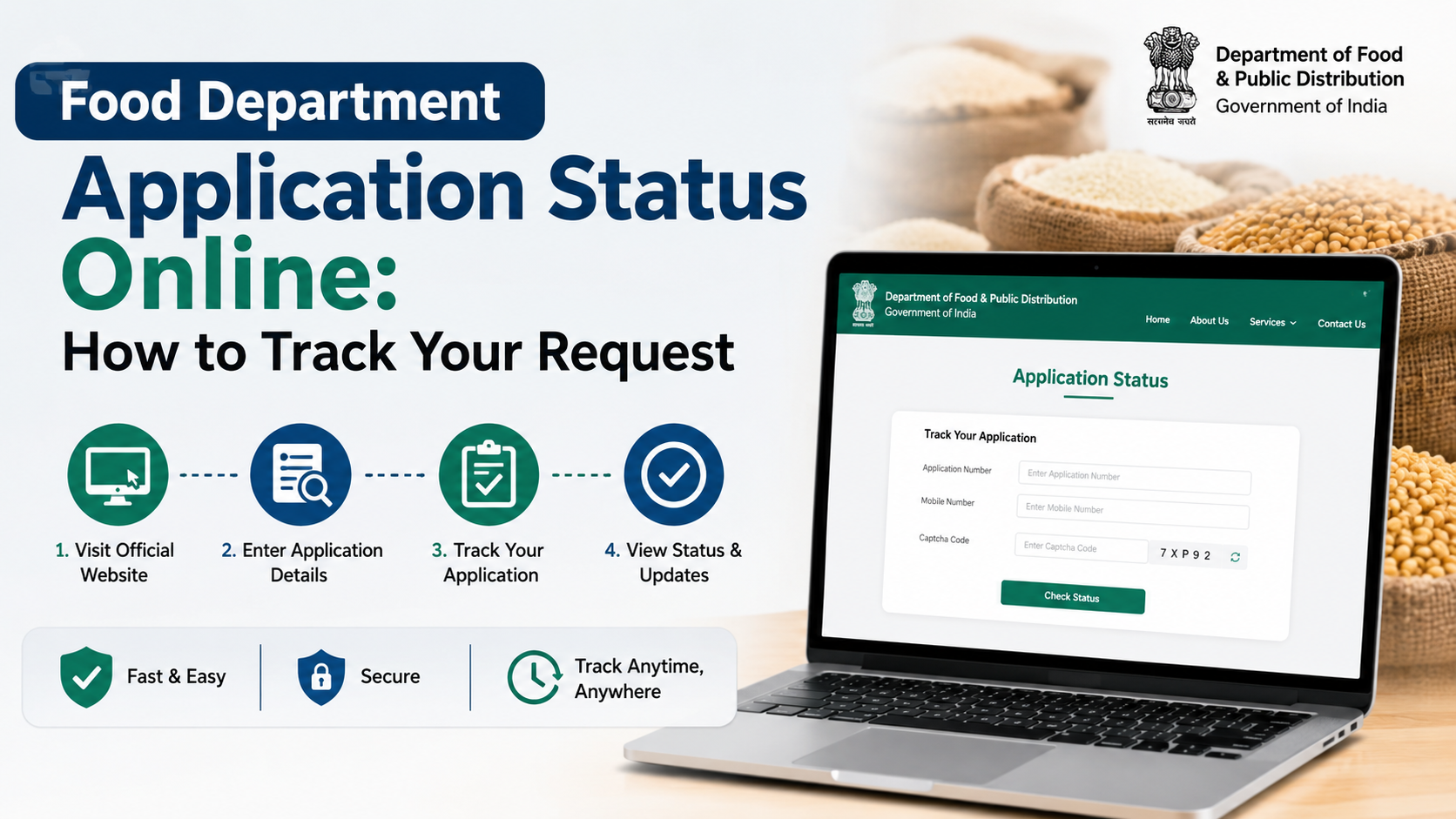
Searching for a ration card application form PDF Rajasthan can be confusing because Rajasthan uses different forms for a new ration card, corrections, duplicate cards, cancellation, interstate transfer, and NFSA food-security inclusion. Choosing the wrong document can delay the application.
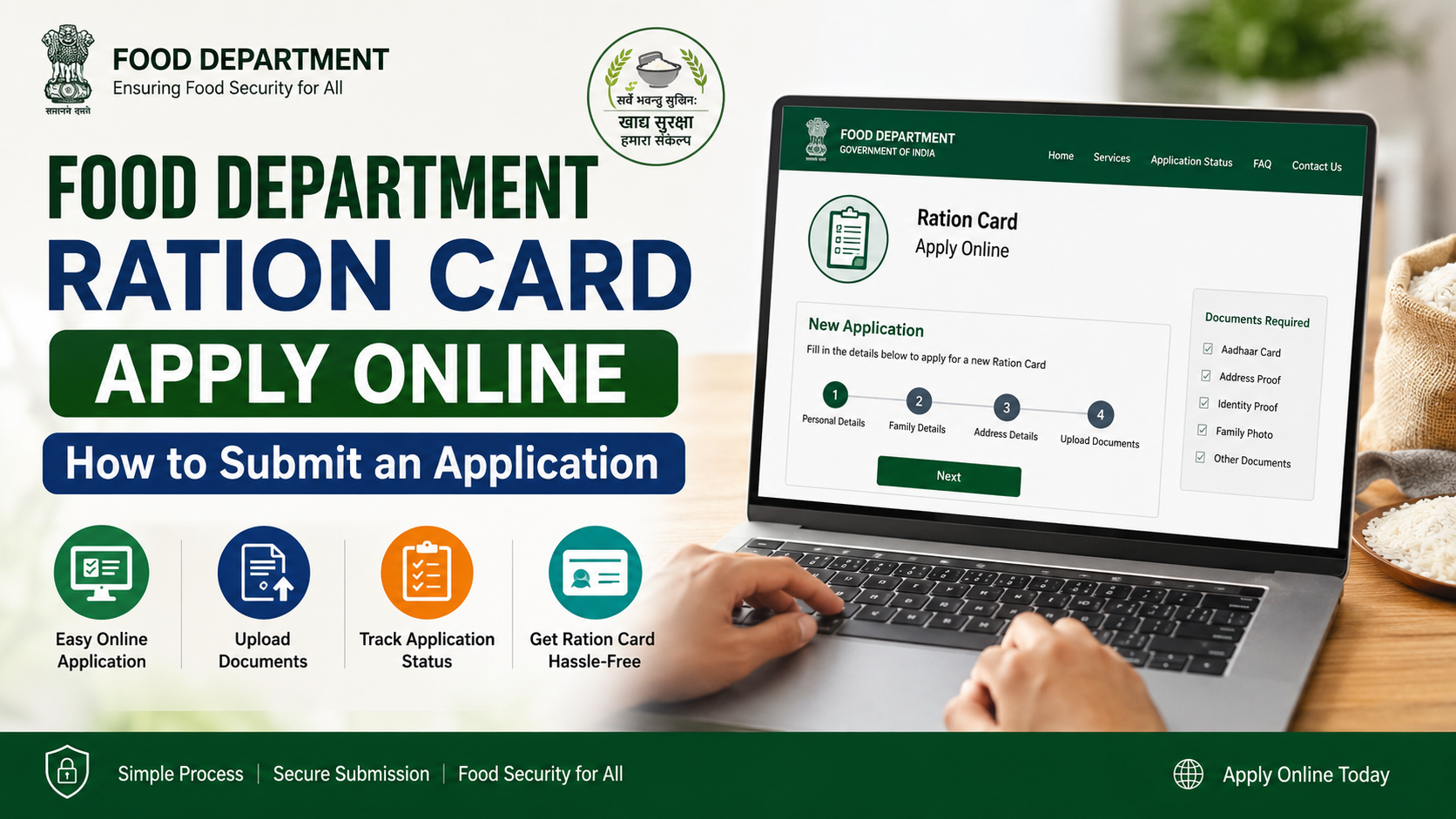
For a new ration card, the Rajasthan Food and Civil Supplies Department identifies the relevant e-Mitra service as “Ration - New Ration Card Form Filling (Form 1)”. The safest approach is to obtain the form or assisted service through official Rajasthan government channels rather than downloading an unverified PDF from a third-party website.
Key Takeaways
- Use Form 1 for a new Rajasthan ration card application through the authorised e-Mitra service.
- A ration card application and an NFSA inclusion application are different processes.
- Download forms only from the Rajasthan Food Department’s official pages or use an authorised e-Mitra/CSC centre.
- Enter names, dates of birth, Jan Aadhaar details, Aadhaar details and addresses exactly as supported by your records.
- Keep the acknowledgement or receipt number; it is essential for follow-up and status checks.
- Use the correct form for changes, duplicate cards, cancellation, or transfer instead of submitting a fresh-card form.
Understand Which Rajasthan Ration Card Form You Need
Before downloading a PDF or visiting an e-Mitra kiosk, identify the purpose of your application. Rajasthan’s official e-Mitra service list distinguishes several ration-card transactions.
| Requirement | Official service/form reference |
|---|---|
| New ration card | Ration – New Ration Card Form Filling (Form 1) |
| Add, delete or correct a member’s details | Ration Card Add Name – Deletion of Name – Correction (Form 4) |
| Get a duplicate ration card | Duplicate Ration Card (Form 6) |
| Cancel a ration card | Ration Card Cancellation (Form 5) |
| Transfer from another state | Ration Card Other State Transfer (Form 9) |
| Apply for NFSA inclusion | Separate NFSA application/appeal process |
The Rajasthan e-Mitra service catalogue lists these services under the Department of Food and Civil Supplies. Do not assume that a Form 1 application automatically adds a household to the National Food Security Act (NFSA) beneficiary list. NFSA eligibility and inclusion have a separate application route. Rajasthan e-Mitra service listing
Where to Download the Official Rajasthan Ration Card Form
The official Rajasthan Food Department provides a dedicated page for ration-card creation and modification forms through e-Mitra or CSC channels. Start there instead of relying on search-result PDFs, social-media links, or websites that request unnecessary payments.
Visit the official Food and Civil Supplies Department form page. If the form download does not display properly on a mobile browser, use an authorised e-Mitra or CSC centre. The operator can access the official service and generate the correct digital form.
The Department also publishes a workflow document for citizens using the new-card service. It identifies the service name as “Ration - New Ration Card Form Filling (Form 1)” within the e-Mitra service journey. Official Form 1 workflow PDF
Avoid These Common Download Mistakes
- Do not use a form labelled “Rajasthan ration card” unless its source is a Rajasthan government domain.
- Do not submit an old scanned form if the e-Mitra operator tells you the current service requires updated fields.
- Do not confuse an NFSA appeal form with a new ration-card form.
- Do not pay an unofficial “processing fee” to a person who cannot provide an e-Mitra receipt.
- Do not share Aadhaar, Jan Aadhaar or OTP details with unverified websites or callers.
Documents and Details to Prepare Before Filling Form 1
The exact documents requested can depend on the service screen, household circumstances and verification requirements. Prepare original records and clear copies so that the information entered into the application is consistent.
A practical checklist includes:
- Jan Aadhaar number and family details
- Aadhaar details of household members, where requested
- Mobile number that can receive communications or OTPs
- Current residential address, including district, local body/Gram Panchayat or ward, tehsil and PIN code where applicable
- Names, dates of birth, gender and relationship of each member to the head of household
- Existing ration-card details, if the application concerns correction, transfer, duplicate issue or replacement
- Supporting records relevant to the specific request, such as proof for a birth, death, marriage, migration or correction
Rajasthan’s Jan Aadhaar system gives each registered family a 10-digit family identification number and records member-level information. Keeping Jan Aadhaar records current helps prevent mismatches while using state services. Official Jan Aadhaar information
Check Consistency Before You Submit
A small mismatch can cause avoidable follow-up. Compare the following across your Jan Aadhaar, Aadhaar and application form:
| Field | What to check |
|---|---|
| Name | Spelling, order of names and initials |
| Date of birth | Same date format and year |
| Relationship | Correct relationship with the family head |
| Address | Current district and local jurisdiction |
| Mobile number | Active number entered without digit errors |
| Member status | Do not include a person already listed in another active household without resolving the record properly |
For example, if a child’s name is missing from an existing ration card after birth, the appropriate route is generally the member-addition/correction service, not a second new-card application.
How to Fill the New Ration Card Application Correctly
Whether you complete the application in a downloaded official format or at an e-Mitra centre, follow a deliberate sequence.
1. Select the Correct Service
For a first-time household application, select or request New Ration Card Form Filling (Form 1). Tell the operator clearly if you already have a ration card and need a correction, duplicate copy, cancellation or interstate transfer.
2. Enter the Household Head’s Details
Provide the household head’s name and the address exactly as held in the relevant government records. Do not abbreviate a village, ward or locality name if the official record uses its full form.
3. Add Every Eligible Household Member Carefully
Enter each member’s name, relationship, gender and date of birth accurately. Check that no family member is duplicated and that a deceased or permanently shifted member has not been included by mistake.
4. Provide Jan Aadhaar and Contact Details
Use the correct Jan Aadhaar family number and an active mobile number. If the applicant’s Jan Aadhaar information is outdated, resolve that issue before or alongside the ration-card request as advised through the official channel.
5. Attach Only Relevant Supporting Records
Submit documents that support the specific application. Clear, readable copies are better than multiple unclear images. Keep originals available if the competent authority asks for verification.
6. Review, Declare and Obtain the Receipt
Read every field before final submission. Ensure the declaration is completed by the appropriate applicant, then collect the e-Mitra acknowledgement or receipt. Record its transaction/application number and date.
New Ration Card vs NFSA Food Security Inclusion
A ration card is a household record used within the public distribution system and related services. NFSA inclusion concerns eligibility for food-security benefits. These should not be treated as identical applications.
Rajasthan’s ration-card portal provides a separate NFSA application form, NFSA application status page, and a list of inclusion and exclusion categories. The NFSA application screen asks for the district and ration-card number, which indicates that it is intended for households already holding a ration-card record. Official Rajasthan Ration Card portal
The published NFSA rules also provide an appeal application form for inclusion in the Priority Household list. It requires documentary evidence for the claimed inclusion category and may require the applicant to provide ration-card and Jan Aadhaar information. Rajasthan Food Security Rules form notification
Why Eligibility Must Be Checked Separately
The portal’s published NFSA list includes categories such as Antyodaya, BPL, specified pension beneficiaries, certain rural workers and farmers, urban workers, persons with disabilities, and other identified groups. It also lists exclusion conditions, including certain tax, income, employment, vehicle, land and property circumstances.
Do not claim an inclusion category merely because it appears on the list. Select only the category that genuinely applies and attach the requested evidence. A false declaration can lead to rejection or later action on the record.
After Submission: Receipt, Tracking and Download
Keep the following safely after submitting a Rajasthan ration-card request:
- e-Mitra receipt or application acknowledgement
- Application or transaction number
- Copies of uploaded or submitted documents
- Any communication received from the department
- Existing ration-card number, if applicable
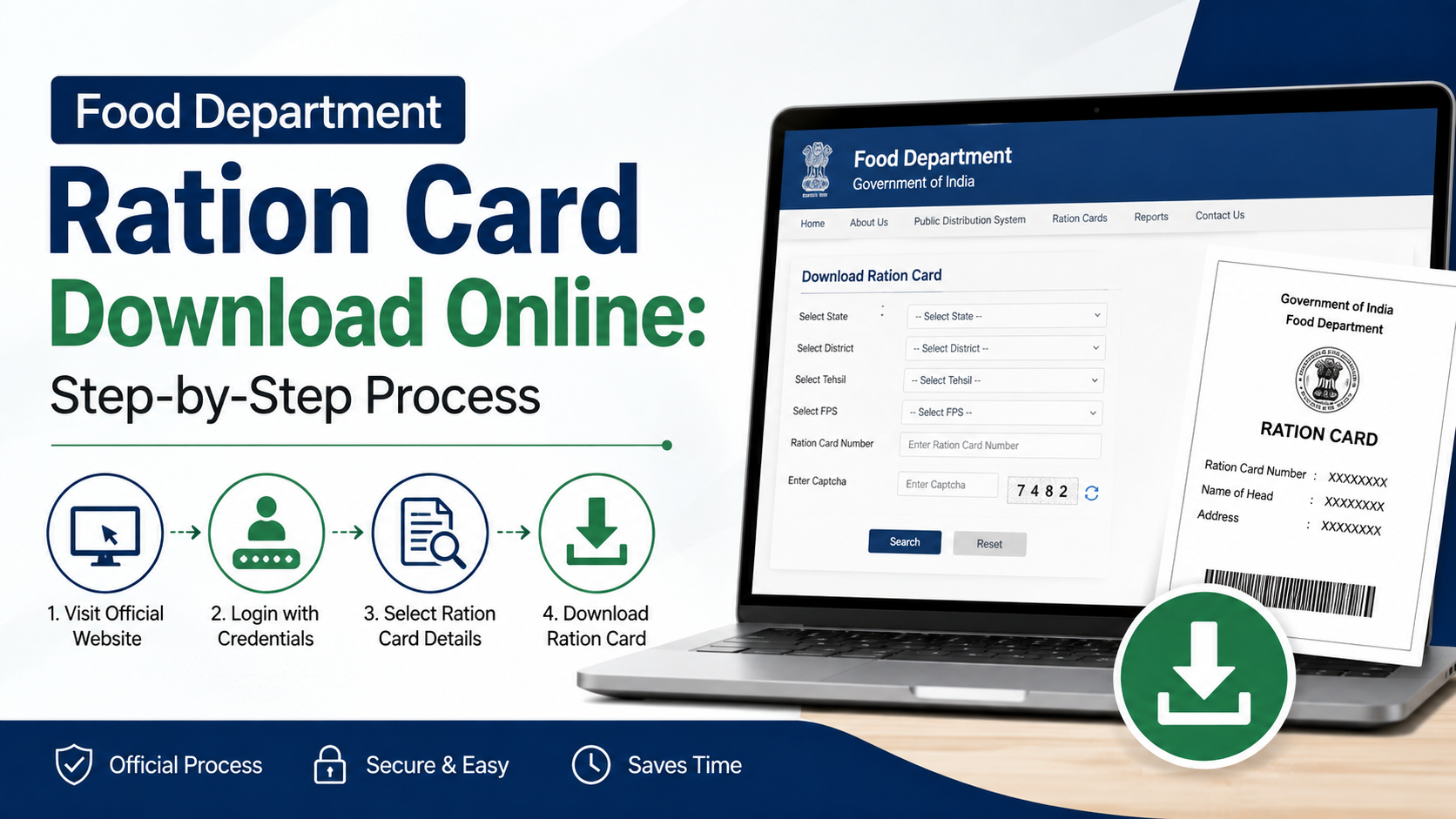
The Rajasthan ration-card portal provides facilities to download a ration card or surrender certificate. The download page asks for the district and ration-card number. Official ration-card download page
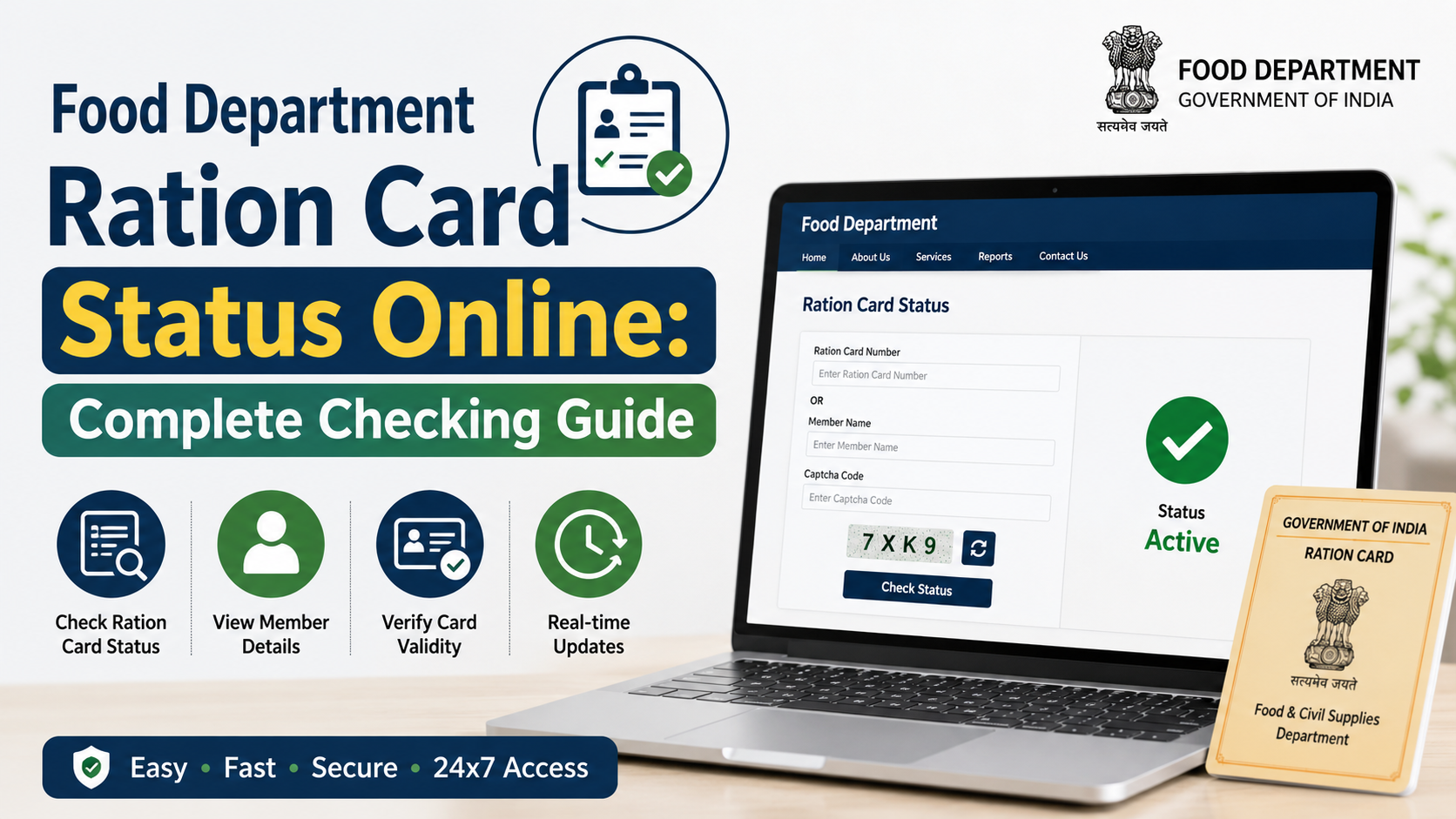
For NFSA-specific applications, use the official NFSA status page rather than assuming that the ration-card download page will show the NFSA decision. Official NFSA application-status page
If an application needs correction or additional evidence, respond through the official office or e-Mitra channel named in your receipt. Avoid submitting duplicate applications unless the authority specifically instructs you to do so.
Practical Tips for e-Mitra and CSC Applicants
An assisted application can be useful if you do not have access to a printer, scanner or reliable internet connection. However, remain involved in the process.
- Carry originals and photocopies, but do not hand over original documents for retention.
- Ask the operator to show you the service name before submission.
- Read the details on screen, especially names, addresses and member dates of birth.
- Ask for the printed receipt immediately.
- Check that the receipt reflects the ration-card service you requested.
- Use the Rajasthan e-Mitra grievance helpline if an operator charges more than the published service charge or refuses to issue a receipt. The official e-Mitra portal lists the complaint number as 1800-180-6127. Official e-Mitra rates and contact page
Departmental charges, if any, can be separate from e-Mitra service charges. Confirm the amount from the official portal or receipt at the time of application rather than relying on old price lists.
Frequently Asked Questions
Can I download the ration card application form PDF Rajasthan online?
Yes, begin with the official Rajasthan Food Department’s ration-card form page or its official Form 1 workflow PDF. If a direct PDF is unavailable or does not open, use an authorised e-Mitra or CSC centre to access the current official service.
Which form is used for a new Rajasthan ration card?
The relevant service is Ration – New Ration Card Form Filling (Form 1). It is different from forms for correction, duplicate issue, cancellation and transfer.
Is a new ration card application the same as applying for NFSA?
No. NFSA inclusion is a separate process with its own official application facility, eligibility categories and exclusion conditions. An applicant should not assume that a new ration card alone confirms NFSA inclusion.
How can I add my child’s name to an existing ration card?
Use the ration-card service for adding, deleting or correcting a member, identified in the e-Mitra list as Form 4. Submit the supporting record requested for the change rather than filing a new-card application.
How do I download my Rajasthan ration card after it is issued?
Use the official Rajasthan ration-card download page, select the district and enter the ration-card number. The portal also provides a surrender-certificate download facility.
Conclusion
For a ration card application form PDF Rajasthan, use official Rajasthan Food Department and e-Mitra channels, then choose the form that matches your purpose. Form 1 is for a new ration card; corrections, duplicates, cancellation, transfer and NFSA inclusion each follow separate routes. Prepare consistent Jan Aadhaar and household details, review every entry before submission, and keep the official receipt so you can track or follow up on the application confidently.