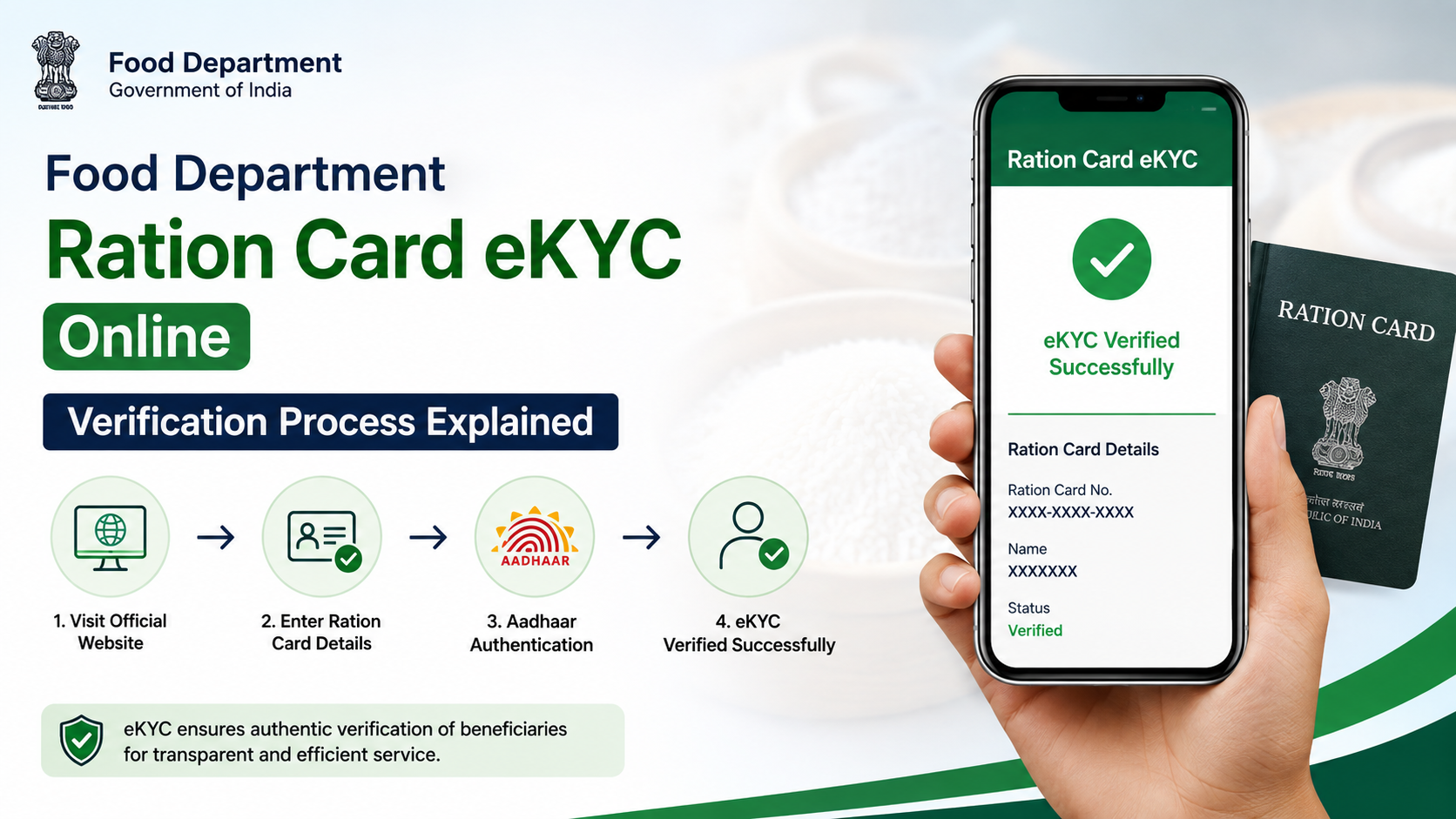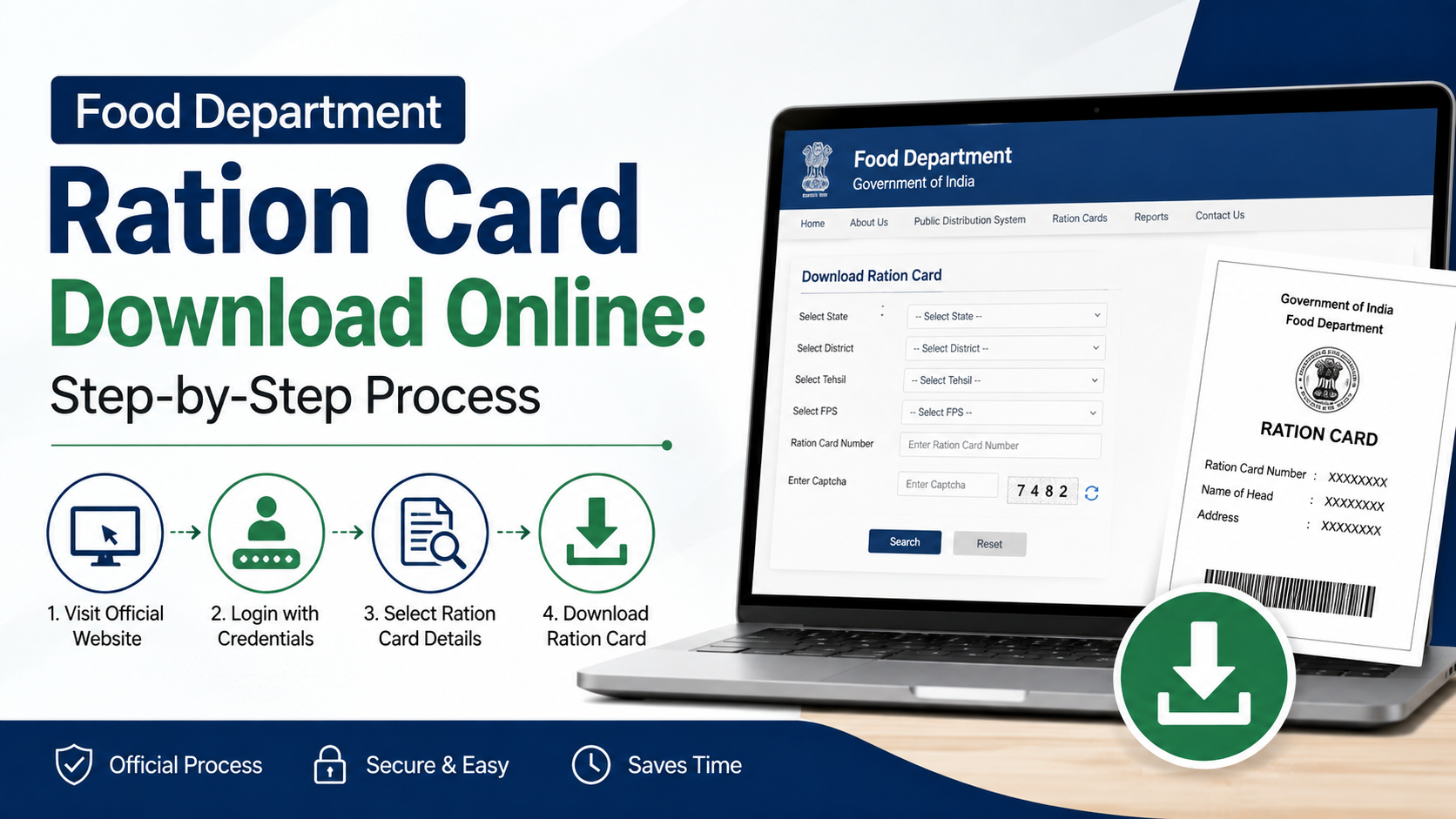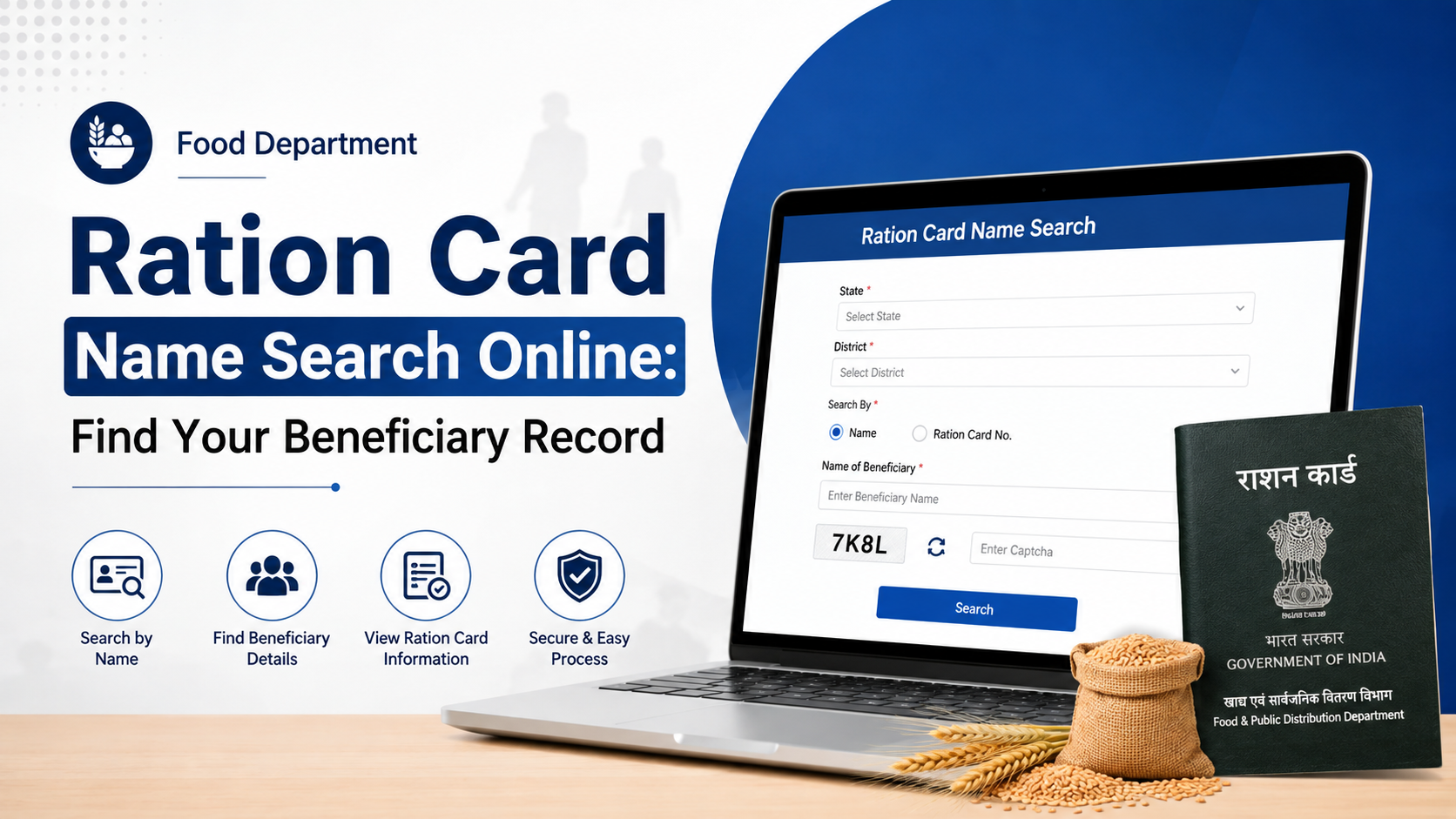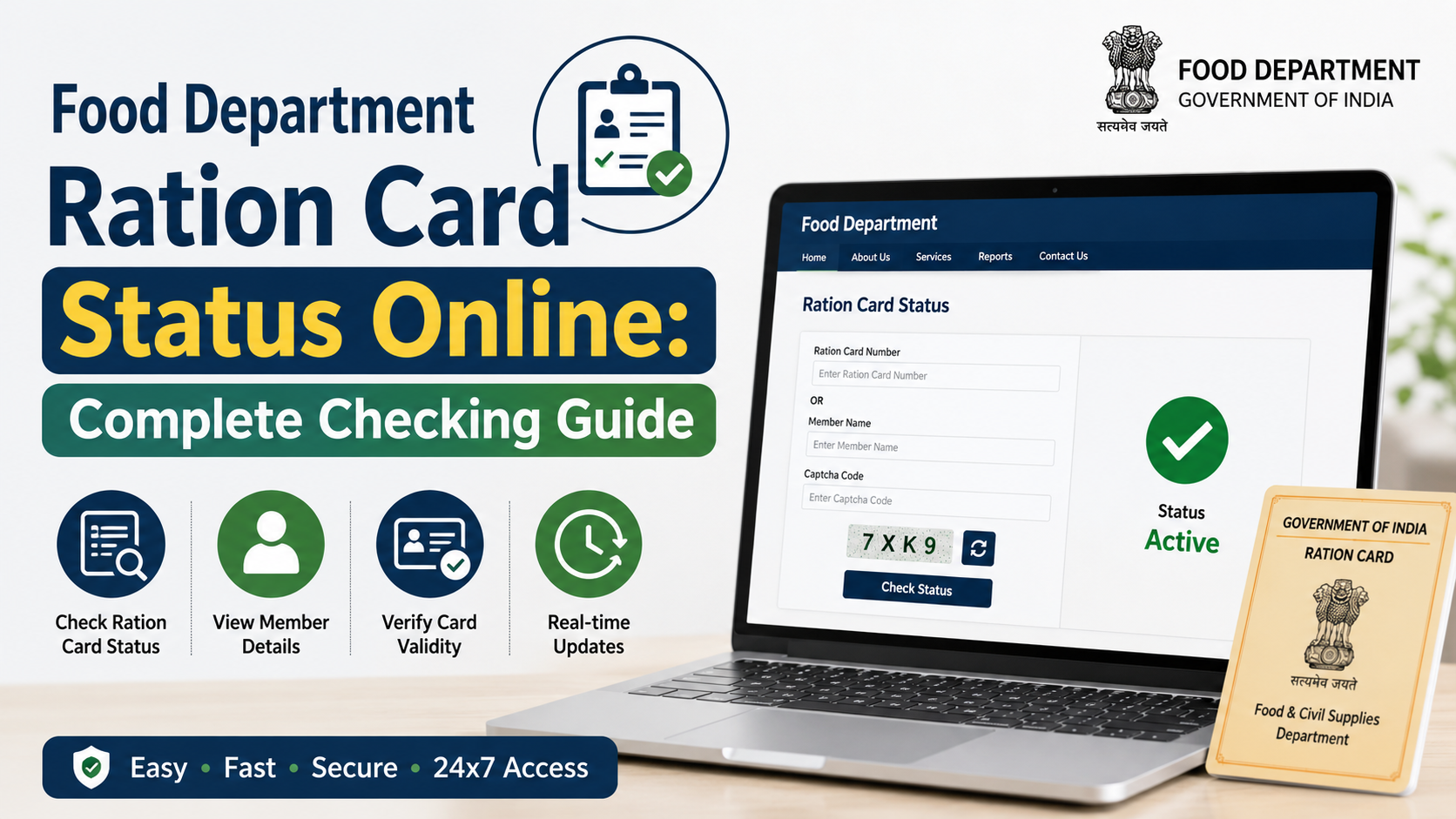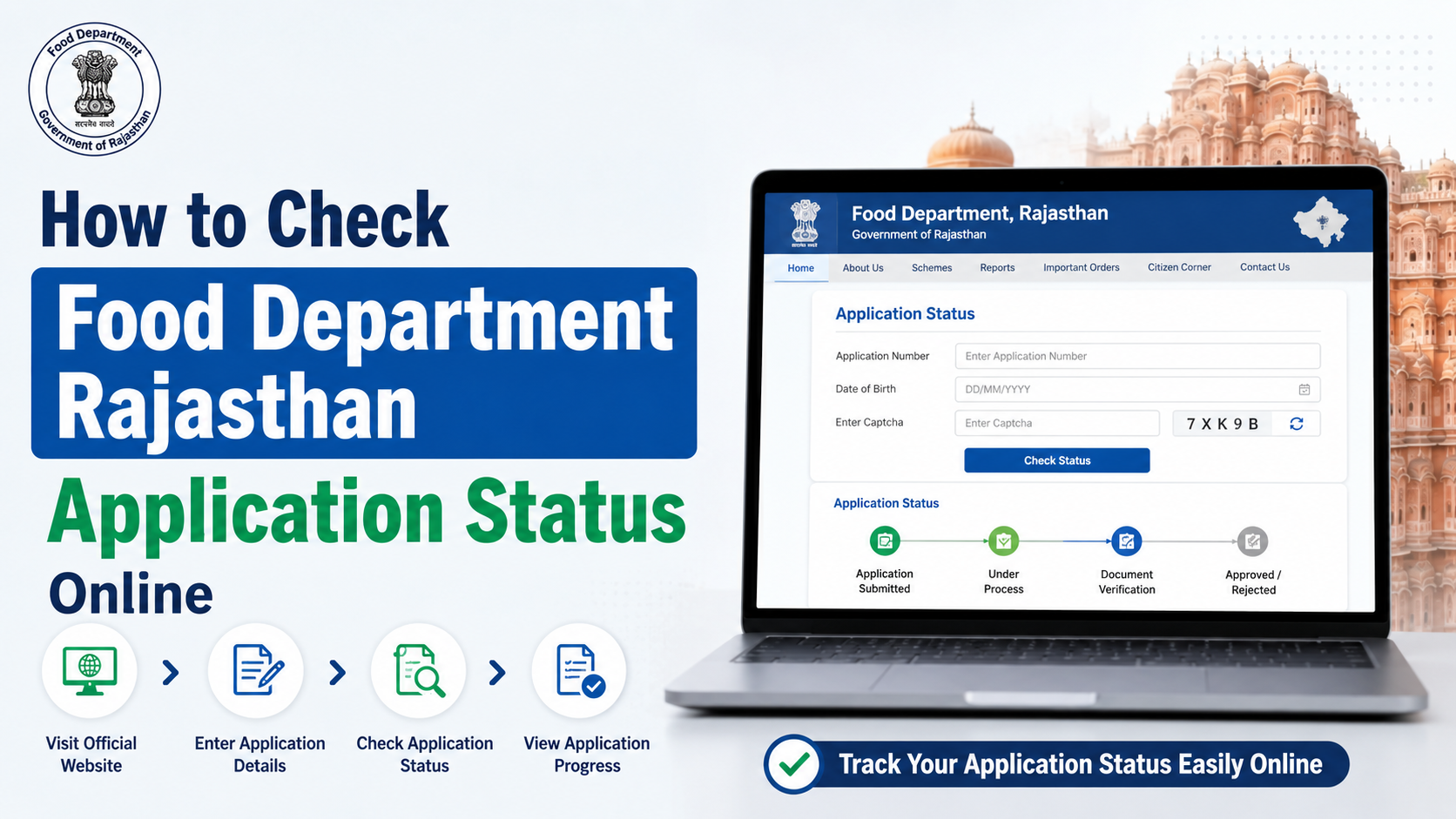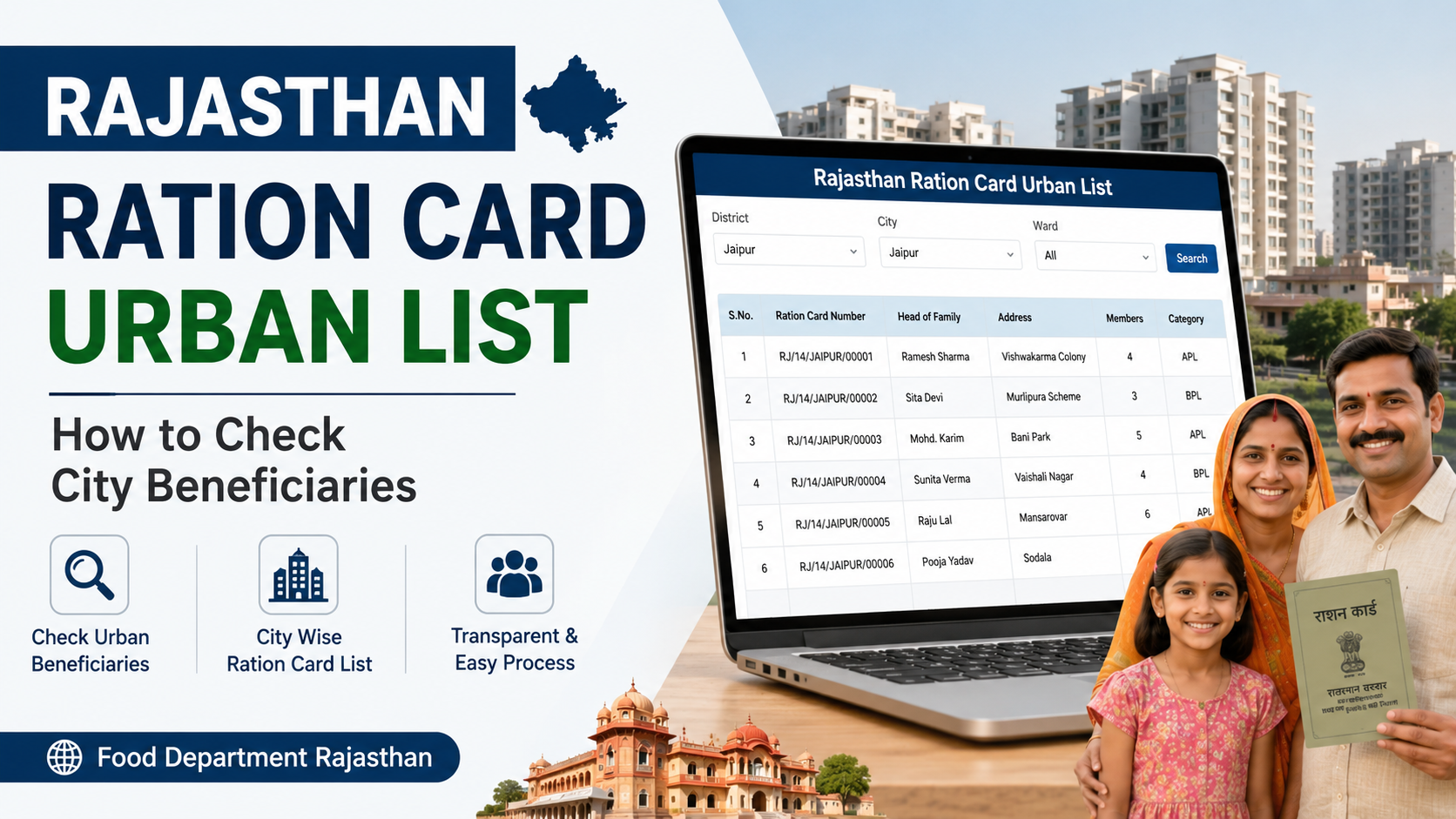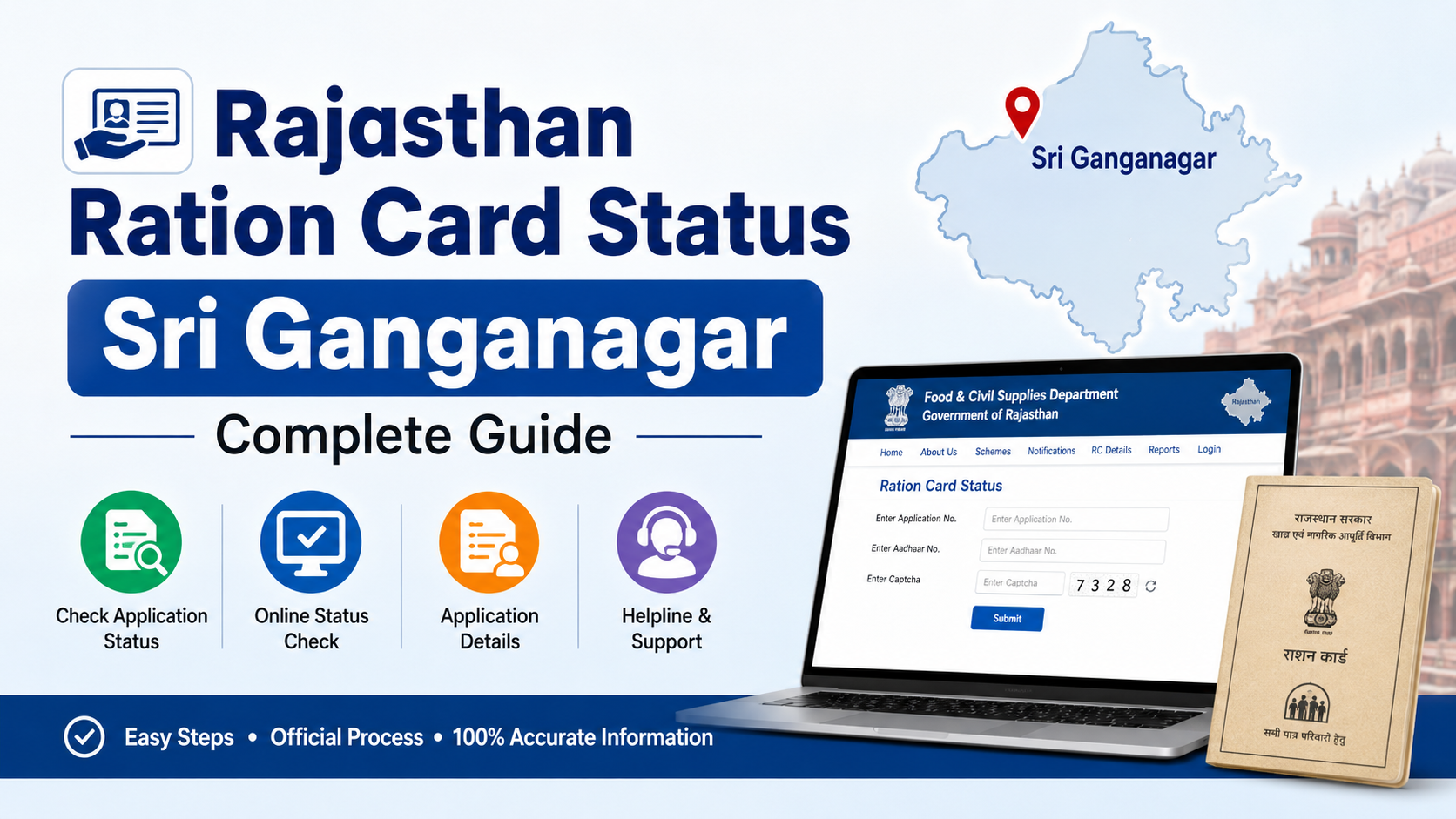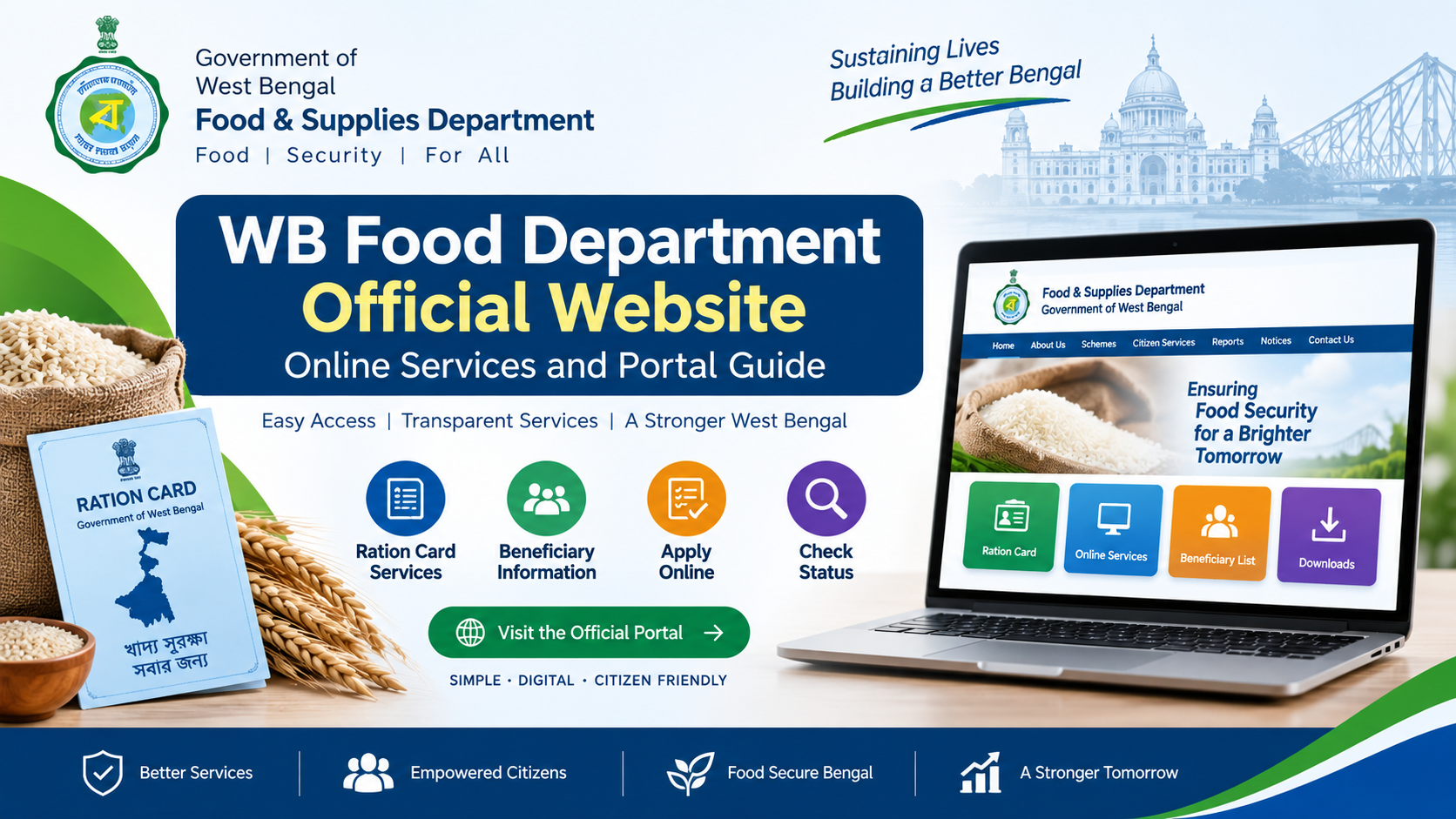
West Bengal residents can access ration-card and Public Distribution System (PDS) services through the WB Food & Supplies Department official website. The portal connects citizens with online applications, e-Ration Cards, Aadhaar and mobile-linking services, Fair Price Shop information, entitlement checks and grievance support.
This guide explains which official portal to use, how common services work, what information and documents to keep ready, and how to avoid unofficial websites.
Key Takeaways
- The main official website is food.wb.gov.in, operated by the Department of Food & Supplies, Government of West Bengal.
- The online Ration Card Life Cycle Management portal supports new applications, corrections, category changes, shop changes, surrender and duplicate-card requests.
- An e-Ration Card (e-RC) is a downloadable PDF accepted at par with the Digital Ration Card, according to the department.
- Aadhaar and mobile-number linking is important for e-RC access and OTP-based services.
- Citizens can locate ration shops, verify ration cards, check application status and view entitlement information online.
- For complaints or assistance, use the official helpdesk portal or call 1800 345 5505 or 1967.
What Is the WB Food Department Official Website?
The Department of Food & Supplies, Government of West Bengal manages food-grain distribution, ration cards, Fair Price Shops (FPS), supply-chain operations and related consumer services in the state.
The website’s public-facing services include:
- Digital ration-card applications and lifecycle services
- e-Ration Card download and verification
- Aadhaar and mobile-linking status
- Ration-card application-status tracking
- Entitlement information against a ration card
- Nearest ration-shop search
- FPS-wise beneficiary lists
- PDS reports, notices and departmental information
- Consumer-goods information, including LPG, kerosene and other regulated commodities
- Grievance and call-centre access
The department also links to its Online Ration Card Life Cycle Management portal, which is designed as a one-stop platform for PDS-related ration-card services.
Official West Bengal Food Portals and Their Uses
Several related domains are linked from the department website. Use the service-specific portal rather than relying on search-engine advertisements or private agents.
| Portal | Main purpose |
|---|---|
| food.wb.gov.in | Department homepage, services, notices, inquiries and links |
| wbfss.wb.gov.in/rcms | Ration Card Life Cycle Management |
| wbpds.gov.in | Ration-card applications, status and official PDS modules |
| helpdesk.wbfood.in | Grievance redressal and support |
| nfsa.gov.in/State/WB | National Food Security Act information for West Bengal |
Portal layouts and links can change during upgrades. If a bookmarked page does not open, start at food.wb.gov.in and follow the current menu.
How to Apply for a New Ration Card Online
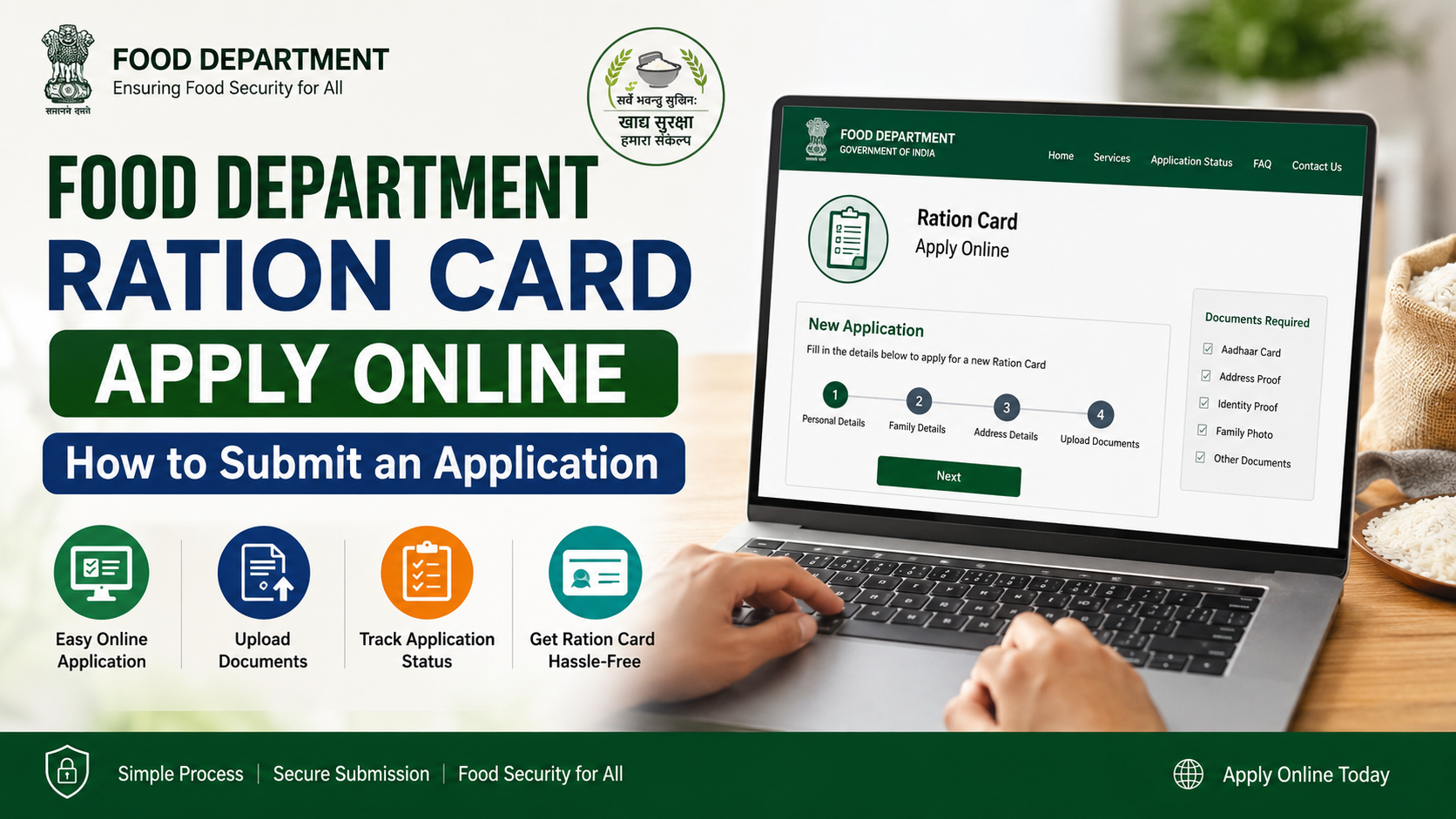
The exact form depends on your circumstances, such as a fresh household application, inclusion of a family member or conversion to a non-subsidised card. The official portal provides the applicable form and instructions.
Step-by-step process
- Open food.wb.gov.in or the linked Ration Card Life Cycle portal.
- Select the ration-card service under the citizen or e-Citizen section.
- Choose the relevant option, such as a new digital ration card or another lifecycle service.
- Enter the applicant’s personal, family and address details exactly as shown on supporting documents.
- Provide Aadhaar and mobile details where requested. Use a mobile number that you control because OTPs and departmental messages may be sent to it.
- Upload or submit the documents requested by the form.
- Review the declaration carefully and submit the application.
- Save the acknowledgement or application number.
- Track the application through the official status inquiry link.
Applications may be subject to departmental verification before approval. Do not treat submission as approval. If an application is approved for e-Ration Card issuance, the department’s published guidance states that an SMS is sent to the registered mobile number with download information.
Information to keep ready
Requirements can vary by service and applicant, but applicants should generally have:
- Aadhaar details of household members, where applicable
- A working mobile number
- Proof of present address
- Details of family members and household head
- Existing ration-card details, if applying for modification or transfer
- Bank or other information only when specifically requested by the official form
Upload clear documents and ensure that names, dates of birth and addresses are consistent. Incorrect information can delay processing or lead to rejection.
e-Ration Card: Download, Verification and Use
The department defines an e-Ration Card as an individual PDF document issued for obtaining PDS commodities from a Fair Price Shop. Its official e-Ration Card page states that the e-RC has the same rights and privileges as the Digital Ration Card and should be accepted at par with it.
Who can use the e-Ration Card?
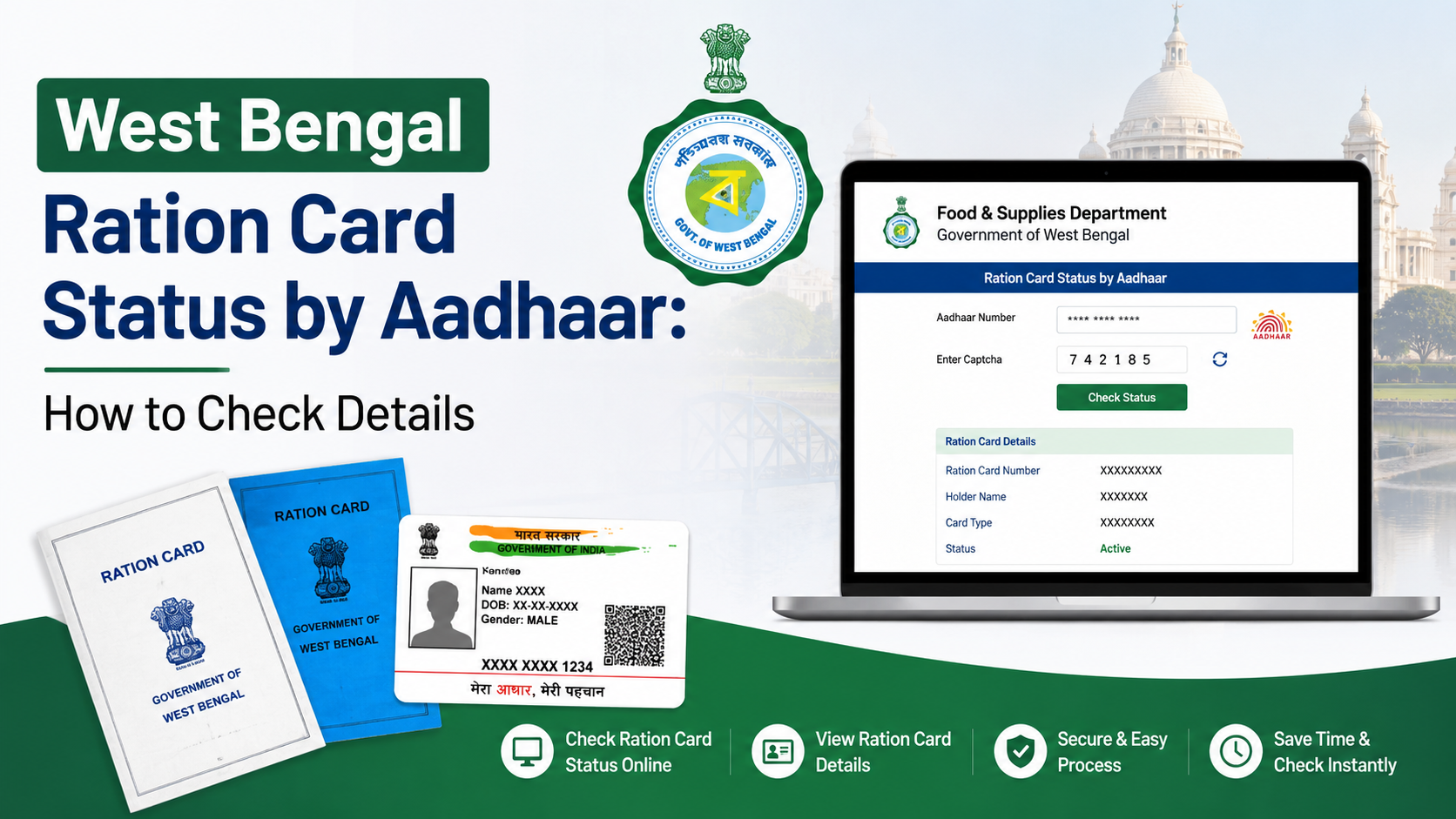
The department’s guidance identifies beneficiaries whose ration cards have Aadhaar and mobile numbers linked as eligible for the e-Ration Card facility. Linking status can be checked through the inquiry services on the official website.
How to download an e-Ration Card
After approval:
- Open the link received by SMS, if provided.
- Alternatively, visit food.wb.gov.in and use the e-Ration Card or login option.
- Authenticate with the registered mobile number and OTP when prompted.
- Select the family member’s card and download the PDF.
- Store a secure copy on your phone and, if useful, print it on plain paper.
The official page says beneficiaries can show a soft copy on a mobile phone or carry a printed copy when visiting the ration shop. It also states that beneficiaries may visit the ration shop from the next working day after approval.
How to verify an e-Ration Card
An e-RC can be checked using its embedded QR code or through the department’s online verification facility by entering the e-Ration Card number. Use only the official domain and never share OTPs with another person claiming to be an agent.
Ration-Card Corrections and Other Online Services
The Ration Card Life Cycle portal lists several services beyond a new application:
- Correction of details in an existing ration card
- Change of allotted ration shop
- Surrender or cancellation of an existing card
- Change of ration-card category
- Duplicate ration-card request
- Updating a mobile number or Aadhaar details
- Change of ration shop or kerosene-oil shop for part of a family
- Shifting an individual to a new family
- Non-subsidised ration-card application or conversion
Choose the service that matches your situation. For example, a family that has moved should use the change-of-shop or shifting option rather than submitting a second fresh-card application.
Keep the acknowledgement number for every request. If the portal shows that additional verification is required, follow the instructions for the relevant Food Inspector, block office, municipality or other designated authority.
Check Application Status, Entitlement and Aadhaar Linking
The WB Food Department website provides inquiry links for routine checks.
Application status
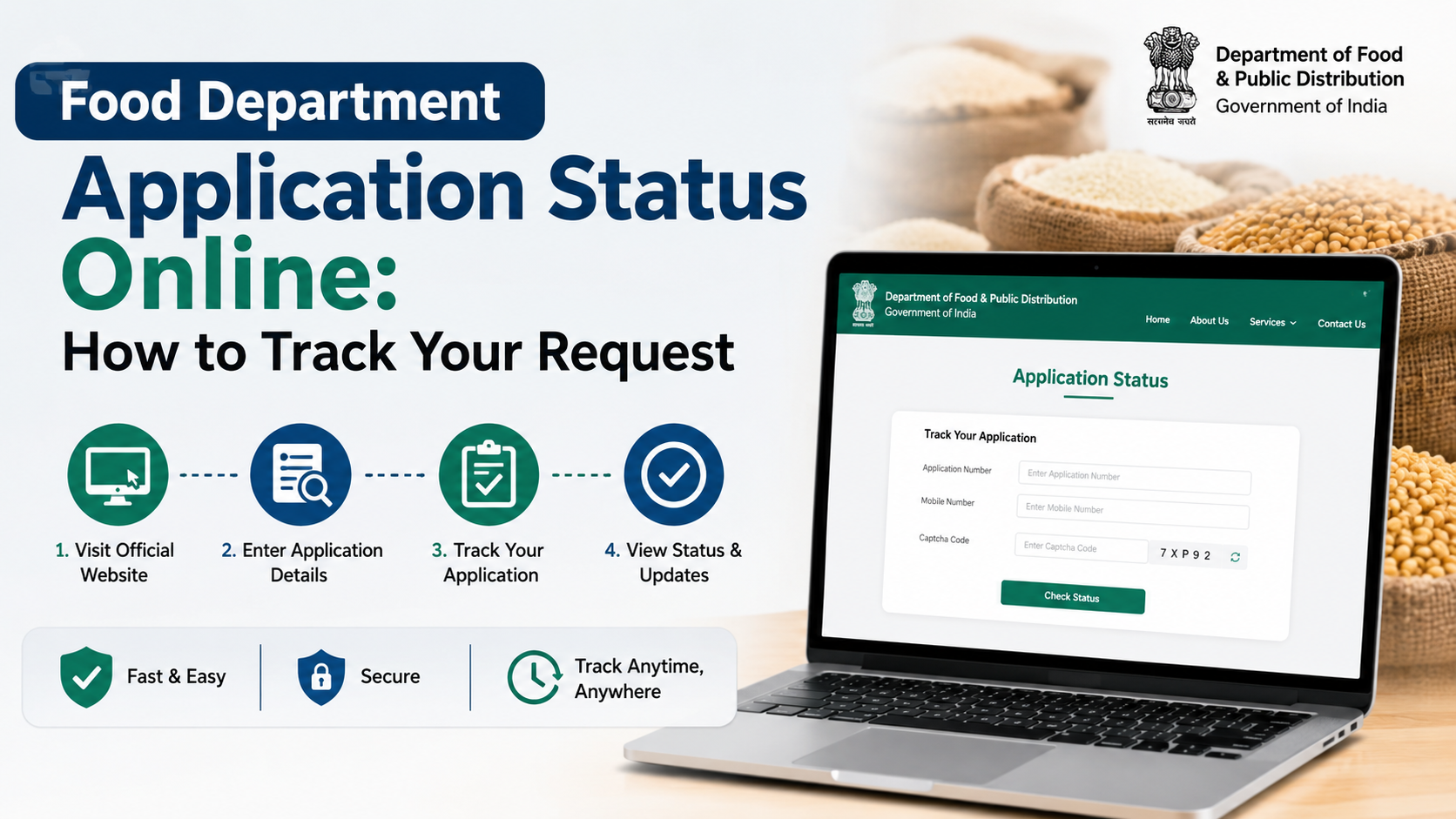
Use the “Check Ration Card Application Status” option and enter the requested reference details. Status labels may indicate submission, processing, approval, rejection or another departmental stage. A pending status does not necessarily mean that the application has failed.
Aadhaar-linking status
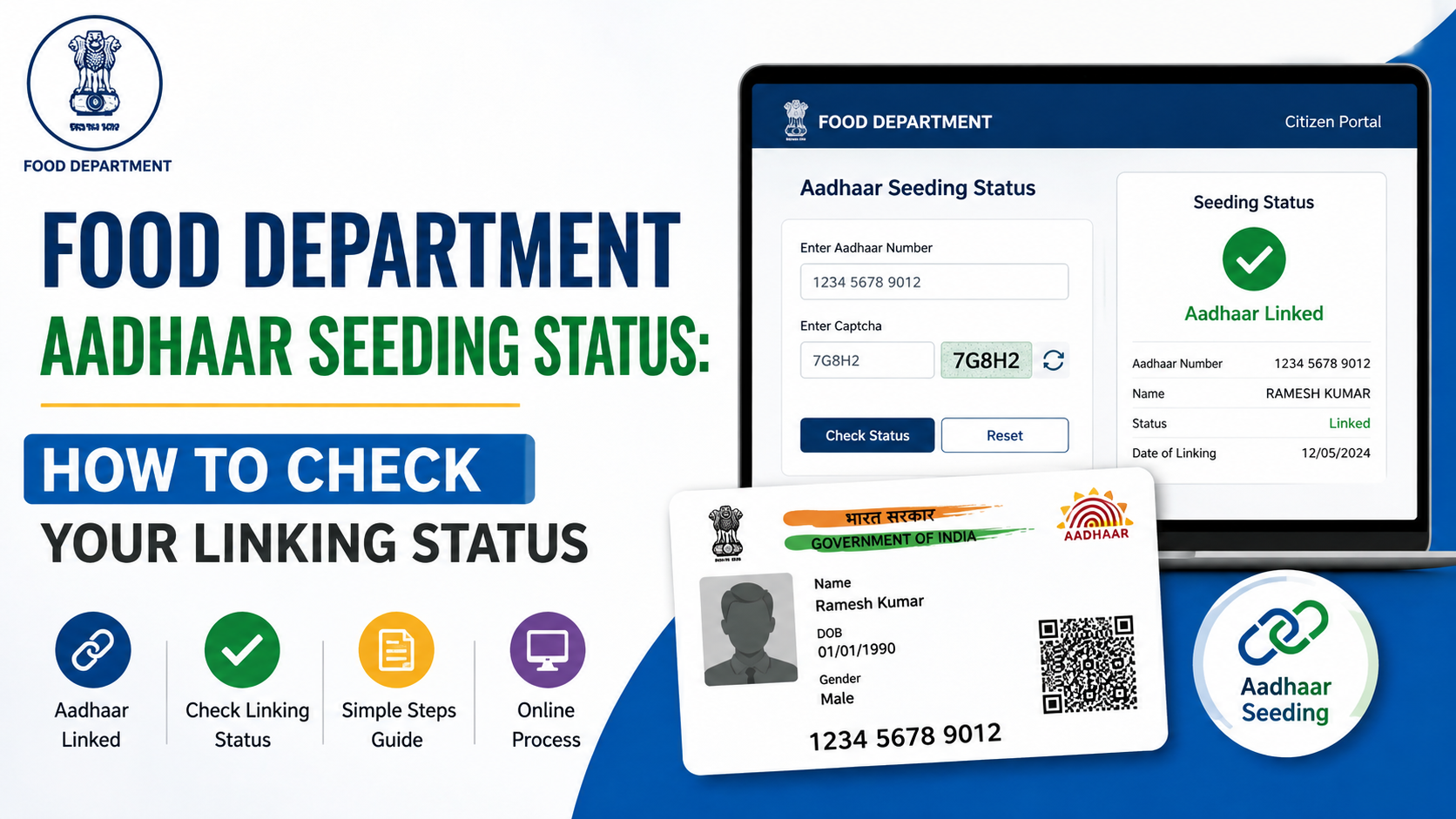
The “Check Aadhaar Linking Status” service helps confirm whether Aadhaar details have been seeded against the ration card. If information is incorrect, use the official correction or update service instead of creating a duplicate application.
Entitlement against a ration card
The entitlement inquiry shows the allocation associated with a ration card, subject to the applicable NFSA or state-scheme rules and current departmental allocation. Actual availability can depend on the distribution cycle and stock at the Fair Price Shop.
Find a Fair Price Shop and Check Beneficiary Information
The department and its PDS portals provide tools to:
- Locate the nearest ration shop
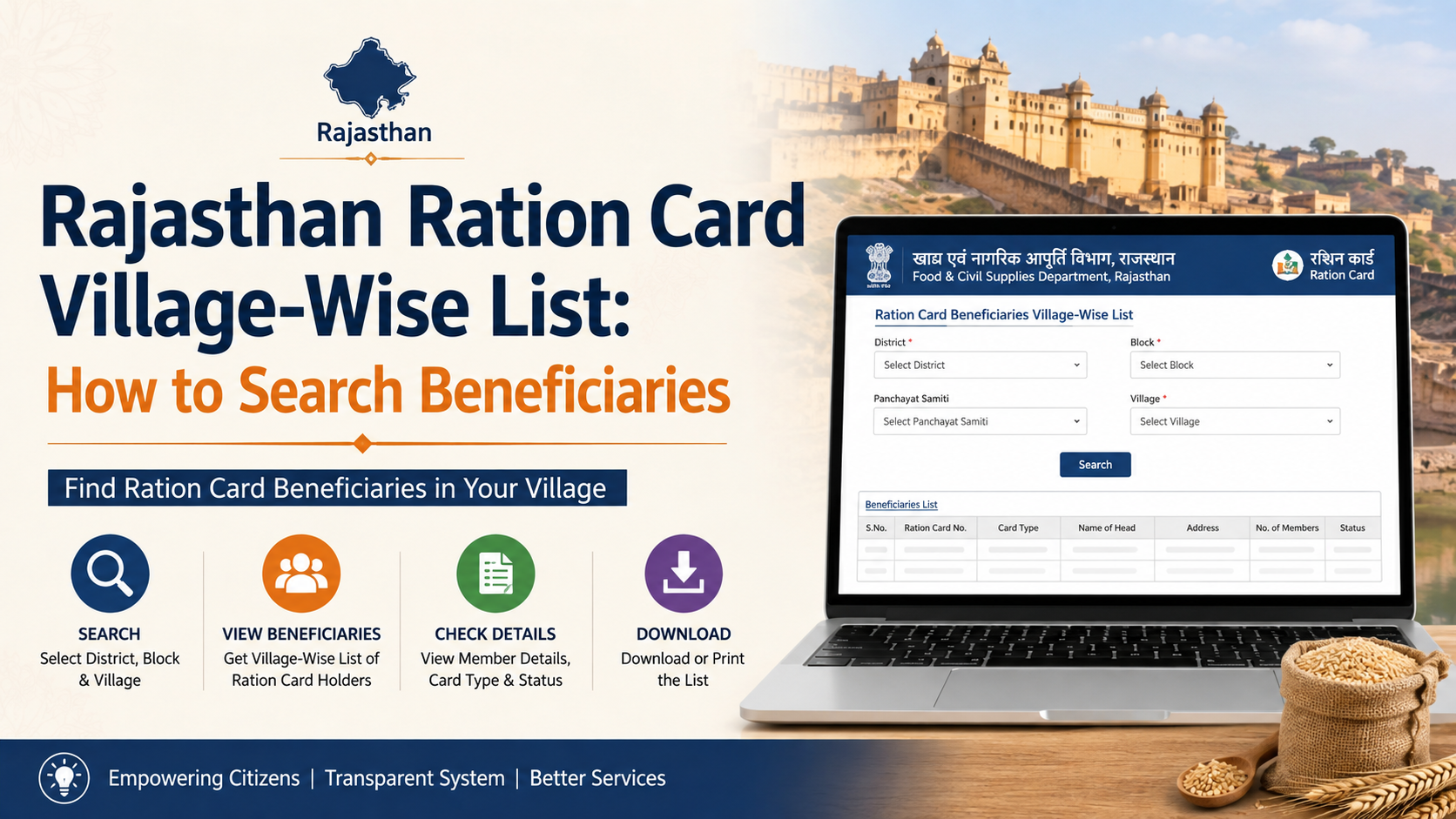
- View FPS-wise beneficiary lists
- Search digital ration-card details
- View ration-card counts by scheme
- Find wholesaler or distributor information
- Review transaction-related information where available
When visiting an FPS, carry your ration-card number or e-RC and use the authentication method supported at the shop. Check the quantity and commodity details before completing the transaction. Keep any receipt or transaction message as evidence if a dispute arises.
The department’s homepage also displays dashboards for ration cards, Aadhaar linking, applications, shops and procurement. These figures are live administrative indicators and may change; they should not be treated as a fixed entitlement or a guarantee of stock at an individual shop.
File a Complaint or Get Help
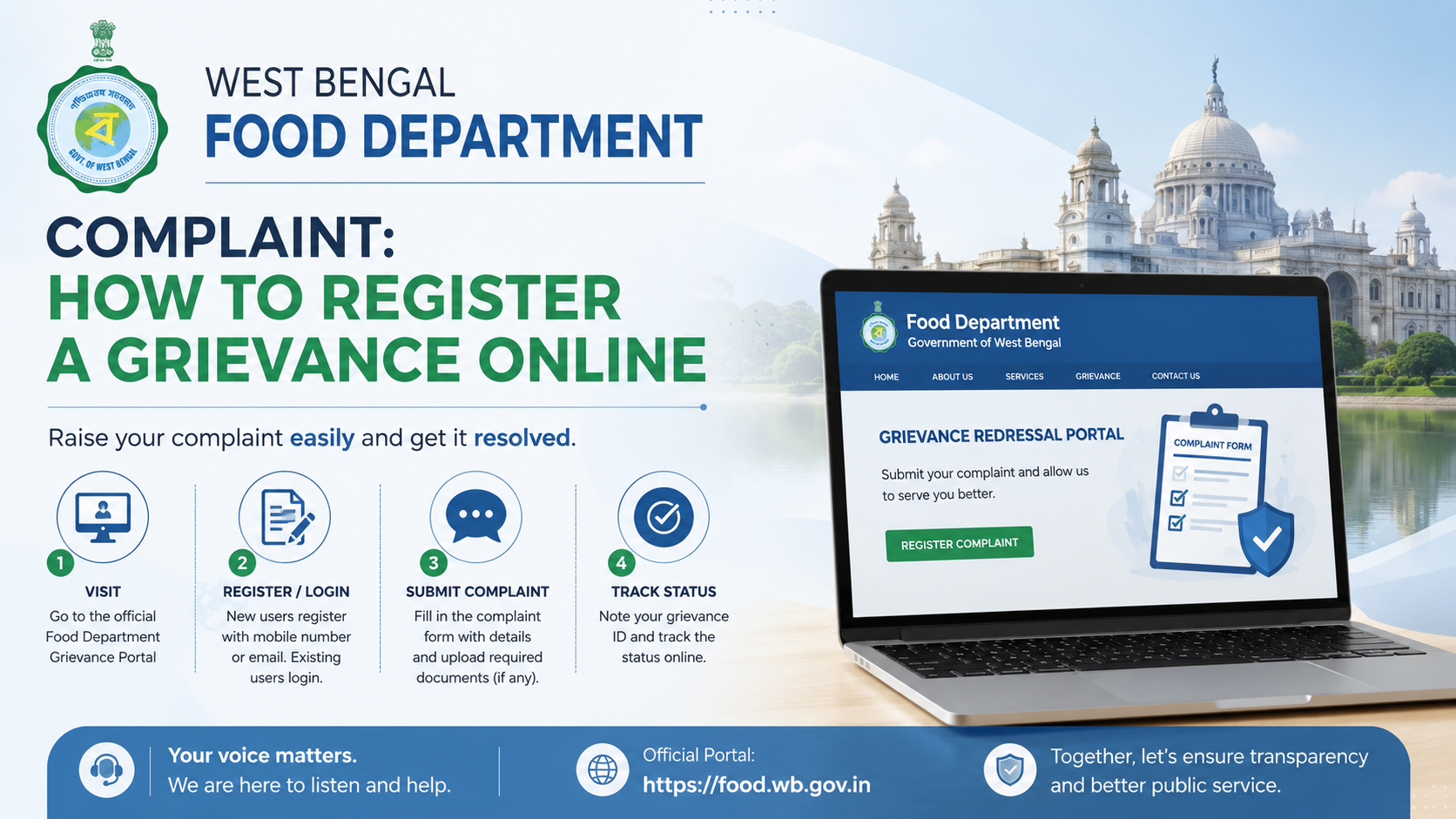
For a missing allocation, authentication failure, refusal of service, incorrect record or other PDS issue, begin with the official grievance redressal portal.
A useful complaint should include:
- Ration-card number
- Name and registered mobile number
- Fair Price Shop details
- Date and description of the incident
- Transaction or acknowledgement number
- Supporting photograph or document, if the portal permits it
The National Food Security Act state page lists the West Bengal helpdesk numbers as 1800 345 5505 and 1967. The department website also publishes these toll-free numbers and lists its address as New Khadya Bhaban, 11A Mirza Ghalib Street, Kolkata–700087, West Bengal.
Do not pay an intermediary for an OTP, password or “guaranteed approval.” Government portals do not require you to disclose an OTP to a caller.
Common Problems and Safe Troubleshooting
OTP does not arrive
Confirm that the registered mobile number has network coverage, wait before requesting another OTP and check whether the number is correctly linked. Repeated attempts may temporarily trigger a security lock.
Application is rejected
Read the status reason and compare the submitted information with your documents. Correct the issue through the appropriate official service or contact the helpdesk. Avoid submitting multiple applications for the same household.
Website is unavailable
Government portals may undergo maintenance or migration. Return to the department homepage, check notices and try again later. Do not use an unrelated website that copies the department’s design.
Details do not match
Name, Aadhaar, address or family-member mismatches should be resolved through the correction or update service. Keep acknowledgement numbers from both the original and correction requests.
Frequently Asked Questions
What is the official website of the WB Food Department?
The primary official website is food.wb.gov.in, the Department of Food & Supplies, Government of West Bengal. It links to the state’s ration-card and grievance portals.
Can I use an e-Ration Card at a Fair Price Shop?
Yes. The department states that an e-Ration Card is accepted at par with the Digital Ration Card. You may show the PDF on your phone or carry a plain-paper printout, subject to successful authentication and the shop’s normal process.
How do I check my West Bengal ration-card application?
Open the official website and select “Check Ration Card Application Status,” or use the linked PDS portal. Enter the acknowledgement or application details requested on the page.
Is Aadhaar linking mandatory for every ration-card service?
The requirement depends on the service and current departmental rules. The department specifically states that Aadhaar and mobile linking makes beneficiaries eligible for the e-Ration Card facility. Check the instructions shown for your selected service.
Where can I complain about a ration-shop problem?
File the complaint through helpdesk.wbfood.in or call 1800 345 5505 or 1967. Include your ration-card and Fair Price Shop details so the issue can be routed correctly.
Conclusion
The WB Food Department official website is the safest starting point for West Bengal ration-card and PDS services. From a new application and e-Ration Card download to corrections, shop-location searches, entitlement checks and complaints, use the department’s linked portals and retain every acknowledgement number. Keep Aadhaar and mobile information accurate, protect OTPs and rely on official notices for any service change. Start at food.wb.gov.in and follow the current citizen-service links for your specific requirement.