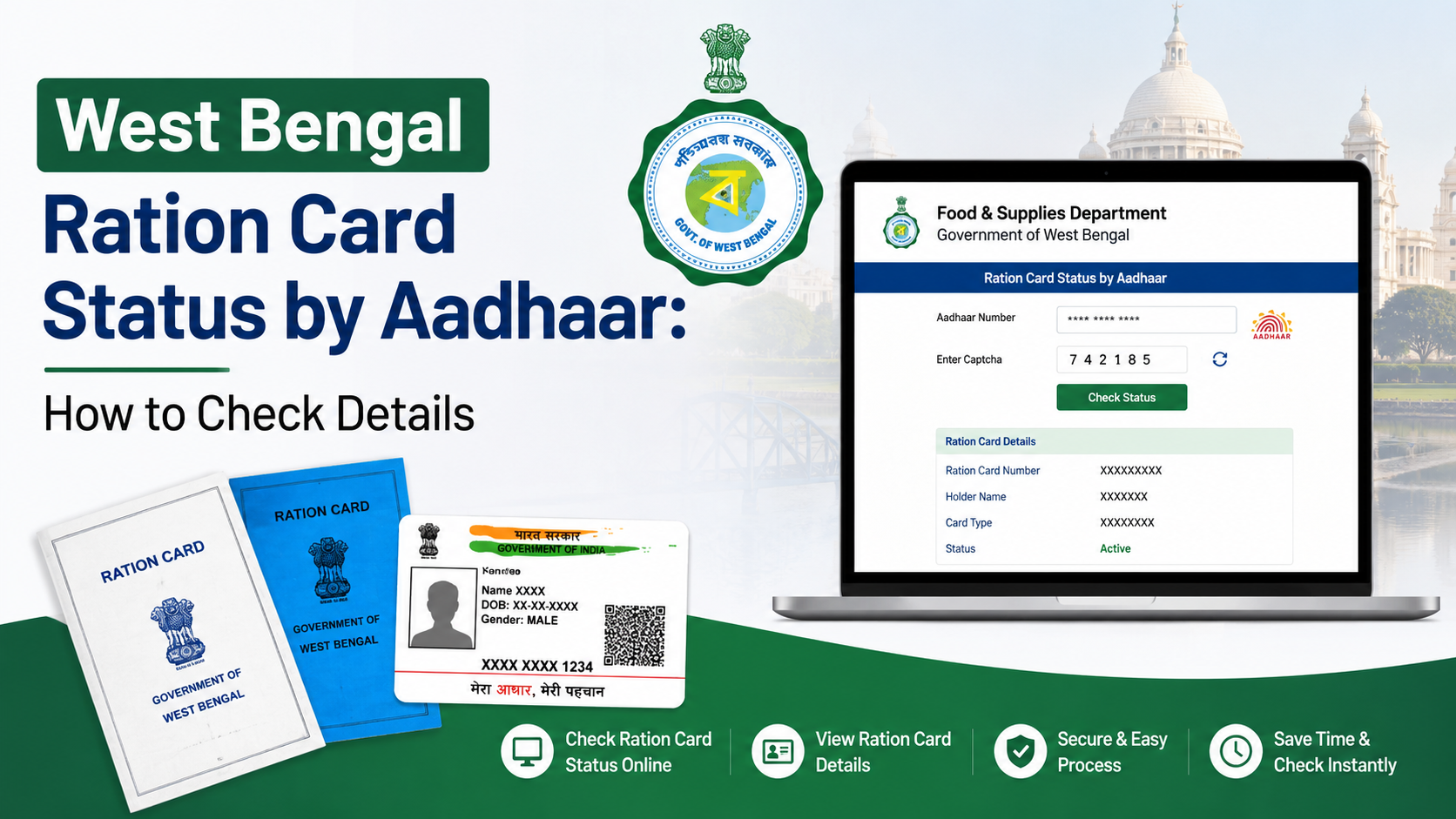
The West Bengal digital ration card system lets residents access, verify and use ration-card information online through the Food & Supplies Department. Eligible beneficiaries can download an electronic ration card (e-RC) as a PDF, check family-member details, verify authenticity through the official portal and track applications using an application number or mobile number.
This guide explains the current official process, the documents and mobile-linking requirements, how to check card details, what to do when information is incorrect and how e-Ration Cards work at fair price shops.
Key Takeaways
- The official Food & Supplies Department website is food.wb.gov.in.
- An e-Ration Card has the same rights and privileges as a Digital Ration Card (DRC).
- Beneficiaries with Aadhaar and mobile numbers linked to their ration-card records can access e-RC services.
- You can download family members’ e-RCs after approval by using an OTP-linked dashboard or the SMS download link.
- Card authenticity can be checked online with the e-Ration Card or Digital Ration Card number.
- Application status can be searched using the full application/barcode number or a 10-digit mobile number.
What Is a West Bengal Digital Ration Card?
A Digital Ration Card is the digitised ration-card record issued under the Food & Supplies Department, Government of West Bengal. The department also provides an e-Ration Card, an individual PDF document that can be used to obtain public distribution commodities from a fair price shop.
The department’s e-Ration Card guidelines state that the e-RC and Digital Ration Card number remain the same. The e-RC is accepted at par with the Digital Ration Card, can be verified online and may be shown as a printed copy or on a mobile phone at the ration shop. See the official e-Ration Card information page and the department’s e-Ration Card guidelines (PDF).
The card record may include:
- Ration-card number
- Name and details of the head of family
- Names of family members
- Card category
- Aadhaar-linking information
- Registered mobile number
- Fair price shop and location details
- Entitlement or transaction information, where available
West Bengal records may use categories such as AAY, PHH, SPHH, RKSY-I, RKSY-II and general or non-subsidised cards. Your category and entitlement depend on the government’s applicable eligibility rules and the approval recorded in the system.
Official Websites for Ration-Card Services
Use only government portals when downloading or checking a card. The main services are available through:
| Purpose | Official service |
|---|---|
| Department information and services | Food & Supplies Department |
| Ration-card lifecycle services | Online Ration Card Life Cycle Portal |
| Digital-card detail search | Search Your Digital Ration Card Details |
| Application-status search | Check Application Status |
| e-Card download | West Bengal e-Card Download |
| Official support | Food & Supplies helplines: 1800 345 5505 and 1967 |
Government portals can change their page layout or redirect through a security page. Always begin at the department website if a deep link does not open.
Who Can Use the e-Ration Card Facility?
According to the department’s published guidelines, the e-Ration Card facility is available when Aadhaar numbers of the ration-card family members have been seeded in the system. The department’s e-Ration Card page also identifies beneficiaries with linked Aadhaar and mobile numbers as eligible for e-RC services.
For a new ration-card application, the state’s published eligibility order says that an applicant should normally reside in West Bengal, should not already possess a ration card elsewhere in India and must satisfy the criteria prescribed by the state government. Eligibility is determined during official scrutiny; submitting an application does not guarantee approval.
Existing cardholders whose mobile number is not linked may need to submit the prescribed Form 11 application for linking Aadhaar and mobile details. Depending on the case, this can be submitted online or at the relevant Food Inspector, Sub-Controller of Food and Supplies (SCFS) or Sub-Divisional Controller of Food and Supplies (SCF&S) office.
How to Download a West Bengal Digital Ration Card
Method 1: Download from the approval SMS
For a fresh online or offline application, follow these steps:
- Submit the relevant ration-card application through the Food & Supplies Department services page.
- Complete the department’s verification and approval process.
- After approval, check the registered mobile number for an SMS from the department.
- Open the download link included in the SMS.
- Download the e-Ration Card PDF for the applicant and eligible family members.
- Save a secure copy and print it if you want a paper backup.
The department’s guidelines state that the approval SMS contains a link to download the e-Ration Card as a PDF. Keep the registered SIM active because OTPs and service notifications are sent to that number.
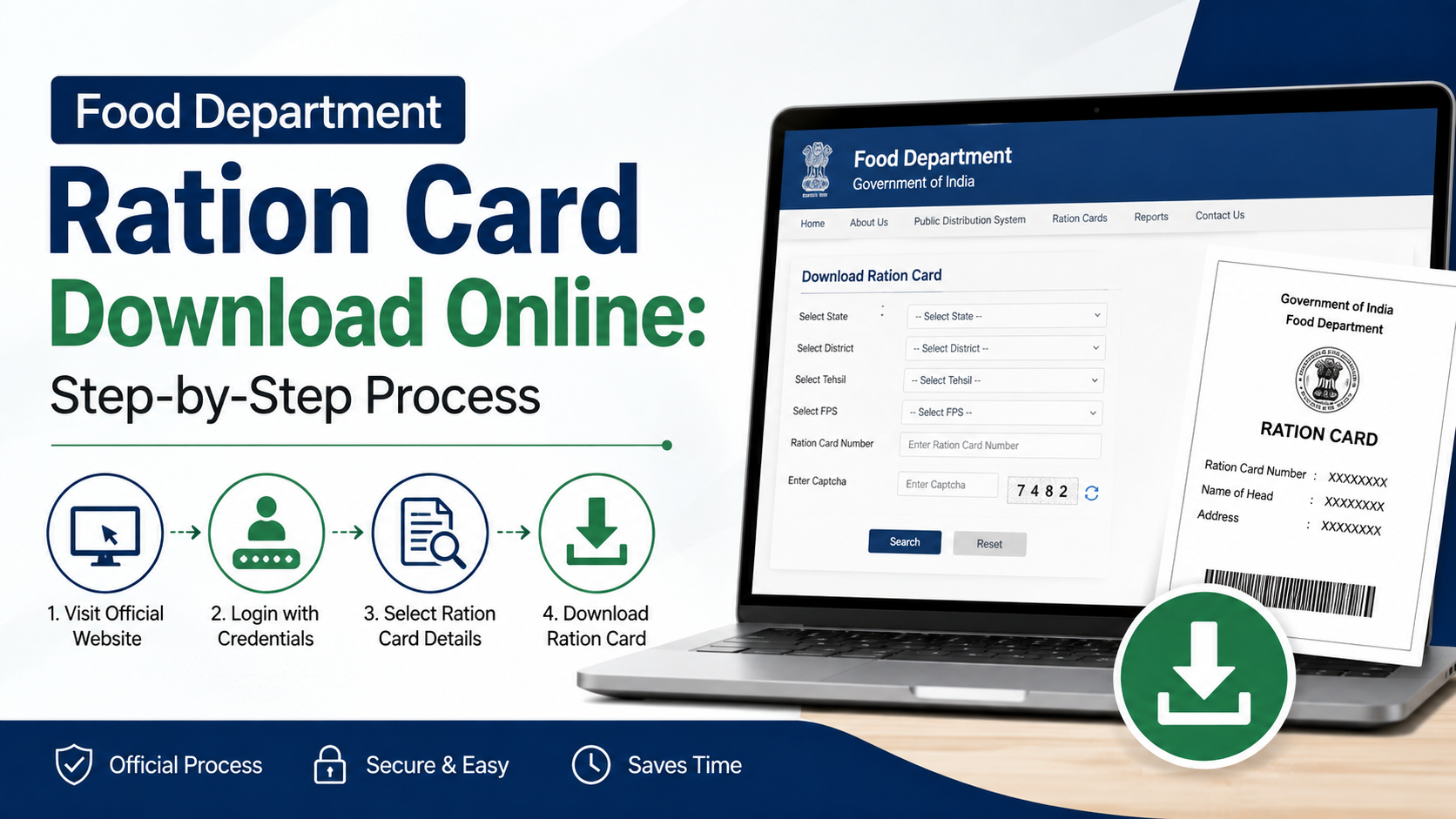
Method 2: Download through the online dashboard
If your registered mobile number (RMN) is already linked:
- Visit food.wb.gov.in.
- Open Services, then Ration Card, and select the e-Ration Card service.
- Log in with the OTP sent to your registered mobile number.
- Open the dashboard showing your family’s ration-card records.
- Select the relevant family member.
- Download the e-RC PDF and repeat the process for other members, if required.
The guidelines say that approved beneficiaries can access the dashboard through OTP and view or download e-RCs for family members at any time.
Method 3: Use the e-Card download link
The department’s lifecycle portal provides an e-Citizen link for downloading an e-Card. Open the official e-Card Download service and follow the on-screen instructions. The portal may ask for card-related information, mobile verification or other security inputs.
Do not share an OTP with another person or download a card from a private website claiming to be an official service.
How to Check West Bengal Ration Card Details Online
You can verify the information stored against a Digital Ration Card or e-Ration Card number.
- Open the Search Your Digital Ration Card Details page.
- Enter the ration-card number.
- Complete the captcha or verification fields shown on the page.
- Submit the search.
- Compare the online record with the card or PDF in your possession.
The department’s guidelines explain that the verification service displays card details when the e-Ration Card or Digital Ration Card number is searched. A mismatch may indicate that the document is false, expired, deleted or contains incorrect information.
For privacy and security, check that the browser address begins with an official government domain such as food.wb.gov.in, wbfss.wb.gov.in or wbpds.wb.gov.in.
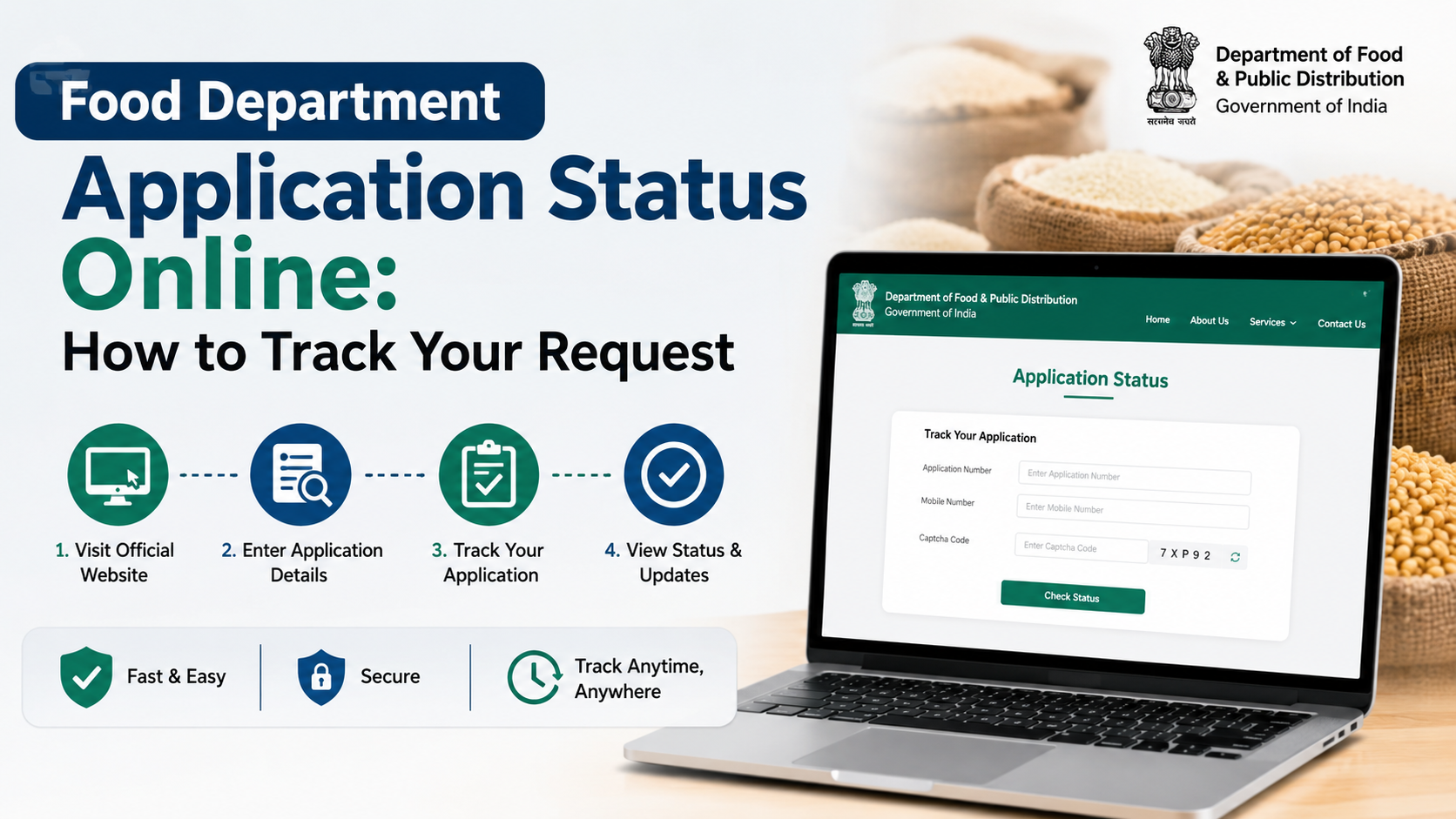
How to Check Ration-Card Application Status
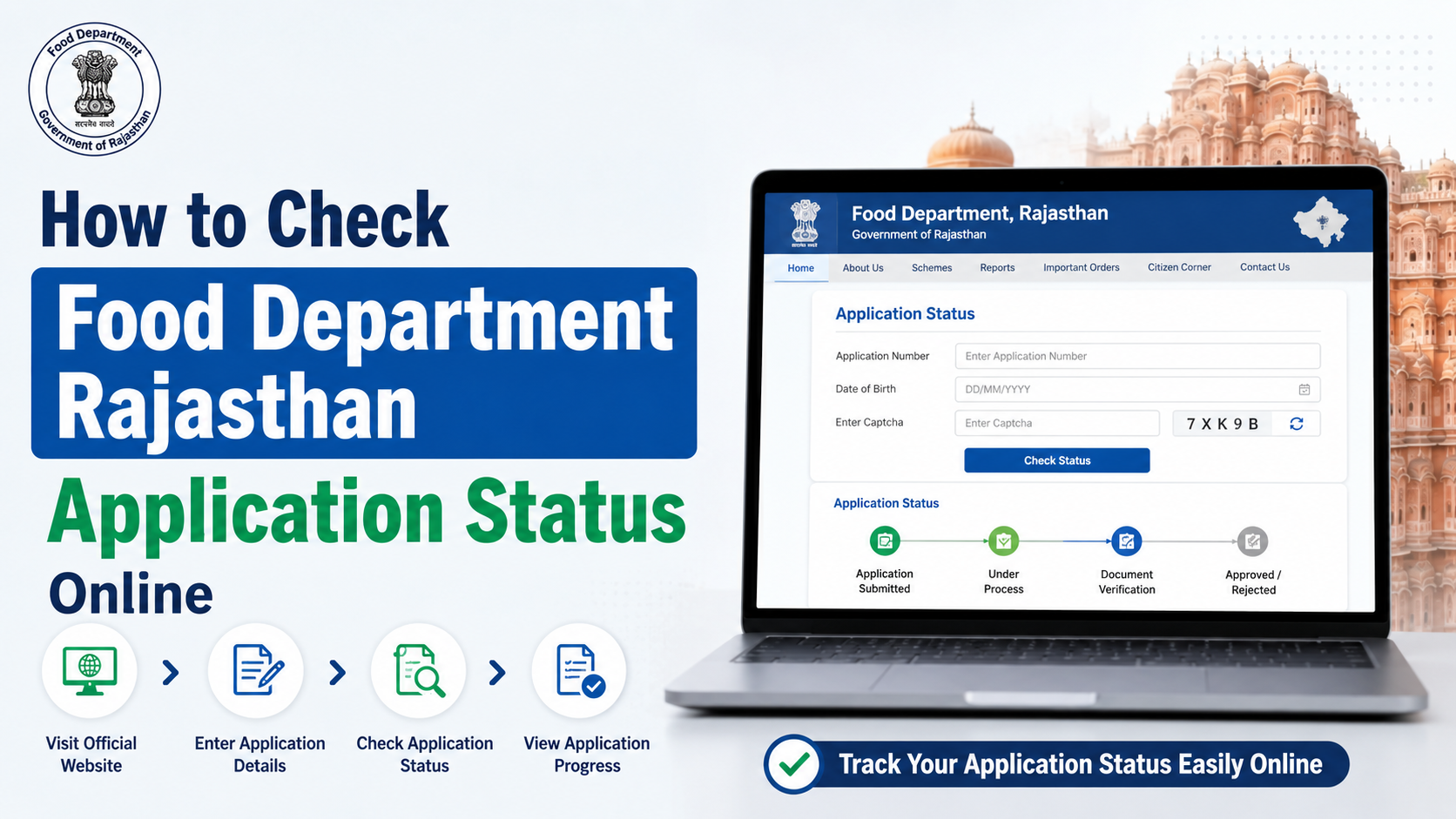
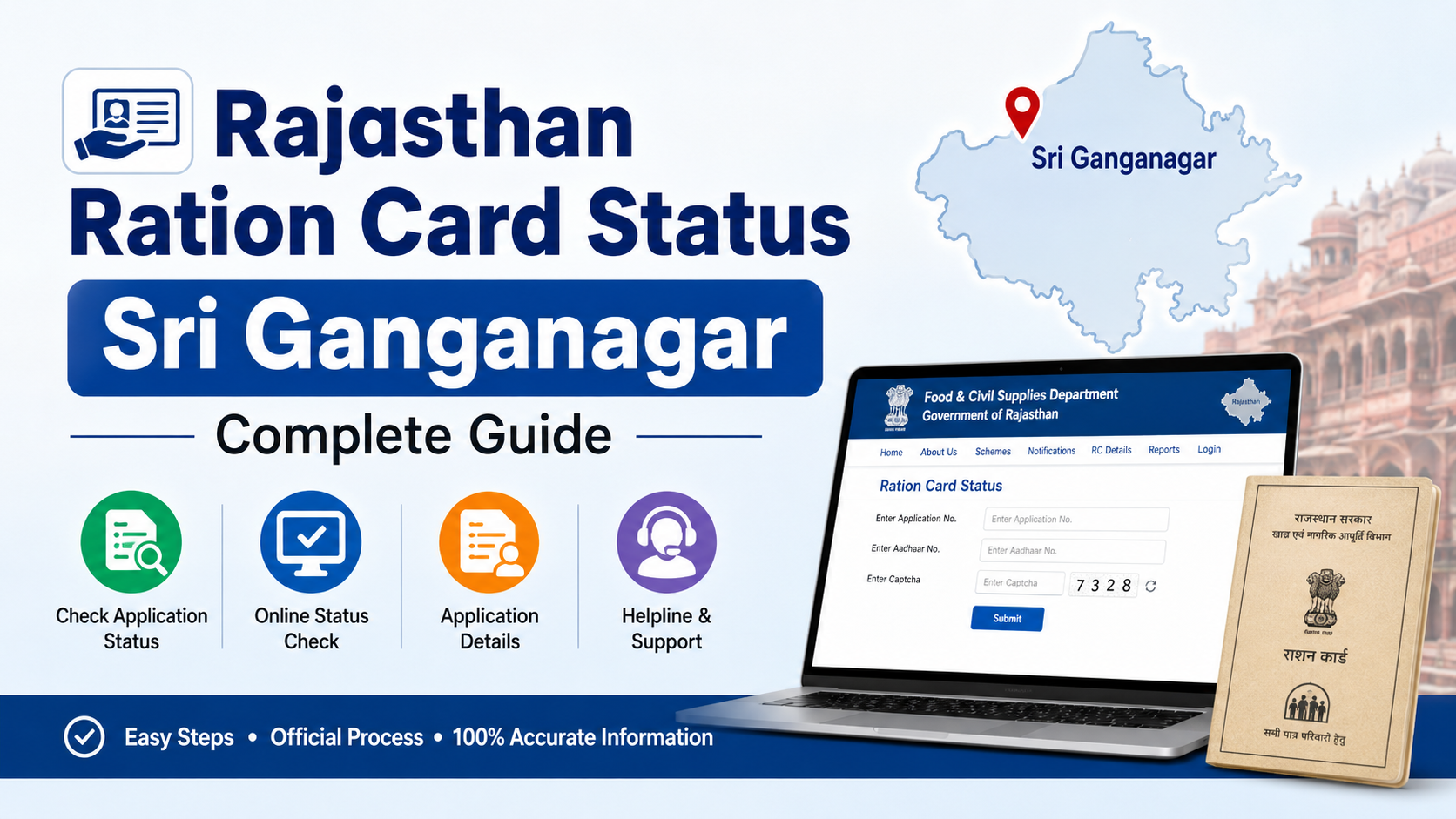
Use the official Check Application Status page if you have submitted a new-card, correction, Aadhaar-linking, category-change or related application.
The page provides these search options:
- Select the relevant form type, such as Form III, IV, V, VI, VII, VIII, IX, X, XI, XII, XIII, XIV, XV or Common Application Form.
- Enter the complete 16-digit or 10-digit application/barcode number; or
- Enter the 10-digit mobile number.
Submit the captcha or verification field and review the displayed status. Keep the acknowledgement or barcode number issued when you applied. If the portal does not find your record, confirm that you selected the correct form type and entered the number without extra spaces.
Aadhaar and Mobile-Number Linking
Aadhaar and mobile linking is important for e-Ration Card access and electronic authentication. If all required family-member Aadhaar records are not seeded, the e-RC option may not appear or the application may remain incomplete.
Before applying for linking or correction, keep ready:
- Existing Digital Ration Card number
- Aadhaar details of relevant family members
- Registered or active mobile number
- Application acknowledgement, if already submitted
- Supporting documents requested by the department for a correction
If your existing card has no registered mobile number, the department’s guidelines direct applicants to submit Form 11 through the appropriate office. Contact the local Food Inspector or Food & Supplies office if the online service cannot identify your record.
Using the e-Ration Card at a Fair Price Shop
You do not have to carry the original paper Digital Ration Card to obtain food grains. The department states that an e-RC holder may:
- Show the PDF on a mobile phone
- Present a plain-paper printout
- Provide the e-Ration Card number
- Allow the dealer to scan the QR code, where available
The fair price shop dealer enters or scans the card in the e-PoS machine. Authentication may use Aadhaar-based fingerprint verification or an OTP sent to the registered mobile number. Keep your phone available if you choose OTP authentication.
Approval does not necessarily mean you can collect commodities immediately in every situation. The department’s e-Ration Card page says beneficiaries can visit the ration shop from the next working day of approval; shop timings, stock availability and local operating conditions may still affect collection.
Common Problems and Practical Solutions
Download link not received
Check the registered mobile number, SMS inbox, blocked messages and network connectivity. You can also try the OTP dashboard on the department website.
Mobile number is not recognised
Your number may not be linked to the card, or the record may contain an old number. Use the Form 11 linking process or contact the relevant Food & Supplies office.
Details are incorrect
Use the official correction service listed under Services → Ration Card → Apply Online. Choose the form prescribed for correction and upload or submit supporting documents as requested.
Application status is unavailable
Recheck the form type and application number. If the record remains unavailable, contact the department helpline or the office where the application was submitted.
PDF will not open
Download the file again using a current browser, check that your device has a PDF reader and avoid renaming the file before it finishes downloading. Never edit the PDF because alterations can make verification fail.
Frequently Asked Questions
Is an e-Ration Card the same as a Digital Ration Card?
The Food & Supplies Department says the e-RC has the same rights and privileges as the Digital Ration Card. The e-RC is a downloadable PDF, while the Digital Ration Card refers to the digitised card record.
Can I download the e-RC without linking a mobile number?
Online OTP-based download requires a registered mobile number. If your mobile number is not linked, submit the prescribed Form 11 application through the appropriate online or offline channel before attempting the dashboard download.
How can I verify whether a ration card is genuine?
Use the department’s Verify Ration Card or Search Your Digital Ration Card Details service and enter the card number. Compare the online details with the PDF or printed card.
What should I do if I lose the downloaded PDF?
Return to the official e-Ration Card or dashboard service and download it again. The department’s guidelines state that an e-RC can be downloaded repeatedly.
Can I use a phone copy at the ration shop?
Yes. The department states that beneficiaries may show a soft copy on a mobile phone, present a plain-paper printout or provide the e-RC number, subject to the required e-PoS authentication.
Conclusion
The West Bengal digital ration card system makes it easier to download an e-Ration Card, check family details and monitor applications without relying on a physical document. Start with the official Food & Supplies Department portal, keep your Aadhaar and registered mobile information accurate, and use the verification page before relying on any card copy.
If you face a linking, download or status problem that cannot be resolved online, contact the Food & Supplies Department at 1800 345 5505 or 1967, or approach the responsible local Food & Supplies office.