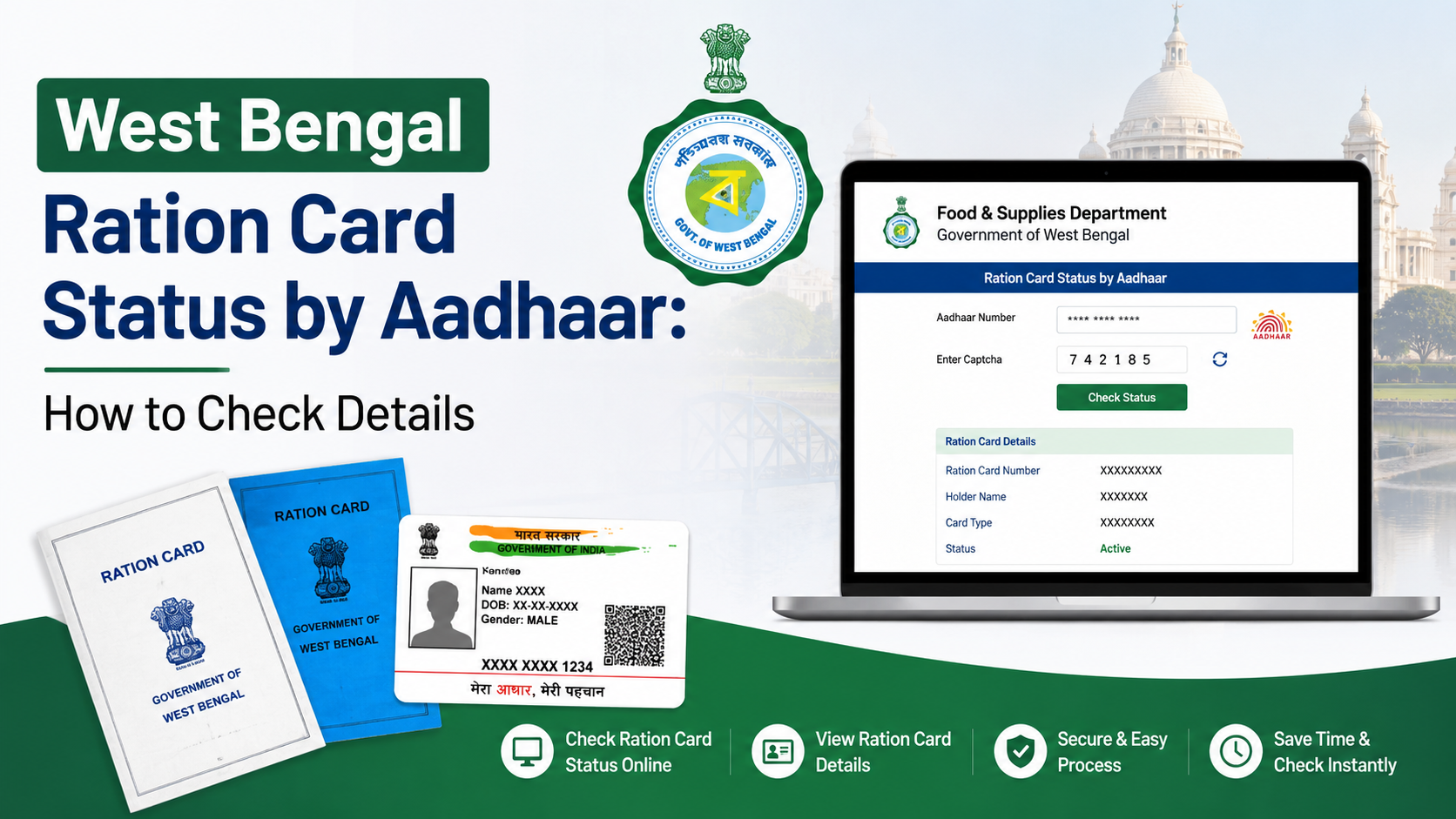
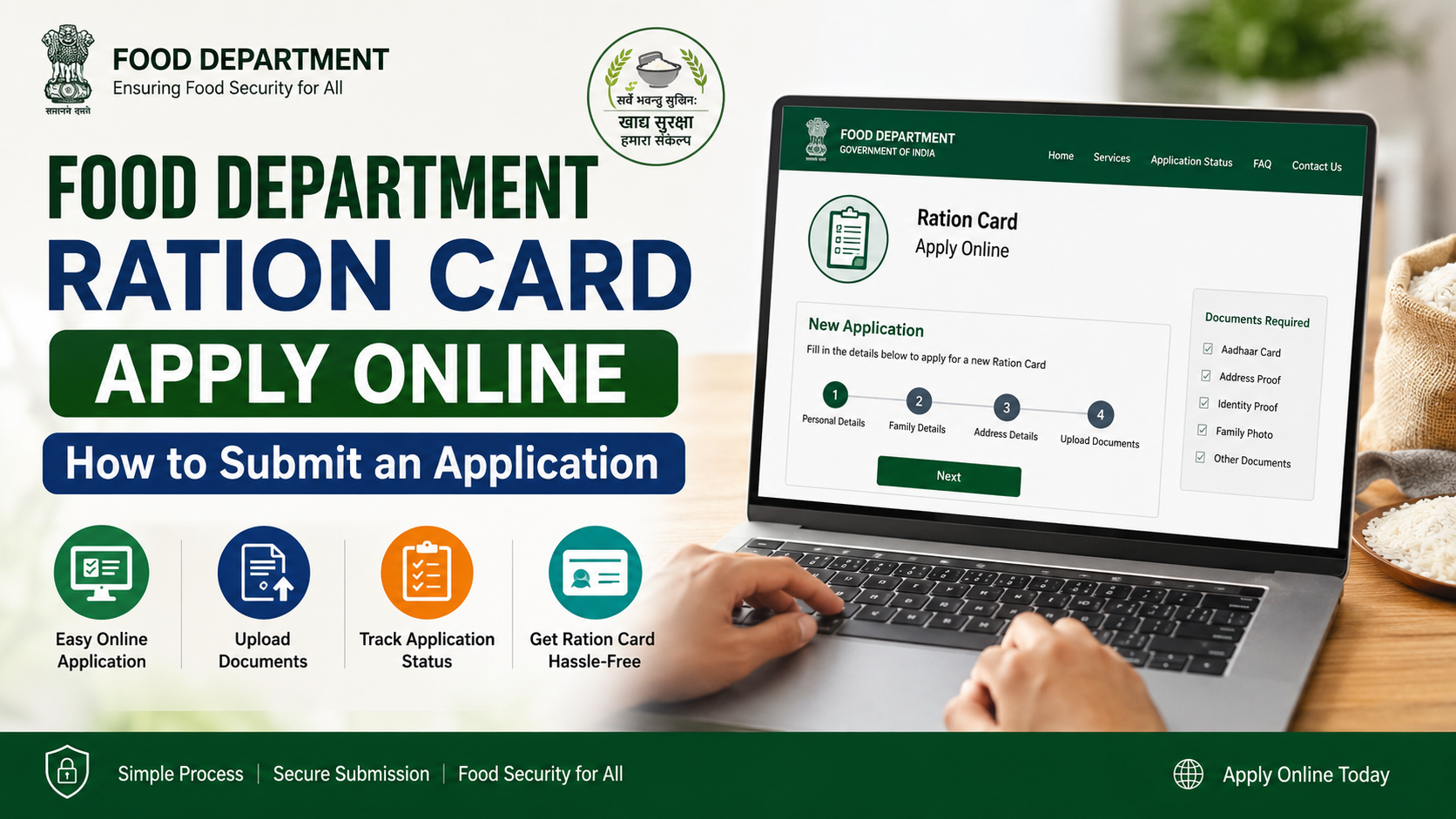
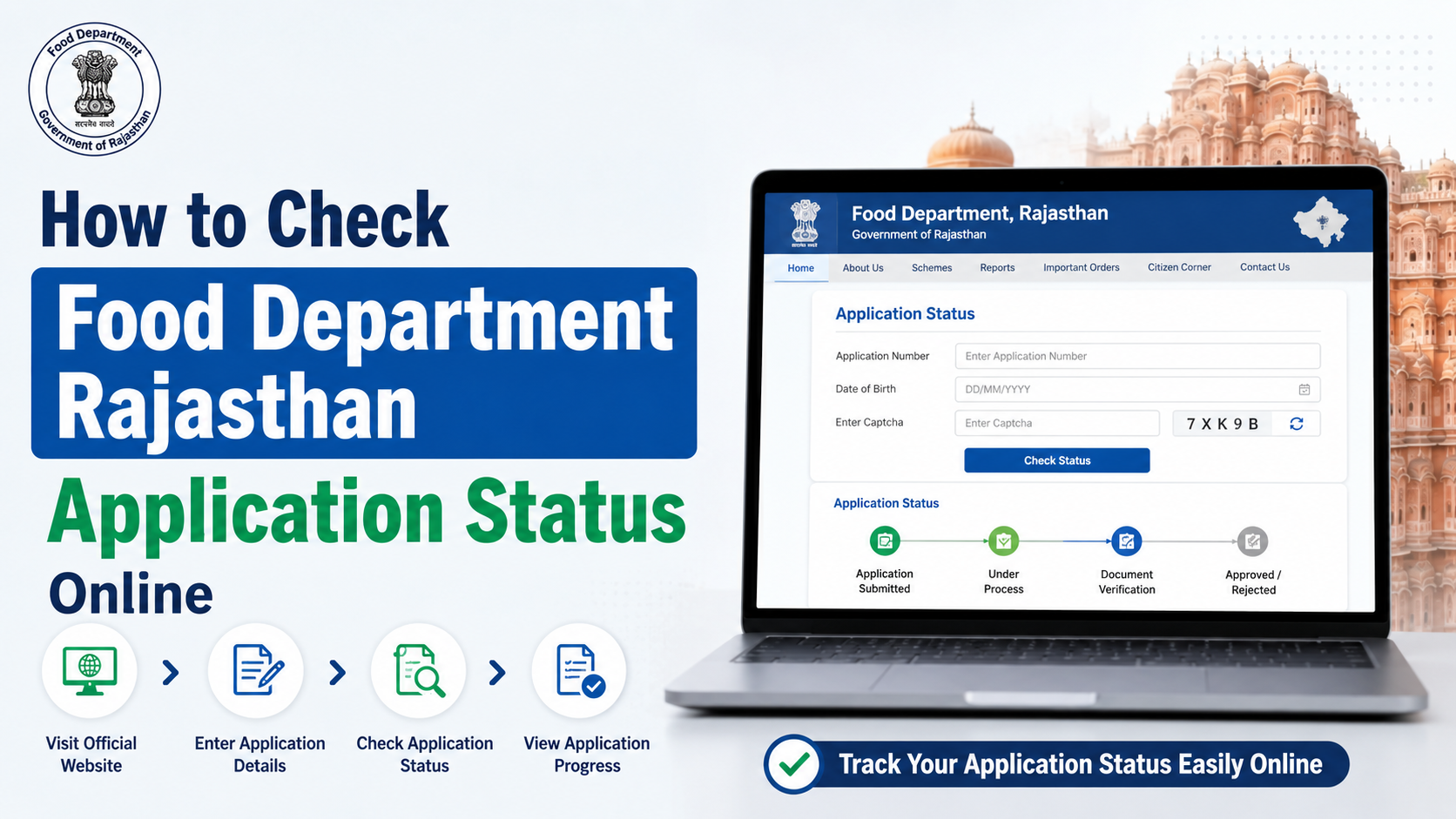
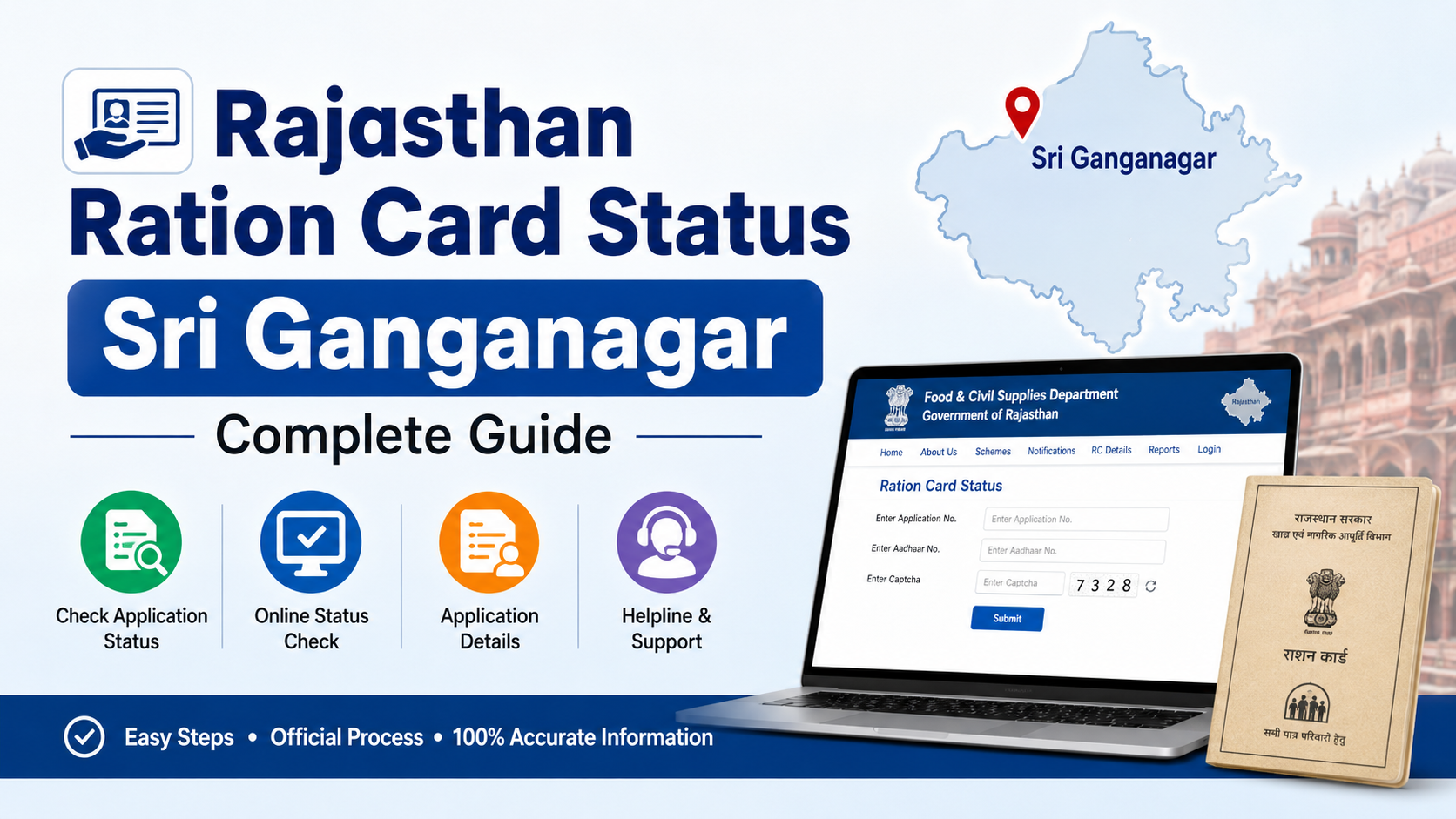
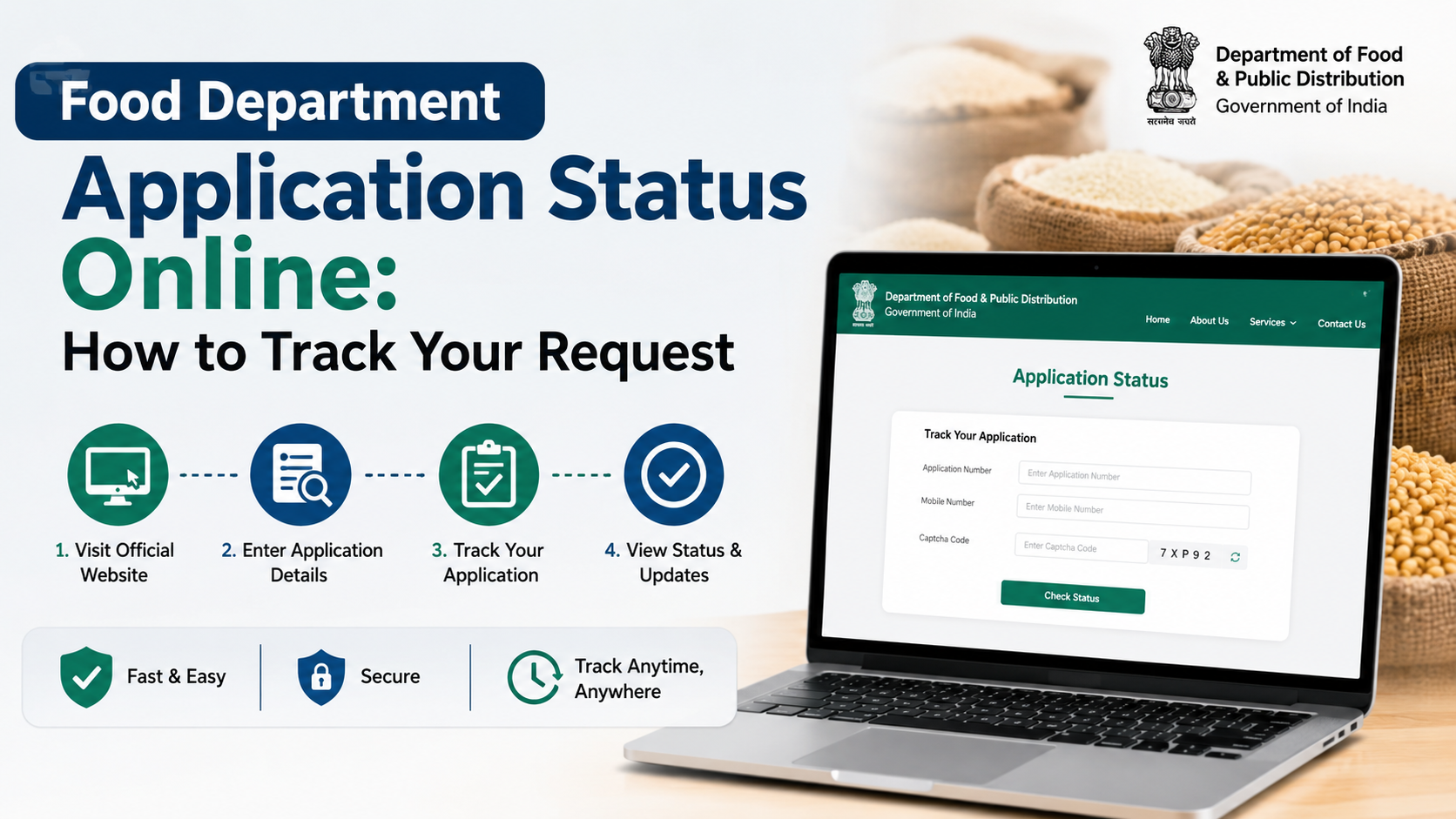
If you have submitted a request for a digital ration card service in West Bengal, checking the west bengal food department application status online can show the information recorded against your application and its processing history. The official tracking facility is part of the state Food & Supplies Department’s Ration Card Management System (RCMS).
This guide explains which portal to use, what details to keep ready, how to search safely, and what to do if the result is unavailable or needs attention. It focuses on ration-card-related applications; recruitment, procurement, and other departmental services may use separate portals.
Key Takeaways
- Use the official RCMS “Check Application Status” page for ration-card-related requests.
- Keep the application/reference number from your acknowledgement ready before searching.
- The portal asks you to select the relevant form type and search type before entering details.
- The result area can display application details, history, family information, address, FPS, and beneficiary information.
- If a current-record search does not find your application, the page provides an old application-status option.
- Never share Aadhaar OTPs, passwords, or personal details with unofficial callers or websites.
What the West Bengal Food Department Status Tracker Covers
The West Bengal Food & Supplies Department manages Public Distribution System (PDS) and digital ration-card services in the state. Its official website directs citizens to RCMS portals for ration-card-related work.
The online application-status facility is most relevant when you have applied for a service connected with a digital ration card, such as a new request or a change recorded through the department’s application process. It is not a universal tracker for every application made to every division of the Food & Supplies Department.
For example, an application for a contractual job vacancy, a paddy-procurement registration, or a rice-mill service may have its own designated portal and status process. Before entering personal information, confirm that the acknowledgement you hold is for a ration-card-related service.
The official Food & Supplies Department dashboard identifies its ration-card-related application service separately and links citizens to RCMS options. Start from the department’s official home page if you are unsure which system applies: Food & Supplies Department, Government of West Bengal.
Use the Official Application-Status Portal
The direct official page for checking current application status is:
Check Application Status — Food & Supplies Department, West Bengal
The page is hosted on the wb.gov.in government domain and identifies the Food & Supplies Department, West Bengal, with National Informatics Centre (NIC) development support.
Avoid relying on a search advertisement, a social-media post, or a third-party “status checker.” A lookalike website can collect your application number, Aadhaar details, or OTP. Typing the official address yourself or opening it from food.wb.gov.in is safer.
Current tracker versus old tracker
The official current-status page includes a link for users whose application is not found to check the old application status. This matters because records may be associated with a previous system or portal.
Use the current tracker first. Only move to the old-status option provided on that same official page if the current search does not return your application. Do not assume a “not found” message means your application has been rejected.
Details to Keep Ready Before You Search
Preparing the correct details reduces failed searches and helps you recognise the record returned by the portal.
| Item | Why it matters |
|---|---|
| Application or reference number | This is the key identifier for tracking the submitted request. |
| Acknowledgement slip or receipt | Helps confirm the exact number, service, and applicant information. |
| Mobile phone linked to Aadhaar, if prompted | The official page states that an OTP may be sent to the Aadhaar-linked mobile number. |
| Relevant family member’s Aadhaar details, if applicable | The portal notes that the Aadhaar entered must belong to a family member. |
| Basic application details | Useful for matching the address, family list, or other information shown in the result. |
If you filed a paper application through an office or camp, check the acknowledgement portion carefully. Department guidance describes a bar-coded reference number generated through the Food & Supplies portal for subsequent queries. Preserve that acknowledgement until the application is fully resolved.
Aadhaar and OTP precautions
The status page includes Aadhaar-related instructions. It says that the Aadhaar biometric should not be locked when using the Aadhaar-based login process, and it requires consent for that login where applicable.
Treat an OTP as confidential. Department staff, bank staff, and legitimate support teams should not need you to disclose an OTP over a phone call or chat. Enter it only into the official government page you opened yourself.
How to Check West Bengal Food Department Application Status Online
Follow these steps for a ration-card-related application:
- Open the official Check Application Status page.
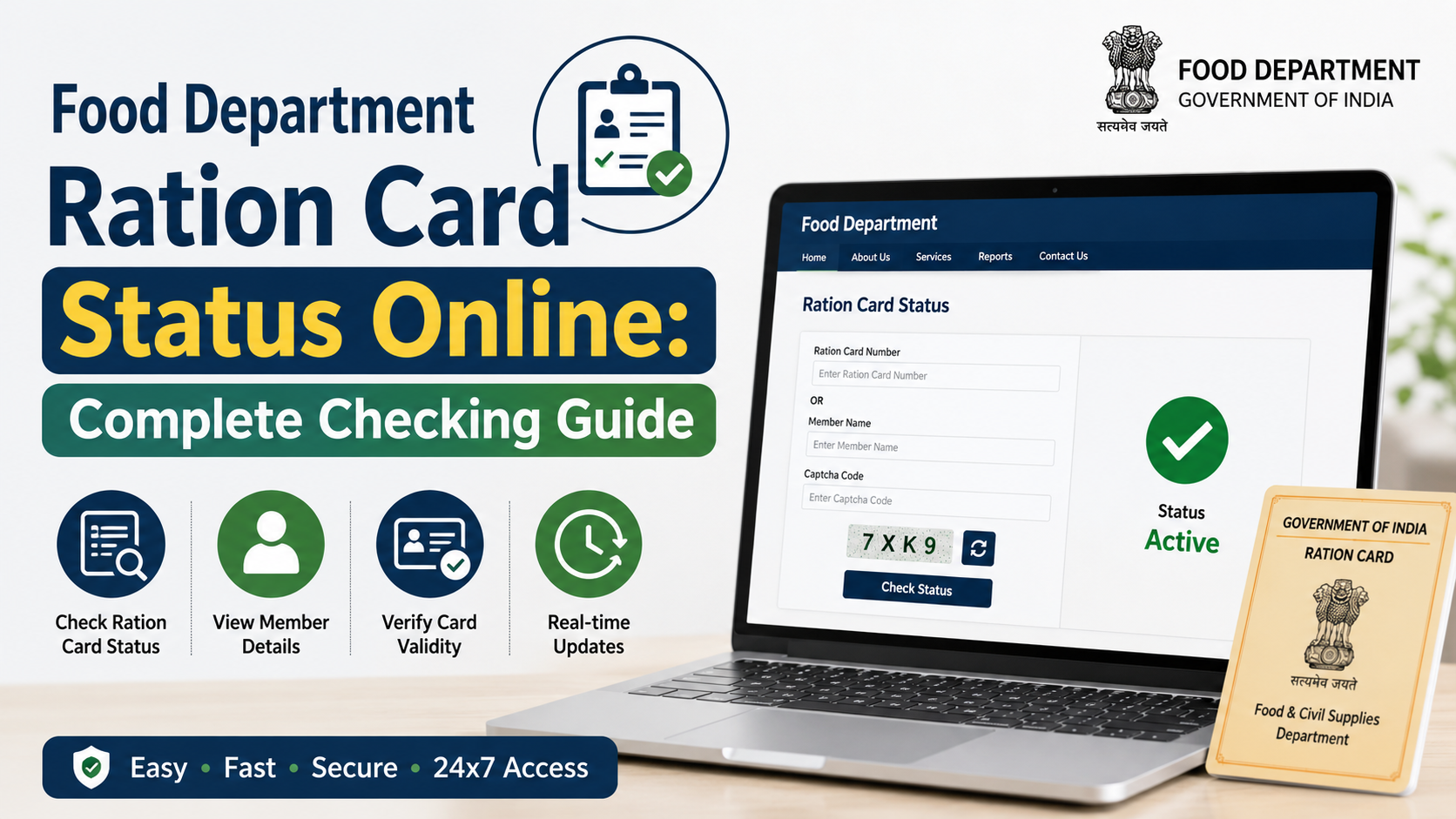
- Select the Form Type that matches the service for which you applied. Read the options carefully rather than choosing a similar-looking service.
- Select the available Search Type that corresponds to the information you have.
- Enter the required application number or other requested identifier exactly as shown on your acknowledgement. Check digits, letters, and spaces before submitting.
- If the portal asks for Aadhaar-based authentication, use only the Aadhaar information of a family member as directed on the page and complete the OTP step through the registered mobile number.
- Select the consent checkbox when you agree to Aadhaar-based login, then choose Search.
- Review the returned record carefully. The official result area is organised into sections such as Application Details, History, Family List, General Information, Address, FPS, and Beneficiary.
- If no record is displayed, use the official page’s old-application-status link before taking further action.
Do not submit multiple new applications merely because the tracking page is slow or a search does not work on the first attempt. Duplicate requests can make follow-up harder. First recheck the acknowledgement number and try again later if the portal is temporarily unavailable.
How to Read the Status Result Responsibly
A tracking result is a record of your request in the department’s system. It is useful for identifying where the application stands, but it should be read alongside the full details displayed on screen.
Check the history, not just the headline
The History section is especially useful because it can show activity recorded against the request. Compare it with your acknowledgement and verify that the applicant’s name, household details, and address are correct.
If the portal displays family, address, fair price shop (FPS), or beneficiary information, review those entries as well. A status screen may confirm that a record exists while also revealing information that needs correction.
Do not assume a final decision from an incomplete result
A record appearing online does not automatically mean that every stage is complete. Likewise, an application not appearing immediately is not by itself proof of rejection. The portal’s own displayed details and history are the appropriate source for the status of that specific application.
If the result explicitly records a problem or if information is incorrect, retain a screenshot or note the reference number and the date you viewed it. This will help when contacting the department or visiting the appropriate local office.
Common Problems and Practical Fixes
The application cannot be found
Try these checks first:
- Re-enter the application number from the acknowledgement.
- Confirm you selected the correct form type and search type.
- Use the official old-application-status link offered on the tracker page.
- Try again later if the site appears unavailable or does not load fully.
- Avoid submitting a duplicate application until you have sought clarification.
The Aadhaar OTP does not arrive
Make sure the mobile number linked with Aadhaar is available and has network service. The official page states that the Aadhaar used must belong to a family member. If you cannot complete the Aadhaar-based process, do not attempt repeated entries with another person’s details without authority.
The details shown are incorrect
If the returned record has an incorrect name, address, family detail, or other material information, use the reference number and acknowledgement when requesting help. The correct route can depend on where and how the application was submitted, so follow the instructions shown in the official record or contact the department through official channels.
The portal is down or slow
Government portals can undergo maintenance. The Food & Supplies Department homepage publishes notices, including service-maintenance notices when applicable. Check the official homepage rather than trusting unverified messages that claim the system is permanently closed.
Official Help and Escalation Options
For assistance with PDS and ration-card matters, the official West Bengal Food & Supplies Department lists the toll-free numbers 1800 345 5505 and 1967. The National Food Security Act (NFSA) West Bengal page also lists these as helpdesk numbers and links to the state Food Department site.
When contacting support, keep your application/reference number, applicant name, and a clear description of the issue ready. Share only the minimum personal information needed to identify the case. Do not send Aadhaar OTPs, passwords, or full document images to unverified email addresses or social-media accounts.
For official contact references, use:
Frequently Asked Questions
Can I check my West Bengal Food Department application status with only a mobile number?
The official status page requires users to select a form type and search type, then enter the requested identifier. The exact available method depends on the option selected on the portal. Your application or reference number from the acknowledgement is the most reliable detail to keep ready.
What should I do if the current status portal does not show my application?
First verify that you selected the correct form and entered the reference number accurately. The official current-status page provides a link to check old application status if the application is not found. Use that official link before seeking further help.
Is the application-status page only for ration cards?
It is part of the RCMS system and is intended for ration-card-related applications. Other Food & Supplies Department services, including recruitment or procurement-related matters, may have separate portals and tracking arrangements.
Why does the portal ask for Aadhaar authentication?
The official page states that OTP may be sent to the Aadhaar-linked mobile number and that the Aadhaar entered must belong to a family member. Follow the portal’s instructions and provide consent only when you are using the official site.
Which helpline can I call for ration-card or PDS support?
The Food & Supplies Department and the NFSA West Bengal page list 1800 345 5505 and 1967 as helpdesk/toll-free numbers. Keep your reference number ready before calling.
Conclusion
To check your west bengal food department application status for a ration-card-related request, use the official RCMS status page, enter the correct acknowledgement details, and review the complete application history and record information. If the current tracker does not locate your request, use its official old-status option and, where needed, contact the department through the published helplines.