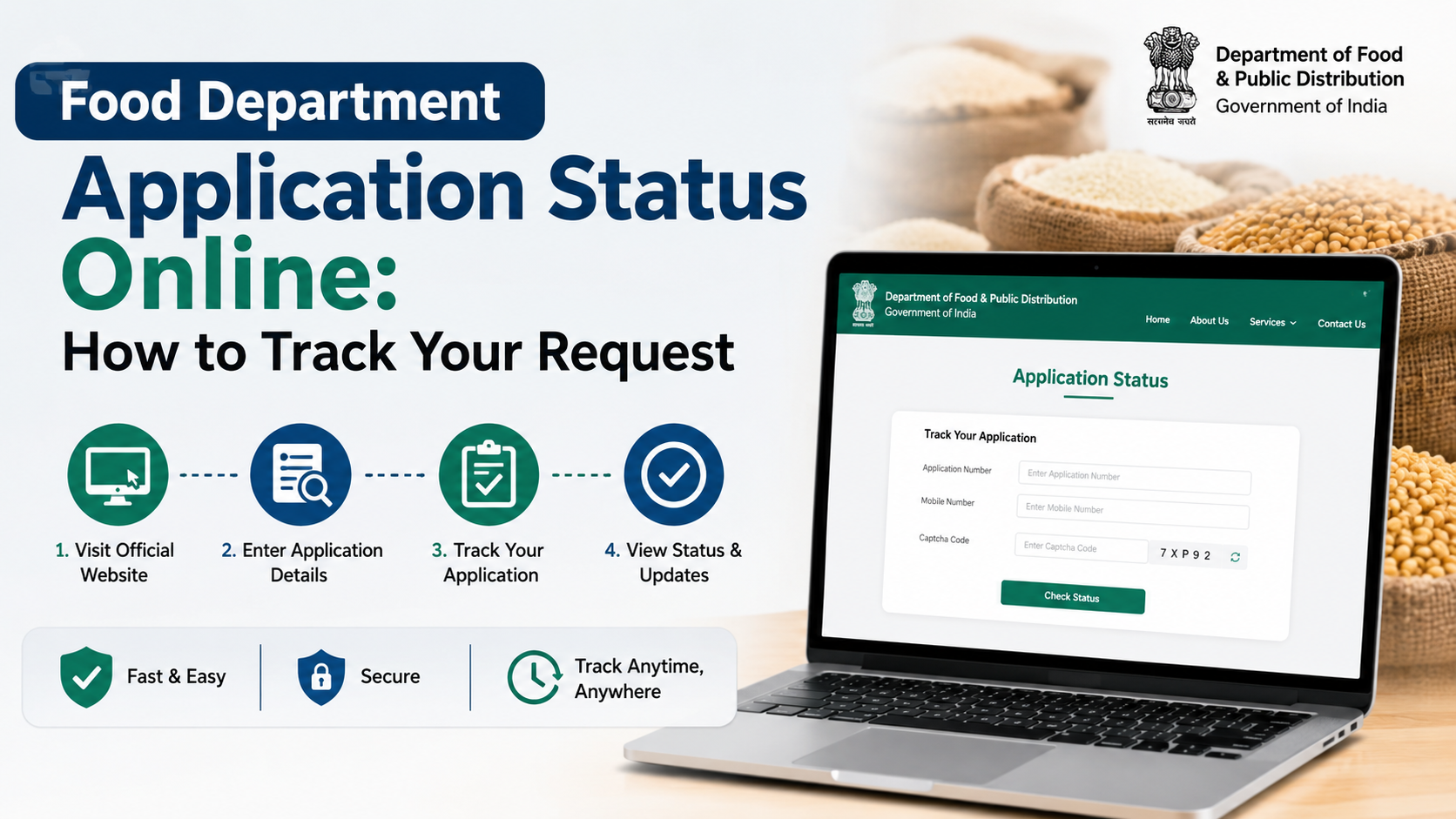
Residents of West Bengal can download ration-card application forms from the Food & Supplies Department’s official website. The west bengal food department form system covers new family inclusion, adding a left-out member, correcting details, changing a fair-price shop, surrendering a card, obtaining a duplicate card, converting card categories and updating Aadhaar or mobile information.
The department provides both online services and downloadable forms for offline submission. This guide explains which form to use, where to download it, what documents are generally required and how to avoid common application errors.
Key Takeaways
- Use the official Food & Supplies Department forms page to download forms.
- Form 3 is used for inclusion of a full family under NFSA/RKSY; separate rural and urban versions are available.
- Forms 4 to 11 cover member inclusion, corrections, shop changes, surrender, category conversion, duplicate cards, non-subsidised cards and Aadhaar/mobile updates.
- The department’s newer common application form consolidates several earlier forms and is available as an official PDF.
- Offline forms are submitted to the nearest Food Inspector Office or Rationing Office, according to the department’s instructions.
- Keep Aadhaar, birth, death and existing ration-card documents ready where applicable.
Official West Bengal Ration Card Form Download Links
The department’s offline forms page lists the following applications:
| Form | Purpose | Official download |
|---|---|---|
| Form 3 – Rural | Inclusion of a full family under NFSA/RKSY | Download rural Form 3 |
| Form 3 – Urban | Inclusion of a full family under NFSA/RKSY | Download urban Form 3 |
| Form 4 | Inclusion of left-out family members | Download Form 4 |
| Form 5 | Rectification of name or address | Download Form 5 |
| Form 6 | Change of fair-price shop (FPS) | Download Form 6 |
| Form 7 | Surrender of an NFSA/RKSY ration card | Download Form 7 |
| Form 8 – Rural/Urban | Conversion to RKSY-I in applicable cases | Forms page |
| Form 9 | Duplicate card for a lost, damaged or defaced card | Download Form 9 |
| Form 10 | Non-subsidised ration card or conversion to one | Download Form 10 |
| Form 11 | Updating Aadhaar and mobile number on an existing card | Download Form 11 |
If a direct PDF link does not open, use the department’s forms page and select the relevant download button. Government portals occasionally move files or update their document structure.
New Common Application Form
The Food & Supplies Department has also published a Common Application Form for rural applicants. The official PDF identifies the corresponding earlier forms, including Forms 3, 4, 5, 6, 7, 8 and 10, and indicates which sections must be completed for each service.
Download the official Common Application Form (Rural PDF)
The PDF asks for applicant details such as:
- Name, date of birth and relationship
- Gender and mobile number
- Aadhaar number
- Existing Digital Ration Card (DRC) number, if available
- Ration-card category
- Caste or applicable special category
- Address, district, sub-division and PIN code
- Nearest fair-price shop and shop code, where relevant
The form also contains declarations and document instructions. Applicants should read the latest PDF carefully because the department may revise the consolidated form or introduce separate online workflows.
Which West Bengal Food Department Form Should You Use?
Form 3: New family inclusion
Use Form 3 when the entire family needs to be included under NFSA or RKSY. The department provides separate rural and urban versions, so select the version matching your place of residence.
The form generally requires details of adult applicants, household address, Aadhaar information and eligibility declarations. The current common form states that, for a full-family new ration-card application, at least one applicant should be more than 18 years old.
Form 4: Add a left-out family member
Form 4 is intended for adding eligible family members who were not included in an existing application or ration-card record. The applicant may need to provide details of a family member already holding a ration card, along with the joining person’s identity and relationship information.
Form 5: Correct name or address
Use Form 5 to correct spelling mistakes or other errors in the name, age or address recorded on an NFSA/RKSY card. Enter details exactly as they appear on supporting identity or civil documents.
Form 6: Change the fair-price shop
Form 6 is used to request a change of fair-price shop. The common form refers to changes caused by shifting of the full family, partial family movement, marriage, divorce or other circumstances. Provide the existing card information and, where requested, details of the new locality or shop.
Form 7: Surrender or cancel a card
Form 7 covers surrender of an NFSA/RKSY ration card. The official common form identifies death, migration and voluntary surrender as relevant reasons. A death certificate is specifically listed for surrender due to death.
Form 8: Category conversion
Form 8 is used for certain conversions to RKSY-I. The exact eligibility and supporting evidence depend on the applicant’s current category and the department’s applicable rules. Do not select a category solely because it offers greater subsidy; the department can reject incorrect declarations.
Form 9: Duplicate ration card
Use Form 9 when a card is lost, damaged or defaced. Explain the reason accurately and follow any instructions regarding the existing card number, identity documents or verification.
Form 10: Non-subsidised ration card
Form 10 is for a non-subsidised ration card or conversion to a non-subsidised card. The department describes this option for applicants who do not require subsidised food grains.
Form 11: Aadhaar and mobile update
Form 11 updates the Aadhaar number or mobile number linked to an existing ration card. The department’s application page currently lists this as an offline form, while online availability may change. Check the live portal before visiting an office.
Documents to Keep Ready
The Common Application Form lists these documents for relevant applications:
- Copy of Aadhaar for all applicants, except a child below five years who does not possess Aadhaar.
- Birth certificate for a child below five years without Aadhaar.
- Aadhaar and Digital Ration Card of a family member when an applicant wants to join that family.
- Death certificate when surrender is due to the cardholder’s death.
Additional documents may be requested during verification, depending on the service and local office. Carry originals for inspection and submit legible self-attested copies only where the receiving office permits it.
Ensure that names, dates of birth and addresses match across the application and supporting documents. Differences in spelling, initials or date formats are common reasons for delays or requests for correction.
How to Submit the Form Offline
The department’s application page instructs applicants to download the relevant form and submit it at the nearest Food Inspector Office and/or Rationing Office.
A practical submission process is:
- Download the correct rural, urban or service-specific form.
- Print the form clearly, preferably on A4 paper.
- Read all instructions and eligibility declarations before writing.
- Complete only the sections relevant to your service.
- Attach the required documents in the order requested.
- Sign the declaration using the applicant’s usual signature.
- Submit the application to the designated local office.
- Request an acknowledgement or receipt and preserve it for status enquiries.
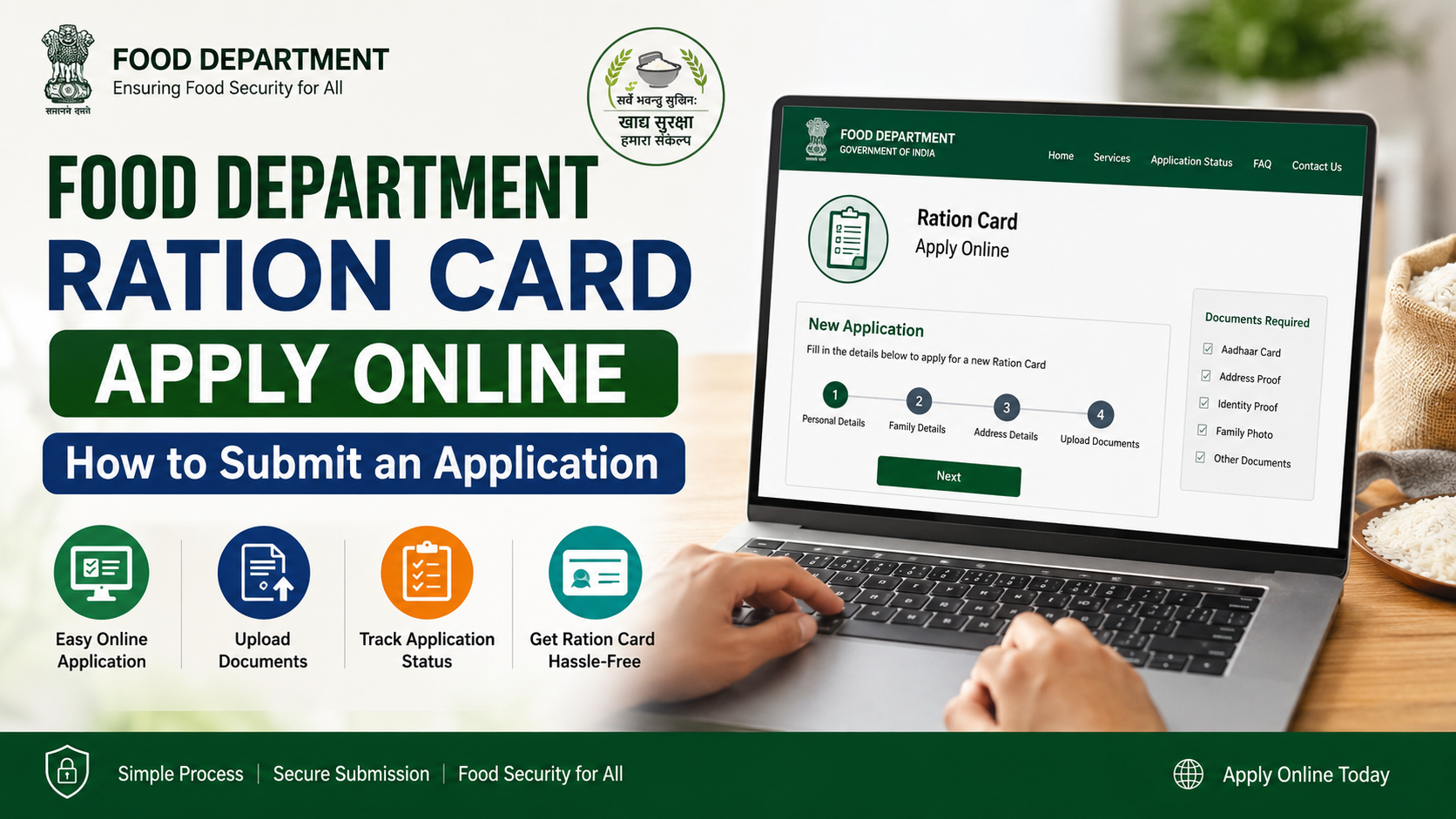
The department also offers online ration-card services through its Ration Card Life Cycle Management portal. The official application page provides an online “Click Here” route for several services, including family inclusion, member addition, corrections, shop changes, surrender, category conversion, duplicate cards and non-subsidised cards.
Online Application and Status Checking
Before starting an online application, use the department’s official portal rather than third-party websites. Depending on the service, you may need Aadhaar-linked mobile authentication, existing ration-card details and scanned documents.
After submission, retain:
- Application or reference number
- Submission date
- Registered mobile number
- Copies of uploaded documents
- Any acknowledgement generated by the portal
You can use the department’s application-status service to look for updates. If the status remains pending or an application is rejected, read the stated reason and contact the responsible office instead of submitting repeated applications.
e-Ration Card After Approval
West Bengal’s Food & Supplies Department defines an e-Ration Card as a PDF document issued for purchasing public-distribution commodities from fair-price shops. The department states that an e-RC has the same rights and privileges as a Digital Ration Card and can be verified using its embedded QR code or the official website.
The department also states that beneficiaries can show a soft copy on a mobile phone or a plain-paper printout at the ration shop. Eligibility for an e-Ration Card requires Aadhaar and mobile linking with the ration card.
Common Mistakes to Avoid
- Downloading a form from an unofficial blog or social-media post.
- Choosing the urban form for a rural address, or vice versa.
- Leaving mandatory fields blank.
- Using a nickname instead of the name on Aadhaar or the birth certificate.
- Entering an incorrect Aadhaar or ration-card number.
- Selecting an NFSA/RKSY category without meeting the applicable criteria.
- Submitting blurred, incomplete or mismatched documents.
- Applying again without checking the status of an earlier application.
- Paying an unauthorised person who promises guaranteed approval.
Never share Aadhaar OTPs, passwords or complete identity documents with unverified agents. For assistance, contact the department through its official channels.
Frequently Asked Questions
What is the official website for the West Bengal food department form?
The official Food & Supplies Department forms page is wbfss.wb.gov.in/food/HomePage/Offlineforms.aspx. Online services are available through the department’s WBPDS/RCMS portals.
Which form is used for a new West Bengal ration card?
Form 3 is used for inclusion of a full family under NFSA/RKSY. Separate rural and urban downloads are listed by the department.
Can I submit a ration-card form online?
Yes. The department’s application page provides online links for several services. Form 11 is currently listed there as an offline application, so confirm availability on the live portal before applying.
Where do I submit a downloaded form?
Submit the completed form to the nearest Food Inspector Office or Rationing Office, as directed on the official application page. Keep the acknowledgement for future reference.
Is there a deadline or government fee for these forms?
The official forms pages do not state one universal deadline or fee for every ration-card service. Check the specific service page or ask the receiving office before submission; do not rely on unofficial fee claims.
Conclusion
The West Bengal Food & Supplies Department provides downloadable forms for nearly every major ration-card service, from new family inclusion and member addition to corrections, shop changes, surrender, duplicate cards, category conversion and Aadhaar updates. Start with the official forms page, select the correct application, attach matching documents and submit it through the designated office or online portal.
For help with an application or complaint, use the department’s grievance portal or call 1800 345 5505 / 1967. Keep checking the official website for revised forms and service instructions before filing.