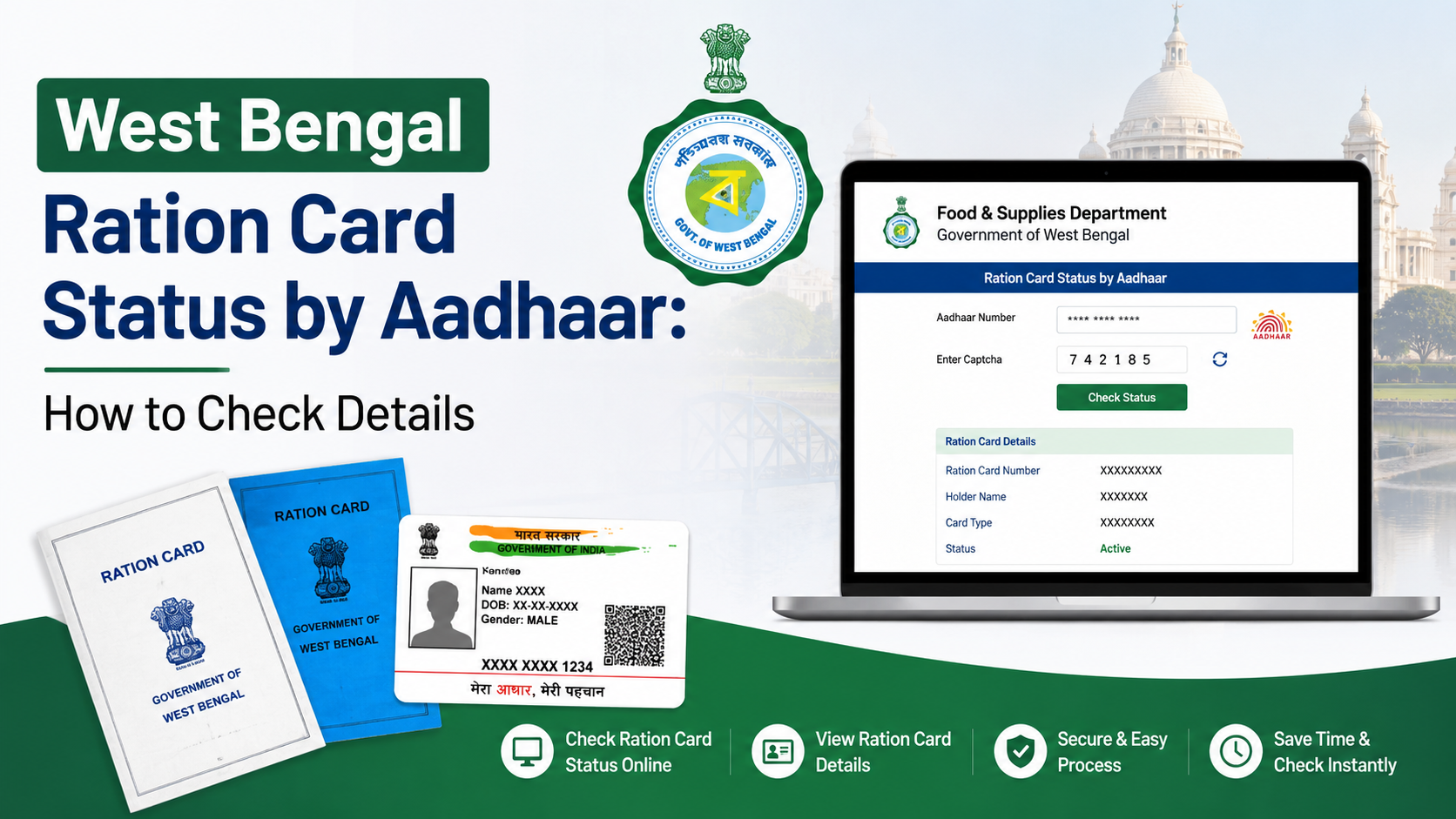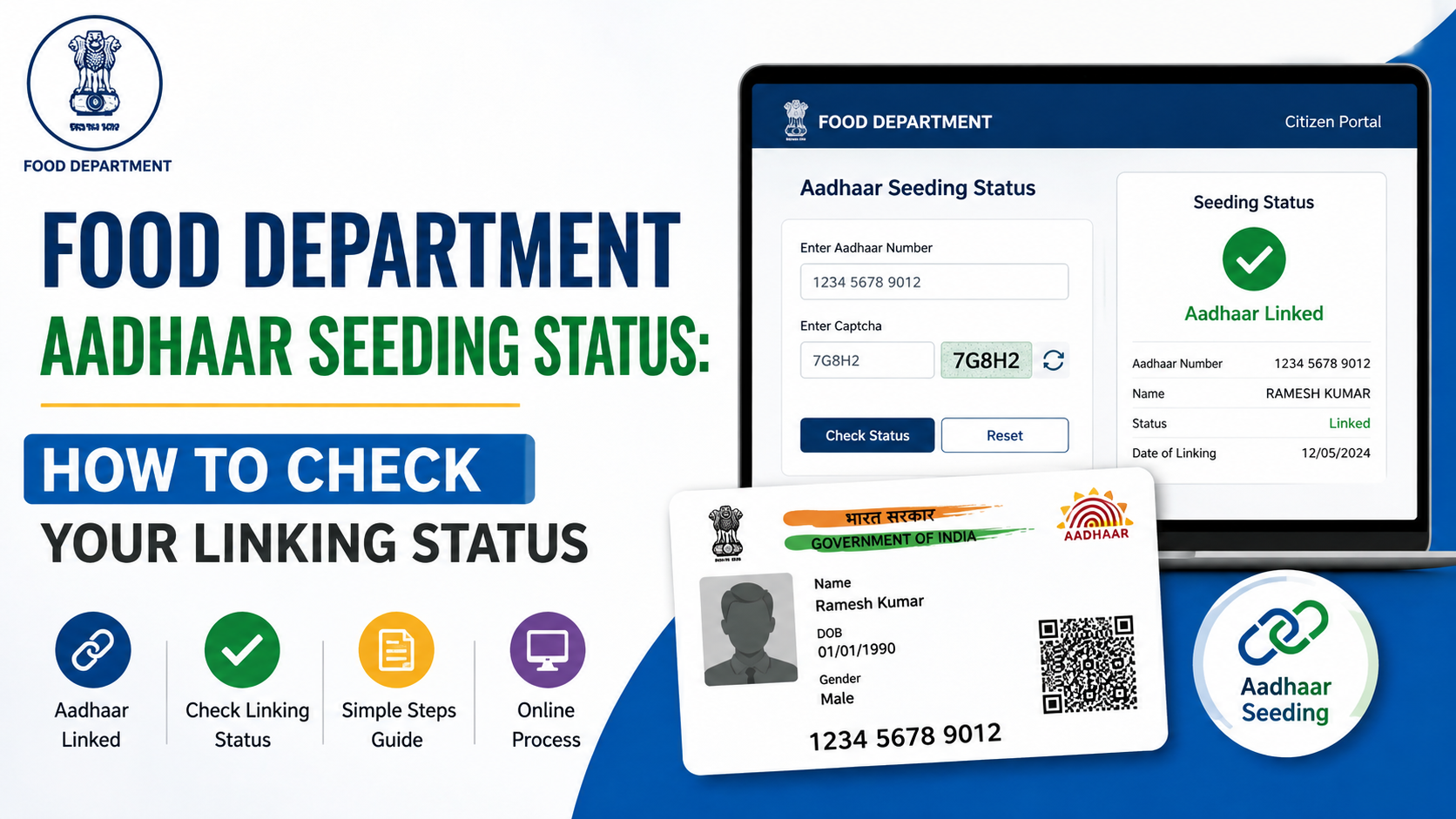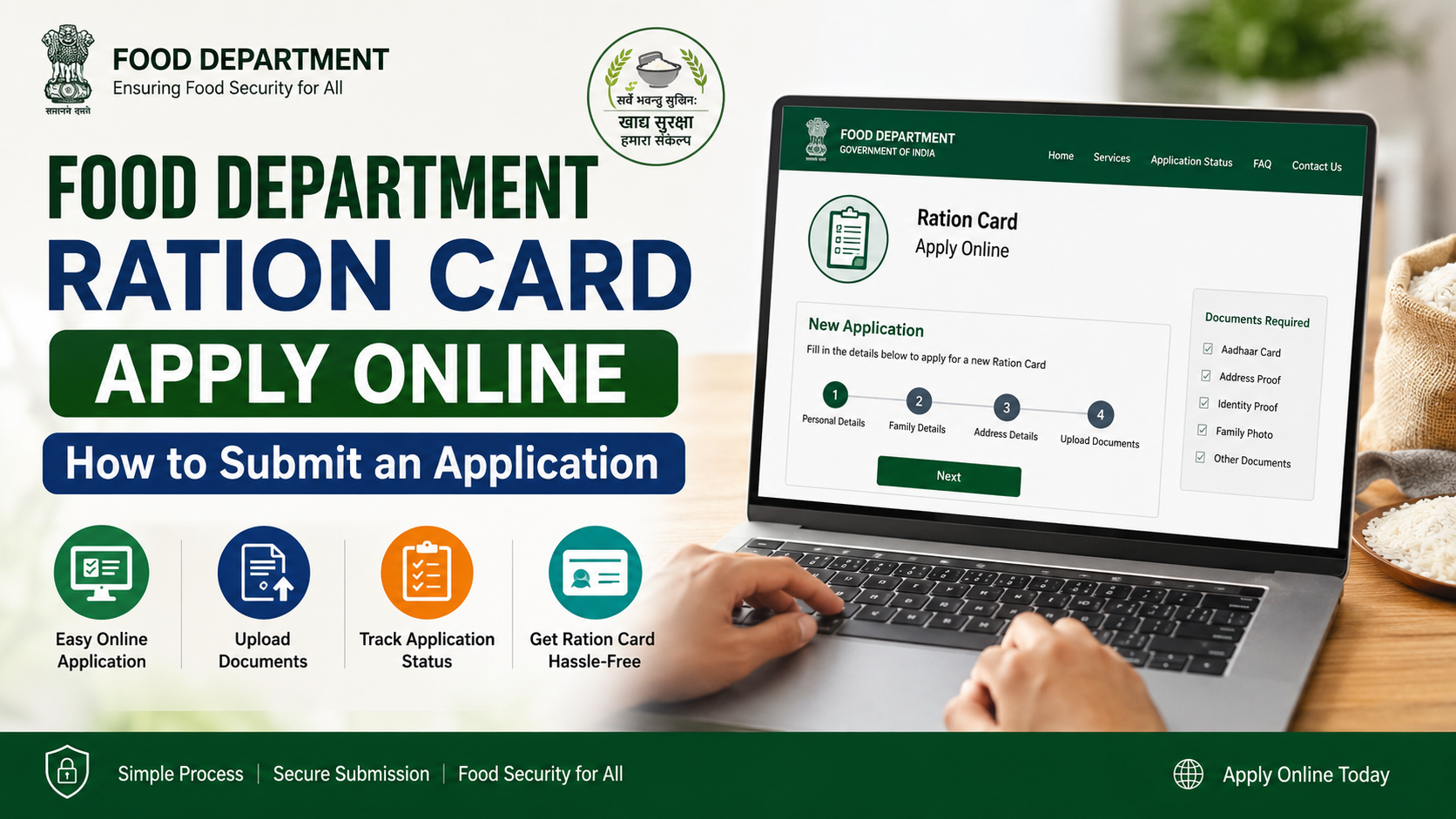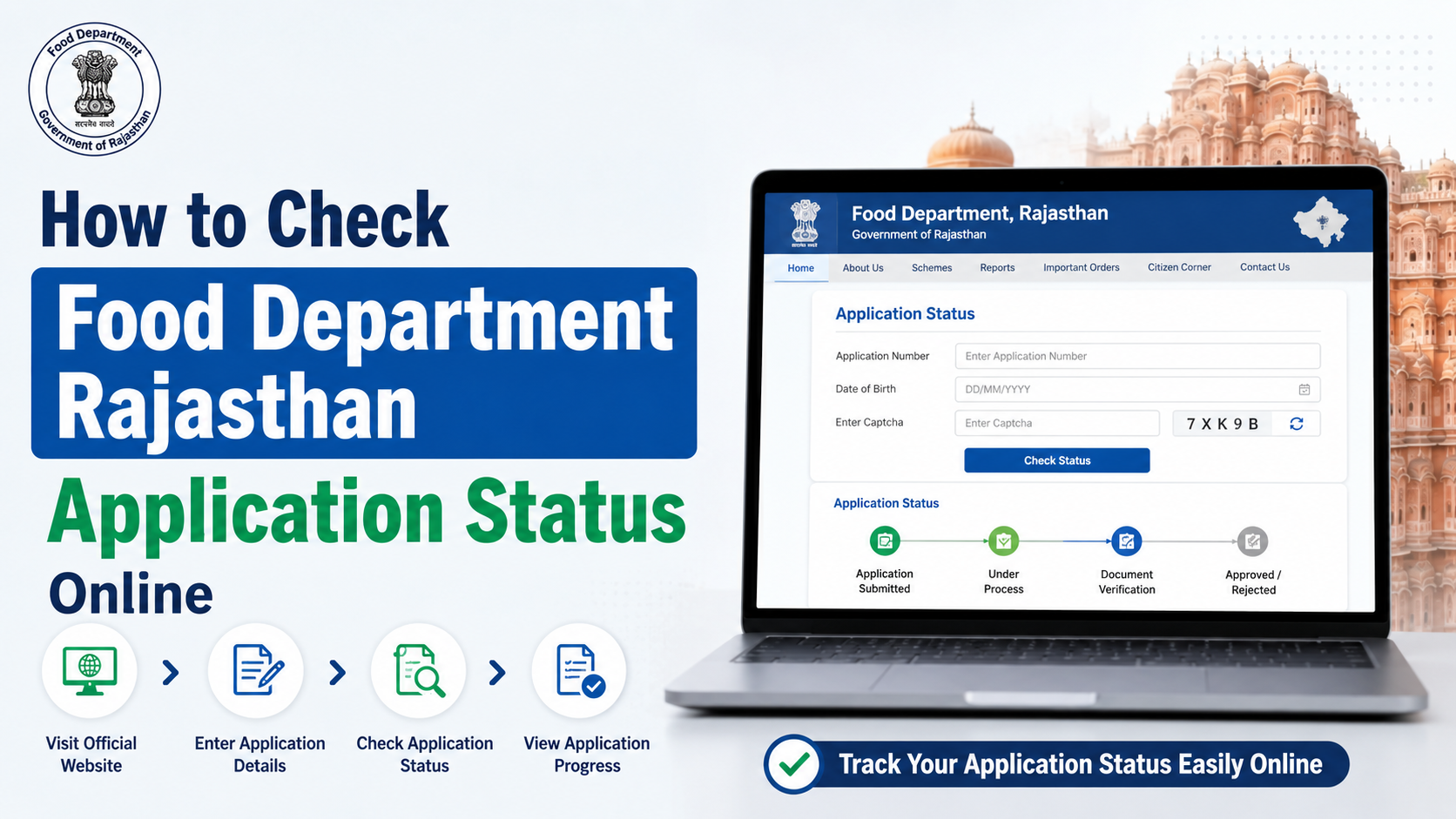
The west bengal food department login process depends on the service you need. The Department of Food & Supplies, Government of West Bengal, operates separate online systems for departmental employees, ration-card applicants, citizens, rice mills, procurement stakeholders and supply-chain users.
For citizens, the main starting point is the official Food & Supplies Department website. Government officials generally use a dedicated username-and-password login at the Public Distribution System portal. Ration-card applications and status checks may open through the department’s RCMS portals and use Aadhaar-linked OTP authentication.
This guide explains which portal to use, how to sign in, what information you need and what to do when login fails.
Key Takeaways
- The official department website is food.wb.gov.in.
- Staff and authorised PDS users use a User ID, password and captcha on the departmental login page.
- Citizens normally access ration-card services through citizen-facing RCMS or digital ration-card pages rather than the staff login.
- Aadhaar-based services send OTPs to the mobile number linked with Aadhaar.
- Never share your password, Aadhaar OTP or login credentials with another person.
- The department’s published support numbers are 1800 345 5505 and 1967.
Which West Bengal Food Department Portal Should You Use?
There is no single login form for every Food & Supplies service. Select the portal according to your role.
| User or purpose | Correct starting point | Typical authentication |
|---|---|---|
| Citizen seeking ration-card services | Food & Supplies Department homepage | Mobile OTP, Aadhaar OTP or service-specific verification |
| Ration-card application status | RCMS application-status page | Application details and Aadhaar-linked OTP where required |
| Digital ration-card services | Digital Ration Card portal | Card category, mobile number and verification |
| Government officials and PDS users | Official PDS login | User ID, password and captcha |
| Directorate of Consumer Goods users | DCG login | Username, password and OTP-related security controls |
| Paddy procurement stakeholders | Online Paddy Procurement System | Registered username and password |
Use only addresses ending in official government domains such as wb.gov.in, wbfood.in or wbfss.wb.gov.in. Avoid login links shared through unofficial blogs, social-media comments or messages.
How Citizens Access Food Department Services
Step 1: Open the official website
Visit food.wb.gov.in by typing the address directly into your browser. The homepage provides links to ration-card services, e-Ration Card information, RCMS, fair-price-shop tools and other departmental services.
The website is available in English and Bengali. Use the language option displayed near the top of the page if you prefer Bengali.
Step 2: Select the required ration-card service
Citizen services may include:
- Applying for a digital ration card
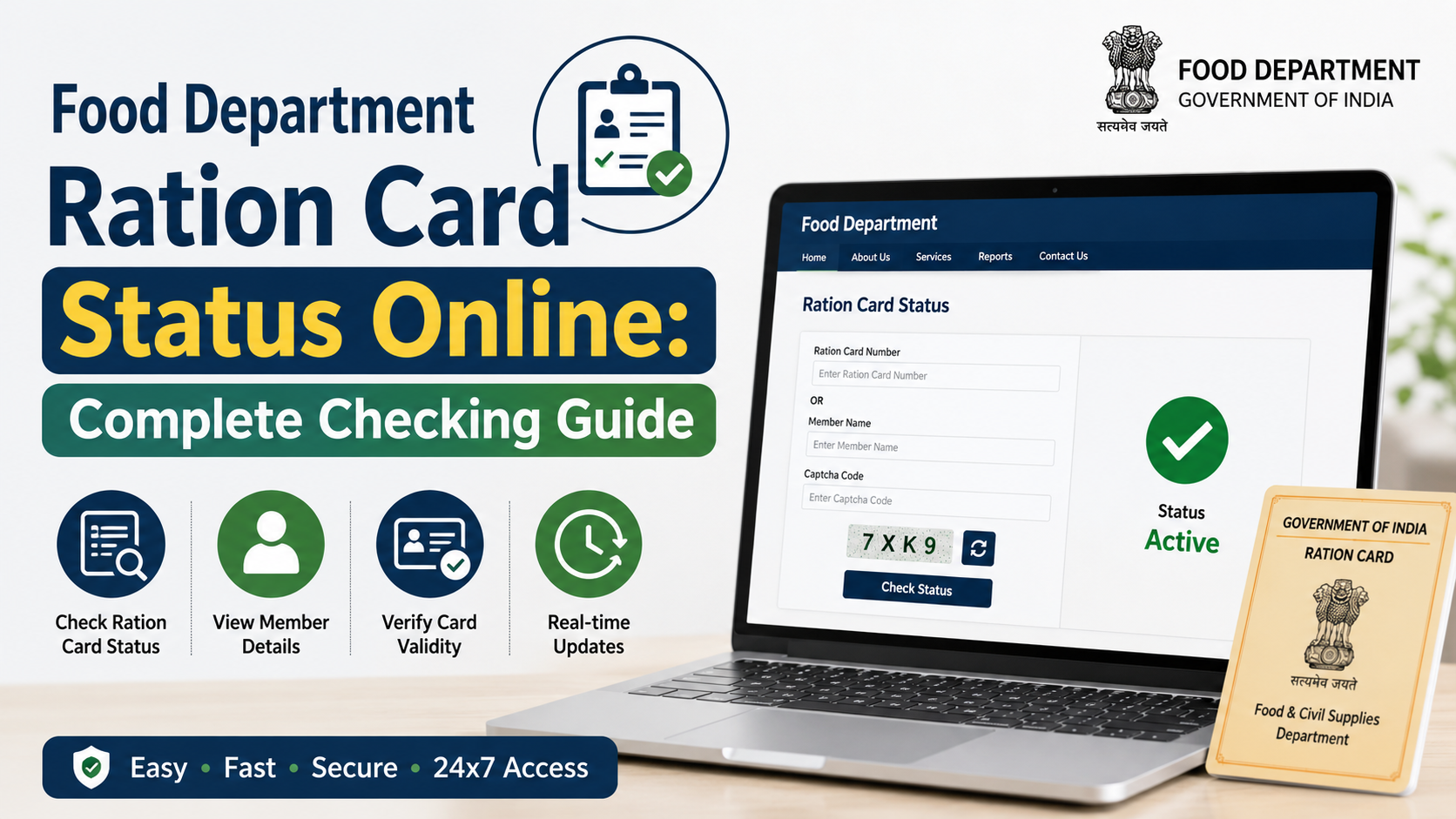
- Checking an application status
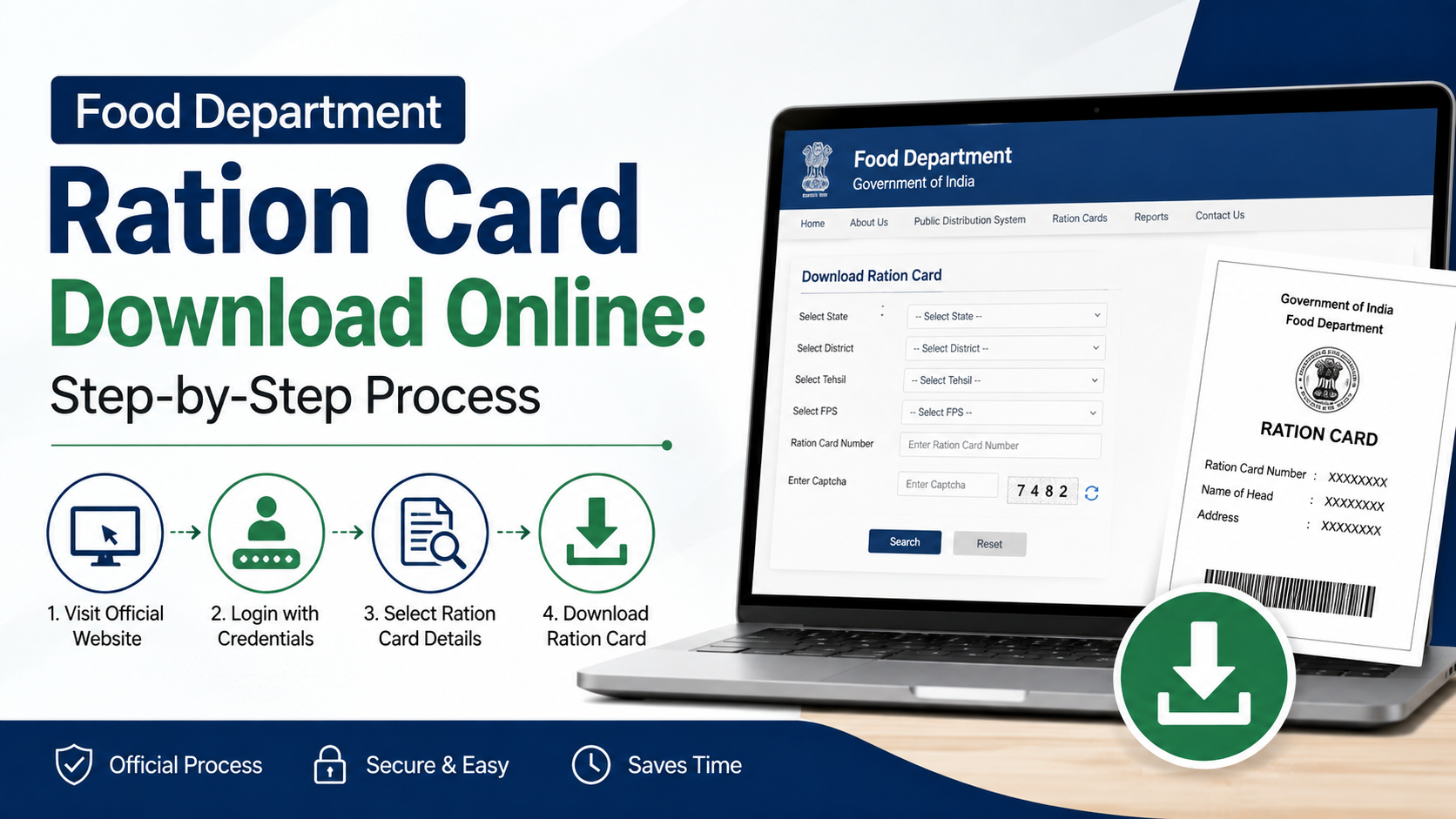
- Viewing or downloading an e-Ration Card
- Linking Aadhaar with a ration card
- Updating a mobile number
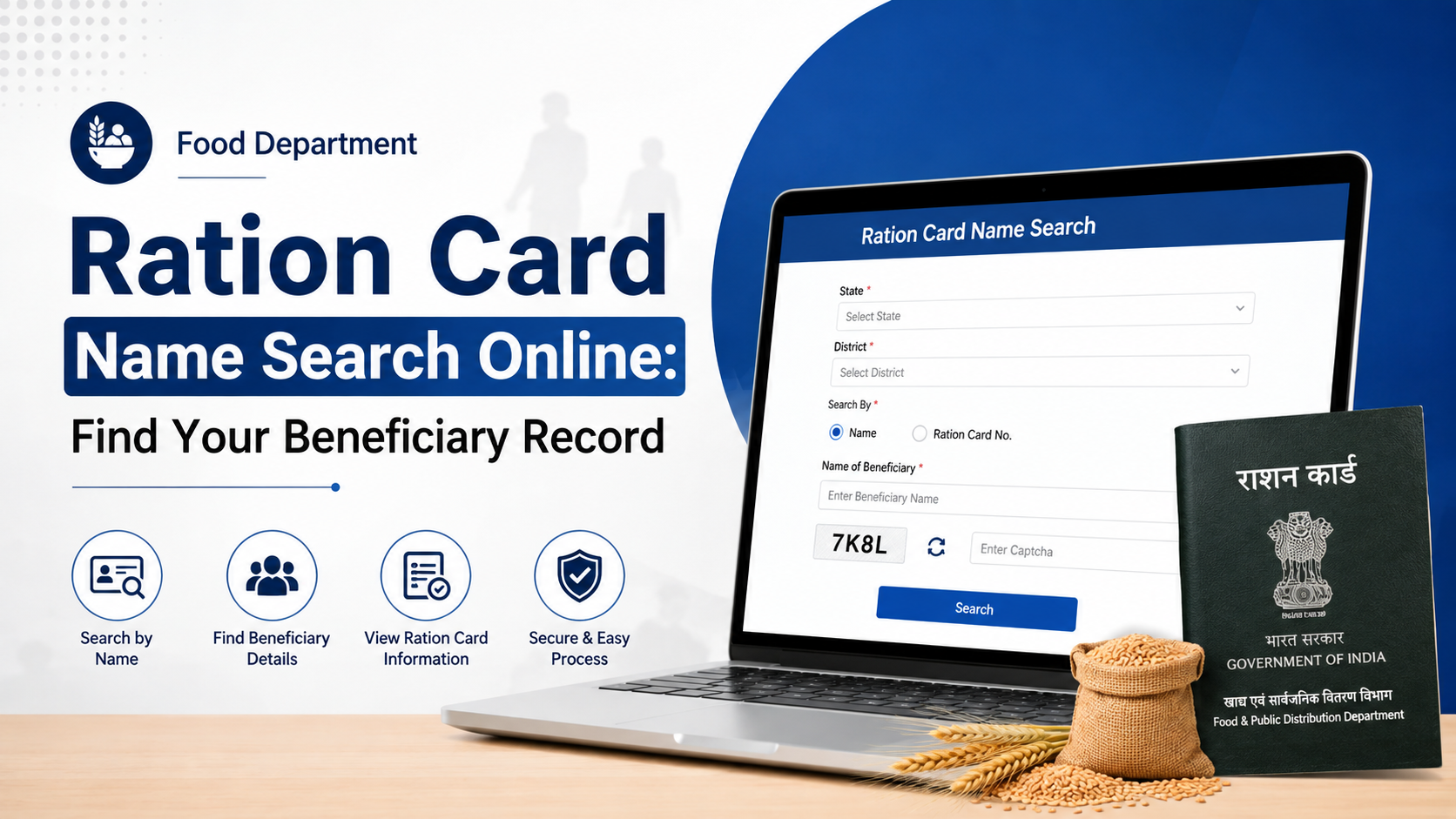
- Searching digital ration-card details
- Finding a fair-price shop
- Viewing transaction or beneficiary information
The exact menu label can change as the department updates its portal. Start from the homepage rather than relying on an old bookmarked page.
Step 3: Complete the applicable verification
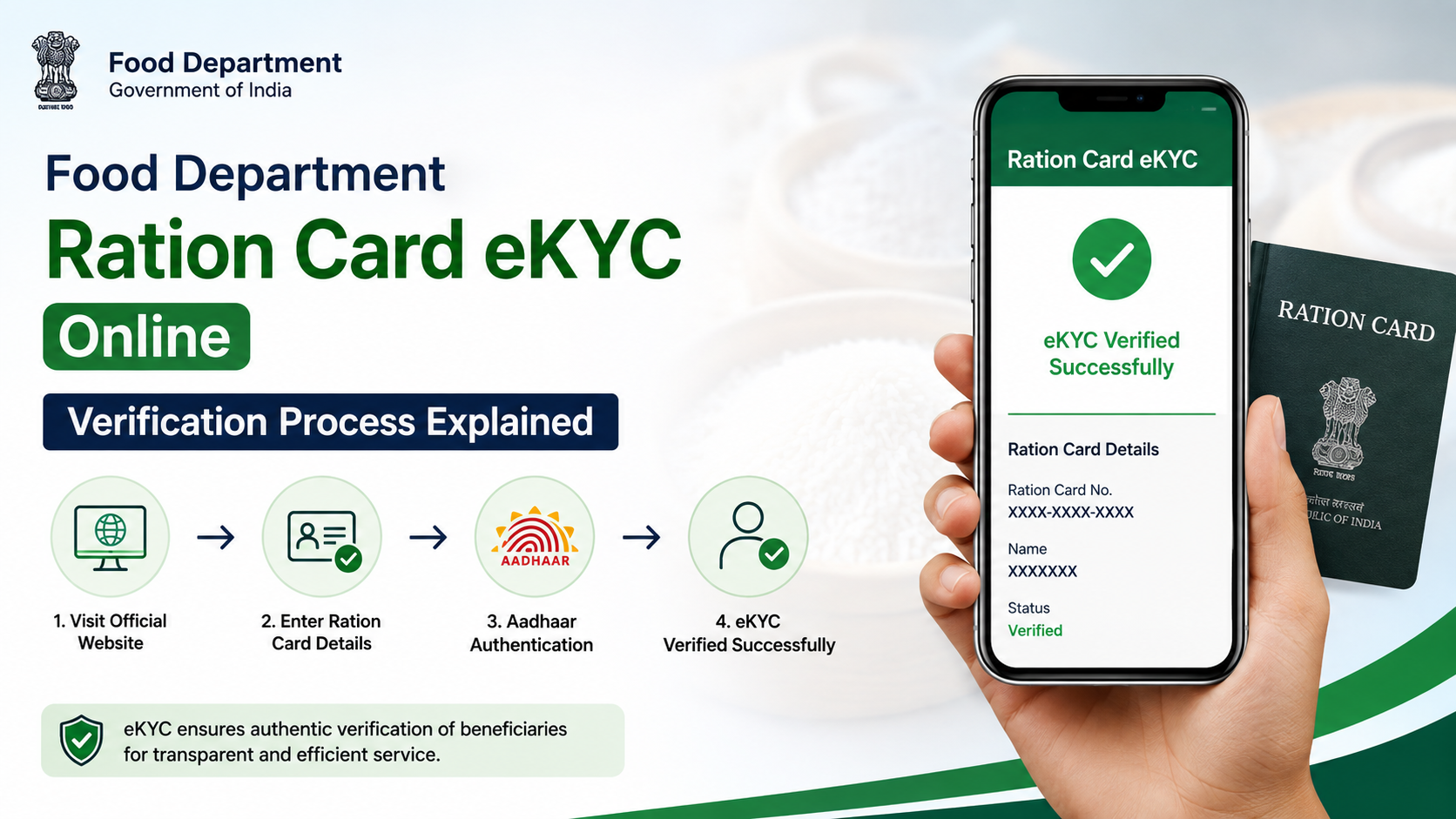
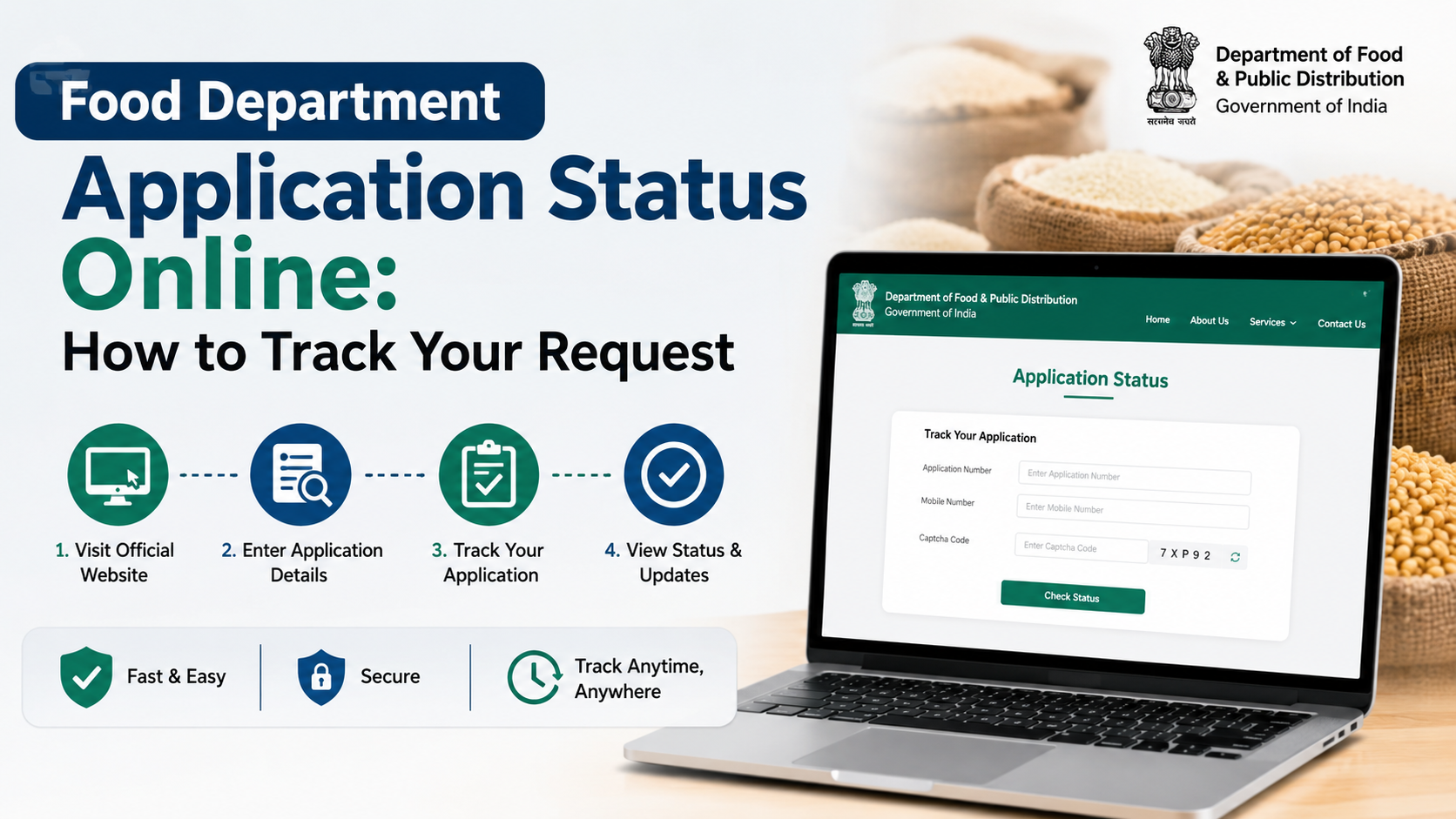
Many citizen services use a registered mobile number or Aadhaar-based authentication. The RCMS application-status page states that an OTP is sent to the mobile number linked with Aadhaar. It also requires that the Aadhaar number entered belong to a family member and advises users to ensure that Aadhaar biometric authentication is not locked.
For digital ration-card services, the official page asks the applicant to select a card category and enter a mobile number. Use your own active number wherever the service requires one.
Step 4: Enter the OTP
Check the SMS sent to your registered or Aadhaar-linked mobile number. Enter the OTP within the validity period and submit it. Do not forward the OTP to anyone, including a person claiming to be a department representative.
If the OTP does not arrive, wait briefly before requesting another one. Repeated requests can invalidate earlier OTPs or trigger temporary restrictions.
Step 5: View or submit the service
After successful verification, follow the on-screen instructions. Depending on the service, you may be able to:
- See application details and processing history
- Review family-member information
- Download an e-Ration Card PDF
- Submit an Aadhaar-linking or correction request
- Check fair-price-shop or beneficiary information
Review names, dates of birth, Aadhaar details and mobile numbers carefully before submitting any form.
West Bengal Food Department Staff Login Procedure
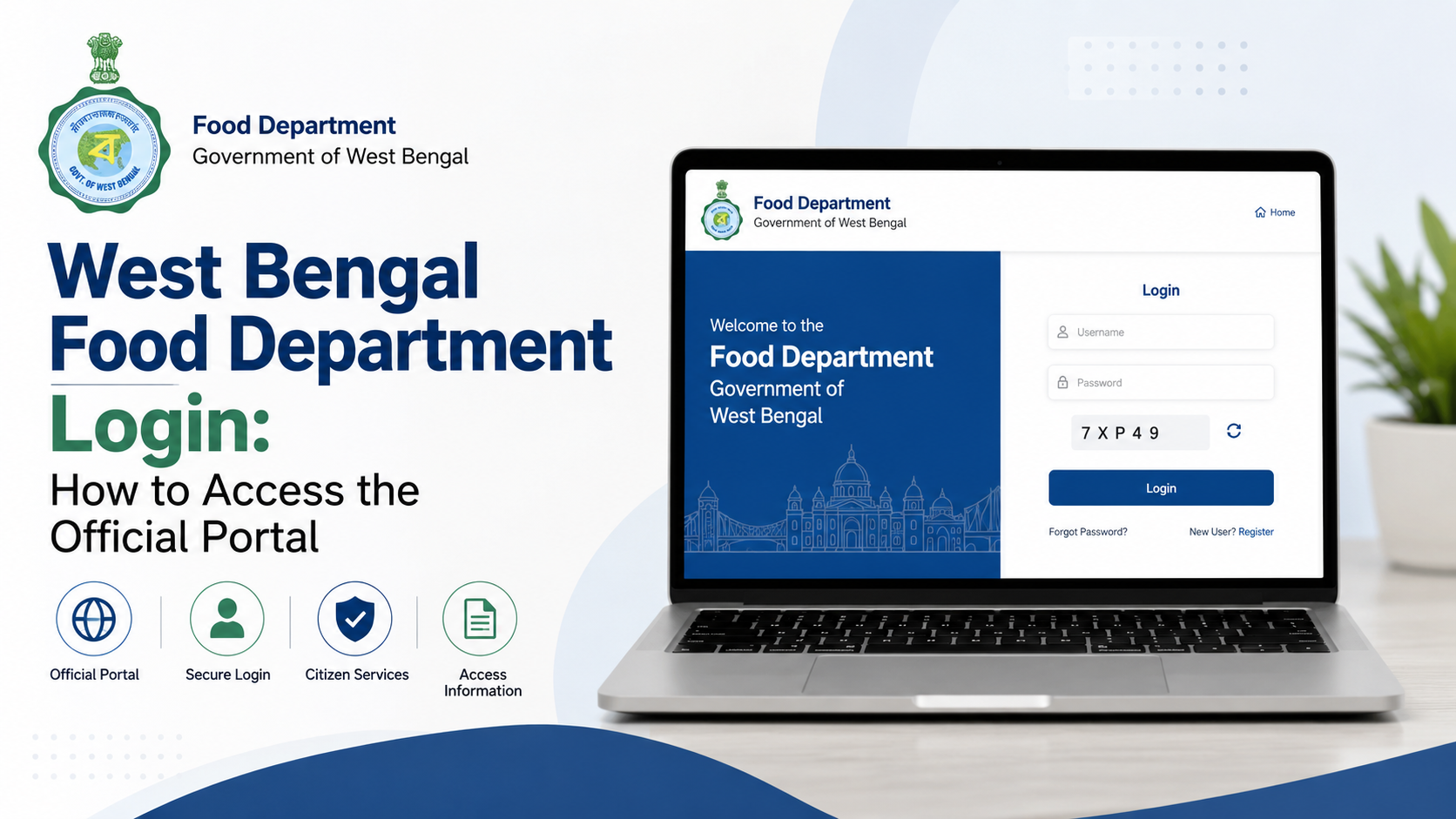
The staff-facing login is different from the citizen process. The official PDS login page identifies itself as the Public Distribution System portal of the Food & Supplies Department, Government of West Bengal. It provides fields for User ID, Password and a captcha.
How to sign in
- Open the official PDS login page.
- Enter the User ID issued by the department or authorised administrator.
- Enter the current password.
- Type the captcha exactly as shown.
- Submit the login form.
- Complete any additional verification requested by the portal.
The page explicitly warns users not to share their username and password. Staff should not use a citizen’s mobile number or Aadhaar details in place of departmental credentials.
First-time or changed-password access
If your office has created a new account or reset your password, follow the instructions issued by your department administrator. Do not obtain credentials from an unofficial agent. If the account is locked, contact the relevant district, directorate or system administrator rather than repeatedly guessing passwords.
Aadhaar and OTP Requirements
Aadhaar-linked authentication is used for some ration-card and application-status services. The RCMS portal provides three important instructions:
- The OTP goes to the mobile number linked with Aadhaar.
- The Aadhaar entered must belong to a member of the family.
- Aadhaar biometric authentication should not be locked when biometric verification is needed.
These requirements mean that a ration-card number alone may not be sufficient for every service. If your Aadhaar is linked to an old or inactive mobile number, update the mobile details through the department’s approved process or visit the appropriate Food & Supplies office.
Never enter Aadhaar or OTP details on a website whose address is not an official government domain.
Common Login Problems and Practical Fixes
“Invalid username or password”
Check whether Caps Lock is enabled and confirm that you are using the staff portal, not the citizen portal. If the password was recently changed, use the new password. Contact your authorised administrator if the account remains blocked.
Captcha is difficult to read
Use the refresh or reload option beside the captcha, if available. Enter only the characters displayed in the current image. Avoid copying spaces before or after the captcha text.
OTP not received
Check network coverage, SMS blocking settings and the mobile number linked with Aadhaar or the ration-card record. Wait before selecting “Resend OTP.” If the registered number is no longer available, the online login may not work until the number is updated through an authorised channel.
Aadhaar authentication fails
Confirm that the Aadhaar belongs to a family member recorded in the application. Check that the number was entered correctly and that biometric authentication is not locked where biometric verification is required.
Portal does not open or shows an error
Try a current version of Chrome, Edge or Firefox. Clear the browser cache, disable incompatible extensions and retry later. Government portals may also undergo maintenance. Use the department homepage to check for notices instead of repeatedly refreshing an old service link.
Application is not found
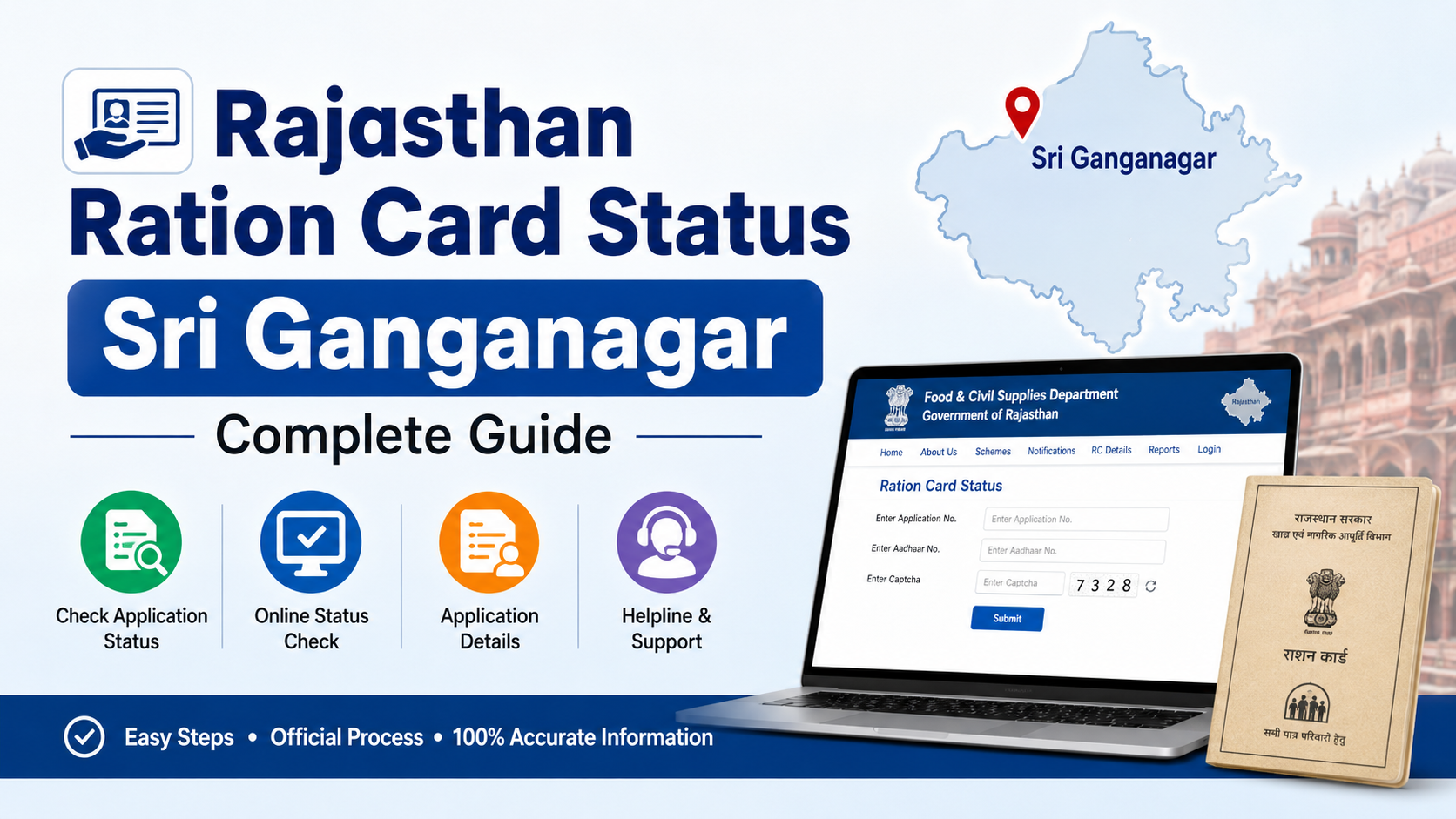
Verify the application number, form type and search option. The RCMS page includes separate fields for form type, search type and application number. If a current record is unavailable, check whether the portal provides an option to search older application records.
Security Rules for a Safe Login
Follow these precautions whenever you use a West Bengal Food Department portal:
- Check the complete website address before entering credentials.
- Use a private device or trusted network for staff login.
- Do not save passwords on a shared computer.
- Never disclose passwords, Aadhaar OTPs or mobile verification codes.
- Do not install remote-access software at the request of an unknown caller.
- Log out after completing work, especially on an office or cybercafé computer.
- Download documents only from the official portal.
- Report suspicious messages or fraudulent payment requests to the department and appropriate cybercrime authorities.
The department’s login pages warn users not to share passwords and OTPs. Treat any request for an OTP as a potential security risk.
Official Help and Contact Details
For general Food & Supplies Department assistance, the official websites publish:
- Toll-free numbers: 1800 345 5505 and 1967
- Address: New Khadya Bhaban, 11A, Mirza Ghalib Street, Kolkata – 700087, West Bengal
The department homepage also provides links for contact, feedback, terms of use and related services. When contacting support, keep your application number or ration-card number available, but do not disclose your password or OTP.
For an employee account problem, include your office, role, User ID and the exact error message. For a citizen issue, mention the service name, application number and registered mobile number—without sending confidential authentication codes.
Frequently Asked Questions
What is the official West Bengal Food Department website?
The main official website is food.wb.gov.in, operated by the Department of Food & Supplies, Government of West Bengal. It links to citizen services, ration-card systems and other departmental portals.
Can citizens use the staff login page?
Usually, no. The page at wbfss.wb.gov.in/food/UserLogin/Login.aspx is a Public Distribution System login that asks for a departmental User ID and password. Citizens should use the ration-card or RCMS citizen services linked from the official homepage.
Which mobile number receives the Aadhaar OTP?
For Aadhaar-based RCMS authentication, the OTP is sent to the mobile number linked with the Aadhaar used for login. The Aadhaar must belong to a member of the relevant family record.
What should I do if my registered mobile number has changed?
Use the department’s approved mobile-update or ration-card correction process. If online verification is impossible because the old number is inactive, contact the Food & Supplies Department or visit the appropriate local office with the required identity and ration-card documents.
Is the e-Ration Card the same as a digital ration card?
The department’s e-Ration Card information states that an e-Ration Card has the same rights and privileges as a Digital Ration Card. It can be downloaded and shown digitally or as a printed copy, subject to the department’s applicable verification and distribution procedures.
Conclusion
The correct west bengal food department login depends on whether you are a citizen, government employee, PDS operator or procurement stakeholder. Begin at food.wb.gov.in and follow the service-specific link. Citizens may need a registered mobile number or Aadhaar-linked OTP, while authorised officials use departmental credentials on the staff portal.
For reliable assistance, use only official government websites and the published helpline numbers, 1800 345 5505 and 1967. Keep your login details private, verify every URL and check the department portal for current notices before submitting an application.