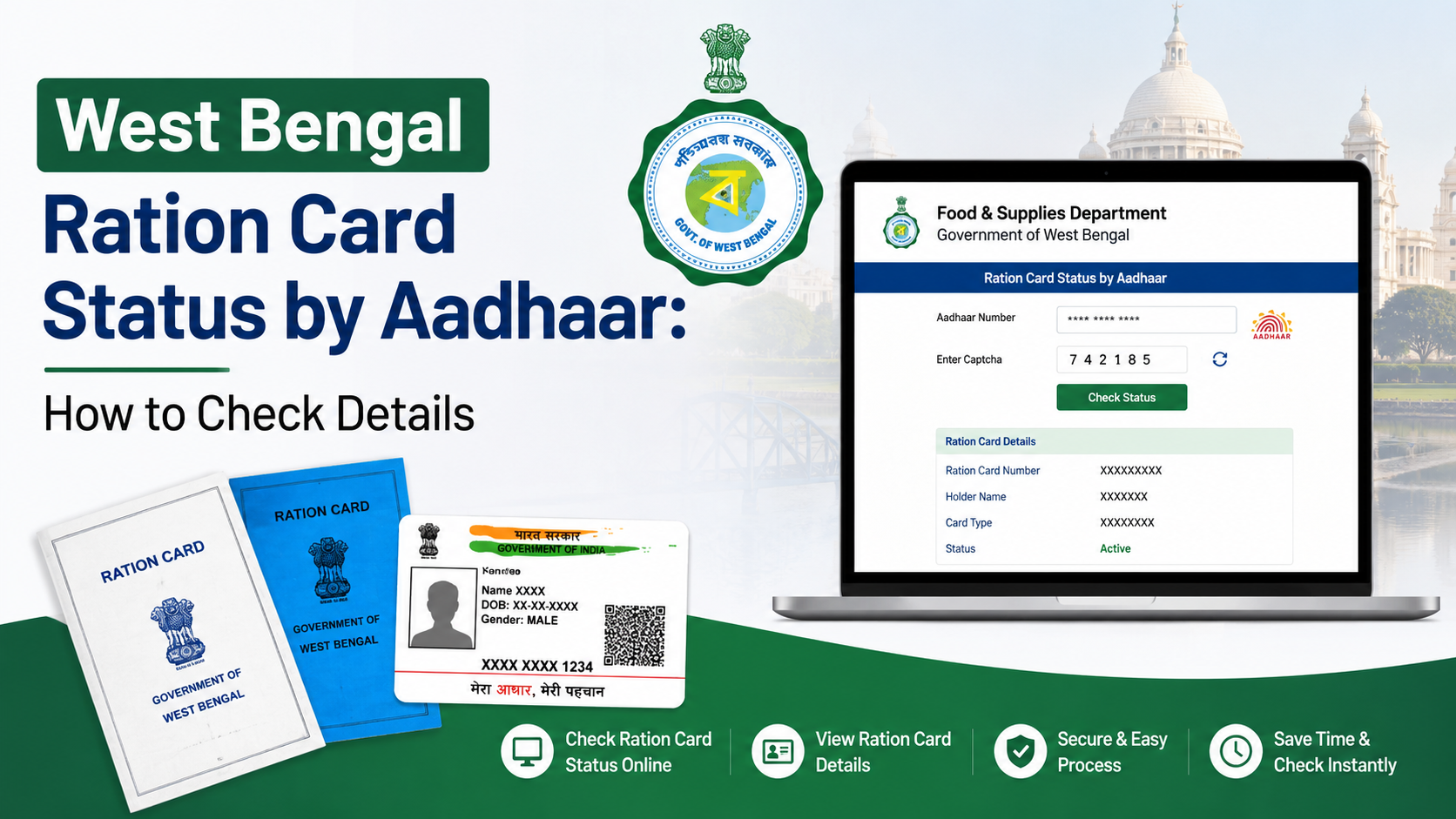
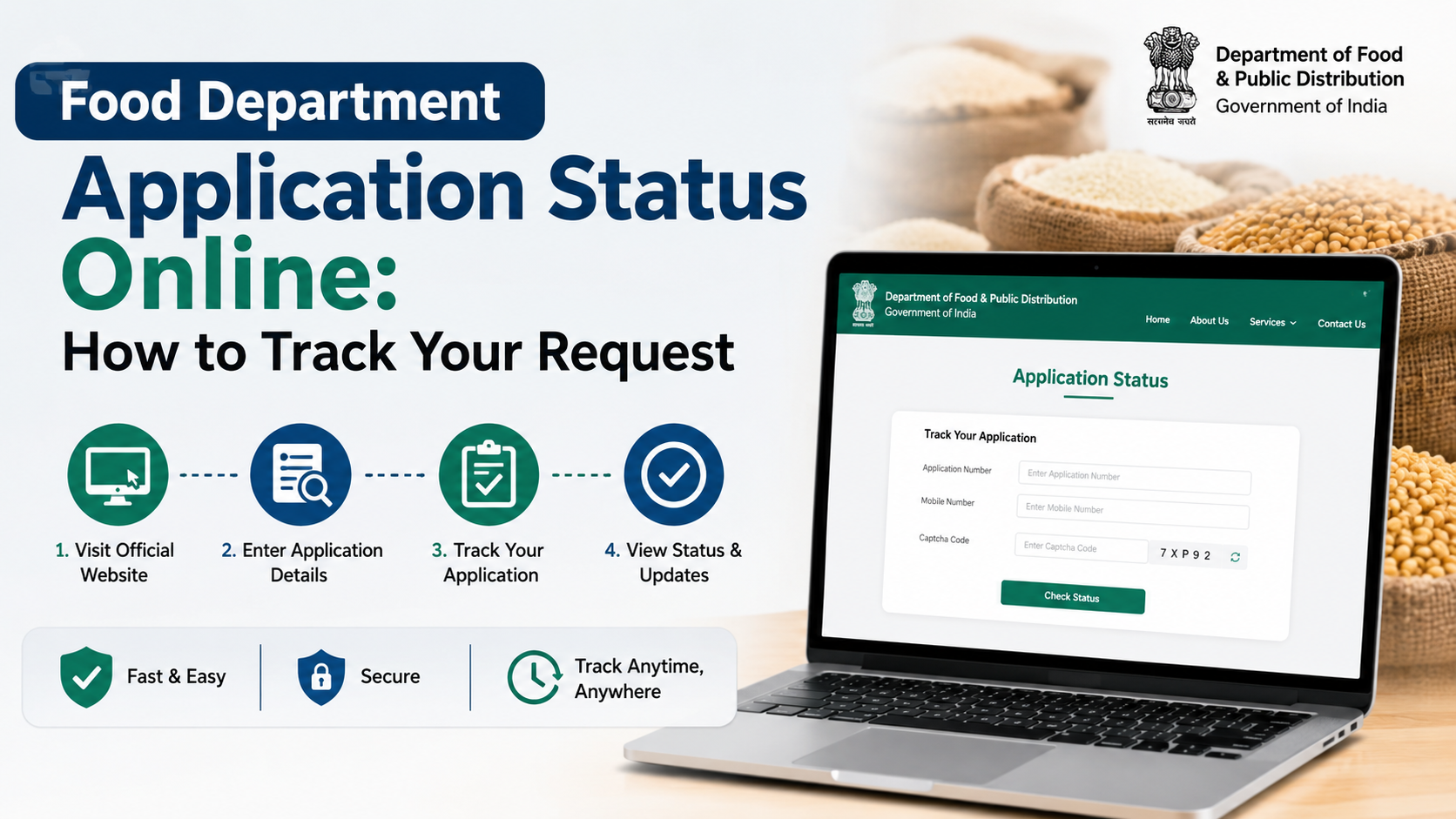
Checking your west bengal food department ration card status online helps you confirm whether a new application, correction request, Aadhaar-linking request, or card conversion has been received and processed. The West Bengal Department of Food & Supplies provides separate online tools for tracking an application, verifying an existing digital or e-ration card, and checking Aadhaar-linking information.
This guide explains which portal to use, what details you need, how to interpret the information shown, and what to do if the status is unavailable or incorrect.
Key Takeaways
- Use the official West Bengal Food & Supplies Department website for ration-card services.
- The current application-status page asks for the form type, search type and application number.
- Aadhaar-based login may send an OTP to the mobile number linked with Aadhaar.
- Existing digital or e-ration cards can be verified through the department’s “Verify Ration Card” service.
- Keep your application number, registered mobile number and relevant Aadhaar details ready.
- For unresolved issues, contact the official helplines 1800 345 5505 or 1967.
Which West Bengal Ration Card Status Do You Want to Check?
“Ration card status” can refer to different services. Select the option that matches your requirement.
| Requirement | Correct online service |
|---|---|
| Track a new ration-card application | Check Ration Card Application Status |
| Track correction, modification or conversion request | Application Status |
| Confirm whether an issued card is genuine | Verify Ration Card (e-RC/DRC) |
| Check whether Aadhaar is linked | Aadhaar or e-KYC-related service, when available on the portal |
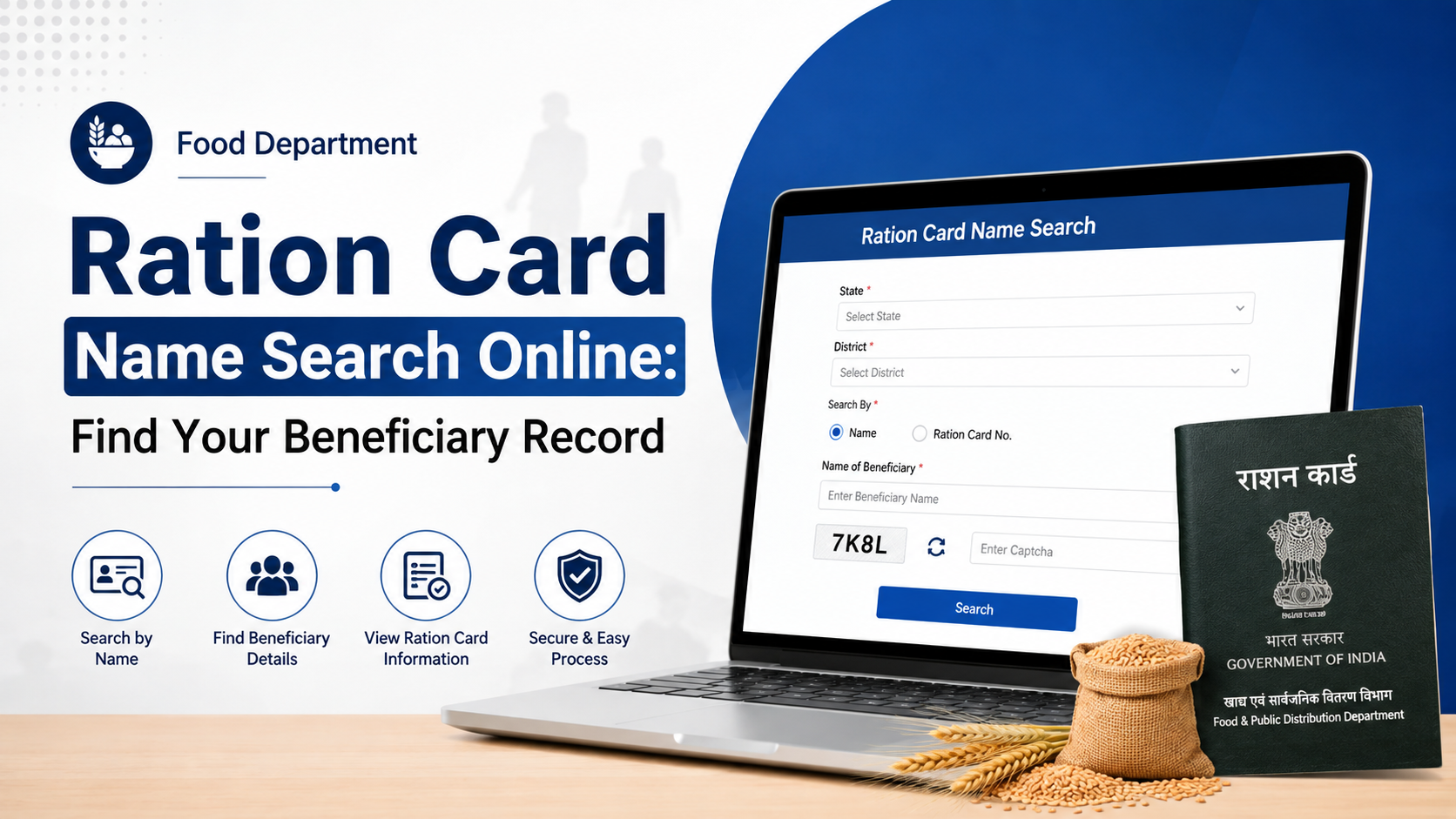
| View existing digital-card information | Search Your Digital Ration Card Details |
| Find a fair-price shop | Locate or search the nearest ration shop |
The department’s website lists “Verify Ration Card,” “Check Ration Card Application Status,” “Check Aadhaar Linking Status” and related inquiry services under its ration-card section. Service names and page layouts can change, so always begin from the official domain rather than an unofficial link.
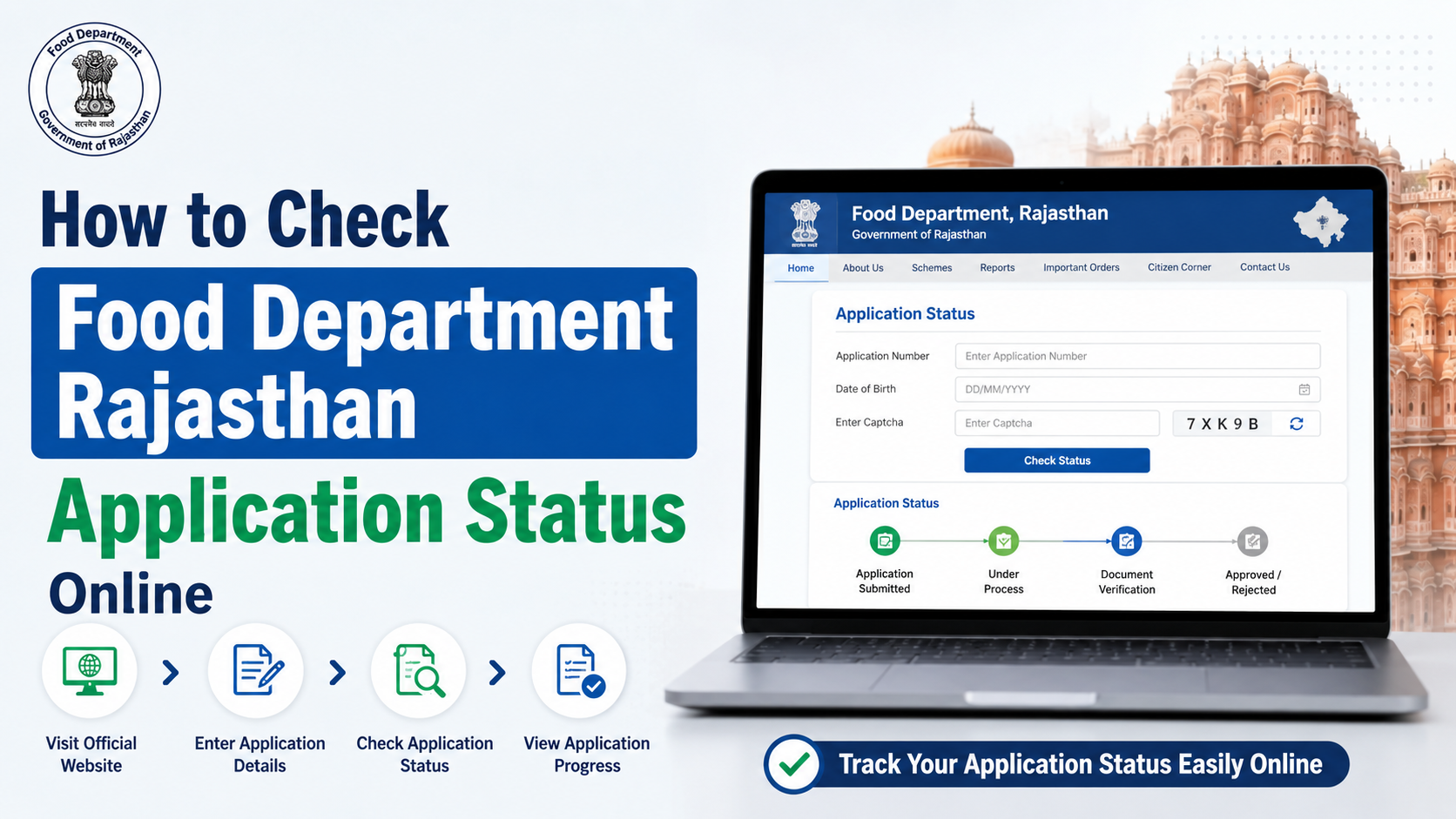
How to Check West Bengal Ration Card Application Status Online
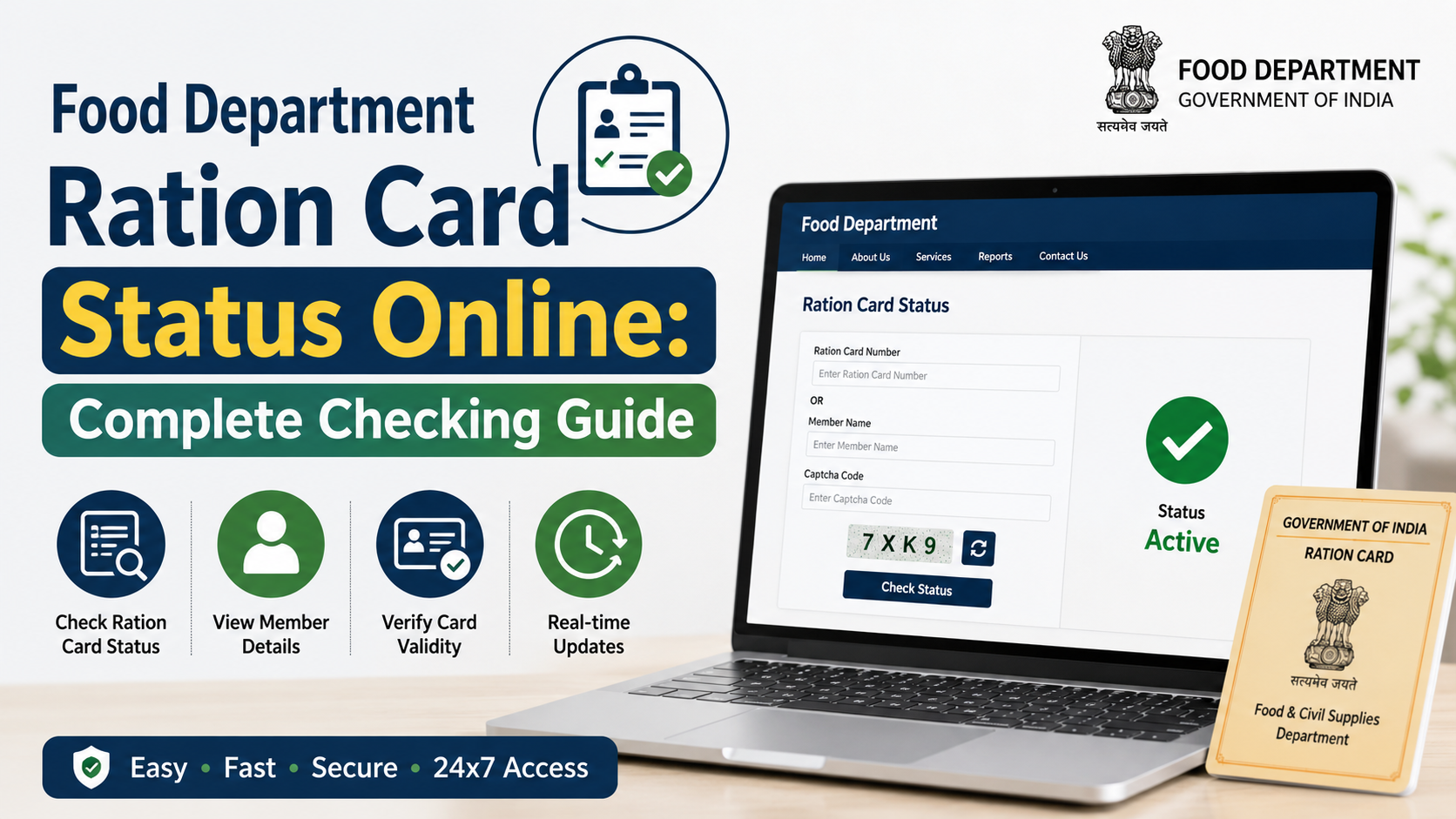
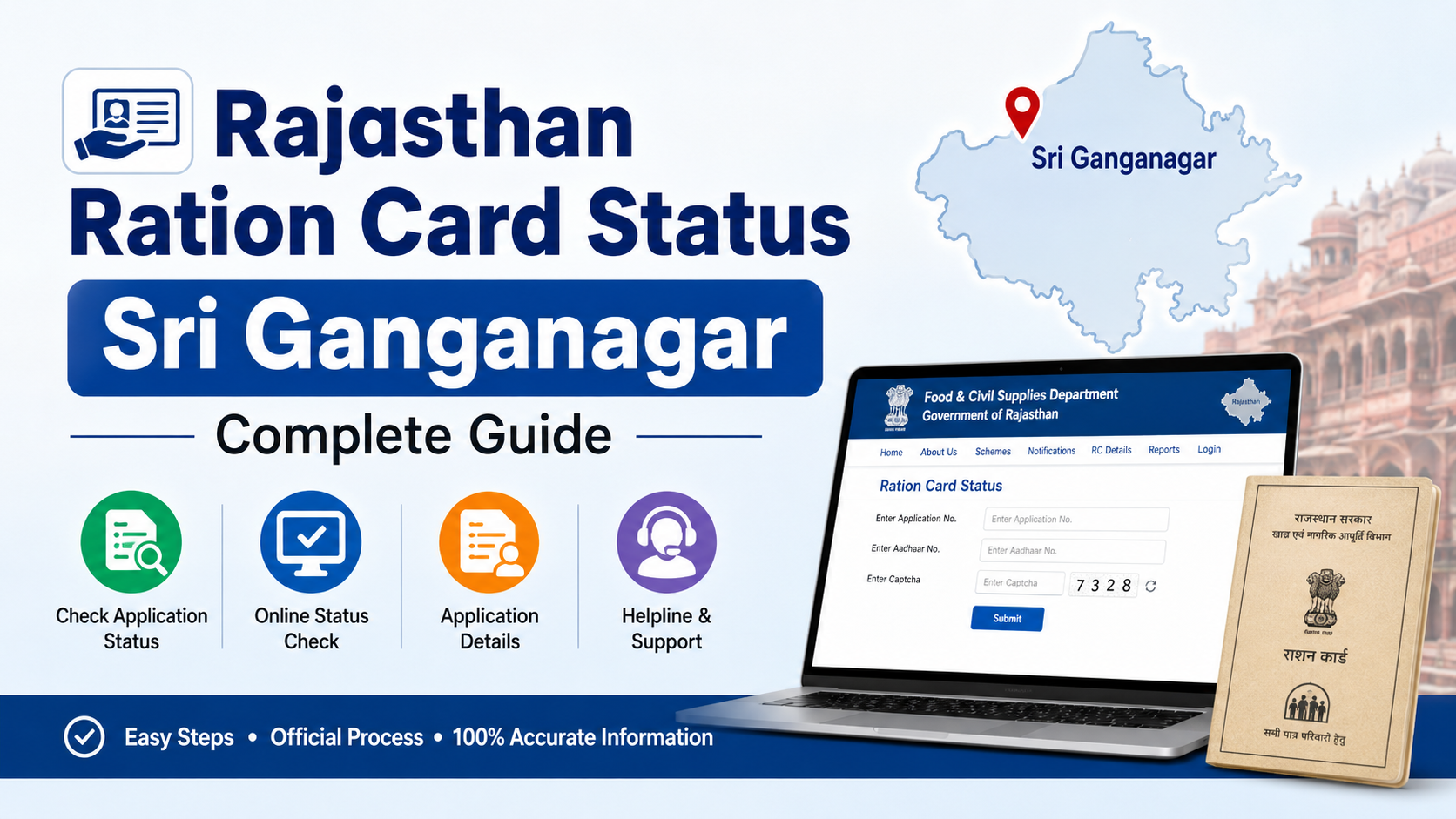
The current application-status page is hosted at wbpds.wb.gov.in/rcmsnew/Citizen/CheckApplicationStatus.
Follow these steps:
- Open the official application-status page.
- Select the Form Type associated with your request.
- Select the available Search Type.
- Enter your Application Number exactly as shown on the acknowledgement or receipt.
- Complete any required Aadhaar consent or authentication step.
- Enter the OTP, if the portal sends one to your Aadhaar-linked mobile number.
- Select Search.
- Review the application details and history displayed on the screen.
The current portal notes that the Aadhaar entered must belong to one of the family members. It also advises users to ensure that Aadhaar biometric authentication is not locked. If an OTP does not arrive, check that the mobile number is linked with Aadhaar and that your phone has network coverage.
Information Displayed on the Status Page
The new status page may show separate tabs or sections for:
- Application details
- Processing history
- Family list
- General information
- Address
- Fair-price shop, or FPS, details
- Beneficiary information
The exact information depends on the type of form and the stage reached by the request. Save or print the result for your records if the portal provides a download or print option.
What If Your Application Is Not Found?
The current status page provides a link to check old application status if your application cannot be found in the new system. Use that link when:
- Your application was submitted through an older version of the portal.
- You have an older acknowledgement number.
- The new system shows no matching record.
- Your request was submitted through an earlier administrative process or camp.
Enter the details carefully, including leading zeroes or punctuation if they appear on your acknowledgement. Do not create a second application simply because the first one is not immediately visible. Duplicate applications can make follow-up more difficult.
If neither system finds the record, contact the Food & Supplies Department or visit the office, municipality, gram panchayat or service centre through which the application was submitted. Carry the acknowledgement, identity document and registered-mobile details.
How to Verify an Existing Digital or e-Ration Card
Application tracking and card verification are different.
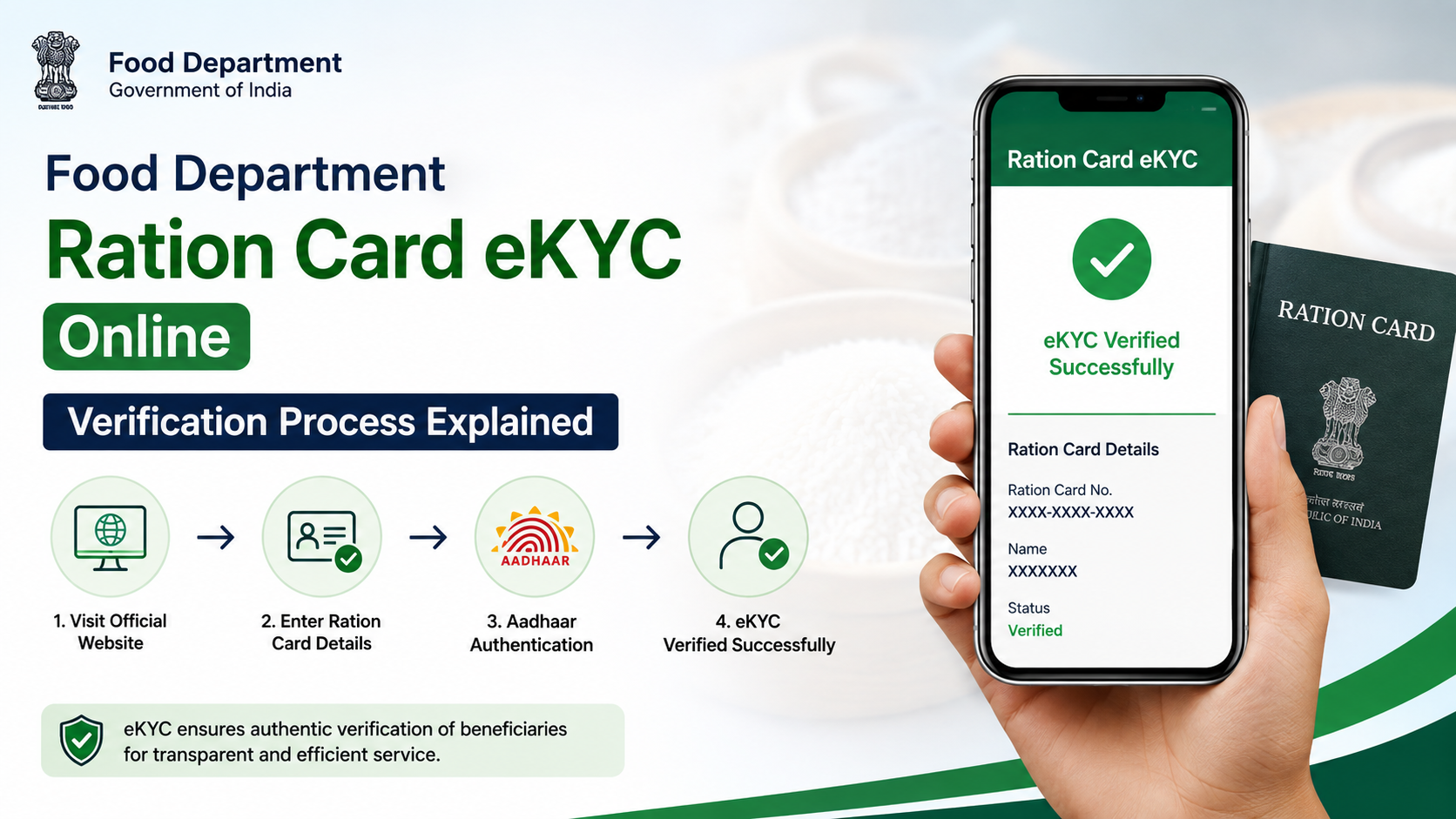
If you already have a digital ration card or e-ration card and want to confirm its validity, open food.wb.gov.in and use the department’s Verify Ration Card (e-RC/DRC) option under the inquiry or ration-card services menu.
Generally, you will need to:
- Open the verification service from the official Food & Supplies website.
- Choose the relevant card option, if requested.
- Enter the digital ration card number or e-ration card number.
- Submit the search.
- Compare the displayed name and family details with your card.
The department states that an e-ration card can be verified online by entering its number. It also explains that an e-ration card has the same rights and privileges as a digital ration card. A QR code embedded in the e-ration card can also be used for verification.
Never share an OTP, Aadhaar authentication code or complete card details with an unknown agent. Use only government domains ending in wb.gov.in, wbpds.gov.in or other domains linked directly from the official department website.
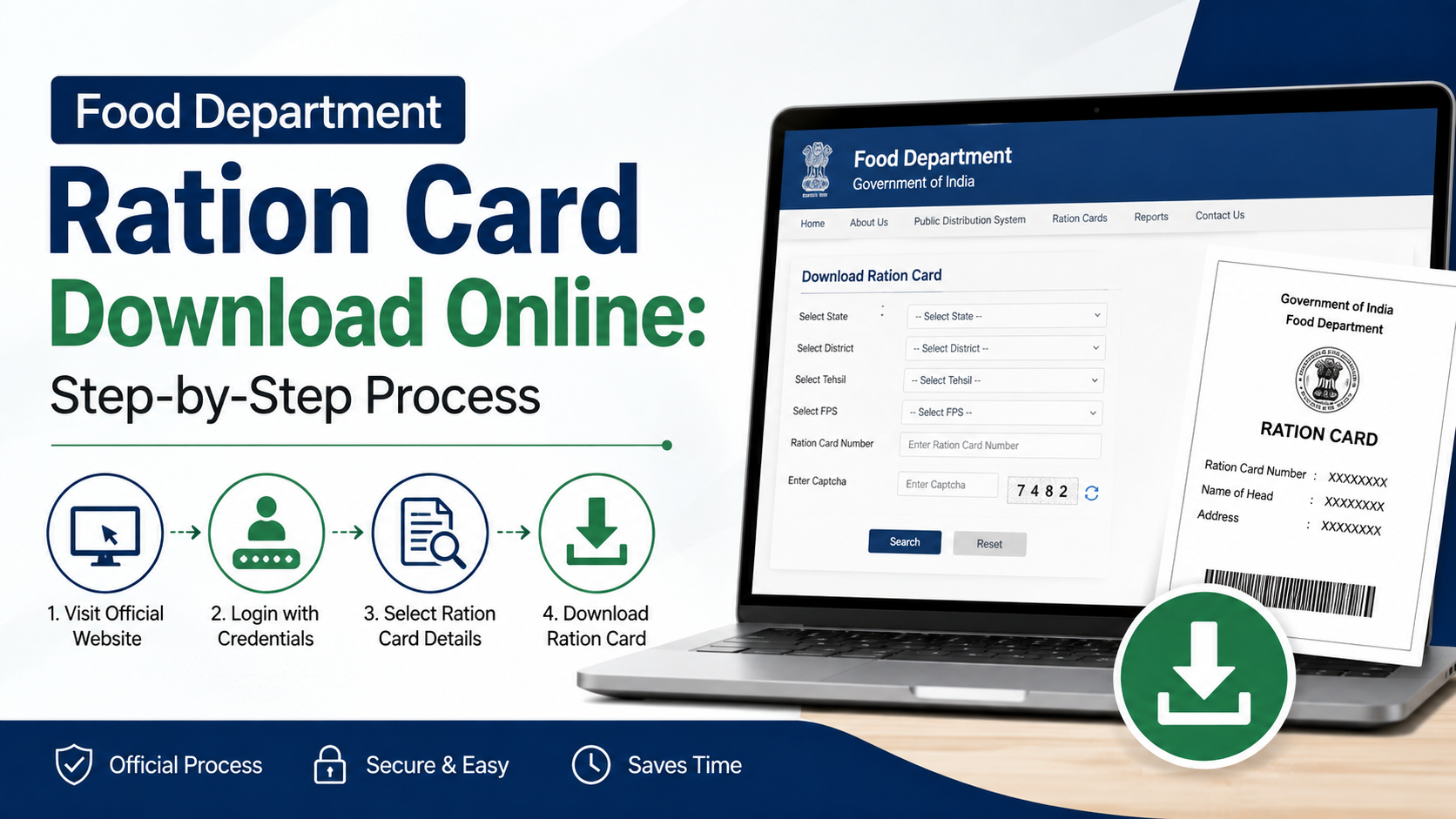
Downloading and Using an e-Ration Card
The department describes an e-ration card as an individual PDF document issued for obtaining eligible public-distribution commodities from fair-price shops.
According to the official information:
- Beneficiaries with linked Aadhaar and mobile numbers may be eligible for an e-ration card.
- After approval, an SMS may inform the applicant and provide a download link.
- The applicant can download e-ration cards for family members where the portal permits.
- A printed copy on plain paper or a soft copy shown on a mobile phone can be used at the ration shop, subject to the department’s authentication and distribution procedures.
- Beneficiaries can generally visit the ration shop from the next working day after approval, as stated in the department’s e-ration-card information.
Keep the PDF securely stored. Also check that the name, card number, family members and other particulars are correct. If any detail is wrong, use the relevant modification or correction service instead of altering the PDF yourself.
Aadhaar and Mobile-Number Requirements
Aadhaar and mobile authentication are increasingly used for West Bengal ration-card services. The application-status portal specifically states that OTP authentication uses the mobile number linked with Aadhaar and that the Aadhaar must belong to a family member.
Before checking status online, confirm that:
- At least one family member’s Aadhaar is available for authentication.
- The Aadhaar details submitted in the application are accurate.
- The mobile number is active and can receive OTPs.
- Aadhaar biometric authentication is not locked when biometric verification is required.
- The registered mobile number in the ration-card record is current.
If your mobile number has changed, first ask the department to update it through the prescribed channel. A local ration office, fair-price shop or authorised service centre may be able to guide you, but requirements can vary by service. Do not pay an intermediary for an unofficial “status update.”
Common Status Problems and Practical Solutions
“Invalid application number”
Check every digit against the acknowledgement. Avoid copying spaces before or after the number. If the number still fails, try the old-status link provided on the current page.
OTP not received
Wait briefly and request another OTP only when the portal allows it. Confirm your Aadhaar-linked mobile number, network connection and SMS inbox. Repeated failed attempts may temporarily restrict authentication.
Application shows pending for a long time
A pending status means the portal has not recorded final disposal. Keep the acknowledgement and check again later. For a prolonged delay, contact the department helpline or the office where the application was submitted.
Details do not match
Do not use a mismatched card for official purposes until the discrepancy is clarified. Compare the online record with your acknowledgement and identity documents, then submit a correction request or contact the responsible office.
Portal is unavailable
Government portals may undergo maintenance, technical upgrades or high-traffic interruptions. Try again later using the official homepage. Avoid third-party websites claiming to provide faster access or guaranteed approval.
Official Helpline and Grievance Support
The Food & Supplies Department lists the following toll-free numbers:
- 1800 345 5505
- 1967
The National Food Security Act state page also lists West Bengal’s official department website and the E2E PDS grievance system. When filing a complaint, include:
- Applicant’s name
- Application number or ration-card number
- Registered mobile number
- District, block or municipality
- Date and type of request
- Screenshot or copy of any error message
- Previous complaint reference, if applicable
Never include an Aadhaar OTP or full authentication credentials in a public complaint or social-media post.
Frequently Asked Questions
How can I check my West Bengal ration card application without a card number?
Use the application-status service with the application number printed on your acknowledgement. A ration-card number is generally relevant after a card has been generated; it is not necessarily the same as an application number.
Can I check ration-card status using Aadhaar?
The current application-status portal supports Aadhaar-based authentication in applicable workflows. The Aadhaar must belong to a family member, and OTP or biometric conditions shown on the portal must be followed.
Is an e-ration card accepted like a digital ration card?
The Food & Supplies Department states that an e-ration card has the same rights and privileges as a digital ration card. It can be shown as a PDF or printed copy, subject to normal verification and distribution rules.
What should I do if my application is rejected?
Read the reason shown in the application details or history, if available. Correct the underlying issue and follow the department’s applicable re-application or appeal process. Contact the helpline or local Food & Supplies office if the reason is unclear.
Is there a fee to check ration-card status online?
The official status and verification pages do not state a fee for simply viewing status. Be cautious if a private person demands money for accessing the government portal or obtaining a status result.
Conclusion
The safest way to check west bengal food department ration card status is through the official Food & Supplies Department and WBPDS portals. Use the application number for a new or modified request, the verification service for an existing digital or e-ration card, and Aadhaar-linked authentication when the portal requires it.
Keep your acknowledgement and registered mobile number available, protect OTPs, and use the official helplines—1800 345 5505 or 1967—when online results are missing, delayed or incorrect.